Pickagu

Monitors

Find your model below to compare what is included and how the differences affect everyday use.

77 comparisons

Monitors comparisons

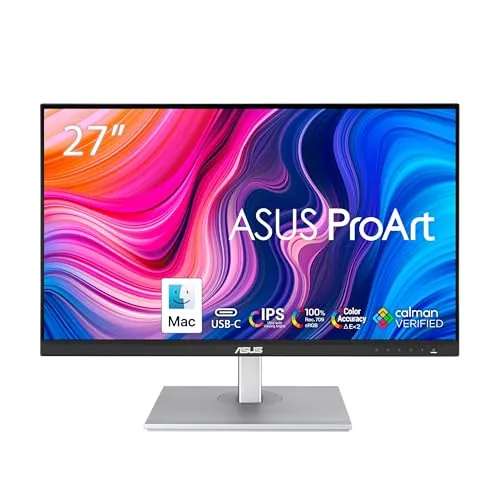
ASUS ProArt Display PA279CRV 27-inch 4K UHD Monitor · PA279CRV
ASUS ProArt Display PA279CRV 27-inch 4K UHD Monitor
ASUS ProArt Display PA278QV 27-inch QHD Monitor · PA278QV
ASUS ProArt Display PA278QV 27-inch QHD Monitor

ASUS ProArt PA279CRV vs PA278QV: 4K USB-C or QHD Legacy Inputs?

Both are 27-inch ASUS ProArt IPS monitors, but they solve different desk problems. PA279CRV is 3840×2160 (4K) and its USB-C input supports DisplayPort Alt Mode and up to 96 W Power Delivery; with a compatible laptop it can carry video and USB data through one cable while connecting the monitor's hub. PA278QV is 2560×1440 (QHD), lists HDMI, DisplayPort, Mini DisplayPort and dual-link DVI-D, and has a four-port USB-A hub that needs a separate USB-B upstream connection. Before buying, check the laptop's USB-C video support and power needs, or check which legacy video port your desktop uses. ASUS lists different color-space coverage on the two models; these manufacturer specifications do not predict a user's calibrated result.

Read comparison

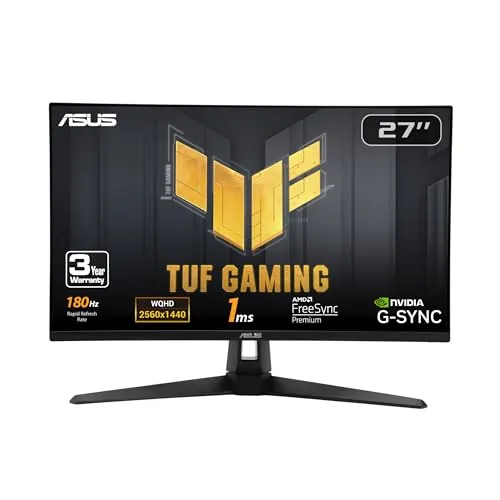
ASUS ROG Strix XG27ACS 27-inch QHD Gaming Monitor · XG27ACS
ASUS ROG Strix XG27ACS 27-inch QHD Gaming Monitor
ASUS TUF Gaming VG27AQ3A 27-inch QHD Gaming Monitor · VG27AQ3A
ASUS TUF Gaming VG27AQ3A 27-inch QHD Gaming Monitor

ASUS ROG Strix XG27ACS vs TUF VG27AQ3A: USB-C, 180Hz and Desk Setup

Both exact ASUS models are 27-inch 2560×1440 Fast IPS monitors with a listed maximum refresh rate of 180Hz. The connector path matters: ASUS lists HDMI up to 144Hz on both; ROG XG27ACS also lists DisplayPort and USB-C DisplayPort Alt Mode up to 180Hz, while TUF VG27AQ3A lists DisplayPort up to 180Hz. ROG adds USB-C with 7.5W power delivery and a stand that raises up to 120 mm and rotates to portrait. TUF has two HDMI inputs, built-in 2W × 2 speakers, tilt and swivel, but no stand height adjustment or pivot. Before buying, match the monitor input to your computer's output and decide whether you need to raise the screen or connect multiple HDMI sources.

Read comparison
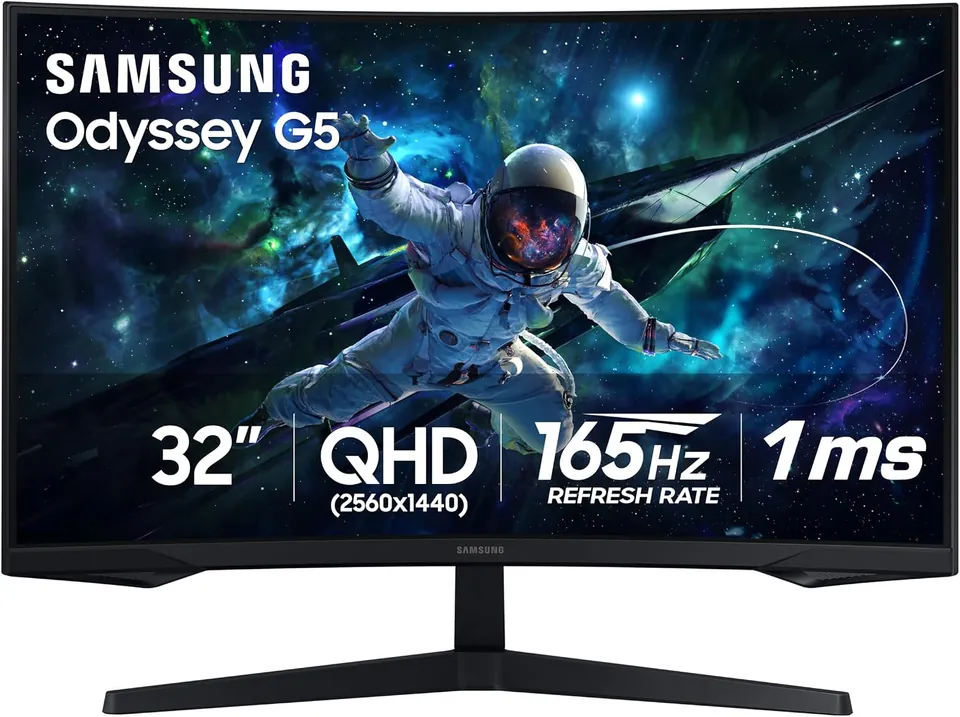
Samsung 32-inch Odyssey G55C QHD 1000R Curved Gaming Monitor · LS32CG550ENXZA
Samsung 32-inch Odyssey G55C QHD 1000R Curved Gaming Monitor
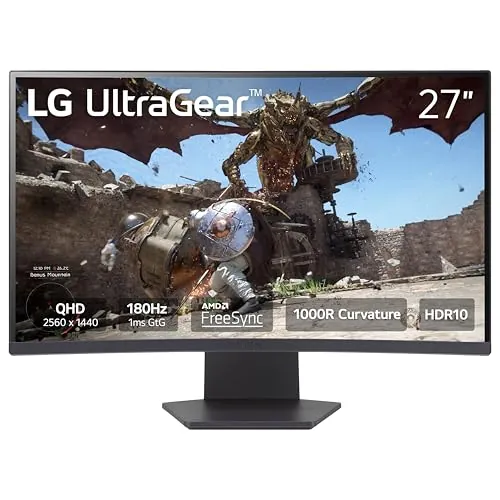
LG UltraGear 32-inch QHD 1000R Curved Gaming Monitor · 32GS60QC-B.AUSQ
LG UltraGear 32-inch QHD 1000R Curved Gaming Monitor

Samsung Odyssey G55C 32 vs LG UltraGear 32GS60QC-B: Inputs, Refresh and Desk Fit

Both exact models are 32-inch-class, QHD, 1000R curved displays. Samsung's LS32CG550ENXZA is listed up to 165Hz and has one HDMI 2.0 plus one DisplayPort 1.2; LG's 32GS60QC-B.AUSQ is listed up to 180Hz with two HDMI 2.0 inputs and one DisplayPort 1.4. Their HDMI and DisplayPort timing ceilings differ, and their 1ms labels use different methods. Both bundled stands tilt but do not provide height adjustment; compare the listed depth, tilt range and VESA pattern against your desk or arm.

Read comparison
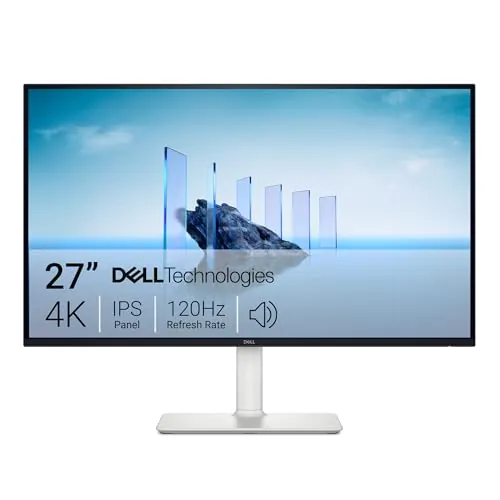
Dell S 27 4K Monitor · S2725QS
Dell S 27 4K Monitor
ASUS ProArt Display PA279CRV · PA279CRV
ASUS ProArt Display PA279CRV

Dell S2725QS vs ASUS ProArt PA279CRV: Pick the Right Laptop Connection

Both are 27-inch 4K monitors, but their port layouts answer different desk needs. Dell S2725QS lists two HDMI 2.1 inputs and DisplayPort 1.4, with supported signals up to 120 Hz. ASUS PA279CRV supports 60 Hz and adds USB-C DisplayPort video with up to 96 W power delivery, a USB hub and DisplayPort daisy-chain output. Check your computer's ports and charging needs before buying; a retailer listing title that calls the S2725QS USB-C is not supported by Dell's exact-model port list.

Read comparison
ASUS ROG Strix XG27ACS · XG27ACS
ASUS ROG Strix XG27ACS
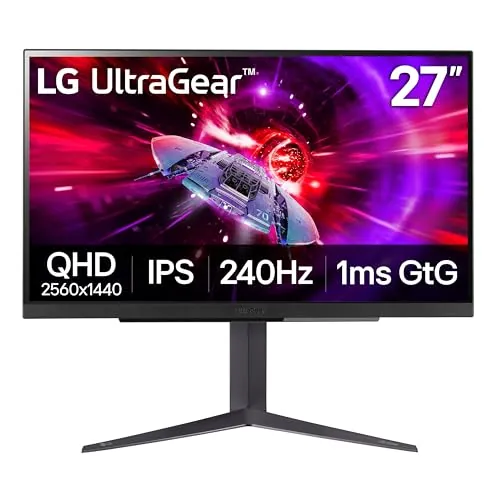
LG UltraGear 27GR83Q-B · 27GR83Q-B.AUS
LG UltraGear 27GR83Q-B

ASUS ROG Strix XG27ACS vs LG 27GR83Q-B.AUS: Refresh Rate, USB-C, and Stand Fit

Both are 27-inch QHD gaming displays, but the useful refresh ceiling depends on your cable path. ASUS XG27ACS carries video over USB-C DisplayPort Alt Mode and supports 180Hz through USB-C/DisplayPort, with HDMI listed to 144Hz. LG 27GR83Q-B.AUS offers two HDMI 2.1 inputs and DisplayPort, with up to 240Hz when the graphics card supports the required interface. Check the exact host output, cable and stand movement your desk needs before buying.

Read comparison
ASUS ProArt Display PA278CV 27-inch QHD Monitor · PA278CV
ASUS ProArt Display PA278CV 27-inch QHD Monitor
ASUS ProArt Display PA279CRV 27-inch 4K HDR Monitor · PA279CRV
ASUS ProArt Display PA279CRV 27-inch 4K HDR Monitor

ASUS ProArt PA278CV vs PA279CRV: QHD or 4K for Your Desk?

Both are 27-inch ProArt IPS monitors with factory calibration claims, USB-C video, and daisy-chain connections. The PA278CV is 2560×1440 at 109 PPI, rated up to 75Hz, and lists 100% sRGB/100% Rec.709 with 65W USB-C power. The PA279CRV is 3840×2160 at 163 PPI, 60Hz, and lists 99% Adobe RGB and 99% DCI-P3 with 96W USB-C power. Choose by your deliverable color space, laptop charging needs, and host support for multi-display output.

Read comparison
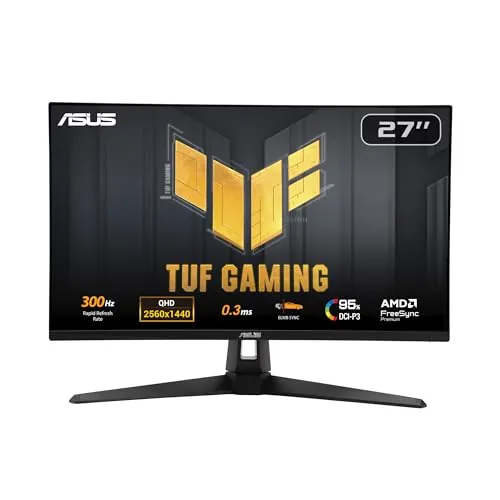
ASUS TUF Gaming VG27AQM5A · VG27AQM5A
ASUS TUF Gaming VG27AQM5A
ASUS ROG Strix XG27ACS · XG27ACS
ASUS ROG Strix XG27ACS

ASUS TUF Gaming VG27AQM5A vs ROG Strix XG27ACS

Both are 27-inch QHD (2560 × 1440) ASUS Fast IPS monitors, but their connections lead to different setups. The TUF VG27AQM5A lists QHD up to 300 Hz over HDMI and DisplayPort, while its USB-C connector is a firmware service port. The ROG XG27ACS supports video over USB-C DisplayPort Alt Mode with 7.5 W power delivery, and lists QHD up to 180 Hz over USB-C/DisplayPort or 144 Hz over HDMI. Its stand adds 0–120 mm height adjustment; the TUF stand does not. Match the input to your actual PC or console before choosing.

Read comparison
ASUS ProArt Display PA279CRV 27-inch 4K HDR Monitor · PA279CRV
ASUS ProArt Display PA279CRV 27-inch 4K HDR Monitor
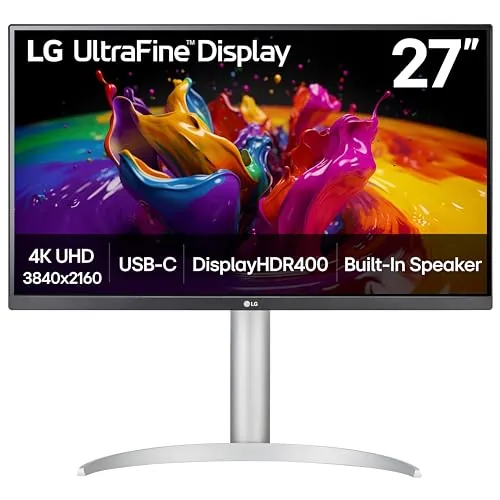
LG 27UP850K-W 27-inch UltraFine 4K UHD IPS Monitor, White · 27UP850K-W.AUS (LG US support suffix)
LG 27UP850K-W 27-inch UltraFine 4K UHD IPS Monitor, White

ASUS ProArt PA279CRV vs LG 27UP850K-W: Color Workflow and USB-C Setup

Both assigned US listings are 27-inch 4K IPS monitors: ASUS ProArt PA279CRV (B0BQPSX5CR) and the white LG 27UP850K-W.AUS (B0DQFF7FBS). ASUS lists Adobe RGB and DCI-P3 modes, 96W USB-C Power Delivery, a hub with USB-C and three USB-A downstream ports, swivel adjustment, and DisplayPort daisy chaining. LG's US page lists 4K, up to 95% DCI-P3, USB-C and height/tilt/pivot; its exact-model regional specification page lists 90W PD and two USB downstream ports. Choose by the color space you deliver, your laptop's actual charging needs and peripheral plan. Daisy chaining is host- and setup-dependent, not guaranteed by the monitor alone.

Read comparison
ASUS TUF Gaming VG27AQM5A · VG27AQM5A
ASUS TUF Gaming VG27AQM5A
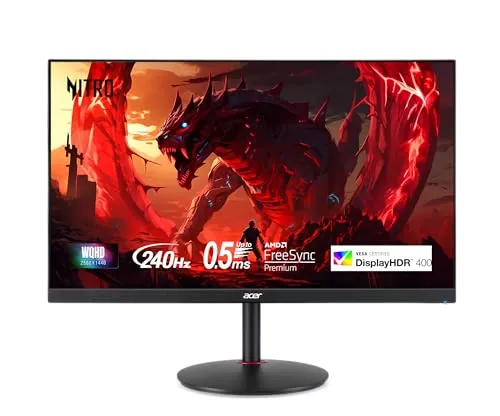
Acer Nitro XV272U W2bmiiprx · XV272U W2bmiiprx (UM.HX2AA.201)
Acer Nitro XV272U W2bmiiprx

ASUS VG27AQM5A vs Acer XV272U W2bmiiprx: 300Hz or an Adjustable Stand?

Both are 27-inch 1440p monitors, but their listed refresh ceilings depend on the input: ASUS VG27AQM5A supports up to 300Hz at 1440p over HDMI and DisplayPort, while Acer's exact U.S. XV272U W2bmiiprx (UM.HX2AA.201) lists 240Hz over DisplayPort and 144Hz over HDMI. Acer adds height and pivot adjustment. Before choosing, match your graphics output, cable, operating-system refresh setting and monitor OSD; listed modes alone do not prove better motion or image quality.

Read comparison
Dell 27 Monitor S2725QS · S2725QS
Dell 27 Monitor S2725QS
ASUS ROG Strix XG27ACS · XG27ACS
ASUS ROG Strix XG27ACS

Dell S2725QS vs ASUS ROG Strix XG27ACS: 4K or USB-C Video?

Dell S2725QS is the 4K option, with a published 3840 × 2160 resolution and up to 120 Hz through its listed HDMI and DisplayPort inputs. ASUS ROG Strix XG27ACS is QHD and accepts DisplayPort video over USB-C from a compatible host; ASUS lists up to 180 Hz on USB-C/DisplayPort and 144 Hz on HDMI. Check the source device, cable and desired mode before choosing: a monitor's input limit does not guarantee that a laptop, desktop or console can output it.

Read comparison
Dell 27 Plus 4K Monitor · S2725QS
Dell 27 Plus 4K Monitor
Dell 27 Plus QHD Monitor · S2725DSM
Dell 27 Plus QHD Monitor

Dell S2725QS vs S2725DSM: 4K 120Hz or QHD 144Hz?

Both are 27-inch Dell monitors with an adjustable stand and integrated speakers, but their documented modes and connections differ. The S2725QS lists 3840 × 2160 at up to 120Hz, two HDMI inputs plus DisplayPort, 2 × 5W speakers and 130mm of height travel. The S2725DSM lists 2560 × 1440 at up to 144Hz, one HDMI input plus DisplayPort, 2 × 3W speakers and 110mm of height travel. Choose after checking the output modes your computer or console supports, the number of sources you want connected, and your desk setup. These are manufacturer specifications, not a comparison of image quality or gaming performance.

Read comparison
ASUS ProArt Display PA278CV 27-inch QHD Monitor · PA278CV
ASUS ProArt Display PA278CV 27-inch QHD Monitor
ASUS ProArt Display PA278QV 27-inch QHD Monitor · PA278QV
ASUS ProArt Display PA278QV 27-inch QHD Monitor

ASUS ProArt PA278CV vs PA278QV: USB-C or Legacy Monitor Ports?

The PA278CV and PA278QV are both 27-inch QHD ProArt monitors with ASUS-listed 75Hz refresh, 100% sRGB/Rec.709 coverage and adjustable stands. The practical difference is the connection path: PA278CV combines USB-C video (when the host supports DisplayPort Alt Mode), USB data and up to 65W power, plus a DisplayPort output. PA278QV has DVI-D and Mini DisplayPort inputs but no digital output. Check your laptop port, charger requirement and multi-monitor plan before choosing.

Read comparison
ASUS ROG Strix XG27ACS Gaming Monitor, Black · XG27ACS
ASUS ROG Strix XG27ACS Gaming Monitor, Black
ASUS TUF Gaming VG27UQ1A Gaming Monitor, Black · VG27UQ1A
ASUS TUF Gaming VG27UQ1A Gaming Monitor, Black

ASUS XG27ACS vs VG27UQ1A: Check Your Input and Desk Setup

These black 27-inch ASUS monitors differ in resolution, input-specific refresh ceilings, VRR menu options, and included-stand movement. The XG27ACS is 2560×1440 and lists up to 180Hz over DisplayPort or USB-C DisplayPort Alt Mode, with HDMI listed up to 144Hz. The VG27UQ1A is 3840×2160, with up to 160Hz listed and HDMI 2.1 inputs; ASUS describes 4K/120Hz console use over HDMI 2.1. Check the exact source output, cable path, and whether the VG27UQ1A's fixed-height stand fits your desk. These are manufacturer specifications, not paired performance tests.

Read comparison
ASUS VA24DQ 23.8-inch Full HD Monitor, Black · VA24DQ
ASUS VA24DQ 23.8-inch Full HD Monitor, Black
ASUS VA24DQSB 23.8-inch Full HD Monitor, Black · VA24DQSB
ASUS VA24DQSB 23.8-inch Full HD Monitor, Black

ASUS VA24DQ vs VA24DQSB: Stand Movement, USB Hub and Display Modes

These two 23.8-inch Full HD ASUS monitors share a 1920 × 1080 panel class, HDMI, DisplayPort, VGA and up-to-75Hz manufacturer ratings. The practical difference is the stand and peripheral routing: VA24DQ only tilts and has no USB 2.0 ports, while VA24DQSB adds height, swivel, portrait pivot and a two-port USB hub that needs a separate upstream cable to the computer. The manuals disagree on VA24DQ's maximum upward tilt (+20° versus +23°), so this guide does not use that angle to decide between them.

Read comparison
LG 27GR83Q-B 27-inch UltraGear QHD Gaming Monitor · 27GR83Q-B.AUS
LG 27GR83Q-B 27-inch UltraGear QHD Gaming Monitor
ASUS TUF Gaming VG27UQ1A 27-inch 4K Gaming Monitor · VG27UQ1A
ASUS TUF Gaming VG27UQ1A 27-inch 4K Gaming Monitor

LG 27GR83Q-B vs ASUS VG27UQ1A: Resolution, Port Modes and Stand Fit

Both are 27-inch gaming monitors, but the LG 27GR83Q-B.AUS is QHD (2560×1440) with a listed 240Hz maximum, while the ASUS TUF VG27UQ1A is 4K (3840×2160) with a listed 160Hz maximum. Both offer HDMI 2.1 and DisplayPort inputs, but the source device, port and supported mode must match: ASUS documents 4K/120Hz console visuals over HDMI 2.1, and its manual lists 4K/160Hz timing on both HDMI and DisplayPort. LG's page requires a DP 1.4- or HDMI 2.1-capable graphics card for up to 240Hz. LG's included stand adjusts height and pivots; ASUS's supplied stand tilts only.

Read comparison
ASUS ProArt Display PA279CRV 27-inch 4K UHD Monitor · PA279CRV
ASUS ProArt Display PA279CRV 27-inch 4K UHD Monitor
ASUS ROG Strix XG27ACS 27-inch QHD Gaming Monitor · XG27ACS
ASUS ROG Strix XG27ACS 27-inch QHD Gaming Monitor

ASUS ProArt PA279CRV vs ROG Strix XG27ACS: Inputs, USB-C Power and Stand

These two 27-inch ASUS monitors fit different desk requirements. ProArt PA279CRV (B0BQPSX5CR) lists 3840 × 2160 at up to 60Hz, USB-C DisplayPort Alt Mode with up to 96W Power Delivery, and a stand with tilt, swivel, pivot and up to 130mm height adjustment. ROG Strix XG27ACS (B0CV24GQ9W) lists 2560 × 1440 and input-specific vertical frequency ranges: up to 180Hz over USB-C/DisplayPort and 144Hz over HDMI. Its USB-C Power Delivery is 7.5W, and ASUS documents tilt, swivel, pivot and up to 120mm height adjustment. Compare the exact host mode, laptop charging requirement and stand position you need; this is a specification comparison, not a panel or speed test.

Read comparison
ASUS ProArt Display PA278CV · PA278CV
ASUS ProArt Display PA278CV
ASUS TUF Gaming VG27UQ1A · VG27UQ1A
ASUS TUF Gaming VG27UQ1A

ASUS PA278CV vs VG27UQ1A: USB-C Work Setup or 4K Gaming Inputs?

The ASUS ProArt PA278CV is a 27-inch QHD monitor listed up to 75Hz, with USB-C DisplayPort video, USB data and up to 65W power delivery plus a height-, swivel- and pivot-adjustable stand. The ASUS TUF Gaming VG27UQ1A is a 27-inch 4K display listed up to 160Hz for a suitable PC and up to 4K/120Hz over HDMI 2.1 for a console. Its supplied stand tilts only. Check the exact source, cable, desired timing, laptop power need and desk position before choosing.

Read comparison
Dell S 27 4K Monitor S2725QS — Ash White · S2725QS / Dell manufacturer part T4CNF
Dell S 27 4K Monitor S2725QS — Ash White
ASUS TUF Gaming VG27UQ1A 27-inch 4K Monitor — Black · VG27UQ1A
ASUS TUF Gaming VG27UQ1A 27-inch 4K Monitor — Black

Dell S2725QS vs ASUS TUF VG27UQ1A: 4K Inputs and Stand Fit

Both are 27-inch 4K monitors and both manuals/specifications document a 4K120 mode over HDMI. ASUS’s VG27UQ1A also lists 3840×2160 at 160Hz over HDMI and DisplayPort, but using that mode depends on the graphics source, cable, selected input, and settings. Dell’s S2725QS includes a stand with height, pivot, swivel, and tilt adjustment; ASUS’s stock stand is tilt-only, with a separately purchased 100×100mm VESA kit as another setup path. Choose by your source’s output and the monitor positioning your desk requires, not an untested picture-quality claim.

Read comparison
LG 27GR83Q-B.AUS 27-inch QHD 240Hz UltraGear Monitor · 27GR83Q-B.AUS
LG 27GR83Q-B.AUS 27-inch QHD 240Hz UltraGear Monitor
ASUS ProArt Display PA278CV 27-inch QHD Monitor · PA278CV
ASUS ProArt Display PA278CV 27-inch QHD Monitor

LG 27GR83Q-B vs ASUS PA278CV: High Refresh or USB-C Desk Setup?

Both are 27-inch QHD IPS monitors, but their documented workflows diverge: LG lists up to 240Hz over a compatible HDMI 2.1 or DisplayPort 1.4 graphics output, while ASUS tops out at 75Hz and can carry DisplayPort video, USB data, and up to 65W power over USB-C. Check your host ports, charging requirement, and target refresh mode before choosing.

Read comparison
ASUS ProArt Display PA278CV · PA278CV
ASUS ProArt Display PA278CV
ASUS ROG Strix XG27ACS · XG27ACS
ASUS ROG Strix XG27ACS

ASUS PA278CV vs XG27ACS: USB-C Charging, Refresh Inputs, and Stand

Both are 27-inch 2560 × 1440 monitors, but they solve different desk setups. PA278CV lists up to 75Hz, USB-C video/data with up to 65W power delivery, downstream USB-A ports and a stand with height, swivel and pivot adjustment. ROG Strix XG27ACS lists up to 180Hz through DisplayPort or USB-C DP Alt Mode and up to 144Hz through HDMI, while its USB-C PD rating is 7.5W. Choose by the port and power needs of your actual host, plus the stand positions you need; these specifications do not prove display or gaming superiority.

Read comparison
ASUS ProArt PA279CRV 27-inch 4K Professional Monitor · PA279CRV
ASUS ProArt PA279CRV 27-inch 4K Professional Monitor
ASUS TUF Gaming VG27UQ1A 27-inch 4K Gaming Monitor · VG27UQ1A
ASUS TUF Gaming VG27UQ1A 27-inch 4K Gaming Monitor

ASUS PA279CRV vs VG27UQ1A: USB-C Desk Setup or Higher Refresh Modes?

The ASUS ProArt PA279CRV and TUF Gaming VG27UQ1A are both listed as 27-inch 3840×2160 monitors. The PA279CRV is specified up to 60Hz and adds USB-C DisplayPort Alt Mode, USB hub ports, up to 96W Power Delivery and a stand with height, swivel and pivot adjustment. The VG27UQ1A is listed up to 160Hz; its manual's mode table lists 4K/160Hz on both HDMI and DisplayPort, while its USB-C port is service-only. Choose based on your source connection and whether you need one-cable laptop video/charging or a higher refresh mode. Neither published maximum guarantees the mode a particular host or game will output.

Read comparison
ASUS TUF Gaming VG27AQL5A · VG27AQL5A
ASUS TUF Gaming VG27AQL5A
ASUS TUF Gaming VG27AQ3A · VG27AQ3A
ASUS TUF Gaming VG27AQ3A

ASUS VG27AQL5A vs VG27AQ3A: Check the Port and Stand Before You Buy

Both are 27-inch QHD ASUS TUF Gaming monitors with DisplayPort 1.4 and two HDMI 2.0 inputs. ASUS lists the VG27AQL5A up to 210Hz over DisplayPort and gives it a height-adjustable, pivoting stand; the VG27AQ3A is listed up to 180Hz over DisplayPort and has no height adjustment. Both HDMI signal ranges stop at 144Hz, so the 210Hz headline only helps a compatible DisplayPort setup.

Read comparison