
Products compared
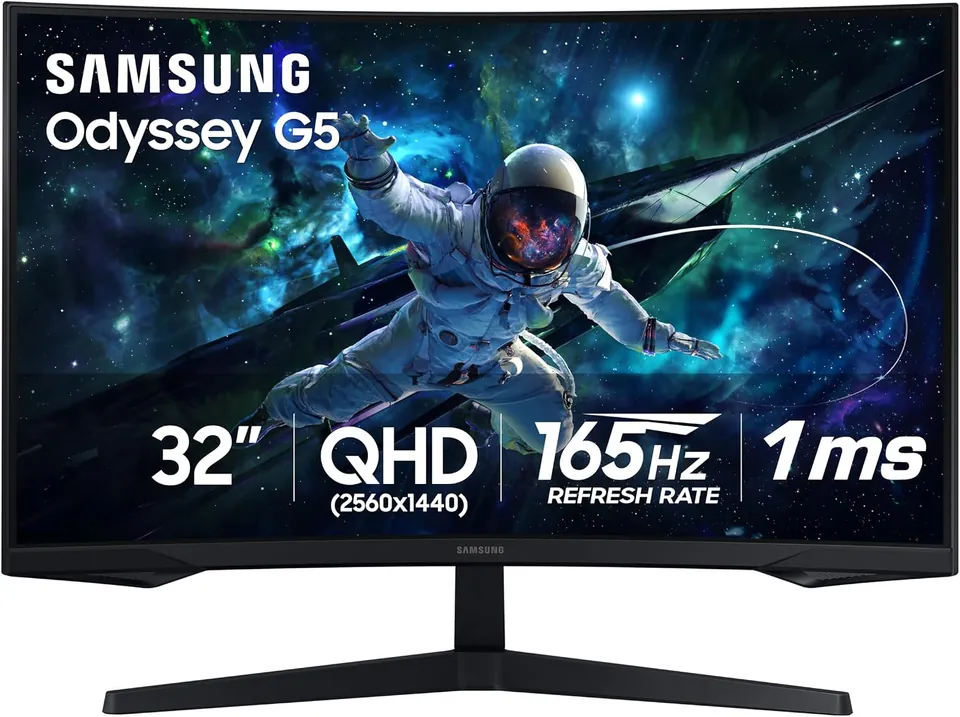
Samsung
Samsung 32-inch Odyssey G55C QHD 1000R Curved Gaming Monitor
Exact selected listing/listing data code: Samsung Odyssey G55C, 32-inch-class, QHD, black. Verify LS32CG550ENXZA on the retailer offer; similarly named G55C suffixes are not treated as identical here.
Model LS32CG550ENXZA
Amazon ASIN B0CRGJC5ZD
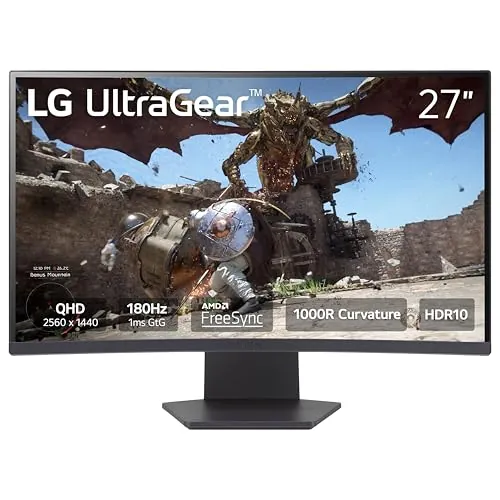
LG
LG UltraGear 32-inch QHD 1000R Curved Gaming Monitor
Exact US support suffix: 32GS60QC-B.AUSQ; the product-family name is 32GS60QC-B. Verify both the base model and US suffix on the retailer offer.
Model 32GS60QC-B.AUSQ
Amazon ASIN B0D2FSYS5J
Differences that matter
What matters most to you?
Choose a priority to see what it changes.
Sources for Source count and interface version
Sources for Stand adjustment and mounting pattern
Sources for 1ms and HDR labels
Start with the cable and the refresh target
Both screens have a 2560 × 1440 QHD panel, but the maximum rate depends on which connector you use. Samsung lists 165Hz maximum and its North America timing manual distinguishes 165Hz over DisplayPort from 144Hz over HDMI. LG lists 180Hz; its 32GS60QC owner-manual timings show QHD up to 180Hz on DisplayPort and 144Hz on HDMI.
For a PC, check the graphics-card output, cable, operating-system refresh setting and monitor input before choosing. For a console or other HDMI source, use that device's own supported-output chart. This comparison does not assert a console mode or guarantee that a game will render at the monitor's maximum.
The 1ms labels do not settle which model is faster: Samsung's label is MPRT under an internal condition with Extreme mode, while LG's label is GtG. Those are different measures, and this guide has no matched motion test.
Choose by source count and port version
Samsung has one HDMI 2.0 and one DisplayPort 1.2. LG has two HDMI 2.0 inputs and one DisplayPort 1.4. If you keep a PC and a second HDMI device connected, LG's extra HDMI port can remove a cable swap. If your setup is a PC on DisplayPort plus one HDMI source, the Samsung's single HDMI may be enough.
The higher DP version does not prove a universal image-quality or gaming advantage. Match source, cable and monitor timing. Also check whether your source is HDMI-only or has DisplayPort, because the same monitor's maximum listed refresh may not be available through every input.
Measure the stand and screen position
Both are 32-inch-class 1000R curved displays with supplied tilt-only stands. Samsung lists -2° to +18° tilt, 75 × 75 mm VESA and 272.6 mm overall depth with stand. LG lists -5° to +20° tilt, 100 × 100 mm VESA and 226.5 mm overall depth with stand. Neither stock stand lists height adjustment.
Before ordering, mark the overall W × D on the actual desk surface and leave a path for the power and video cables. Keep the screen centered where you play or work; the tight curve and 32-inch width make off-center or side-by-side arrangements worth checking in person. The overall depth is not a stand-base-only footprint.
If you want the display higher, compare your monitor arm's VESA plate and supported load against the exact monitor. Samsung's pattern is 75 × 75 mm and LG's is 100 × 100 mm, so confirm the plate or adapter rather than assuming they match.
Treat shared feature labels as a starting point
Both manufacturers list HDR10, but this material does not provide a controlled HDR comparison. The label alone does not establish peak brightness, local dimming, highlight detail or how a title will look in your room.
Likewise, maximum refresh and response-time labels are not measured game outcomes. The Samsung 1ms MPRT note specifies internal test conditions and Extreme mode; LG lists 1ms GtG. Look for an independent test of the exact US model and settings if motion clarity, HDR quality or input behavior is the deciding factor.
Four-step pre-purchase check
1. Record every source device, which port it will use, and its supported 2560 × 1440 refresh modes. 2. Match the intended PC's DisplayPort connection to the refresh you want; do not infer console or HDMI mode from the monitor's top number. 3. Count how many HDMI devices need to stay connected. 4. Measure the desk's available width/depth and verify the VESA pattern if using an arm.
If your deciding requirement is HDR quality, motion clarity, console support or multi-monitor viewing comfort, the specifications answer only part of the question; consult a test of the exact variant or try the display in the intended setup.
Product details
Samsung 32-inch Odyssey G55C QHD 1000R Curved Gaming Monitor
- Panel format
- 32-inch class, QHD 2560 × 1440, VA, 1000R curve Source
- Maximum listed refresh
- Up to 165Hz; North America manual timing table distinguishes 165Hz DisplayPort and QHD HDMI up to 144Hz Source
- Inputs
- 1 × DisplayPort 1.2, 1 × HDMI 2.0, and headphone out Source
- Stand and mount
- Tilt -2° to +18°; 75 × 75 mm VESA; 710.1 × 533.6 × 272.6 mm overall with stand Source
LG UltraGear 32-inch QHD 1000R Curved Gaming Monitor
- Panel format
- 32-inch class, QHD 2560 × 1440, 1000R curve; LG identifies this as the 32GS60QC-B family Source
- Maximum listed refresh
- Up to 180Hz on DisplayPort; the 32GS60QC family QHD HDMI timing table includes up to 144Hz Source
- Inputs
- 2 × HDMI 2.0, 1 × DisplayPort 1.4, and headphone out Source
- Stand and mount
- Tilt -5° to +20°; 100 × 100 mm VESA; 699.9 × 508.1 × 226.5 mm overall with stand Source
Before you buy
Community discussions
A G55C owner says the stock stand crowds a gaming desk
Samsung 32-inch Odyssey G55C QHD 1000R Curved Gaming Monitor
The author uses a 32-inch Odyssey G55C and says its stock stand crowds the desk during gaming and leaves the screen hard to position. They are considering an arm; no footprint measurement or confirmed arm fit is provided.
What to check
If stand depth is the deciding factor, measure the complete footprint of the exact Samsung and LG stands on your desk and leave room to adjust the display. The post reports only one G55C setup and provides no measurements or LG experience, so it cannot establish which stand occupies less space.
Common questions
Can both monitors use their maximum refresh rate over HDMI?
Do not assume so. The model timing tables distinguish connector modes: Samsung lists 165Hz over DisplayPort and QHD HDMI up to 144Hz; the LG 32GS60QC family manual lists QHD up to 180Hz over DisplayPort and 144Hz over HDMI. Your source, cable, driver and settings must support the chosen mode.32-inch Odyssey G5 G55C, model LS32CG550ENXZALG US Support: 32GS60QC-B.AUSQ manuals and specificationsLG UltraGear 32GS60QC owner's manual (27GS60QC/32GS60QC family)
Does 180Hz mean the LG will make every game faster than the Samsung?
No. It is a listed display timing ceiling, not a game-performance guarantee. The computer or console must render and output the selected resolution and refresh mode, and the game must support it. This guide did not test input lag, response behavior or frame rate on either unit.32-inch Odyssey G5 G55C, model LS32CG550ENXZALG 32GS60QC-B UltraGear QHD 180Hz monitor
Which stock stand can raise the monitor?
Neither spec lists height adjustment: Samsung identifies a simple stand with tilt, and LG lists tilt as its stand ergonomics. If you need a higher screen position, verify a separate mount against the model's VESA pattern: 75 × 75 mm for Samsung and 100 × 100 mm for LG.32-inch Odyssey G5 G55C, model LS32CG550ENXZALG 32GS60QC-B UltraGear QHD 180Hz monitor
Are the two 1ms response-time figures directly comparable?
No. Samsung specifies MPRT and ties its claim to its internal test conditions and Extreme mode; LG specifies GtG. The methods and conditions differ, and neither number establishes which display has less visible blur in a particular game.32-inch Odyssey G5 G55C, model LS32CG550ENXZALG 32GS60QC-B UltraGear QHD 180Hz monitor
Do the HDR10 labels show which monitor has better HDR?
No. They establish that the feature is listed, not a matched HDR quality result. The available model evidence here does not provide a direct, same-method HDR comparison, so treat HDR quality as unresolved.32-inch Odyssey G5 G55C, model LS32CG550ENXZALG 32GS60QC-B UltraGear QHD 180Hz monitor
Sources and scope
This guide uses listed specifications and manual timing tables; it is not a matched panel, motion, HDR, console or game-performance test. Maximum refresh depends on resolution, input, cable, source and settings. HDR10 labels do not establish HDR picture quality. The Samsung manufacturer page for exact code LS32CG550ENXZA is on Samsung Canada; the US Samsung page currently surfaced a different LS32CG552ENXZA suffix, which is not substituted here.
- 32-inch Odyssey G5 G55C, model LS32CG550ENXZA
- Samsung G55C/G50D North America user manual, ver. 250509.0
- LG 32GS60QC-B UltraGear QHD 180Hz monitor
- LG US Support: 32GS60QC-B.AUSQ manuals and specifications
- LG UltraGear 32GS60QC owner's manual (27GS60QC/32GS60QC family)
- Samsung US Odyssey G55C product page, adjacent LS32CG552ENXZA code
- Amazon US exact Samsung Odyssey G55C LS32CG550ENXZA product listing
Related comparisons
Samsung Odyssey G5 G55C vs G50F: Curved Screen or Adjustable Flat Setup?
Both are 32-inch-class QHD Odyssey G5 monitors, but the exact G55C LS32CG550ENXZA is curved and tilt-only, while the G50F S32FG502EN / LS32FG502ENXZA is flat with height, swivel and pivot adjustments. Choose by screen preference, desk or arm fit, and whether your specific source can use the refresh mode you want.
Read comparison
Samsung Odyssey G55C 32-inch vs ASUS TUF VG27AQ3A: Ports and Desk Fit
Both are QHD monitors, but the Samsung LS32CG550ENXZA is a 32-inch-class 1000R curved model with one HDMI and one DisplayPort input; the ASUS VG27AQ3A is 27 inches with two HDMI inputs and a stand that tilts and swivels. Measure the stand footprint and check each device's output mode before choosing.
Read comparison