
Products compared
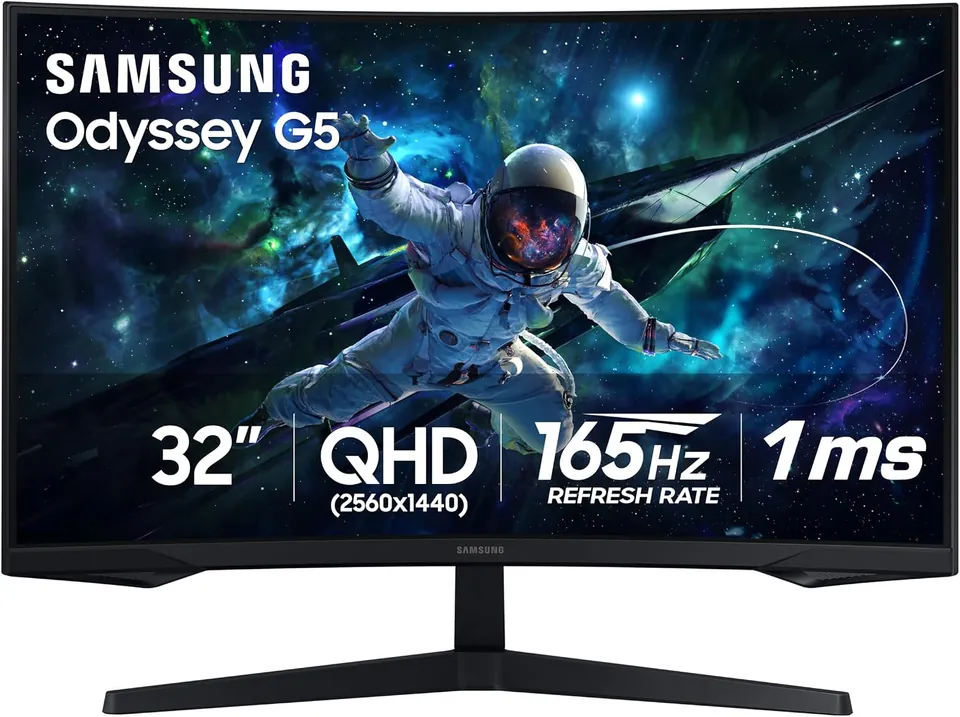
Samsung
Samsung Odyssey G5 G55C 32-inch QHD Curved Gaming Monitor
32-inch-class, 1000R curved QHD monitor; hardware specification source is the exact model code on Samsung Canada. U.S. seller package and terms are not established by that source.
Model LS32CG550ENXZA
Amazon ASIN B0CRGJC5ZD
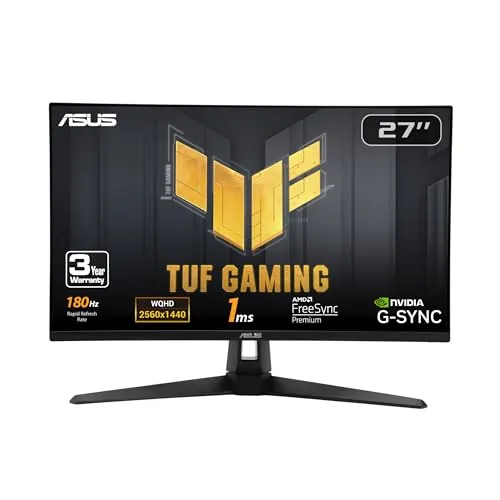
ASUS
ASUS TUF Gaming VG27AQ3A 27-inch QHD Monitor
27-inch QHD monitor; check the exact seller offer for included items because ASUS says accessories vary by region.
Model VG27AQ3A
Amazon ASIN B0BZR9TMBJ
Differences that matter
What matters most to you?
Choose a priority to see what it changes.
Sources for Screen format and curve
Sources for Device inputs and refresh limits
Sources for Stand movement and desk footprint
Start with the screen format you want
The two exact models share a listed 2,560 × 1,440 QHD resolution and 16:9 aspect ratio. The Samsung LS32CG550ENXZA is specified as 32-inch class with 1000R curvature. The ASUS VG27AQ3A is listed at 27 inches and its tech-spec page identifies a Fast IPS panel. These are specification differences; they do not tell you which screen will feel more comfortable or look better to you.
If you are replacing a monitor, compare these diagonal sizes with your normal seating distance and available desk width. If possible, view the size and curvature you prefer in person rather than treating a spec sheet as a comfort test.
Match the ports to your actual devices
Samsung lists one HDMI (version 2) and one DisplayPort 1.2 input. ASUS lists two HDMI 2.0 inputs and one DisplayPort 1.4 input. If two consoles or other HDMI sources need to stay plugged into the monitor, ASUS's second HDMI input may avoid swapping cables. If your setup uses DisplayPort, compare the device's port, GPU output and desired mode instead of choosing from the version number alone.
For ASUS, the published signal-frequency range is 48–144 Hz over HDMI and 48–180 Hz over DisplayPort. Samsung lists 165 Hz maximum overall, but the cited exact-code page does not break that limit down by input. Your source device and selected resolution/refresh mode must support the output as well.
Measure stand space before ordering
With the stand, Samsung lists an outside size of 710.1 × 533.6 × 272.6 mm (width × height × depth); ASUS lists 615 × 455 × 214 mm. ASUS documents tilt and swivel but no height adjustment. Samsung documents tilt from -2° to 18° and lists a 75 × 75 mm wall-mount pattern. ASUS lists a 100 × 100 mm VESA pattern.
Measure the space available for the full stand footprint and screen width, then leave room for cables and the movement you expect to use. For a monitor arm or wall mount, check the monitor pattern and the mount's own instructions and load requirements. These listed measurements do not establish fit with a particular desk, arm or wall.
Before you buy
Make a short list of the devices that will remain connected, the port each uses, and the resolution and refresh mode you want. Then compare that with the inputs and mode ranges above. Confirm the exact U.S. seller's included cables and warranty terms: the ASUS tech-spec page and manual differ on whether DP/HDMI cables are included, accessories vary by region, and Samsung's cited exact-model hardware page is Canadian.
At the time of listing data review, the Samsung item is suppressed as unobserved, so this guide does not provide its purchase link. That the listing status is not a product-quality or stock judgment.
Product details
Samsung Odyssey G5 G55C 32-inch QHD Curved Gaming Monitor
- Screen and resolution
- 32-inch class; 2,560 × 1,440 QHD; 1000R curved; 16:9 Source
- Inputs and maximum refresh
- 1 HDMI (version 2), 1 DisplayPort 1.2; Samsung lists up to 165 Hz overall and does not specify separate port-specific maxima on this page Source
- Stand and mounting pattern
- SIMPLE stand with -2° to 18° tilt; 75 × 75 mm wall-mount pattern Source
- External dimensions with stand
- 710.1 × 533.6 × 272.6 mm (W × H × D) Source
ASUS TUF Gaming VG27AQ3A 27-inch QHD Monitor
- Screen and resolution
- 27-inch; 2,560 × 1,440 QHD; Fast IPS Source
- Inputs and maximum refresh by input
- 2 HDMI 2.0 and 1 DisplayPort 1.4; signal-frequency limits listed as HDMI 48–144 Hz and DP 48–180 Hz. These are monitor limits; the host device and mode also matter. Source
- Stand and mounting pattern
- Tilt +20° to -5° and swivel +20° to -20°; no height adjustment; VESA 100 × 100 mm Source
- External dimensions with stand
- 615 × 455 × 214 mm (W × H × D) Source
- Package contents to verify
- The ASUS tech-spec page lists a DisplayPort cable and power accessories, while the manual calls DP and HDMI cables optional; accessories vary by region, so verify the exact seller package. Source
Before you buy
Community discussions
A G55C owner found the OSD differs from their older 27-inch G5
Samsung Odyssey G5 G55C 32-inch QHD Curved Gaming Monitor
The author has just connected the 32-inch G55C after using a 27-inch G5 and is looking for OSD settings. They note different brightness/contrast scales and color-control options between those screens; the post does not validate a preferred setting or compare another brand.
What to check
If moving from an older 27-inch G5, check the exact 32-inch G55C menu ranges before carrying over settings. This is one owner’s control-layout observation, not a recommended color preset, measured quality result or report about the ASUS VG27AQ3A.
Allowing room for the stand and your keyboard
Samsung Odyssey G5 G55C 32-inch QHD Curved Gaming Monitor
A 32-inch Odyssey G55C owner said the stock stand crowded the desk and made it difficult to position the display where they wanted it.
What to check
Measure the stand as well as the screen width. Mark the space it leaves for your keyboard and the distance from your usual seat.
Common questions
Are both monitors QHD?
Yes. The manufacturer pages list 2,560 × 1,440 resolution for both. Samsung lists a 32-inch-class 1000R curved display; ASUS lists a 27-inch display.32 Inch Odyssey G5 165hz Gaming Monitor — exact model LS32CG550ENXZATUF Gaming VG27AQ3A — Tech Specs, ASUS USA
Which one has more HDMI inputs?
ASUS lists two HDMI 2.0 inputs. Samsung lists one HDMI input (version 2) and one DisplayPort 1.2 input. Count your sources and check their output ports before choosing.32 Inch Odyssey G5 165hz Gaming Monitor — exact model LS32CG550ENXZATUF Gaming VG27AQ3A — Tech Specs, ASUS USA
Does the ASUS reach 180 Hz over HDMI?
ASUS lists signal-frequency ranges of 48–144 Hz for HDMI and 48–180 Hz for DisplayPort. The host device, cable and chosen mode must also support the mode you want.TUF Gaming VG27AQ3A — Tech Specs, ASUS USAASUS TUF Gaming Monitor VG27AQ3A Series User Manual
Which stand can swivel, and will either fit my desk?
ASUS documents tilt and swivel; Samsung documents tilt. Their with-stand dimensions are 615 × 455 × 214 mm and 710.1 × 533.6 × 272.6 mm respectively (W × H × D). Measure your space and add cable and movement room; the listed dimensions do not guarantee fit.32 Inch Odyssey G5 165hz Gaming Monitor — exact model LS32CG550ENXZATUF Gaming VG27AQ3A — Tech Specs, ASUS USA
Sources and scope
Samsung lists a 165 Hz maximum for this model without stating each input's limit. ASUS gives limits by input, and its manual and specification page list different included cables. Check your source device and seller box before relying on a mode or cable.
Related comparisons

ASUS ROG Strix XG27ACS vs TUF VG27AQ3A: USB-C, 180Hz and Desk Setup
Both exact ASUS models are 27-inch 2560×1440 Fast IPS monitors with a listed maximum refresh rate of 180Hz. The connector path matters: ASUS lists HDMI up to 144Hz on both; ROG XG27ACS also lists DisplayPort and USB-C DisplayPort Alt Mode up to 180Hz, while TUF VG27AQ3A lists DisplayPort up to 180Hz. ROG adds USB-C with 7.5W power delivery and a stand that raises up to 120 mm and rotates to portrait. TUF has two HDMI inputs, built-in 2W × 2 speakers, tilt and swivel, but no stand height adjustment or pivot. Before buying, match the monitor input to your computer's output and decide whether you need to raise the screen or connect multiple HDMI sources.
Read comparison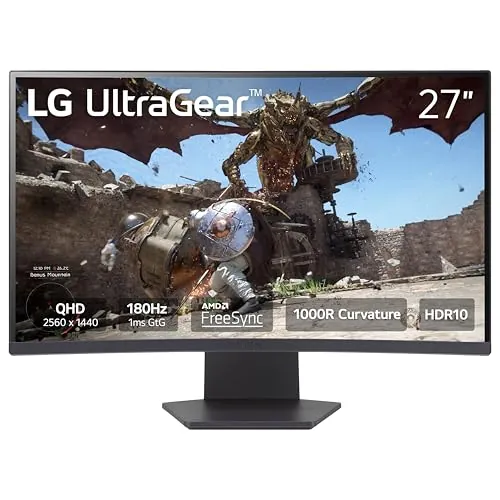
Samsung Odyssey G55C 32 vs LG UltraGear 32GS60QC-B: Inputs, Refresh and Desk Fit
Both exact models are 32-inch-class, QHD, 1000R curved displays. Samsung's LS32CG550ENXZA is listed up to 165Hz and has one HDMI 2.0 plus one DisplayPort 1.2; LG's 32GS60QC-B.AUSQ is listed up to 180Hz with two HDMI 2.0 inputs and one DisplayPort 1.4. Their HDMI and DisplayPort timing ceilings differ, and their 1ms labels use different methods. Both bundled stands tilt but do not provide height adjustment; compare the listed depth, tilt range and VESA pattern against your desk or arm.
Read comparison