
Products compared

ASUS
ASUS ROG Strix XG27ACS 27-inch QHD Gaming Monitor
The black ASUS ROG Strix XG27ACS has one HDMI 2.0 input, one DisplayPort 1.4 input and one USB-C input with DisplayPort Alt Mode and 7.5W power delivery. ASUS lists up to 180Hz over DisplayPort or USB-C and up to 144Hz over HDMI. The stand supports tilt, swivel, pivot and up to 120 mm of height adjustment.
Model XG27ACS
Amazon ASIN B0CV24GQ9W
ASUS
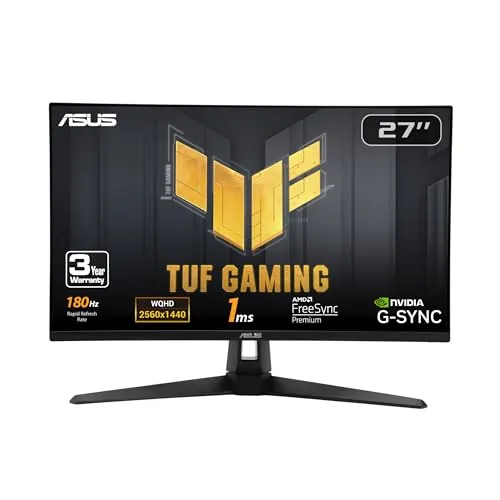
ASUS TUF Gaming VG27AQ3A 27-inch QHD Gaming Monitor
The ASUS TUF Gaming VG27AQ3A has one DisplayPort 1.4 input and two HDMI 2.0 inputs. ASUS lists up to 180Hz over DisplayPort and 144Hz over HDMI. Its stand supports tilt and swivel, but not height adjustment or pivot; it has 100 × 100mm VESA mounting. ASUS also lists two 2W built-in speakers.
Model VG27AQ3A
Amazon ASIN B0BZR9TMBJ
Differences that matter
What matters most to you?
Choose a priority to see what it changes.
Sources for USB-C and video inputs
Sources for Where the listed 180Hz signal is available
Sources for Included stand and desk positioning
Sources for Built-in audio and shared display class
Start with the cable you will actually use
The two listings share the headline display class: 27-inch, 2560 × 1440, Fast IPS and up to 180Hz. But the highest refresh rate depends on the input. ASUS lists HDMI up to 144Hz on both; DisplayPort is listed up to 180Hz on both. XG27ACS also lists USB-C DisplayPort Alt Mode up to 180Hz. Plan the cable path before buying, and check that the computer, cable and selected display settings support the target mode.
For a USB-C laptop connection, the ROG port can carry DisplayPort Alt Mode video and is rated for 7.5W Power Delivery. That can simplify the video cable, but it is not a laptop-dock charging guarantee. Keep the laptop charger available unless its charging requirements and ASUS's output rating are confirmed to match. VG27AQ3A instead has two HDMI inputs plus one DisplayPort; it is the clearer choice when two HDMI devices should remain connected.
Choose the stand around your desk, not the model family name
ASUS lists tilt, swivel, pivot and height adjustment for XG27ACS. For VG27AQ3A it lists tilt and swivel and gives fixed height with no pivot. Choose the ROG if you want to rotate to portrait using the supplied stand, or plan a suitable mount if you choose TUF.
Before ordering, compare your required screen height with the ROG's 120mm travel and the TUF's fixed stand height. Both models list 100 × 100mm VESA mounting, so an arm can be an option if it supports the display's mounting pattern and weight. This is a fit-planning check, not a guarantee that a particular desk or arm will suit every layout.
A quick connection and desk checklist
1. Identify the source device's actual video output: USB-C DisplayPort Alt Mode, DisplayPort or HDMI. 2. If you need the monitor's listed 180Hz range, plan on DisplayPort for VG27AQ3A, or DisplayPort/USB-C video for XG27ACS; ASUS lists HDMI up to 144Hz for both. 3. If connecting two HDMI sources, note that only VG27AQ3A lists two HDMI ports. 4. Measure the screen position: XG27ACS height travel is 0–120mm; VG27AQ3A's included stand has no height adjustment. 5. If considering USB-C charging or an external VESA arm, check the laptop's required wattage and the mount's documented support instead of assuming the monitor supplies a full dock function.
Product details
ASUS ROG Strix XG27ACS 27-inch QHD Gaming Monitor
- Display format
- 27-inch, 2560 × 1440, Fast IPS; maximum listed refresh rate 180Hz. Source
- USB-C input
- One USB-C input with DisplayPort Alt Mode and 7.5W USB-C Power Delivery. Source
- Stand height travel
- Tilt, swivel, portrait pivot and height adjustment. The tech specs list 0–120 mm of height travel. Source
ASUS TUF Gaming VG27AQ3A 27-inch QHD Gaming Monitor
- Display format
- 27-inch, 2560 × 1440, Fast IPS; maximum listed refresh rate 180Hz. Source
- Video inputs
- One DisplayPort 1.4 and two HDMI 2.0; ASUS lists 180Hz over DP and up to 144Hz over HDMI. Source
- Stand adjustment
- Tilt and swivel listed; no height adjustment or pivot. 100 × 100mm VESA mounting listed. Source
Before you buy
Community discussions
VG27AQ3A owner asks about a 4K/60 signal and refresh options
ASUS TUF Gaming VG27AQ3A 27-inch QHD Gaming Monitor
A VG27AQ3A owner reported that Windows and Nvidia settings showed 4K at 60 Hz even though they had selected 2560 × 1440, and asked how to access the monitor’s 180 Hz mode. The post does not establish why that setup presented those options.
What to check
Check the source GPU output, selected resolution, cable and monitor input as one path, then confirm the target refresh mode on your own computer before buying for a specific rate.
Common questions
Can either monitor run at 180Hz through HDMI?
ASUS's US signal-frequency tables list HDMI at up to 144Hz for both models. The listed 180Hz range is over DisplayPort on both, plus USB-C DisplayPort Alt Mode on XG27ACS. Your source output, cable and settings must also support the selected mode.ASUS ROG US technical specifications: ROG Strix XG27ACSASUS USA technical specifications: TUF Gaming VG27AQ3A
Does XG27ACS USB-C charge a laptop?
ASUS lists 7.5W of USB-C Power Delivery. That confirms the monitor's rated output but does not establish whether it can meet a specific laptop's charging needs. Check the laptop's required charging power and keep its adapter unless the manufacturer confirms this monitor is sufficient.ASUS ROG US technical specifications: ROG Strix XG27ACS
Which included stand adjusts height?
ASUS lists 0–120mm of height adjustment for XG27ACS. ASUS lists no height adjustment for VG27AQ3A, though its stand can tilt and swivel. A separate compatible VESA arm or riser may address a fixed desk height.ASUS ROG US technical specifications: ROG Strix XG27ACSASUS USA technical specifications: TUF Gaming VG27AQ3A
Which monitor has two HDMI inputs?
The VG27AQ3A US technical specification lists two HDMI 2.0 inputs; XG27ACS lists one HDMI 2.0 input. If 180Hz is needed, the spec tables list DisplayPort rather than HDMI for that signal range.ASUS ROG US technical specifications: ROG Strix XG27ACSASUS USA technical specifications: TUF Gaming VG27AQ3A
Does VG27AQ3A rotate to portrait on its included stand?
ASUS's VG27AQ3A manual lists pivot as unavailable on the included stand. It lists a 100 × 100mm VESA mounting pattern, so check the manual and mount requirements if portrait positioning is important.ASUS VG27AQ3A user manual
Sources and scope
This guide uses ASUS's US model specifications and manuals; it does not test either monitor. The selected listing products are the black XG27ACS (ASIN B0CV24GQ9W) and VG27AQ3A (ASIN B0BZR9TMBJ). ASUS rates both up to 180Hz, but its model-specific signal tables cap HDMI at 144Hz; host output, a suitable cable and selected display settings must also support the chosen mode. XG27ACS USB-C delivers DisplayPort Alt Mode and 7.5W PD; that figure alone does not establish that it can replace a particular computer's charger. This guide makes no latency, HDR-image-quality, console-compatibility or performance claim.
- Amazon US exact listing: ASUS ROG Strix XG27ACS, ASIN B0CV24GQ9W
- Amazon US exact listing: ASUS TUF Gaming VG27AQ3A, ASIN B0BZR9TMBJ
- ASUS ROG US technical specifications: ROG Strix XG27ACS
- ASUS USA technical specifications: TUF Gaming VG27AQ3A
- ASUS VG27AQ3A user manual
- ASUS ROG Strix XG27ACS product feature page and stand adjustment
Related comparisons
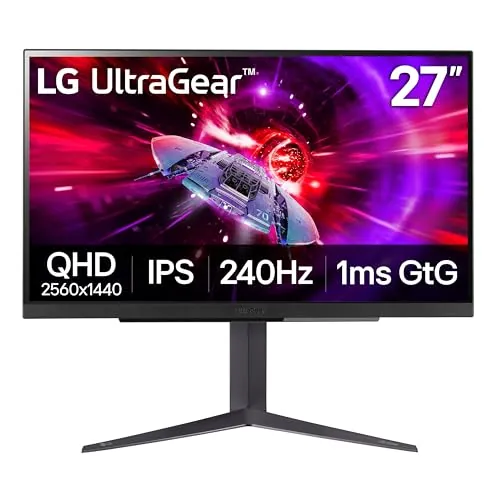
ASUS ROG Strix XG27ACS vs LG 27GR83Q-B.AUS: Refresh Rate, USB-C, and Stand Fit
Both are 27-inch QHD gaming displays, but the useful refresh ceiling depends on your cable path. ASUS XG27ACS carries video over USB-C DisplayPort Alt Mode and supports 180Hz through USB-C/DisplayPort, with HDMI listed to 144Hz. LG 27GR83Q-B.AUS offers two HDMI 2.1 inputs and DisplayPort, with up to 240Hz when the graphics card supports the required interface. Check the exact host output, cable and stand movement your desk needs before buying.
Read comparison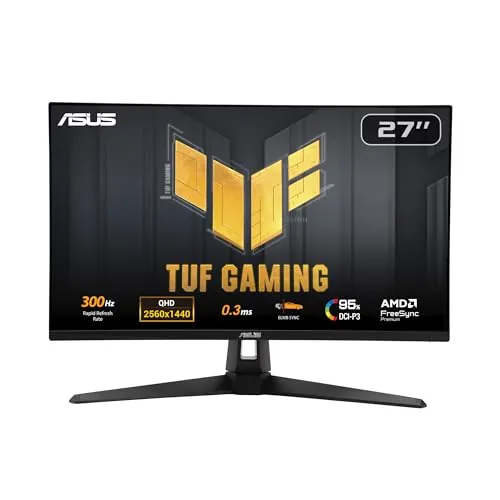
ASUS TUF Gaming VG27AQM5A vs ROG Strix XG27ACS
Both are 27-inch QHD (2560 × 1440) ASUS Fast IPS monitors, but their connections lead to different setups. The TUF VG27AQM5A lists QHD up to 300 Hz over HDMI and DisplayPort, while its USB-C connector is a firmware service port. The ROG XG27ACS supports video over USB-C DisplayPort Alt Mode with 7.5 W power delivery, and lists QHD up to 180 Hz over USB-C/DisplayPort or 144 Hz over HDMI. Its stand adds 0–120 mm height adjustment; the TUF stand does not. Match the input to your actual PC or console before choosing.
Read comparison