Pickagu

Monitors

Find your model below to compare what is included and how the differences affect everyday use.

77 comparisons

Monitors comparisons

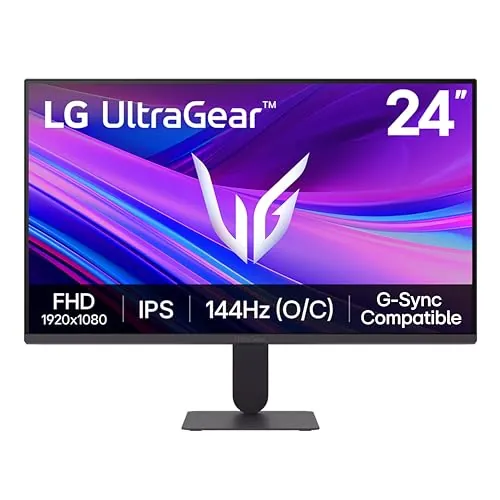
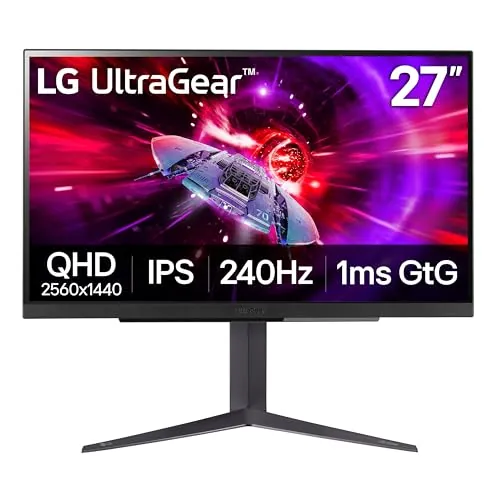
LG UltraGear 27GR83Q-B.AUS 27-inch QHD Gaming Monitor · 27GR83Q-B.AUS
LG UltraGear 27GR83Q-B.AUS 27-inch QHD Gaming Monitor
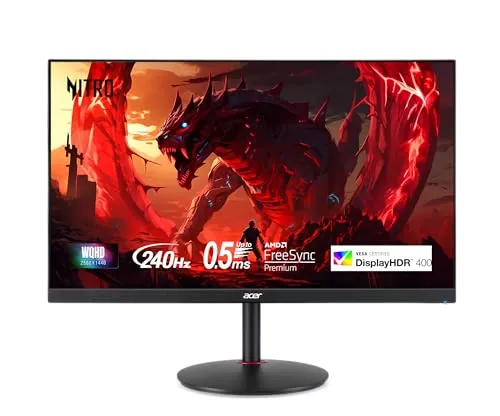
Acer Nitro XV272U W2bmiiprx 27-inch QHD Gaming Monitor — UM.HX2AA.201 · XV272U W2bmiiprx / UM.HX2AA.201
Acer Nitro XV272U W2bmiiprx 27-inch QHD Gaming Monitor — UM.HX2AA.201

LG 27GR83Q-B vs Acer XV272U W2: Refresh Rate by Input and Stand Fit

The LG 27GR83Q-B.AUS and Acer Nitro XV272U W2bmiiprx are 27-inch QHD monitors. LG lists 240Hz with HDMI 2.1 and DisplayPort 1.4, and says a compatible graphics card and cable are required. Acer's exact U.S. part UM.HX2AA.201 lists QHD up to 144Hz over HDMI 2.0 and up to 240Hz over DisplayPort 1.4. If your computer will use DisplayPort, both makers list QHD 240Hz; if it must use HDMI at that target, LG's published connection mode is the differentiator. Acer's U.S. page explicitly lists swivel; LG's U.S. page lists tilt, height and pivot, while exact numerical LG stand details come from a Korean-region model page.

Read comparison
ASUS TUF Gaming VG27AQM5A · VG27AQM5A
ASUS TUF Gaming VG27AQM5A
ASUS TUF Gaming VG27AQL5A · VG27AQL5A
ASUS TUF Gaming VG27AQL5A

ASUS TUF Gaming VG27AQM5A vs VG27AQL5A: Refresh Rate or Stand Adjustments?

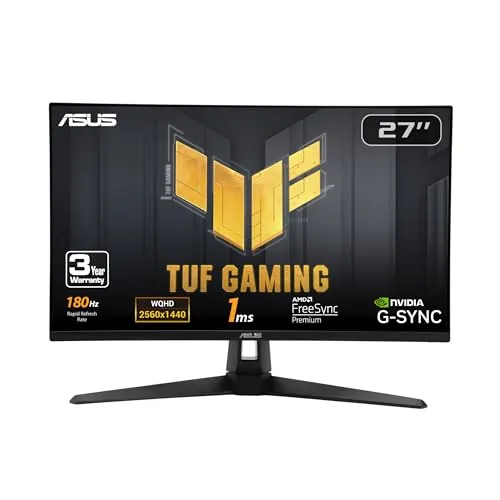
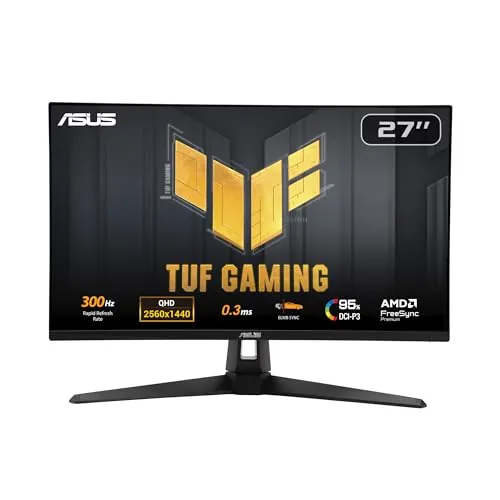
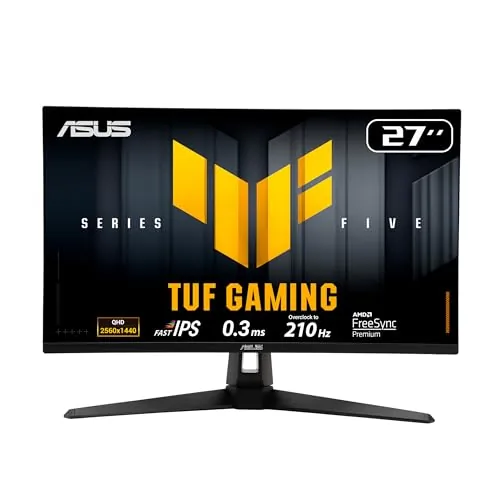
These two 27-inch QHD TUF Gaming monitors differ in a practical way: the VG27AQM5A manual lists 2560×1440 at 300Hz over both HDMI and DisplayPort, while ASUS lists the VG27AQL5A's maximum as 210Hz (OC), with HDMI signal timing up to 144Hz and DisplayPort up to 210Hz. The VG27AQL5A also has a 0–130 mm height range and ±90° pivot; the VG27AQM5A is listed without height adjustment or pivot. Before buying, match your graphics card or console, selected input, cable and target resolution to the exact supported timing. Both support a 100×100 mm VESA mount.

Read comparison
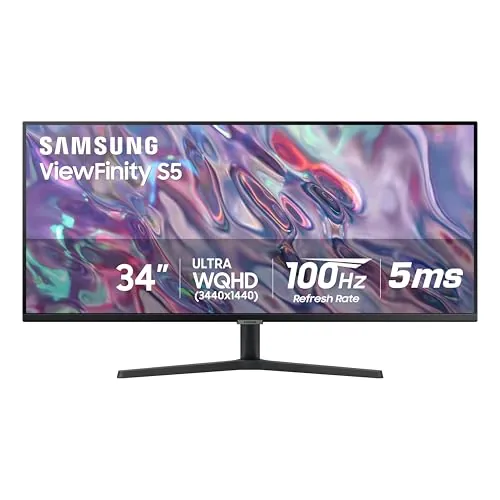
Samsung ViewFinity S5 S50GC 34-inch Monitor · LS34C502GANXZA
Samsung ViewFinity S5 S50GC 34-inch Monitor
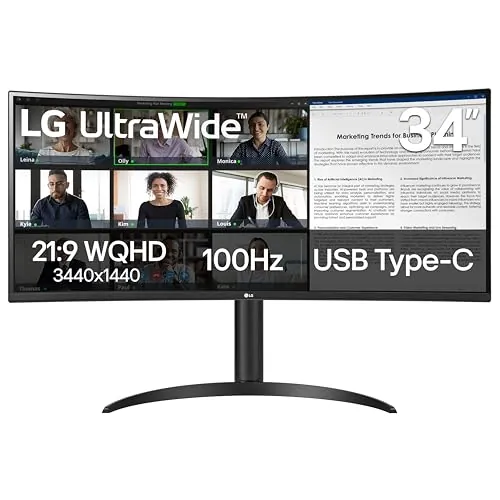
LG 34-inch UltraWide WQHD Monitor · 34WR55QK-B.AUS
LG 34-inch UltraWide WQHD Monitor

Samsung ViewFinity S50GC vs LG 34WR55QK-B: Desk Fit and USB-C Setup

Both are 34-inch, 3440 × 1440 ultrawides. The exact Samsung LS34C502GANXZA is listed as flat, with HDMI and DisplayPort inputs, PIP/PBP, and a tilt stand. LG's U.S. 34WR55QK-B.AUS is curved and adds USB-C video with up to 65W power delivery plus height-and-tilt adjustment. Check your laptop ports and measure desk depth before choosing.

Read comparison
ASUS TUF Gaming VG27AQM5A 27-inch QHD Gaming Monitor · VG27AQM5A
ASUS TUF Gaming VG27AQM5A 27-inch QHD Gaming Monitor
ASUS TUF VG279QM5A 27-inch Full HD Gaming Monitor · VG279QM5A
ASUS TUF VG279QM5A 27-inch Full HD Gaming Monitor

ASUS TUF VG27AQM5A vs VG279QM5A: QHD 300Hz or Full HD 240Hz?

The VG27AQM5A is the QHD option, with ASUS documenting 2560×1440 at up to 300Hz over both HDMI and DisplayPort in its timing table. The VG279QM5A is a Full HD model with a listed 240Hz ceiling and HDMI 2.0 / DisplayPort 1.4 inputs. Decide from your target resolution, graphics output and desk setup; the refresh labels are specifications, not a measured gaming result.

Read comparison
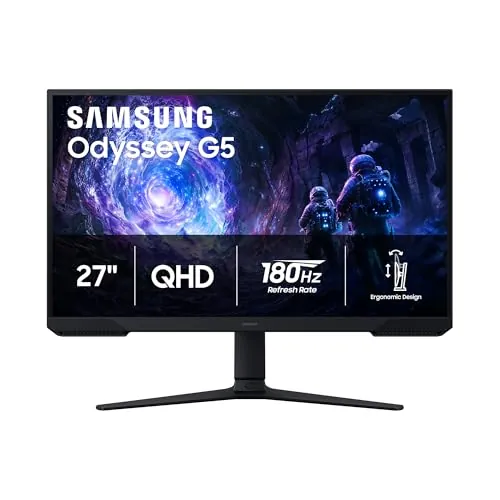
Samsung 27-inch Odyssey G5 G51F QHD 180Hz Monitor · LS27FG512ENXZA (S27FG512EB)
Samsung 27-inch Odyssey G5 G51F QHD 180Hz Monitor
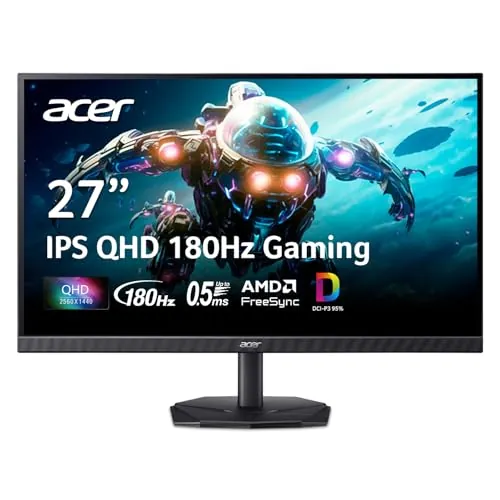
Acer Nitro KG271U N3 27-inch WQHD Monitor · KG271U N3bmiipx (UM.HX1AA.307)
Acer Nitro KG271U N3 27-inch WQHD Monitor

Samsung Odyssey G5 G51F LS27FG512ENXZA vs Acer Nitro KG271U N3 UM.HX1AA.307

The exact Samsung LS27FG512ENXZA is listed with a VA panel, 180Hz maximum and a height-adjustable pivot stand. Acer's US KG271U N3, part UM.HX1AA.307, is an IPS monitor whose official specification lists 180Hz at 2560×1440 over DisplayPort and 144Hz over HDMI; its stand tilts but does not adjust in height. Choose by panel preference, the port your computer can use, and whether you need to reposition the included stand. Do not assume Samsung reaches its maximum over every input: its accessible exact-model specification does not publish that per-port limit.

Read comparison
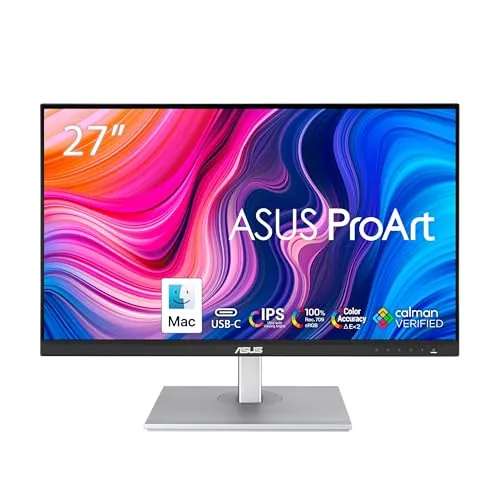
ASUS ProArt Display PA278CV · PA278CV
ASUS ProArt Display PA278CV
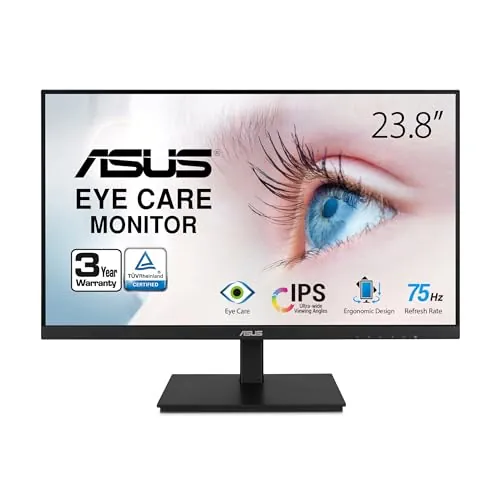
ASUS VA24DQSB · VA24DQSB
ASUS VA24DQSB

ASUS ProArt PA278CV vs VA24DQSB: Match Screen Size, Desk Space, and Cables

These ASUS monitors differ in native screen format and connection layout. PA278CV is 27 inches at 2560×1440, with USB-C that can carry DisplayPort video and hub data while providing up to 65 W to a compatible host. VA24DQSB is 23.8 inches at 1920×1080, with HDMI, DisplayPort, VGA, and a two-port USB hub connected separately through USB Type-B upstream. ASUS lists an estimated 61.5 cm width for PA278CV and 54 cm for VA24DQSB. Measure the desk, check your preferred scaling, and confirm your computer's ports and power needs before choosing.

Read comparison
ASUS TUF Gaming VG27AQL5A 27-inch QHD Gaming Monitor · VG27AQL5A
ASUS TUF Gaming VG27AQL5A 27-inch QHD Gaming Monitor
ASUS ProArt Display PA278CV 27-inch QHD Monitor · PA278CV
ASUS ProArt Display PA278CV 27-inch QHD Monitor

ASUS TUF VG27AQL5A vs ProArt PA278CV: High-Refresh PC or USB-C Laptop Desk?

Both are 27-inch 2560 × 1440 ASUS monitors, but they are built around different desk setups. The TUF VG27AQL5A lists up to 210 Hz through DisplayPort and 144 Hz through HDMI; ASUS marks its USB-C port as service-only. The ProArt PA278CV tops out at 75 Hz but supports USB-C DisplayPort Alt Mode, USB hub data and up to 65 W power delivery for a compatible laptop. ProArt lists greater height and swivel ranges, along with named presets and manual color/gamma controls; the TUF specs list GameVisual modes and color-temperature settings. These are documented modes and settings, not a comparison of image quality, motion clarity or color results.

Read comparison
ASUS TUF Gaming VG27AQL5A · VG27AQL5A
ASUS TUF Gaming VG27AQL5A
ASUS VA24DQSB · VA24DQSB
ASUS VA24DQSB

ASUS TUF VG27AQL5A vs VA24DQSB: Resolution, Refresh and Desk Setup

The ASUS TUF VG27AQL5A has a 2560 × 1440 native panel, HDMI 2.0 and DisplayPort 1.4; ASUS lists a 210 Hz overclocked mode and separate input ceilings of 144 Hz over HDMI and 210 Hz over DisplayPort. The 23.8-inch VA24DQSB is 1920 × 1080 with VGA, HDMI, DisplayPort and a two-port USB hub that needs a separate upstream cable. Check the exact input path, stand range and desk width before choosing.

Read comparison
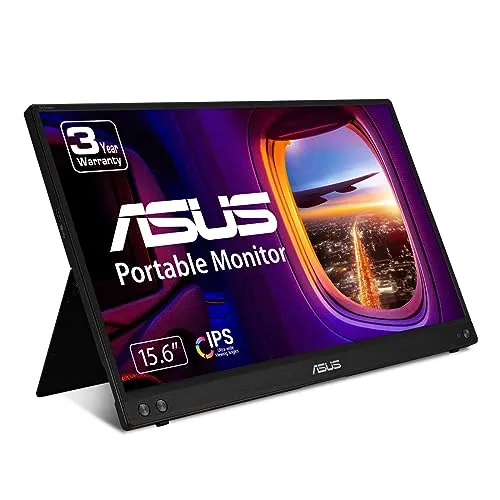
ASUS ZenScreen Portable Monitor · MB16ACV
ASUS ZenScreen Portable Monitor
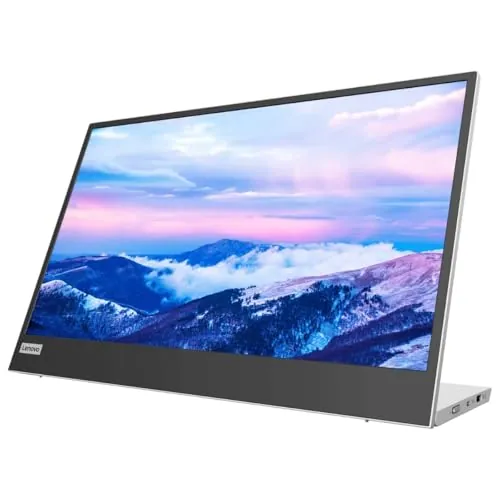
Lenovo L15 Portable Monitor · 66E4UCC1UZ (L15)
Lenovo L15 Portable Monitor

ASUS ZenScreen MB16ACV vs Lenovo L15: Check Ports, Power and Mount First

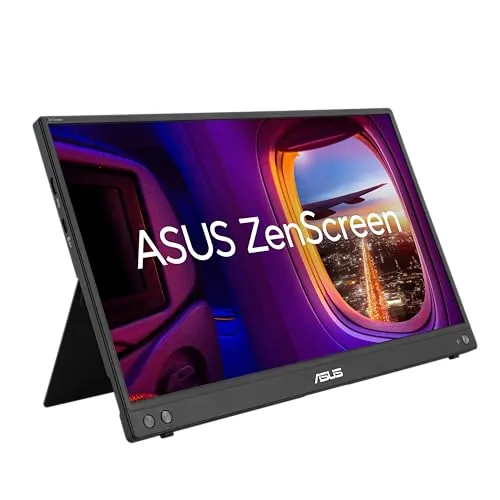
The ASUS ZenScreen MB16ACV supports native USB-C video and a USB-A route through a DisplayLink driver; its fold-out kickstand also has a 1/4-inch tripod socket. Lenovo’s L15 requires USB-C DisplayPort Alt Mode and a source with enough power, uses a 5 A electronically marked cable, and supports a 100 mm two-hole mount or up to 10 mm of stand lift. Check your laptop’s exact port spec and the selected box contents: the L15 U.S. model lists a 1 m USB-C cable and clips, while ASUS says accessories vary by region.

Read comparison
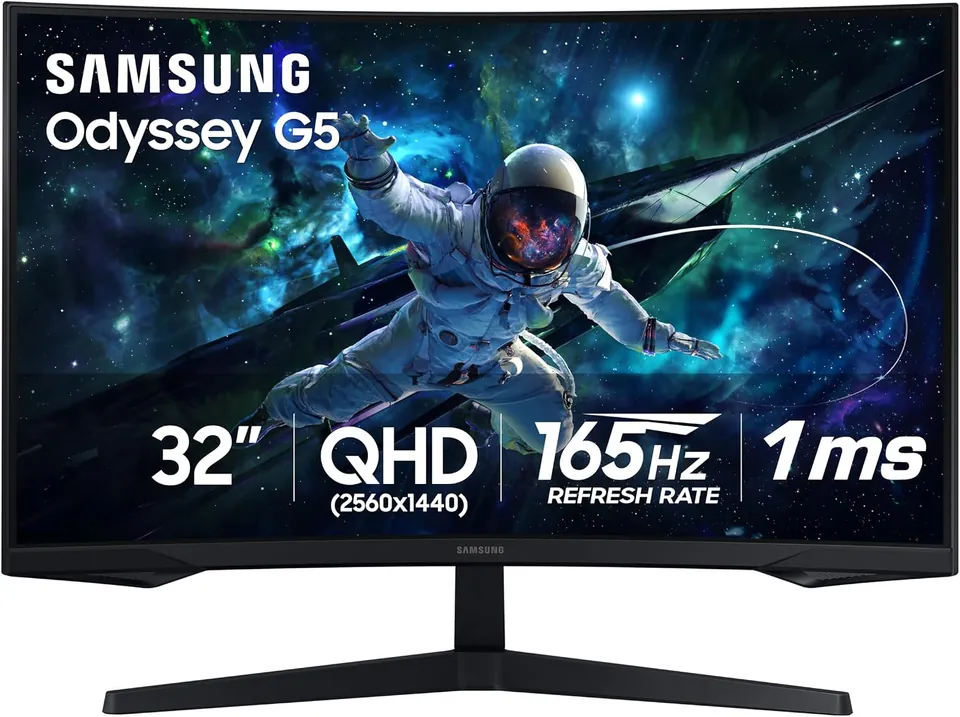
Samsung 32-inch Odyssey G5 G55C · LS32CG550ENXZA
Samsung 32-inch Odyssey G5 G55C
Samsung 32-inch Odyssey G5 G50F · S32FG502EN / LS32FG502ENXZA
Samsung 32-inch Odyssey G5 G50F

Samsung Odyssey G5 G55C vs G50F: Curved Screen or Adjustable Flat Setup?

Both are 32-inch-class QHD Odyssey G5 monitors, but the exact G55C LS32CG550ENXZA is curved and tilt-only, while the G50F S32FG502EN / LS32FG502ENXZA is flat with height, swivel and pivot adjustments. Choose by screen preference, desk or arm fit, and whether your specific source can use the refresh mode you want.

Read comparison
ASUS TUF Gaming VG27AQM5A · VG27AQM5A
ASUS TUF Gaming VG27AQM5A
LG UltraGear 27GR83Q-B.AUS · 27GR83Q-B.AUS
LG UltraGear 27GR83Q-B.AUS

ASUS VG27AQM5A vs LG 27GR83Q-B: 300Hz Ceiling or Adjustable Stand?

Both are 27-inch QHD gaming monitors, but their published ceilings and desk connections differ. ASUS lists 300Hz at 2560 × 1440 over HDMI and DisplayPort; LG lists 240Hz and says a graphics card supporting DisplayPort 1.4 or HDMI 2.1 is required to reach that rate. LG’s US page also lists an adjustable-height/pivot stand and USB upstream plus two downstream ports. ASUS’s stand has tilt and swivel but no height adjustment or pivot, and its USB-C port is for firmware service. Match the monitor to your source, exact cable path and desk setup rather than assuming either maximum is available on every device.

Read comparison
ASUS TUF Gaming VG27AQL5A · VG27AQL5A
ASUS TUF Gaming VG27AQL5A
Samsung Odyssey G5 G50F 27-inch QHD Gaming Monitor · S27FG502EN / LS27FG502ENXZA
Samsung Odyssey G5 G50F 27-inch QHD Gaming Monitor

ASUS TUF Gaming VG27AQL5A vs Samsung Odyssey G5 G50F: 210Hz, HDMI, and Stand Fit

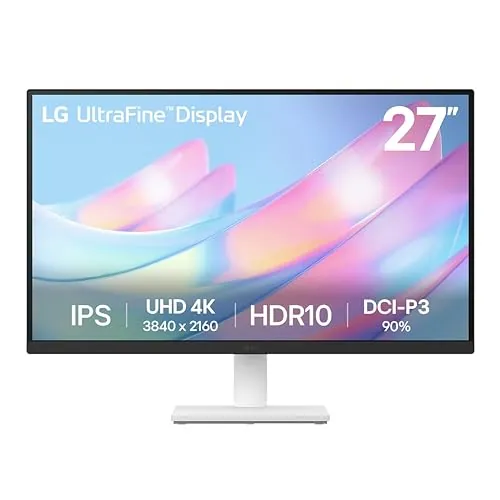
Both are 27-inch QHD monitors. The ASUS lists up to 210Hz over DisplayPort with overclocking and has two HDMI inputs; the Samsung lists up to 180Hz and a wider stand swivel. Check the exact source-device mode and desk position before choosing. These specifications do not establish which screen looks or plays better.

Read comparison
ASUS ProArt PA278QV 27-inch QHD Monitor · PA278QV
ASUS ProArt PA278QV 27-inch QHD Monitor
ASUS ZenScreen MB16AHV 15.6-inch Portable Monitor · MB16AHV
ASUS ZenScreen MB16AHV 15.6-inch Portable Monitor

ASUS ProArt PA278QV vs ZenScreen MB16AHV: Desk Monitor or Portable Second Screen?

These ASUS monitors solve different setup problems. The PA278QV is a 27-inch QHD desktop monitor with a height-adjustable stand and several conventional video inputs, but it needs desk space and AC power. The 15.6-inch Full HD MB16AHV weighs about 0.9 kg and folds onto its kickstand; a one-cable setup works only when the host USB-C port supports DP Alt Mode and can supply adequate power. Decide where the screen will live, then verify your ports, outlet and exact package before buying.

Read comparison
ASUS TUF Gaming VG27AQM5A 27-inch QHD Monitor · VG27AQM5A
ASUS TUF Gaming VG27AQM5A 27-inch QHD Monitor
ASUS TUF Gaming VG27AQ3A 27-inch QHD Monitor · VG27AQ3A
ASUS TUF Gaming VG27AQ3A 27-inch QHD Monitor

ASUS TUF VG27AQM5A vs VG27AQ3A: Check the QHD Input Path

These two 27-inch QHD ASUS TUF monitors share a 100 × 100 mm VESA pattern and the same listed tilt/swivel stand without height adjustment. Their useful distinction is the input path: ASUS lists VG27AQM5A at up to 300Hz at 2560 × 1440 over HDMI and DisplayPort, with HDMI 2.1 and DisplayPort 1.4 HBR3. VG27AQ3A lists up to 144Hz at QHD over HDMI or 180Hz over DisplayPort, with HDMI 2.0 and DisplayPort 1.4 HBR2. Before choosing, check your GPU or console's output, the cable and selected port, and your actual target mode. Those monitor modes do not predict a game's frame rate. Package contents also need checking: ASUS labels accessories region-dependent, and its VG27AQ3A product page and manual differ on whether a DisplayPort cable is included.

Read comparison
ASUS VA24DQSB 23.8-inch Full HD Monitor · VA24DQSB
ASUS VA24DQSB 23.8-inch Full HD Monitor
Dell 24 Monitor SE2426H 23.8-inch Full HD · SE2426H (manufacturer part 9PK72)
Dell 24 Monitor SE2426H 23.8-inch Full HD

ASUS VA24DQSB vs Dell SE2426H: Stand Movement or 144 Hz HDMI?

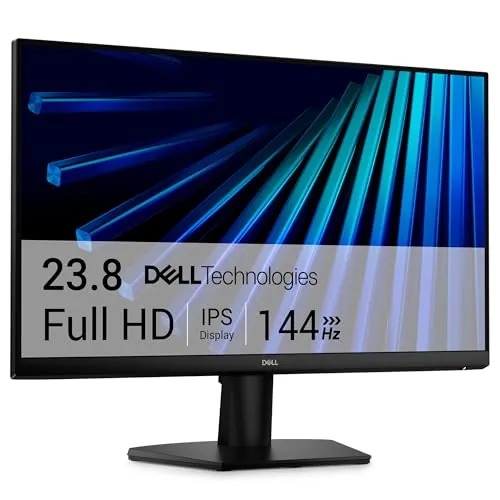
Both are 23.8-inch Full HD IPS monitors, but the included stands and inputs answer different setup needs. ASUS documents height, pivot and swivel adjustment plus HDMI, DisplayPort, VGA and a USB hub; Dell's SE2426H lists two HDMI inputs supporting Full HD up to 144 Hz and a tilt-only stand. Check your computer's output mode and mount before ordering.

Read comparison
LG UltraGear 24G411A-B 24-inch Full HD IPS Monitor · 24G411A-B.AUS
LG UltraGear 24G411A-B 24-inch Full HD IPS Monitor
LG 24U411A-B 24-inch Full HD IPS Monitor · 24U411A-B.AUSQ
LG 24U411A-B 24-inch Full HD IPS Monitor

LG 24G411A-B vs LG 24U411A-B: Ports, Refresh Rate and Desk Setup

Both are 24-inch Full HD IPS monitors with a listed 120Hz refresh rate, tilt adjustment and 100 x 100 mm wall mounting. Choose by the connector your computer needs: LG lists DisplayPort 1.4 and HDMI 2.0 for the 24G411A-B, while the 24U411A-B listing includes HDMI 2.0 and D-Sub. The 24G411A-B adds an optional 144Hz overclock, but LG's HDMI variable-refresh footnote conflicts with its listed HDMI 2.0 port.

Read comparison
ASUS VA24DQSB 23.8-inch Full HD Monitor · VA24DQSB
ASUS VA24DQSB 23.8-inch Full HD Monitor
ASUS VA249QG 23.8-inch Full HD Monitor · VA249QG
ASUS VA249QG 23.8-inch Full HD Monitor

ASUS VA24DQSB vs VA249QG: Stand Movement, USB Hub or 120 Hz?

The ASUS VA24DQSB and VA249QG are both 23.8-inch, 1920 × 1080 monitors, so focus on desk setup and signal path. VA24DQSB's stand raises and pivots, and its two USB 2.0 downstream ports work when you connect the USB upstream cable. VA249QG's included stand only tilts, but its manual lists Full HD 100/120 Hz modes for HDMI and DisplayPort; VGA Full HD is listed at 60 Hz. Check your desk, host output, cable path and USB needs before choosing.

Read comparison
ASUS VA249QG 23.8-inch Full HD Monitor · VA249QG
ASUS VA249QG 23.8-inch Full HD Monitor
ASUS ProArt PA278QV 27-inch QHD Monitor · PA278QV
ASUS ProArt PA278QV 27-inch QHD Monitor

ASUS VA249QG vs ProArt PA278QV: Port-Specific Modes, QHD and Desk Fit

These ASUS monitors answer different desk needs: the 23.8-inch VA249QG is Full HD and its manual lists 1080p at 100/120Hz for HDMI and DisplayPort, but 60Hz for VGA; its stand tilts only. The 27-inch PA278QV is native 2560×1440 with a 75Hz maximum and an adjustable stand. ASUS gives the PA278QV an overall digital frequency range, not a separate 75Hz guarantee for every input, so check the computer, dock and cable against the exact port you plan to use.

Read comparison
ASUS VA24DQSB 23.8-inch Full HD Monitor · VA24DQSB
ASUS VA24DQSB 23.8-inch Full HD Monitor
ASUS ProArt PA278QV 27-inch QHD Monitor · PA278QV
ASUS ProArt PA278QV 27-inch QHD Monitor

ASUS VA24DQSB vs ProArt PA278QV: Match Resolution, Ports and Desk Space

The decision turns on the image format your computer must drive and the physical output it has. VA24DQSB is a 23.8-inch 1920×1080 Full HD monitor with HDMI, DisplayPort and VGA inputs. PA278QV is a 27-inch 2560×1440 QHD monitor with HDMI and DisplayPort plus Mini DisplayPort and dual-link DVI, but no VGA input in its published inventory. Both stands adjust for height, tilt, swivel and portrait pivot; PA278QV has a larger listed stand range and desk footprint. Before buying, write down the computer’s exact video output, the resolution you need, and available desk width/depth. If you plan to use monitor USB ports, allow for the upstream connection and verify the selected box includes the right cable. These are documentation-based feature differences, not a tested image-quality comparison.

Read comparison
ASUS VA279HG 27-inch Full HD Monitor · VA279HG
ASUS VA279HG 27-inch Full HD Monitor
ASUS VA249QG 23.8-inch Full HD Monitor · VA249QG
ASUS VA249QG 23.8-inch Full HD Monitor

ASUS VA279HG vs VA249QG: Choose by Screen Size, Stand and Inputs

Both monitors list 1920 × 1080 resolution and HDMI/VGA inputs. Choose the ASUS VA279HG if the larger 27-inch screen is the priority and HDMI or VGA fits your computer. Choose the VA249QG if you need DisplayPort, want its listed stereo speakers, or need the smaller footprint. Both stands tilt but do not adjust height, swivel or pivot, so check desk and eye-line fit before ordering.

Read comparison
Dell SE2426H 23.8-inch Monitor · SE2426H
Dell SE2426H 23.8-inch Monitor
Dell SE2726H 27-inch Monitor · SE2726H
Dell SE2726H 27-inch Monitor

Dell SE2426H vs SE2726H: Pick by Desk Space and Screen Size

The main choice is how large a Full HD screen you want on your desk. Dell lists the SE2426H at 23.8 inches and 93 pixels per inch, and the SE2726H at 27 inches and 81 pixels per inch; both list 1920 × 1080 at up to 144 Hz, two HDMI 1.4 inputs, and a tilt-only included stand. Compare the with-stand dimensions against your actual desk and confirm your computer and cable can supply the mode you intend to use.

Read comparison
ASUS ProArt Display PA278QV · PA278QV
ASUS ProArt Display PA278QV
LG UltraFine 27US500-W · 27US500-W.AUS
LG UltraFine 27US500-W

ASUS ProArt PA278QV vs LG 27US500-W: QHD Stand Flexibility or Native 4K?

Both are 27-inch IPS monitors, but they solve different desk problems. The ASUS ProArt PA278QV is native 2560 × 1440 and has an included stand with up to 150 mm of height adjustment, swivel and pivot, plus maker-listed sRGB/Rec.709 presets. The LG 27US500-W.AUS is native 3840 × 2160, with tilt on its supplied stand and maker-listed Reader Mode/HDR10 features. Before ordering, check your computer or dock's output, your usual app scale and whether you need to raise or rotate the physical screen.

Read comparison
Dell 27 Plus Monitor S2725HSM, Ash White · S2725HSM
Dell 27 Plus Monitor S2725HSM, Ash White
Dell 27 Plus QHD Monitor S2725DSM, Ash White · S2725DSM
Dell 27 Plus QHD Monitor S2725DSM, Ash White

Dell S2725HSM vs S2725DSM: FHD, QHD and the Inputs on Your Desk

Both are 27-inch Dell monitors with height, pivot, swivel and tilt adjustment. The S2725HSM is 1920 × 1080 at up to 144 Hz over its two HDMI inputs. The S2725DSM is 2560 × 1440 at up to 144 Hz and adds DisplayPort 1.4, but has one HDMI input. Choose by the resolution your apps and source can use and the ports you need to keep connected; the monitor's listed maximum does not guarantee your computer, dock or cable can produce that mode.

Read comparison
ASUS TUF Gaming VG27AQ3A 27-inch QHD Monitor · VG27AQ3A
ASUS TUF Gaming VG27AQ3A 27-inch QHD Monitor
ASUS ProArt Display PA278QV 27-inch QHD Monitor · PA278QV
ASUS ProArt Display PA278QV 27-inch QHD Monitor

ASUS VG27AQ3A vs ProArt PA278QV: QHD Refresh or Adjustable Stand?

Both exact ASUS models are 27-inch 2560 × 1440 monitors. VG27AQ3A accepts up to 144 Hz at QHD over HDMI and 180 Hz over DisplayPort, but its supplied stand has no height adjustment or pivot. ProArt PA278QV is limited to 75 Hz and adds up to 150 mm of height adjustment and portrait pivot on its supplied stand. Decide from the output port your computer can use and the position your desk requires; verify the full signal path and measure your space before checkout.

Read comparison