
Products compared
Samsung
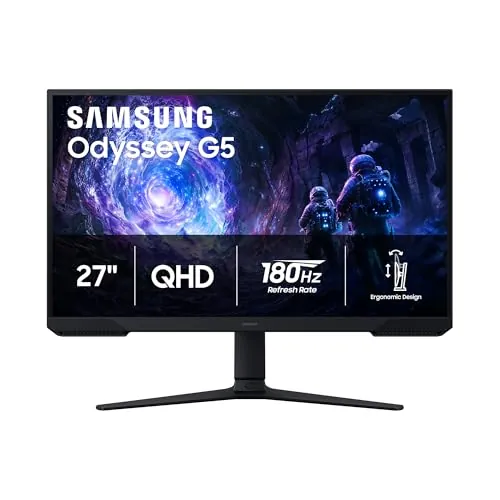
Samsung 27-inch Odyssey G5 G51F QHD 180Hz Monitor
27-inch flat QHD monitor, model LS27FG512ENXZA. The cited Samsung specifications for this exact model are hosted on Samsung Colombia; check the U.S. seller listing for package contents and regional details.
Model LS27FG512ENXZA (S27FG512EB)
Amazon ASIN B0GLV9PML4
Acer
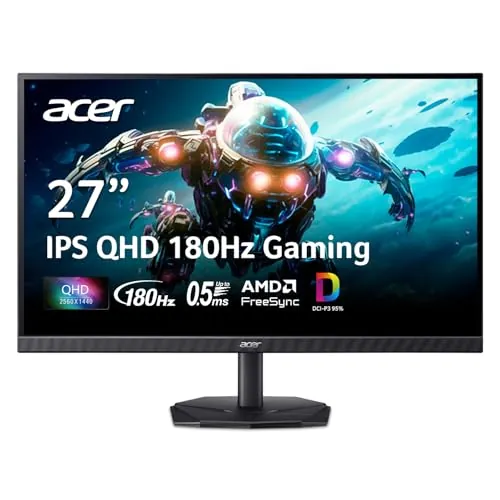
Acer Nitro KG271U N3 27-inch WQHD Monitor
Exact Acer US model and part number listed for the selected listing; do not confuse with other KG271U suffixes or variants.
Model KG271U N3bmiipx (UM.HX1AA.307)
Amazon ASIN B0D8LH2VSP
Differences that matter
What matters most to you?
Choose a priority to see what it changes.
Sources for Panel type and native display mode
Sources for QHD refresh rate by connection
Sources for Adjustment with the included stand
Compare the panel preference without treating it as a test result
Samsung identifies the LS27FG512ENXZA as a VA-panel, 27-inch QHD display; Acer identifies UM.HX1AA.307 as an IPS, 27-inch WQHD display. Both list 2560 × 1440 resolution. The supported choice is the panel type you prefer and the setup that fits your desk, not an unsupported claim that either panel looks better in every room or game.
These exact SKUs matter. Acer's technical page is specifically for KG271U N3, part UM.HX1AA.307; do not apply its HDMI or stand details to another KG271U suffix.
Match your cable to the mode you want
Acer publishes the connection-specific mode: QHD at up to 180Hz over DisplayPort and QHD at up to 144Hz over HDMI. That turns the cable and graphics output into a concrete pre-buy check: if you plan to connect the Acer by HDMI, its specification does not promise the 180Hz mode.
Samsung lists QHD and a maximum refresh rate of 180Hz, plus one DP 1.4 input and two HDMI 2.0 inputs. The exact-part page does not say which port reaches the maximum, so do not assume 180Hz over either particular input from the headline number. If your purchase depends on a specific Samsung port/mode combination, confirm the official mode table or ask Samsung using LS27FG512ENXZA before checkout.
Choose by desk height and screen orientation
Samsung lists a 120 mm height-adjustable stand with tilt, swivel and pivot movement for LS27FG512ENXZA. Acer lists tilt from -5° to 25° for UM.HX1AA.307, with no height or pivot adjustment in its exact US technical table. If you must raise the panel to your eye-line or turn the included stand to portrait, Samsung is the documented fit; the Acer's built-in stand expects you to work within tilt adjustment.
Acer lists a 100 × 100 mm VESA mount. That gives an alternative path if you already plan a compatible arm, but measure your desk and check the mount's load and clearance requirements separately.
Do a two-minute connection and package check
Before ordering, record your computer's available video outputs, the port you intend to use, the target 2560 × 1440 mode and the exact monitor part code. For Acer, pair DisplayPort with its listed 180Hz QHD mode or HDMI with its listed 144Hz QHD mode. For Samsung, verify the port-specific maximum if a particular connection is required; the manufacturer page reports 180Hz maximum without a per-port table.
Then confirm the package list on the seller offer. Acer's US product information lists HDMI, DisplayPort and a US power cord. Samsung's exact-code page lists both HDMI and DisplayPort cables, but is hosted in Colombia, so treat US box contents as something to confirm on the exact offer.
Product details
Samsung 27-inch Odyssey G5 G51F QHD 180Hz Monitor
The Samsung is the option in this pair with manufacturer-listed stand height adjustment and pivot movement. If your choice depends on a particular input reaching 180Hz, ask Samsung or verify the exact model's mode table first; the page lists maximum refresh but not port-specific maxima.
Acer Nitro KG271U N3 27-inch WQHD Monitor
Acer's US page ties the exact part UM.HX1AA.307 to per-input QHD modes, which makes the port a concrete buying check: its 180Hz QHD mode is specified over DisplayPort, while HDMI is listed at 144Hz. Its included stand offers tilt rather than height or pivot adjustment.
Before you buy
Community discussions
Checking the suffix on otherwise similar monitor listings
Acer Nitro KG271U N3 27-inch WQHD Monitor
A shopper compares two Acer KG271U listings, including the N3bmiipx, and asks why the listed modes differ under the same model-family name.
What to check
Note the complete model suffix for each offer and verify the display mode you want for the actual input you will use.
Common questions
Will the Acer run at 180Hz over HDMI?
The exact US Acer specification lists QHD 2560 × 1440 at 180Hz over DisplayPort and 144Hz over HDMI. If 180Hz matters, plan around DisplayPort and confirm that your computer output supports the mode.Nitro KG1 - KG271U N3 Tech Specs, UM.HX1AA.307
Does Samsung LS27FG512ENXZA have a height-adjustable stand?
Yes. Samsung's page for the exact part lists 120 mm of height adjustment as well as tilt, swivel and pivot movement. Acer's exact part lists tilt but no height or pivot adjustment.27-inch Odyssey G5 G51F QHD 180Hz Gaming Monitor, LS27FG512ENXZANitro KG1 - KG271U N3 Tech Specs, UM.HX1AA.307
Are both monitors QHD?
Yes. Both exact-model pages list 2560 × 1440 resolution at 27 inches. The Acer technical specification also ties the resolution to its HDMI and DisplayPort refresh modes.27-inch Odyssey G5 G51F QHD 180Hz Gaming Monitor, LS27FG512ENXZANitro KG1 - KG271U N3 Tech Specs, UM.HX1AA.307
Which cables are included?
Acer's US package list for UM.HX1AA.307 includes HDMI, DisplayPort and a US power cord. Samsung's exact LS27FG512ENXZA page lists HDMI and DisplayPort cables, but that listing is regional; confirm box contents for the US seller offer.Nitro KG1 - KG271U N3 Tech Specs, UM.HX1AA.30727-inch Odyssey G5 G51F QHD 180Hz Gaming Monitor, LS27FG512ENXZA
Sources and scope
Official Samsung material for the exact LS27FG512ENXZA lists 180Hz maximum, DP 1.4 and HDMI 2.0, but the accessible exact-part specifications do not state maximum refresh separately for each input. Acer's exact US part specification does give per-input QHD modes. The Samsung specification page is hosted by Samsung Colombia, although its listed model code is the same LS27FG512ENXZA assigned to this US ASIN; regional package contents should still be checked on the seller's exact listing. No comparative performance, image-quality or VRR outcome is claimed.
Related comparisons
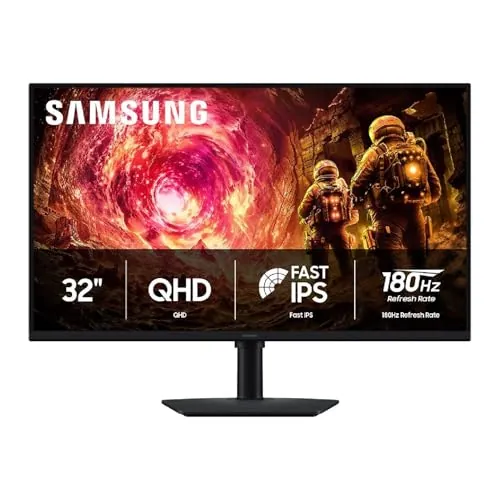
Samsung Odyssey G5 G51F 27-inch vs G50F 32-inch: Desk and Input Fit
Choose the 27-inch Odyssey G5 G51F if you need the smaller stand footprint. Choose the 32-inch G50F if its wider panel fits your desk. Samsung lists QHD resolution, up to 180Hz and 100 × 100 mm VESA mounting for both. Compare the 618 mm and 715 mm case widths and confirm the exact source and input mode.
Read comparison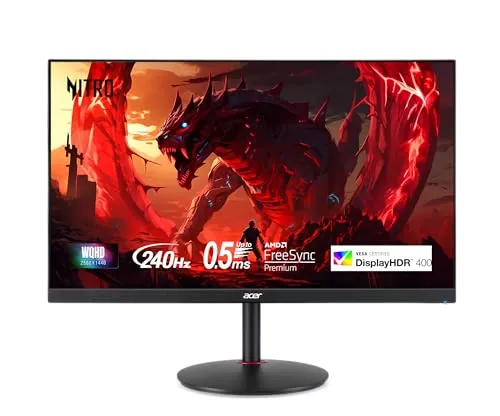
Acer Nitro KG271U N3 vs XV272U W2: QHD Refresh and Stand Fit
Choose by the input you will use and the space and adjustment your desk needs. Acer lists both models at up to 144Hz over HDMI; the W2's higher 240Hz ceiling is a DisplayPort specification, not a guarantee for every computer, cable, game or setting.
Read comparison