
Products compared
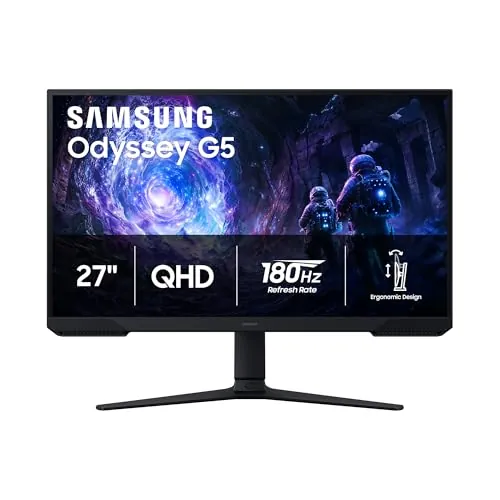
Samsung
Samsung 27-inch Odyssey G5 G51F QHD 180Hz Gaming Monitor
The U.S. listing identifies the black 27-inch Odyssey G5 G51F as model S27FG512EB, part LS27FG512ENXZA. Samsung's specifications for this exact part list a flat 27-inch-class VA display, QHD 2560 × 1440, a maximum 180Hz refresh rate, a 100 × 100 mm wall-mount pattern, and the dimensions and stand adjustment ranges below. Samsung's exact-part page is for Colombia, so this guide does not infer U.S. service or commercial terms.
Model LS27FG512ENXZA
Amazon ASIN B0GLV9PML4
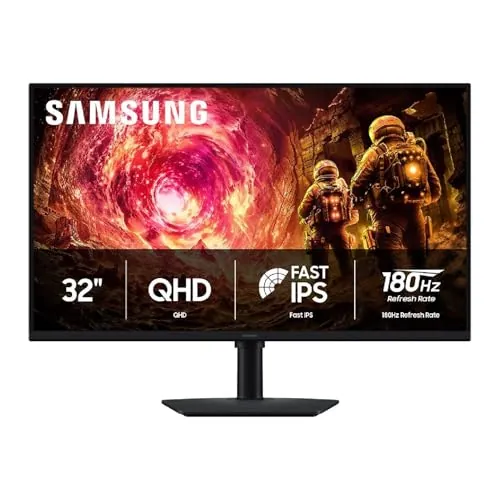
Samsung
Samsung 32-inch Odyssey G5 G50F QHD 180Hz Gaming Monitor
The U.S. listing identifies the black 32-inch Odyssey G5 G50F as model S32FG502EN, part LS32FG502ENXZA. Samsung's specifications for this exact part list QHD 2560 × 1440, a maximum 180Hz refresh rate, a 100 × 100 mm wall-mount pattern, and a larger overall size with the stand in place than the G51F. Confirm the exact offer and input mode required by your source device.
Model LS32FG502ENXZA
Amazon ASIN B0G1DZM5QW
Differences that matter
What matters most to you?
Choose a priority to see what it changes.
Sources for Screen size and active area
Sources for Desk footprint with the included stand
Sources for Stand adjustment and VESA mounting
Sources for Ports, advertised maximum and included display cables
A different size at the same listed resolution
Samsung lists QHD 2560 × 1440 on both models. The 27-inch G51F's active area is 596.736 × 335.664 mm; the 32-inch G50F's active area is 698.112 × 392.688 mm. Pick the size that fits your desk and viewing distance. The common pixel count is not a measured sharpness or image-quality result.
The G51F is flat VA; the G50F is flat IPS according to the exact-part product pages. Those are manufacturer panel labels, not a substitute for side-by-side testing. This page makes no contrast, color, viewing-angle, HDR or motion-quality winner claim.
Measure the stand, not just the diagonal
With each supplied stand fitted, Samsung lists the G51F at 618.2 mm wide, 520.6 mm high and 234.2 mm deep. The G50F is listed at 714.6 mm wide, 625.9 mm high and 250.2 mm deep. Include the base and the space behind the panel in your measurement; a display can fit the desk edge-to-edge and still conflict with a wall or shelf.
The stands overlap in their adjustment options, but not in every range. G51F lists 120 mm height travel, -5° to 20° tilt and ±15° swivel. G50F lists 105 mm height travel, -3° to 25° tilt and ±45° swivel, plus ±92° pivot. Use these published ranges to compare a planned position, not to predict comfort. Both list a 100 × 100 mm VESA pattern for a compatible mount; confirm mount loading and fastening requirements separately.
Match ports to the devices you actually connect
The G51F page lists one DisplayPort 1.4 and two HDMI 2.0 inputs; the G50F page lists one DisplayPort 1.2 and one HDMI 2.0 input. Samsung lists a maximum 180Hz refresh rate for each and HDMI plus DP cables in the box. If you switch among a PC, console and another source, count the connections before deciding which port arrangement fits.
Samsung lists a maximum refresh rate of 180Hz, but the specifications reviewed here do not establish the maximum resolution at each input. If QHD at a particular refresh rate is essential, check the exact monitor manual and your PC or console output for that port.
Pre-buy desk and source checklist
1. Measure desk width, depth and overhead clearance with the stand installed, or verify that your monitor arm supports the listed 100 × 100 mm VESA pattern and monitor weight. 2. Choose 27- or 32-inch active display based on the space and viewing distance you prefer. 3. Count HDMI and DisplayPort devices. 4. If you require QHD at a specific refresh rate, check the exact monitor's input timing table and the source device's output; the overall maximum alone does not answer that question.
Samsung lists HDMI and DP cables for both models, but seller bundles can change. Confirm the selected exact ASIN's current box contents and the cable length you need for your desk layout.
Product details
Samsung 27-inch Odyssey G5 G51F QHD 180Hz Gaming Monitor
- Exact ASIN identity
- Amazon.com listing for ASIN B0GLV9PML4 names model S27FG512EB, G51F, and part LS27FG512ENXZA; black, one unit. Source
- Display
- 27-inch class, flat VA, active area 596.736 × 335.664 mm, QHD 2560 × 1440, maximum 180Hz (Samsung specification; per-input mode table not verified). Source
- Stand and mounting
- With stand: 618.2 × 520.6 × 234.2 mm (W × H × D); height travel 120 mm (±5 mm); tilt -5° to 20° (listed tolerances apply); swivel -15° to 15°; VESA 100 × 100 mm. Source
- Inputs and included cables
- Samsung lists one DisplayPort 1.4, two HDMI 2.0 inputs, one HDMI cable and one DP cable. Official page does not provide a complete maximum-refresh-by-input table in the accessible specifications. Source
Samsung 32-inch Odyssey G5 G50F QHD 180Hz Gaming Monitor
- Display and exact U.S. model
- Samsung U.S. identifies S32FG502EN / LS32FG502ENXZA; 32-inch class, flat IPS, active area 698.112 × 392.688 mm, QHD 2560 × 1440 and maximum 180Hz. The accessible official spec does not provide the full maximum-refresh-by-input table. Source
- Stand and mounting
- With stand: 714.6 × 625.9 × 250.2 mm (W × H × D); height travel 105 mm (±5 mm); tilt -3° to 25°; swivel -45° to 45°; pivot ±92°; VESA 100 × 100 mm. Source
- Inputs and included cables
- Samsung lists one DisplayPort 1.2 and one HDMI 2.0 input, with HDMI and DP cables included; confirm the exact selected retail box. Do not infer per-port refresh modes from the overall 180Hz maximum. Source
Before you buy
Community discussions
Compare screen size against a real dual-monitor desk plan
Samsung 32-inch Odyssey G5 G50F QHD 180Hz Gaming Monitor
A buyer considering the 32-inch Samsung G50F asked whether two 32-inch screens or two 27-inch screens would work better on a six-foot standing desk.
What to check
Mark the outside width and depth of both screens and stands on your desk. Include space for cables, speakers and how far back you want to sit.
Check external-mount fit and included hardware
Samsung 32-inch Odyssey G5 G50F QHD 180Hz Gaming Monitor
A sim-rig owner with a 32-inch Odyssey G50F wanted to know which mounting hardware their setup needed.
What to check
If you plan to use an external mount, check the exact monitor’s mounting pattern, listed weight and included hardware against the mount’s documentation.
Common questions
Do both exact models list QHD 2560 × 1440?
Yes. Samsung lists QHD 2560 × 1440 for the 27-inch G51F and 32-inch G50F. Their active areas differ; no measured sharpness comparison is claimed.Samsung Colombia: 27-inch Odyssey G5 G51F, part LS27FG512ENXZASamsung U.S.: 32-inch Odyssey G5 G50F, S32FG502EN / LS32FG502ENXZA
Will either monitor deliver 180Hz through HDMI?
The accessible official specs list 180Hz as the overall maximum, but do not show the full resolution-and-refresh table for each input. Check the exact model's manual and your device's output before treating 180Hz over HDMI as supported.Samsung Colombia: 27-inch Odyssey G5 G51F, part LS27FG512ENXZASamsung U.S.: 32-inch Odyssey G5 G50F, S32FG502EN / LS32FG502ENXZA
Which has the smaller stand footprint?
The 27-inch G51F: Samsung lists 618.2 × 520.6 × 234.2 mm with stand, compared with 714.6 × 625.9 × 250.2 mm for the 32-inch G50F. Check the desk's width, depth and vertical clearance against the exact position you plan to use.Samsung Colombia: 27-inch Odyssey G5 G51F, part LS27FG512ENXZASamsung U.S.: 32-inch Odyssey G5 G50F, S32FG502EN / LS32FG502ENXZA
Do both list the same VESA pattern?
Yes, both Samsung specification pages list 100 × 100 mm. Verify mount load rating, fasteners and fit from the monitor and mount instructions before choosing an arm or wall mount.Samsung Colombia: 27-inch Odyssey G5 G51F, part LS27FG512ENXZASamsung Paraguay: 32-inch Odyssey G5 G50F, part LS32FG502ENXZA
Sources and scope
Samsung lists both monitors at QHD resolution and up to 180Hz. The G51F part number LS27FG512ENXZA appears on a Colombia-market specifications page, while Samsung U.S. identifies the G50F as LS32FG502ENXZA. The available specifications do not show the full resolution and refresh-rate table for each input, so check the manual and your PC or console output if a particular mode matters. Confirm local model details, measure your desk clearance and check the selected seller’s box contents before ordering.
Related comparisons
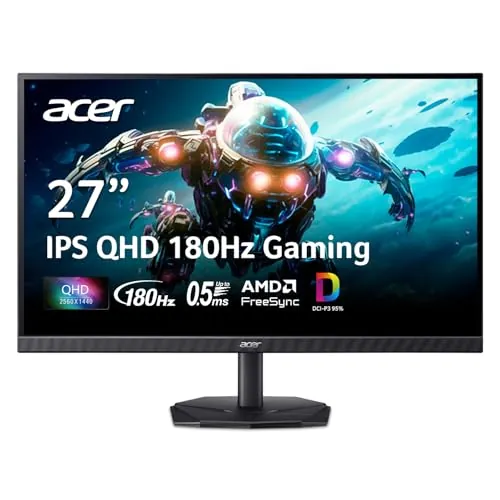
Samsung Odyssey G5 G51F LS27FG512ENXZA vs Acer Nitro KG271U N3 UM.HX1AA.307
The exact Samsung LS27FG512ENXZA is listed with a VA panel, 180Hz maximum and a height-adjustable pivot stand. Acer's US KG271U N3, part UM.HX1AA.307, is an IPS monitor whose official specification lists 180Hz at 2560×1440 over DisplayPort and 144Hz over HDMI; its stand tilts but does not adjust in height. Choose by panel preference, the port your computer can use, and whether you need to reposition the included stand. Do not assume Samsung reaches its maximum over every input: its accessible exact-model specification does not publish that per-port limit.
Read comparison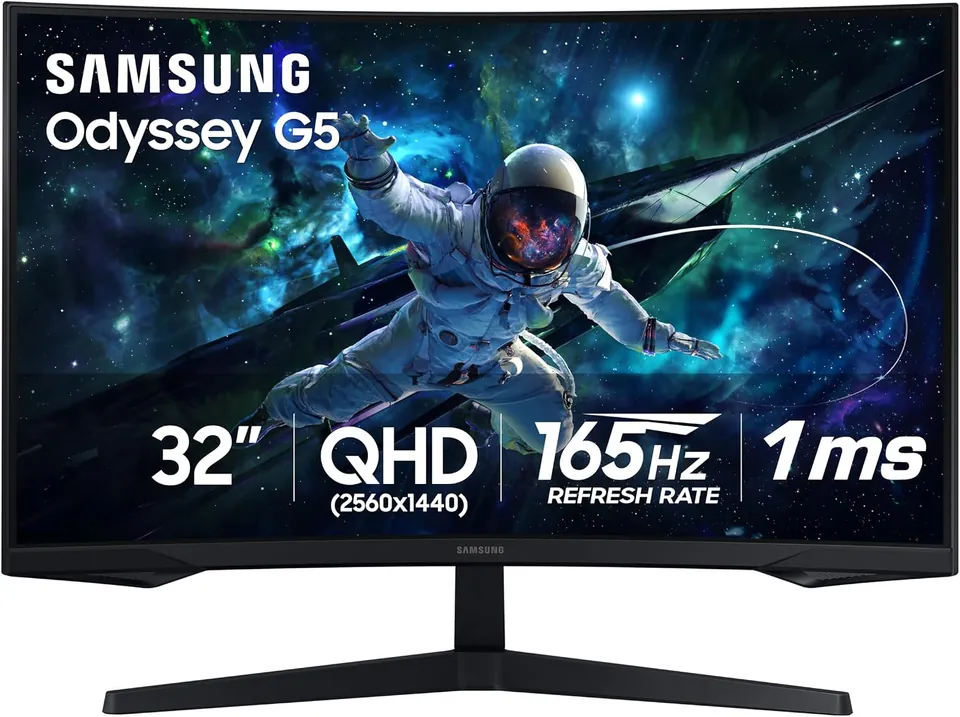
Samsung Odyssey G5 G55C vs G50F: Curved Screen or Adjustable Flat Setup?
Both are 32-inch-class QHD Odyssey G5 monitors, but the exact G55C LS32CG550ENXZA is curved and tilt-only, while the G50F S32FG502EN / LS32FG502ENXZA is flat with height, swivel and pivot adjustments. Choose by screen preference, desk or arm fit, and whether your specific source can use the refresh mode you want.
Read comparison