
Products compared
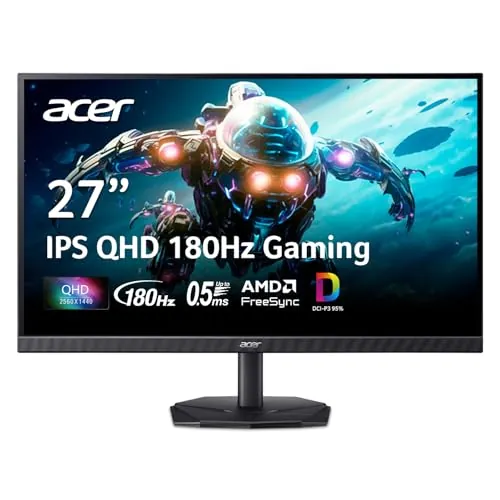
Acer
Acer Nitro KG271U N3bmiipx
U.S. 27-inch WQHD IPS monitor; exact Acer part UM.HX1AA.307.
Model KG271U N3 (UM.HX1AA.307)
Amazon ASIN B0D8LH2VSP
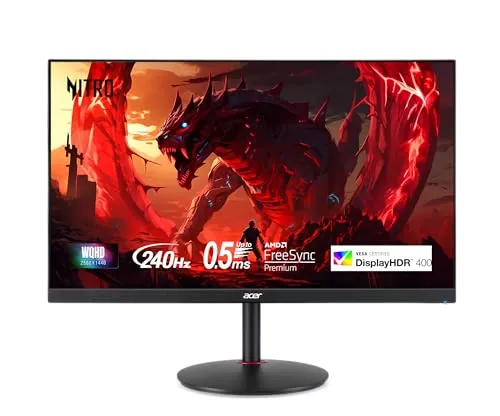
Acer
Acer Nitro XV272U W2bmiiprx
U.S. 27-inch WQHD IPS monitor; exact Acer part UM.HX2AA.201.
Model XV272U W2 (UM.HX2AA.201)
Amazon ASIN B0C1T35BCF
Differences that matter
What matters most to you?
Choose a priority to see what it changes.
Sources for Resolution and screen size
Sources for Maximum listed QHD refresh by input
Sources for Built-in stand adjustment
Start with the input you will actually use
Both exact Acer parts are listed as 27-inch WQHD IPS monitors with a 2560 × 1440 maximum resolution. At that resolution, Acer lists the KG271U N3 at up to 180Hz through DisplayPort and 144Hz through HDMI; the XV272U W2 is listed at up to 240Hz through DisplayPort and 144Hz through HDMI. The W2's spec advantage is therefore specific to a DisplayPort path above 180Hz, not an HDMI connection.
Treat those numbers as the manufacturer's listed ceilings. They do not promise a particular result from your computer, game, cable or settings. Before choosing on refresh, identify your graphics output, the monitor input you will use, and the mode your own setup can select at 2560 × 1440. If HDMI is your planned connection and 144Hz is sufficient, the listed refresh figures do not separate these models.
Choose the stand by movement and the room it occupies
The KG271U N3's stand is tilt-only in Acer's specification: -5° to 25°, with no adjustable height, swivel or pivot listed. Acer gives it a 100 × 100mm VESA pattern if you are considering an arm, but confirm the mount's own supported load and installation requirements.
The XV272U W2 adds up to 4.72 inches of height adjustment, swivel, pivot and the same listed tilt range. With the stand, Acer lists the N3 at 24.15 × 18.06 × 8.28 inches (W × H × D) and the W2 at 24.17 × 20.51 × 9.21 inches. Measure your desk, shelf or wall clearance and the space needed for the movement you plan to use; those published envelopes are not a fit certification.
Check the box and mount before purchase
Acer lists an HDMI cable, DisplayPort cable and U.S. power cord in each exact model's package contents. The KG271U N3 page lists DisplayPort 1.2 and HDMI Version 2; the XV272U W2 page lists DisplayPort 1.4 and HDMI 2.0. The pages do not establish the top mode your own source and cable path will deliver, so verify the full connection chain rather than relying on the port label alone.
Both Acer pages list VESA 100 × 100mm compatibility. If you plan an arm, check its specifications against the exact monitor's VESA pattern, weight and mounting instructions, and confirm that the arm's movement range suits your desk. If you will keep the supplied stands, plan around their listed width, height and depth instead.
Product details
Acer Nitro KG271U N3bmiipx
The KG271U N3 is the fit when its listed QHD refresh ceiling over your chosen input and its tilt-only stand meet the setup. Acer lists a 100 × 100mm VESA pattern if you are considering a separate mount; check that mount's own requirements before relying on fit.
- Display
- 27-inch WQHD (2560 × 1440), IPS Source
- Maximum listed refresh by input
- 2560 × 1440 at 180Hz via DisplayPort; 2560 × 1440 at 144Hz via HDMI Source
- Stand and mount
- Tilt -5° to 25°; no adjustable height, swivel or pivot listed; VESA 100 × 100mm Source
- With-stand dimensions
- 24.15 in W × 18.06 in H × 8.28 in D Source
- Listed box cables
- HDMI cable and DisplayPort cable; Acer lists a U.S. power cord Source
Acer Nitro XV272U W2bmiiprx
The XV272U W2 adds a higher listed DisplayPort maximum and built-in height, swivel and pivot movement. Those specifications matter only if your source/input and desk arrangement make use of them.
- Display
- 27-inch WQHD (2560 × 1440), IPS Source
- Maximum listed refresh by input
- 2560 × 1440 at 240Hz via DisplayPort; 2560 × 1440 at 144Hz via HDMI Source
- Stand and mount
- Height adjustment up to 4.72 in, swivel -360° to 360°, pivot, tilt -5° to 25°; VESA 100 × 100mm Source
- With-stand dimensions
- 24.17 in W × 20.51 in H × 9.21 in D Source
- Listed box cables
- DisplayPort cable and HDMI cable; Acer lists a U.S. power cord Source
Before you buy
Community discussions
Choosing which input to use for 1440p
Acer Nitro KG271U N3bmiipx
A KG271U owner asks which connection to use for a 1440p setup. They give the N3bmiipx suffix and exact listing in follow-ups.
What to check
Check your computer’s available outputs and each monitor’s supported modes for those ports before choosing a cable or monitor.
Common questions
Does the XV272U W2 list 240Hz over HDMI?
No. Acer lists up to 144Hz at 2560 × 1440 over HDMI for both exact models. The W2's listed 240Hz maximum is through DisplayPort.Nitro KG1 - KG271U N3 Tech Specs | Gaming LCD Monitor | Acer United StatesNitro XV2 - XV272U W2 Tech Specs | Gaming LED Monitor | Acer United States
Which one has an adjustable-height stand?
Acer lists up to 4.72 inches of height adjustment, swivel and pivot for the XV272U W2. Its KG271U N3 page lists tilt from -5° to 25° and no adjustable display height, swivel or pivot.Nitro KG1 - KG271U N3 Tech Specs | Gaming LCD Monitor | Acer United StatesNitro XV2 - XV272U W2 Tech Specs | Gaming LED Monitor | Acer United States
Will my computer reach the listed maximum refresh rate?
The Acer specifications do not establish the result for your computer, game, cable and settings combination. Check your source's available output modes for the exact resolution, input and cable path you plan to use.Nitro KG1 - KG271U N3 Tech Specs | Gaming LCD Monitor | Acer United StatesNitro XV2 - XV272U W2 Tech Specs | Gaming LED Monitor | Acer United States
Sources and scope
This is a specification-based comparison of the exact U.S. Acer parts UM.HX1AA.307 and UM.HX2AA.201. Acer's listed maximum signal modes do not establish that a particular host, cable, game or settings combination will reach them. No motion, image-quality, color, latency or compatibility testing was performed.
Related comparisons
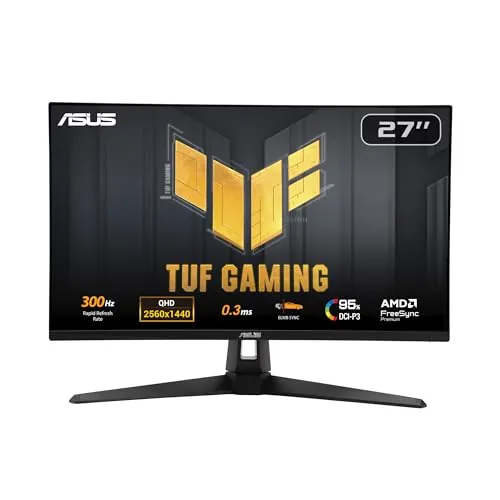
ASUS VG27AQM5A vs Acer XV272U W2bmiiprx: 300Hz or an Adjustable Stand?
Both are 27-inch 1440p monitors, but their listed refresh ceilings depend on the input: ASUS VG27AQM5A supports up to 300Hz at 1440p over HDMI and DisplayPort, while Acer's exact U.S. XV272U W2bmiiprx (UM.HX2AA.201) lists 240Hz over DisplayPort and 144Hz over HDMI. Acer adds height and pivot adjustment. Before choosing, match your graphics output, cable, operating-system refresh setting and monitor OSD; listed modes alone do not prove better motion or image quality.
Read comparison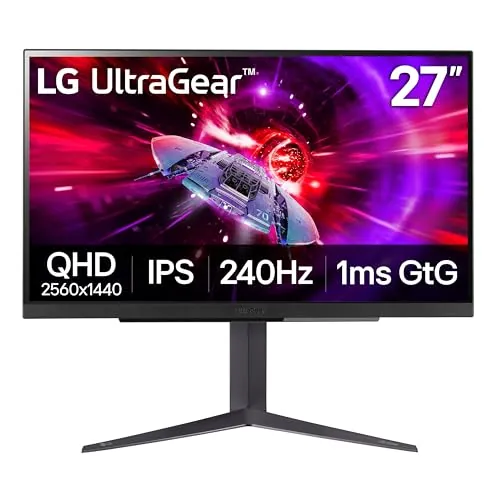
LG 27GR83Q-B vs Acer XV272U W2: Refresh Rate by Input and Stand Fit
The LG 27GR83Q-B.AUS and Acer Nitro XV272U W2bmiiprx are 27-inch QHD monitors. LG lists 240Hz with HDMI 2.1 and DisplayPort 1.4, and says a compatible graphics card and cable are required. Acer's exact U.S. part UM.HX2AA.201 lists QHD up to 144Hz over HDMI 2.0 and up to 240Hz over DisplayPort 1.4. If your computer will use DisplayPort, both makers list QHD 240Hz; if it must use HDMI at that target, LG's published connection mode is the differentiator. Acer's U.S. page explicitly lists swivel; LG's U.S. page lists tilt, height and pivot, while exact numerical LG stand details come from a Korean-region model page.
Read comparison