
Products compared
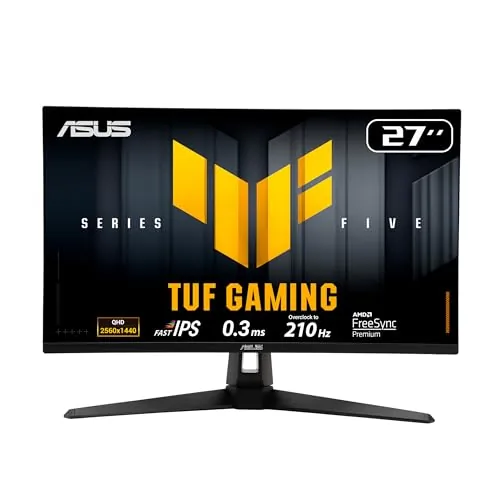
ASUS
ASUS TUF Gaming VG27AQL5A
US-market 27-inch QHD Fast IPS monitor; exact listed model VG27AQL5A
Model VG27AQL5A
Amazon ASIN B0F237NSVQ
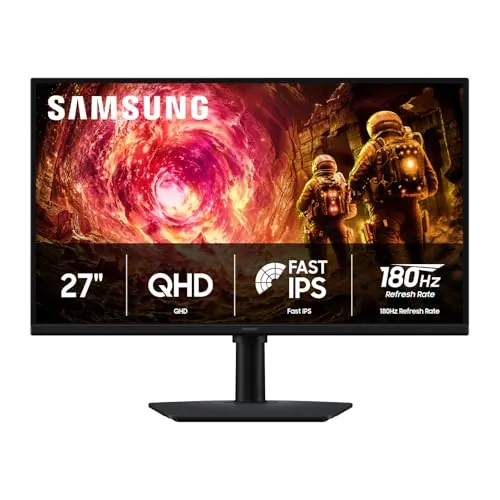
Samsung
Samsung Odyssey G5 G50F 27-inch QHD Gaming Monitor
US-market 27-inch G50F model; Samsung identifies the exact product as S27FG502EN / LS27FG502ENXZA
Model S27FG502EN / LS27FG502ENXZA
Amazon ASIN B0G1DZ7WN8
Differences that matter
What matters most to you?
Choose a priority to see what it changes.
Sources for Maximum listed refresh and connection conditions
Sources for Stand height travel
Sources for Stand swivel
Sources for Resolution and screen size
Start with your graphics output
For a PC that can use refresh above 180Hz, the ASUS is the sourced fit only if the required display mode works through DisplayPort: ASUS lists a 210Hz maximum there and marks that ceiling as overclocked. The same specification page lists HDMI vertical frequency only up to 144Hz, so the 210Hz headline should not be treated as an HDMI mode.
The ASUS has two HDMI inputs plus one DisplayPort; the Samsung has one HDMI and one DisplayPort. That difference matters if you want multiple HDMI sources attached without swapping cables. Samsung lists 180Hz maximum, but its US page does not specify a refresh ceiling for each input. Confirm the exact mode with the source device before buying either monitor for a required connection-specific rate.
Then match the stand to the desk
Both stands support height, tilt, swivel, and portrait pivot, but their listed ranges differ. ASUS provides 0–130mm height travel, ±20° swivel, +20°/−5° tilt, and ±90° pivot. Samsung lists 105mm (±5mm) height travel, ±45° (±3°) swivel, −3° (±2°) to 25° (±2°) tilt, and ±92° (±2°) pivot. That gives Samsung more listed side-to-side rotation and ASUS more nominal height travel; it does not establish comfort or fit for a particular person.
If either monitor will sit on an arm, compare the exact screen dimensions without the stand and verify mounting requirements with the manuals and arm manufacturer. If using the included base, mark the intended position and check the available desk depth before purchase.
What the specifications do not settle
The two products share a 27-inch QHD (2560 × 1440) resolution. The published figures do not tell us which one produces better image quality, HDR, motion clarity, latency, or results in a particular game. Choose from the documented connection and stand requirements, then check current mode support for your own PC or console.
Product details
ASUS TUF Gaming VG27AQL5A
- Resolution and panel
- 27-inch, 2560 × 1440, Fast IPS Source
- Refresh and inputs
- Maximum 210Hz over DisplayPort (overclocked); ASUS lists HDMI vertical frequency as 48–144Hz. One DisplayPort 1.4 and two HDMI 2.0 inputs. Source
- Stand adjustment
- 0–130mm height, ±20° swivel, +20°/−5° tilt, and ±90° pivot. Source
- Wall mount
- 100 × 100mm VESA pattern. Source
Samsung Odyssey G5 G50F 27-inch QHD Gaming Monitor
- Resolution and panel
- 27-inch, 2560 × 1440, Fast IPS. Source
- Refresh and inputs
- Samsung lists a maximum 180Hz, one DisplayPort 1.2, and one HDMI 2.0 input; its cited US page does not state a per-input refresh ceiling. Source
- Stand adjustment
- 105mm (±5mm) height, ±45° (±3°) swivel, −3° (±2°) to 25° (±2°) tilt, and ±92° (±2°) pivot. Source
Before you buy
Community discussions
Connecting through a laptop dock
ASUS TUF Gaming VG27AQL5A
A VG27AQL5A owner in Germany described using a laptop dock’s DisplayPort output to connect the monitor.
What to check
Check the video outputs on your laptop or dock and the display modes available over the connection you will actually use.
Choosing a 27-inch display for a gaming PC
Samsung Odyssey G5 G50F 27-inch QHD Gaming Monitor
A shopper compared the ASUS VG27AQL5A with a Samsung G50F among several 27-inch QHD options and weighed their advertised refresh rates.
What to check
Check which resolution and refresh modes your PC can output through the available cable, then compare the settings of each exact display.
Common questions
Can the ASUS VG27AQL5A reach 210Hz over HDMI?
ASUS lists 210Hz over DisplayPort and an HDMI vertical-frequency range up to 144Hz. ASUS labels 210Hz as an overclocked maximum, so verify the source and connection for the mode you plan to use.TUF Gaming VG27AQL5A - Tech SpecsTUF Gaming VG27AQL5A
Which monitor can swivel farther on its stand?
Samsung lists ±45° (±3°) swivel; ASUS lists ±20°. ASUS lists more nominal height travel, 130mm versus Samsung's 105mm (±5mm). Choose by the movement your desk needs rather than assuming one stand fits every setup better.TUF Gaming VG27AQL5A - Tech Specs27 Inch Odyssey G5 G50F 180Hz Gaming Monitor (LS27FG502ENXZA)
Are these 4K monitors?
No. Both exact models are listed at 2560 × 1440 QHD resolution and 27 inches.TUF Gaming VG27AQL5A - Tech Specs27 Inch Odyssey G5 G50F 180Hz Gaming Monitor (LS27FG502ENXZA)
Sources and scope
This is a specification-based fit guide for ASUS TUF Gaming VG27AQL5A (US ASIN B0F237NSVQ) and Samsung Odyssey G5 G50F S27FG502EN / LS27FG502ENXZA (US ASIN B0G1DZ7WN8). It does not compare measured image quality, motion clarity, input lag, HDR impact, reliability, or gaming performance. ASUS labels 210Hz as overclocked and specifies 210Hz over DisplayPort versus a 144Hz upper vertical frequency over HDMI. Samsung's US page identifies 180Hz maximum but does not state the maximum separately for each input; confirm the exact mode with the source device and connection you plan to use.
Related comparisons
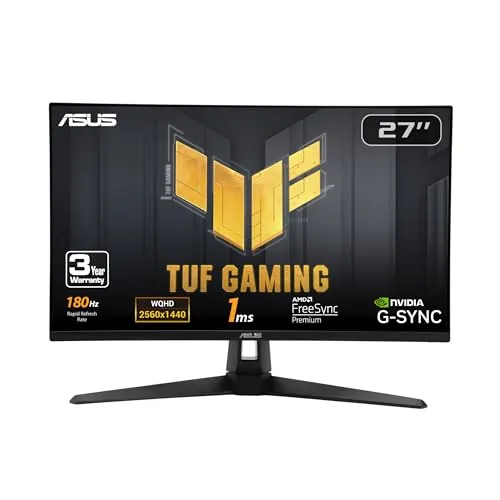
ASUS VG27AQL5A vs VG27AQ3A: Check the Port and Stand Before You Buy
Both are 27-inch QHD ASUS TUF Gaming monitors with DisplayPort 1.4 and two HDMI 2.0 inputs. ASUS lists the VG27AQL5A up to 210Hz over DisplayPort and gives it a height-adjustable, pivoting stand; the VG27AQ3A is listed up to 180Hz over DisplayPort and has no height adjustment. Both HDMI signal ranges stop at 144Hz, so the 210Hz headline only helps a compatible DisplayPort setup.
Read comparison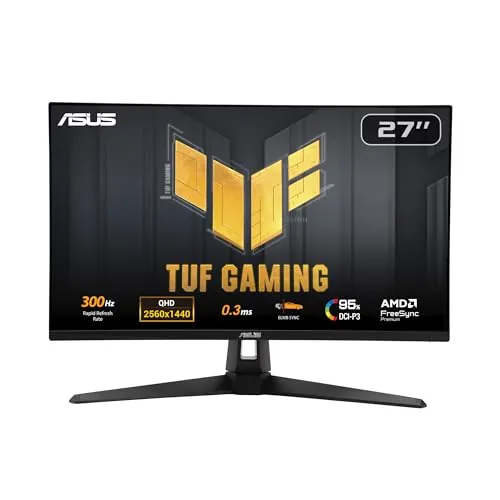
ASUS TUF Gaming VG27AQM5A vs VG27AQL5A: Refresh Rate or Stand Adjustments?
These two 27-inch QHD TUF Gaming monitors differ in a practical way: the VG27AQM5A manual lists 2560×1440 at 300Hz over both HDMI and DisplayPort, while ASUS lists the VG27AQL5A's maximum as 210Hz (OC), with HDMI signal timing up to 144Hz and DisplayPort up to 210Hz. The VG27AQL5A also has a 0–130 mm height range and ±90° pivot; the VG27AQM5A is listed without height adjustment or pivot. Before buying, match your graphics card or console, selected input, cable and target resolution to the exact supported timing. Both support a 100×100 mm VESA mount.
Read comparison