Pickagu

Monitors

Find your model below to compare what is included and how the differences affect everyday use.

77 comparisons

Monitors comparisons

ASUS ProArt Display PA278QV · PA278QV
ASUS ProArt Display PA278QV
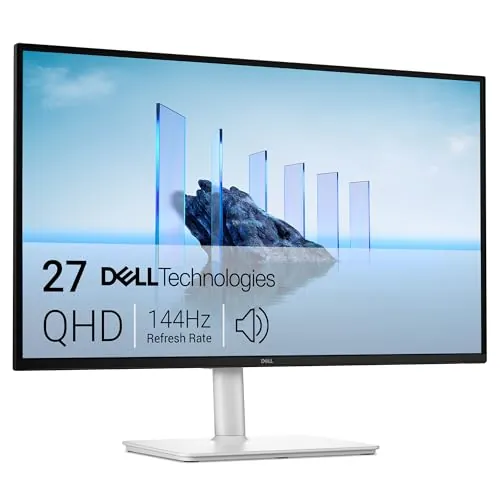
Dell 27 Plus QHD Monitor S2725DSM · S2725DSM (manufacturer part GTT45)
Dell 27 Plus QHD Monitor S2725DSM

ASUS PA278QV vs Dell S2725DSM: QHD Refresh, USB Hub and Desk Fit

Both are 27-inch QHD monitors with adjustable stands, but the desk connections differ. ASUS PA278QV tops out at 75Hz and has four USB-A peripheral ports that require a separate USB-B upstream path to the host. Dell S2725DSM (GTT45, Ash White) lists QHD 144Hz support over HDMI, DisplayPort 1.4, and no USB or USB-C. Confirm your computer, adapter and cable can supply your intended display mode, then decide whether peripherals need to plug into the monitor itself.

Read comparison
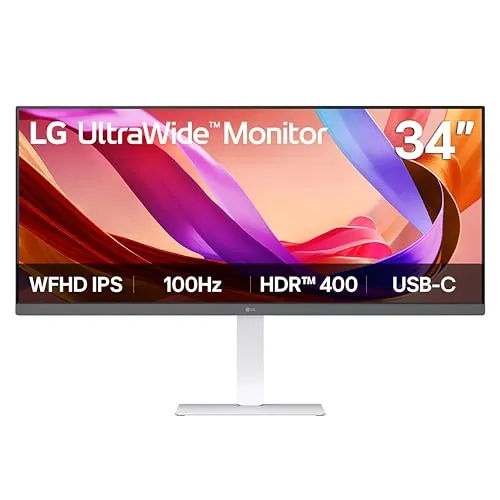
LG 34U530A-W UltraWide Monitor · 34U530A-W.AUS
LG 34U530A-W UltraWide Monitor
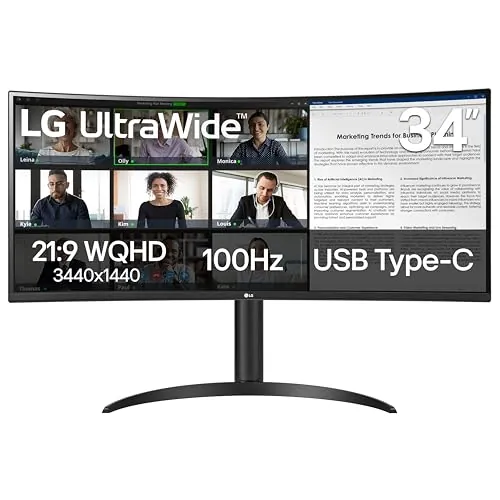
LG 34WR55QK-B UltraWide Monitor · 34WR55QK-B.AUS
LG 34WR55QK-B UltraWide Monitor

LG 34U530A-W vs 34WR55QK-B: Choose Resolution or Stand Swivel

The white LG 34U530A-W is listed at 2560 × 1080 and its U.S. product page specifies height, tilt, and swivel. The black LG 34WR55QK-B is 3440 × 1440 and its supplied stand adjusts for height and tilt; LG also specifies USB-C power delivery up to 65W. Choose by your required desktop resolution, stand movement, and laptop charging setup rather than assuming one monitor is a universal upgrade.

Read comparison
ASUS ProArt PA278QV · PA278QV
ASUS ProArt PA278QV
LG 34WR55QK-B.AUS · 34WR55QK-B.AUS
LG 34WR55QK-B.AUS

ASUS PA278QV vs LG 34WR55QK-B: Choose by Desktop Layout and Ports

Both monitors have 1440 native rows in landscape, but their layouts and desk connections differ. The 27-inch ASUS PA278QV has a narrower footprint, a stand that pivots to portrait, one HDMI input and four USB-A downstream ports that need a separate upstream cable. The 34-inch LG 34WR55QK-B.AUS adds horizontal pixels, two HDMI inputs and USB-C with up to 65W power delivery, while taking more desk width and providing two downstream USB ports. Check your desk and host ports before choosing.

Read comparison
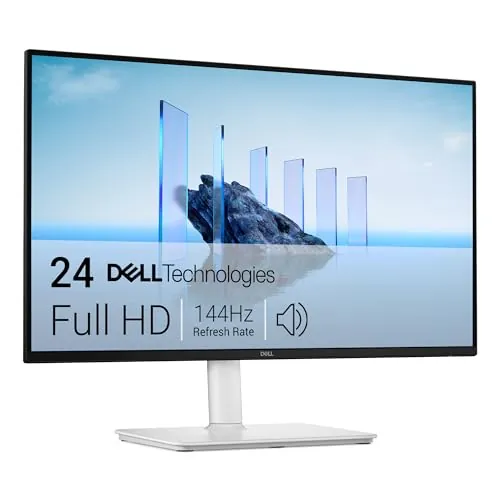
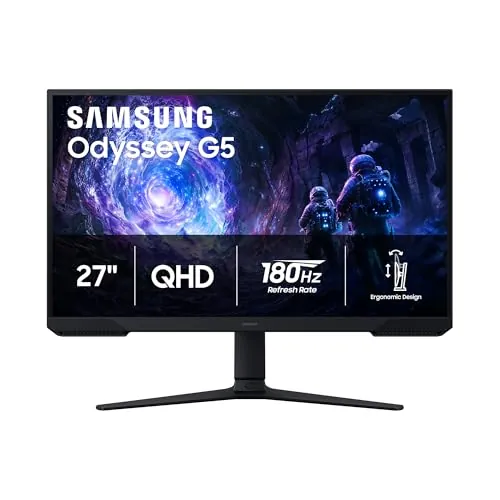
Samsung 27-inch Odyssey G5 G51F QHD 180Hz Gaming Monitor · LS27FG512ENXZA
Samsung 27-inch Odyssey G5 G51F QHD 180Hz Gaming Monitor
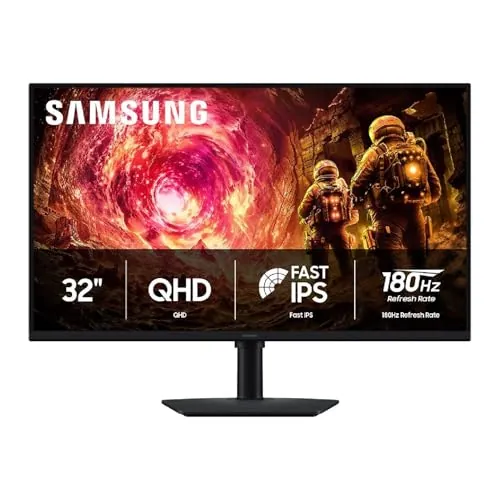
Samsung 32-inch Odyssey G5 G50F QHD 180Hz Gaming Monitor · LS32FG502ENXZA
Samsung 32-inch Odyssey G5 G50F QHD 180Hz Gaming Monitor

Samsung Odyssey G5 G51F 27-inch vs G50F 32-inch: Desk and Input Fit

Choose the 27-inch Odyssey G5 G51F if you need the smaller stand footprint. Choose the 32-inch G50F if its wider panel fits your desk. Samsung lists QHD resolution, up to 180Hz and 100 × 100 mm VESA mounting for both. Compare the 618 mm and 715 mm case widths and confirm the exact source and input mode.

Read comparison
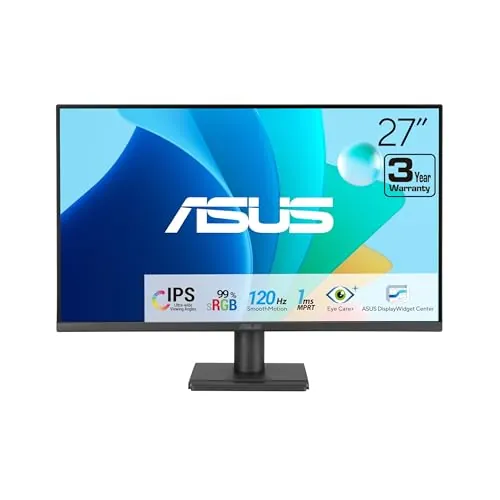
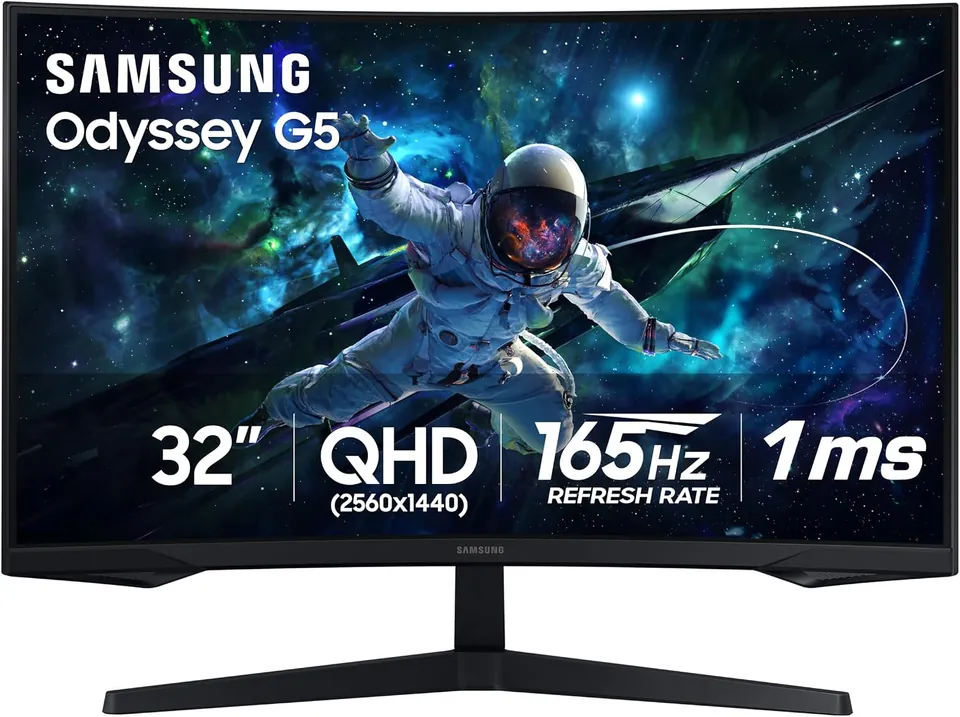
Samsung Odyssey G5 G55C 32-inch QHD Curved Gaming Monitor · LS32CG550ENXZA
Samsung Odyssey G5 G55C 32-inch QHD Curved Gaming Monitor
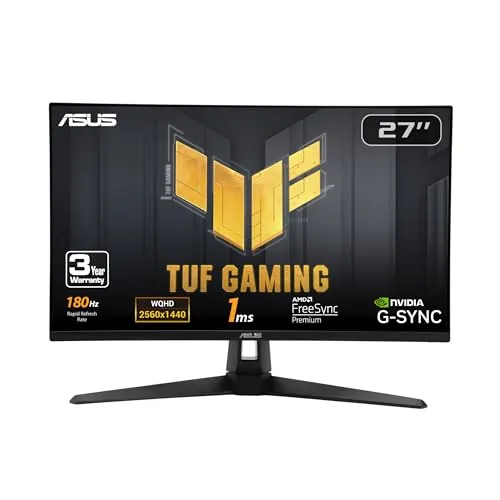
ASUS TUF Gaming VG27AQ3A 27-inch QHD Monitor · VG27AQ3A
ASUS TUF Gaming VG27AQ3A 27-inch QHD Monitor

Samsung Odyssey G55C 32-inch vs ASUS TUF VG27AQ3A: Ports and Desk Fit

Both are QHD monitors, but the Samsung LS32CG550ENXZA is a 32-inch-class 1000R curved model with one HDMI and one DisplayPort input; the ASUS VG27AQ3A is 27 inches with two HDMI inputs and a stand that tilts and swivels. Measure the stand footprint and check each device's output mode before choosing.

Read comparison
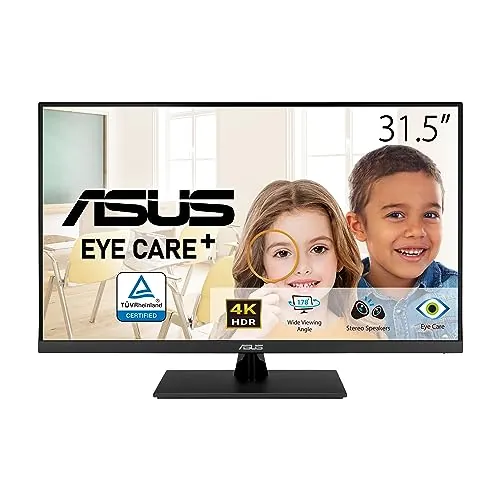
ASUS ROG Strix XG27ACMG 27-inch 1440p Gaming Monitor · XG27ACMG
ASUS ROG Strix XG27ACMG 27-inch 1440p Gaming Monitor
ASUS ROG Strix XG27ACS 27-inch 1440p Gaming Monitor · XG27ACS
ASUS ROG Strix XG27ACS 27-inch 1440p Gaming Monitor

ASUS ROG Strix XG27ACMG vs XG27ACS: Refresh Rate, Inputs and USB-C Power

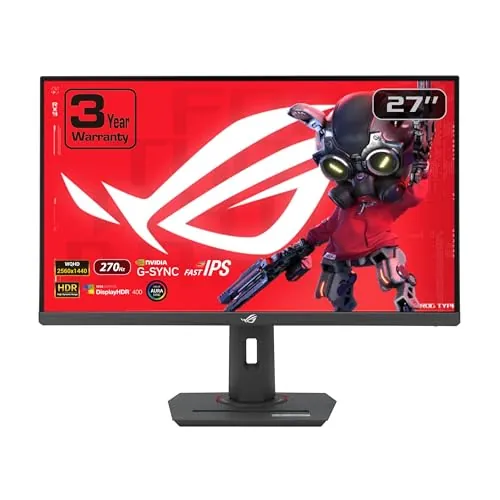
The exact U.S. XG27ACMG (B0CZWPFBHS) and XG27ACS (B0CV24GQ9W) share a 27-inch, 2560 × 1440 format, but their input limits matter more than the headline number. ASUS documents up to 270Hz over DisplayPort/USB-C on the XG27ACMG and 180Hz over those inputs on the XG27ACS. The XG27ACS is listed at 144Hz maximum over HDMI. For the XG27ACMG, ASUS's tech-spec frequency table says HDMI can reach 270Hz while its manual's overclocking note says that 270Hz overclock is only for DisplayPort/USB-C; ask ASUS to resolve that conflict before buying for an HDMI-only setup. USB-C power delivery is listed as 15W on the XG27ACMG and 7.5W on the XG27ACS.

Read comparison
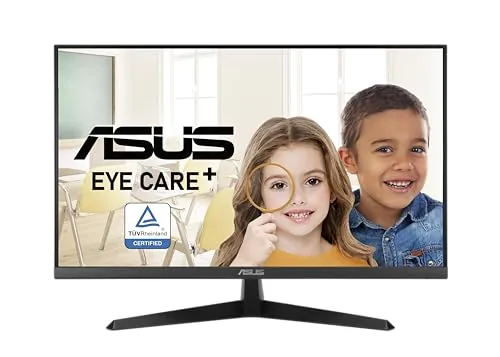
LG 34-inch UltraWide Curved Monitor 34WR55QK-B · 34WR55QK-B.AUS
LG 34-inch UltraWide Curved Monitor 34WR55QK-B
LG 34-inch UltraWide WQHD Curved Monitor 34U60ZB-B · 34U60ZB-B.AUSQ
LG 34-inch UltraWide WQHD Curved Monitor 34U60ZB-B

LG 34WR55QK-B vs 34U60ZB-B: USB-C Setup or 120Hz

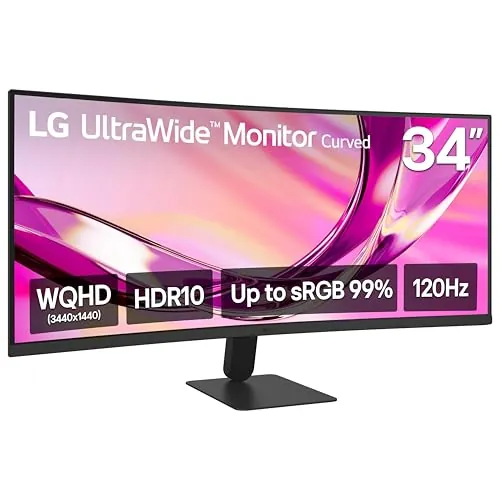
LG lists a 100 Hz maximum, USB-C with up to 65 W power delivery and picture-by-picture for the 34WR55QK-B. The 34U60ZB-B has a 120 Hz maximum and documented DisplayPort and HDMI connections. Both are curved 34-inch ultrawides. Choose by the laptop or two-source workflow you need, and confirm your input can reach your desired refresh rate.

Read comparison
ASUS TUF Gaming VG27AQ3A 27-inch QHD Monitor · VG27AQ3A
ASUS TUF Gaming VG27AQ3A 27-inch QHD Monitor
Acer Nitro XV272U W2bmiiprx 27-inch QHD Monitor (UM.HX2AA.201) · XV272U W2; part UM.HX2AA.201
Acer Nitro XV272U W2bmiiprx 27-inch QHD Monitor (UM.HX2AA.201)

ASUS TUF Gaming VG27AQ3A vs Acer Nitro XV272U W2: QHD Inputs and Desk Fit

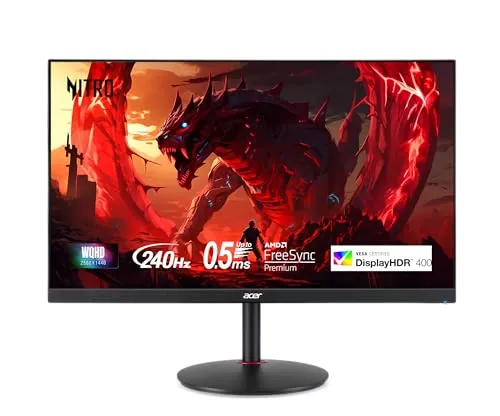
Both are 27-inch QHD monitors with DisplayPort 1.4 and two HDMI 2.0 inputs. ASUS lists QHD-class signal ranges up to 180Hz over DisplayPort and 144Hz over HDMI; Acer lists QHD up to 240Hz over DisplayPort and 144Hz over HDMI. Acer also lists height and pivot adjustment. Check your host output, cable, box contents and actual desk clearance before choosing.

Read comparison
Samsung 27-inch S30GD Business Essential Monitor · LS27D304GANXZA
Samsung 27-inch S30GD Business Essential Monitor
Samsung 27-inch Essential Monitor S3 S32GF · LS27F320GANXZA
Samsung 27-inch Essential Monitor S3 S32GF

Samsung S30GD vs S32GF 27-inch monitors: ports, refresh and desk fit

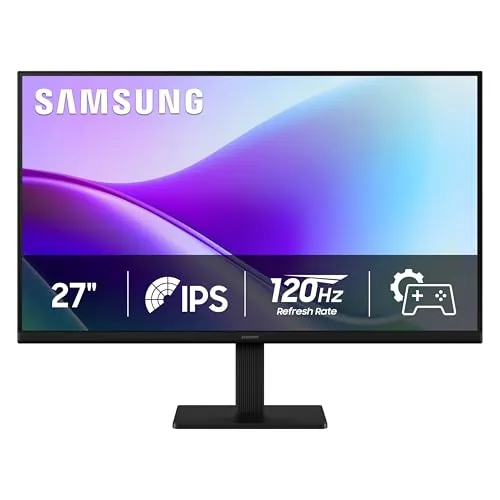
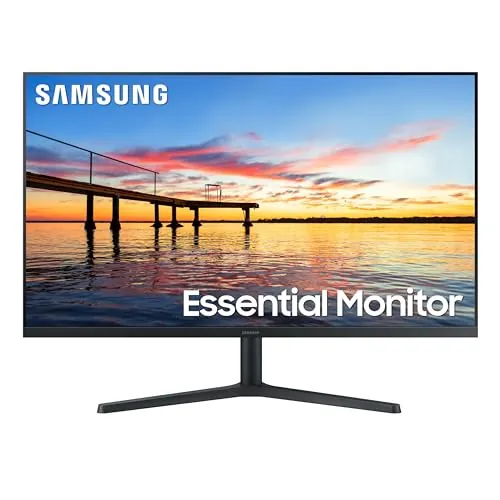
Both 27-inch Full HD IPS monitors share the same listed stand footprint, tilt range and 100 × 100 mm VESA pattern. Their practical differences are at the back of the display: Samsung’s U.S. S30GD datasheet lists one VGA and one HDMI input with a 100Hz maximum, while Samsung Canada documents two HDMI 1.4 inputs and a 120Hz maximum for exact S32GF code LS27F320GANXZA. The S32GF page says 60Hz is the default and can be adjusted to 120Hz; your source device, connection and settings must support the mode you want. The S32GF source is Canada-market documentation, so confirm the U.S. offer’s exact code and included box contents before buying.

Read comparison
Samsung S32B304NWN 32-inch FHD Flat Monitor · S32B304NWN / LS32B304NWNXGO
Samsung S32B304NWN 32-inch FHD Flat Monitor
LG 32MR50C-B 32-inch FHD Curved Monitor · 32MR50C-B.AUSQ
LG 32MR50C-B 32-inch FHD Curved Monitor

Samsung S32B304NWN vs LG 32MR50C-B: Flat, Curved and 75Hz vs 100Hz

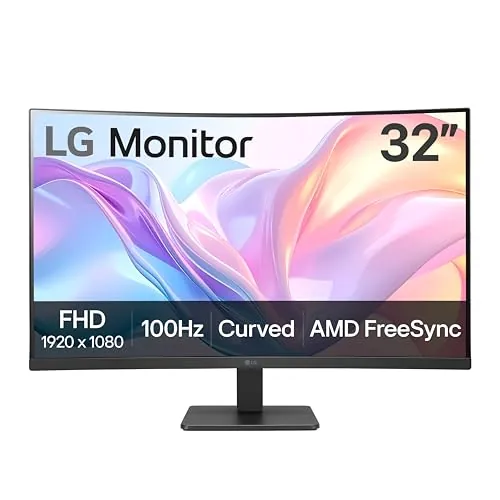
Both are 32-inch-class Full HD monitors. Samsung identifies the S32B304NWN as flat and lists a 75Hz maximum, one HDMI 1.4 input and one DisplayPort 1.2 input. LG’s U.S. support page identifies the 32MR50C-B.AUSQ as curved and 100Hz; LG’s detailed port table is on its Canadian page for the 32MR50C-B family, so confirm the U.S. box/manual before relying on port count or input-specific modes. Decide by screen shape, source-device output and the space available for each stand or mount.

Read comparison
Philips 24-inch LCD Monitor 241V8LB/27 · 241V8LB/27
Philips 24-inch LCD Monitor 241V8LB/27
Dell 24 Monitor SE2426H · SE2426H
Dell 24 Monitor SE2426H

Philips 241V8LB/27 vs Dell SE2426H: Inputs, Refresh Modes and Desk Fit

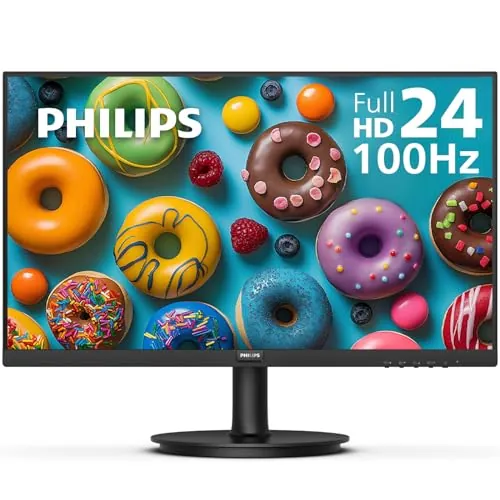
Both are listed as 23.8-inch Full HD monitors, but their connections differ: the Philips 241V8LB/27 has VGA plus one HDMI input, while Dell's SE2426H has two HDMI inputs. Philips lists a 100Hz Full HD maximum with an HDMI-only maximum-resolution note; Dell lists 1920×1080 at 144Hz over its HDMI ports. Check your computer's output, cable and settings before choosing a target mode.

Read comparison
LG 34U530A-W 34-inch UltraWide Monitor · 34U530A-W.AUS
LG 34U530A-W 34-inch UltraWide Monitor
Samsung ViewFinity S5 S50GC 34-inch Monitor · LS34C502GANXZA
Samsung ViewFinity S5 S50GC 34-inch Monitor

LG 34U530A-W vs Samsung ViewFinity S5 S50GC: Resolution and Desk Fit

Both are 34-inch, 21:9 monitors rated up to 100 Hz. Choose the LG 34U530A-W.AUS if a height-adjustable stand and USB-C video from a compatible laptop matter to you. Plan for a separate laptop charger. Choose the Samsung LS34C502GANXZA if you want its 3440 × 1440 desktop and have HDMI or DisplayPort. LG lists a 2560 × 1080 desktop.

Read comparison
Philips 241V8LB/27 23.8-inch Full HD Monitor · 241V8LB/27
Philips 241V8LB/27 23.8-inch Full HD Monitor
ASUS VA249QG 23.8-inch Full HD IPS Monitor · VA249QG
ASUS VA249QG 23.8-inch Full HD IPS Monitor

Philips 241V8LB/27 vs ASUS VA249QG: Ports, Refresh Modes and Desk Fit

The Philips 241V8LB/27 and ASUS VA249QG are both 23.8-inch 1920×1080 desktop monitors, but their published inputs and audio paths differ. Philips lists HDMI 1.4, VGA and audio out; its 100Hz maximum-resolution footnote applies to HDMI. ASUS adds DisplayPort 1.2, a headphone jack and 2W × 2 speakers, and lists up to 120Hz, with its exact-model specification page separating digital and VGA ranges. Choose by the video output and audio route your desk actually uses, then check stand clearance and the precise regional model on the offer.

Read comparison
ASUS TUF Gaming VG32VQM5AZ 31.5-inch Curved Monitor · VG32VQM5AZ
ASUS TUF Gaming VG32VQM5AZ 31.5-inch Curved Monitor
Samsung 32-inch Odyssey G5 G50F QHD LS32FG502ENXZA · LS32FG502ENXZA
Samsung 32-inch Odyssey G5 G50F QHD LS32FG502ENXZA

ASUS TUF VG32VQM5AZ vs Samsung Odyssey G50F 32: Resolution, Inputs and Stand Fit

Both are 32-class desktop monitors, but they target different setups. ASUS lists a 31.5-inch 1500R curved Full HD panel and a 240Hz overclocked maximum, with two HDMI 2.0 inputs plus DisplayPort 1.2. Samsung’s exact LS32FG502ENXZA is a flat QHD (2560 × 1440), max-180Hz model with one HDMI 2.0 and one DisplayPort 1.2, plus a height-adjustable stand with pivot. Choose by the resolution you want, the number of HDMI devices to leave connected, and the stand space you can measure; the available sources do not compare visual or gaming performance.

Read comparison
ASUS TUF Gaming VG32VQM5AZ · VG32VQM5AZ
ASUS TUF Gaming VG32VQM5AZ
Samsung Odyssey G5 G55C 32-inch (LS32CG550ENXZA) · LS32CG550ENXZA
Samsung Odyssey G5 G55C 32-inch (LS32CG550ENXZA)

ASUS VG32VQM5AZ vs Samsung Odyssey G55C 32: Resolution, Inputs and Mount Fit

These exact 32-inch-class curved monitors publish different display modes and connection layouts. ASUS lists 1920×1080 at up to 240Hz, two HDMI 2.0 ports, one DisplayPort 1.2 and a 100×100mm VESA pattern. Samsung's exact LS32CG550ENXZA page lists QHD 2560×1440 at up to 165Hz, one HDMI 2.0 and one DisplayPort 1.2; it lists 75×75mm wall-mount dimensions without naming a VESA standard. Match the desired mode to your computer or console's documented output, then verify the mount and desk space.

Read comparison
ASUS ROG Strix XG27ACS · XG27ACS
ASUS ROG Strix XG27ACS
Dell 27 Plus QHD Monitor S2725DSM · S2725DSM
Dell 27 Plus QHD Monitor S2725DSM

ASUS ROG Strix XG27ACS vs Dell S2725DSM: Match the Monitor to Your Inputs

Both are 27-inch QHD monitors with adjustable stands. The ASUS ROG Strix XG27ACS lists a 180Hz maximum over DisplayPort and USB-C, but its HDMI range tops out at 144Hz; its USB-C input carries DisplayPort video and provides only 7.5W power delivery. The Dell S2725DSM lists 144Hz over its HDMI or DisplayPort inputs and includes two 3W speakers, with no USB-C input. Check your host ports, required laptop power, desk depth and speaker plan before choosing.

Read comparison
Dell 27 Plus Monitor S2725HSM · S2725HSM
Dell 27 Plus Monitor S2725HSM
Dell 24 Plus Monitor S2425HSM · S2425HSM
Dell 24 Plus Monitor S2425HSM

Dell S2725HSM vs S2425HSM: Same FHD, Different Desk Fit

Both Dell Plus monitors are Ash White, 1920 × 1080 IPS displays rated at 144Hz with two built-in 3W speakers and two HDMI 1.4 inputs. The S2725HSM is 27 inches and lists 82 PPI; the S2425HSM is 23.8 inches and lists 93 PPI. Before choosing, measure both the base that sits on the desk and the full panel width and height you need to fit. These specifications describe size and fit, not which screen looks better.

Read comparison
Dell 27 Plus Monitor S2725HSM, Ash White · S2725HSM
Dell 27 Plus Monitor S2725HSM, Ash White
ASUS ROG Strix XG27ACS 27-inch Monitor · XG27ACS
ASUS ROG Strix XG27ACS 27-inch Monitor

Dell S2725HSM vs ASUS XG27ACS: Resolution, Inputs, and Desk Fit

Both are 27-inch monitors, but their setup choices differ. Dell lists a 1920 × 1080, 144Hz screen, two HDMI inputs, built-in speakers, and a stand depth of 7.95 inches. ASUS lists 2560 × 1440, up to 180Hz over DisplayPort or USB-C (144Hz over HDMI), plus only 7.5W USB-C Power Delivery. Check your host's output and desk space before choosing.

Read comparison
ASUS VA279QG 27-inch monitor · VA279QG
ASUS VA279QG 27-inch monitor
ASUS VA279HG 27-inch monitor · VA279HG
ASUS VA279HG 27-inch monitor

ASUS VA279QG vs VA279HG: Match Ports and Audio to Your Desk

For this US 27-inch monitor pair, the practical split is the VA279QG’s extra DisplayPort 1.2 input and listed 2 W × 2 speakers versus the VA279HG’s HDMI 1.4 and VGA inputs with no built-in speakers. Both list an earphone jack, but ASUS says it is available when an HDMI or DisplayPort cable is connected. Their listed stand footprint, tilt range, and VESA pattern match, so check source ports and audio routing first, then choose the screen that fits your desk or mount.

Read comparison
ASUS VP327Q Eye Care Monitor · VP327Q
ASUS VP327Q Eye Care Monitor
ASUS VY27UQ Eye Care Monitor · VY27UQ
ASUS VY27UQ Eye Care Monitor

ASUS VP327Q vs VY27UQ: 31.5-Inch or 27-Inch 4K?

Both ASUS USA specification tables list 3840 × 2160 resolution and a 60Hz maximum. The 31.5-inch VP327Q is about 28.13 inches wide with its stand attached; the 27-inch VY27UQ is about 24.13 inches wide and has a higher calculated pixel density from the same 4K raster. Both stands tilt but lack height adjustment, and their listed inputs differ. Measure your workspace, match ports to the host and cable, and check the exact regional unit: ASUS marks dimensions as estimates and its VP327Q/VY27UQ pages contain conflicting image labels.

Read comparison