
Pickagu

Monitors

Find your model below to compare what is included and how the differences affect everyday use.

77 comparisons

Monitors comparisons

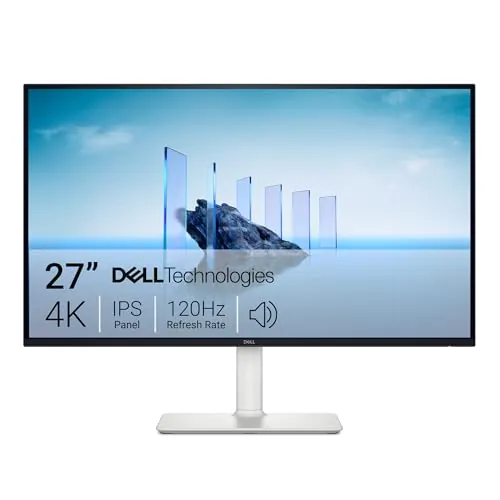
Dell 27 Monitor S2725QS, Ash White · S2725QS
Dell 27 Monitor S2725QS, Ash White
ASUS ProArt Display PA278QV 27-inch QHD Monitor · PA278QV
ASUS ProArt Display PA278QV 27-inch QHD Monitor

Dell S2725QS vs ASUS PA278QV: Match the Display Mode to Your Ports

Both are 27-inch monitors, but their published display formats and connection panels point to different setups. Dell lists 3840 × 2160 at up to 120Hz over its HDMI 2.1 and DisplayPort 1.4 inputs. ASUS lists 2560 × 1440 at up to 75Hz, DVI-D and Mini DisplayPort alongside HDMI and DisplayPort, plus four USB-A hub ports. Before choosing, check the exact output and mode your computer supports; if you want the ASUS USB hub, plan for its USB-B upstream connection too.

Read comparison
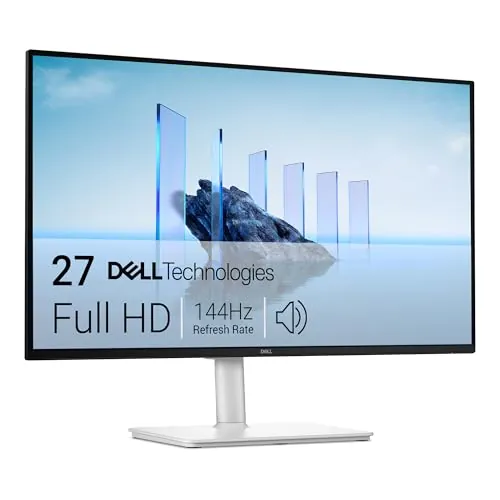
Dell 27 Plus Monitor · S2725HSM
Dell 27 Plus Monitor
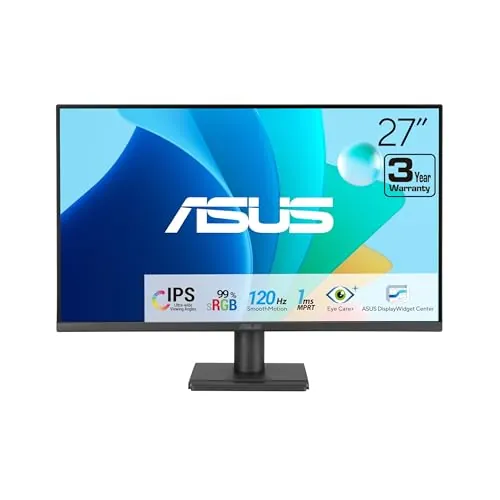
ASUS VA279HG Eye Care Monitor · VA279HG
ASUS VA279HG Eye Care Monitor

Dell S2725HSM vs ASUS VA279HG: Inputs, Refresh Limits and Stand Fit

Both exact US models are 27-inch 1920 × 1080 monitors. Dell S2725HSM lists two HDMI 1.4 inputs and an included stand with height, swivel, pivot and tilt adjustment. ASUS VA279HG lists HDMI plus VGA, a headphone jack and a tilt-only stand; both pages list 100 × 100 mm VESA mounting. Before buying, inventory each host’s output and supported refresh modes, then measure desk space or check the arm’s VESA pattern. ASUS’s US product and tech-spec pages conflict about built-in speakers, so audio remains unconfirmed.

Read comparison
Samsung 27-inch S30GD Business Essential Monitor · LS27D304GANXZA
Samsung 27-inch S30GD Business Essential Monitor
Dell 27 Plus QHD Monitor · S2725DSM
Dell 27 Plus QHD Monitor

Samsung S30GD LS27D304GANXZA vs Dell S2725DSM: 27-Inch Resolution and Stand Fit

The exact Samsung S30GD LS27D304GANXZA is a 27-inch FHD monitor with HDMI and D-Sub plus a tilt-only stand. The exact Dell S2725DSM is a 27-inch QHD monitor with HDMI and DisplayPort and a stand that adjusts in height, tilt, swivel and pivot. Pick the Samsung if FHD and a D-Sub connection are the relevant fit; pick the Dell if your computer can drive QHD and you need its listed stand movement. Check the exact input mode against your computer and the model manual: the Samsung datasheet does not give a separate refresh table for each input, and Dell’s page does not separately state the DisplayPort maximum mode.

Read comparison
LG 24U411A-B 24-inch FHD IPS Monitor · 24U411A-B.AUSQ
LG 24U411A-B 24-inch FHD IPS Monitor
Dell 24 Plus Monitor S2425HSM 23.8-inch FHD · S2425HSM
Dell 24 Plus Monitor S2425HSM 23.8-inch FHD

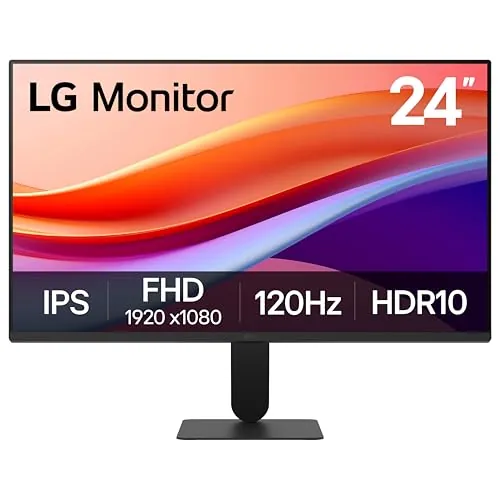
LG 24U411A-B vs Dell S2425HSM: Refresh Inputs and Stand Movement

For a desk or laptop setup, check the connection and positioning you will actually use. LG's 24U411A-B manual lists 1920×1080 at 120 Hz over HDMI; its D-Sub preset list tops out at 75 Hz. Dell specifies 1920×1080 at 144 Hz on both HDMI inputs. The Dell stand also explicitly lists height, pivot, swivel and tilt adjustment, while LG explicitly describes tilt. These are input-mode and stand specifications, not a measured picture or motion-quality comparison.

Read comparison