
Products compared
LG
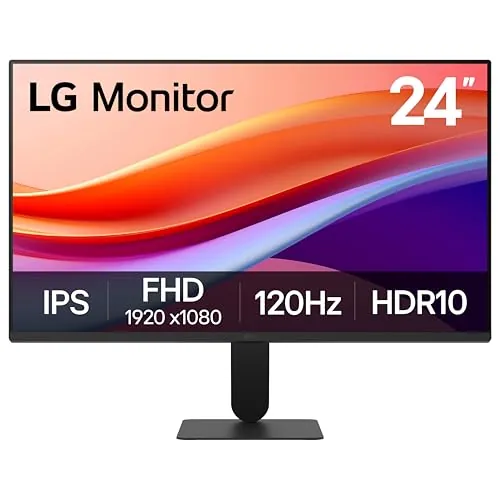
LG 24U411A-B 24-inch FHD IPS Monitor
The current LG U.S. support page identifies suffix 24U411A-B.AUSQ; the product page identifies the 24U411A-B model.
Model 24U411A-B.AUSQ
Amazon ASIN B0FHKDC59F
Dell
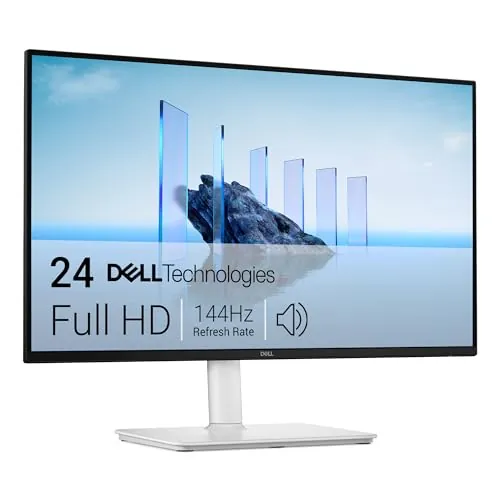
Dell 24 Plus Monitor S2425HSM 23.8-inch FHD
Dell's U.S. model page identifies S2425HSM and manufacturer part C2GFV; the selected listing identifies the same model and ASIN.
Model S2425HSM
Amazon ASIN B0G49SZ24N
Differences that matter
What matters most to you?
Choose a priority to see what it changes.
Sources for Refresh mode by input
Sources for Connection and desk fit
Start with the input mode your computer can actually send
Both are Full HD monitors, but their refresh specifications are tied to input details. LG's manual lists 1920×1080 at approximately 120 Hz in its HDMI presets and up to 75 Hz in the D-Sub presets. Dell lists 1920×1080 at 144 Hz and says both HDMI 1.4 inputs support up to that mode. Check the source device, cable and any adapter before choosing by the top-line number.
These published modes describe supported signal timings. They do not establish that the Dell looks smoother, responds faster, or performs better in a game or application.
Choose the stand around a real positioning requirement
LG explicitly calls out tilt adjustment. The official sources checked here do not document other LG stand movements, so treat them as unknown rather than absent. Dell names height, pivot, swivel and tilt, and publishes ranges: up to 110 mm of height, 90° pivot each way, 30° swivel each way, and tilt from −5° to +21°.
If you use a laptop dock or share the display across seats, decide whether raising the screen, portrait rotation or turning it is needed. If tilt is enough, the Dell's additional named movements may not change your setup decision.
Measure the desk and cable path before checkout
LG publishes stand-on dimensions of 539.2×417.6×220 mm (W×H×D) on its exact-model specification page. Dell lists 21.17 inches wide with the stand and a 7.55-inch stand depth. Leave room for the base and the cable bend behind the display, and compare each measurement using the stated axes.
Dell lists a 1.8 m HDMI cable and power cable in the S2425HSM package contents. The LG U.S. page links the owner manual and identifies the model, but check the selected seller offer for its exact cable and stand package. Neither product specification substitutes for confirming a laptop's video output and refresh settings.
Product details
LG 24U411A-B 24-inch FHD IPS Monitor
A practical fit when the host can provide the intended HDMI timing and tilt is the documented stand adjustment that matters. If you plan to connect by D-Sub/VGA, do not assume the advertised 120 Hz applies: the manual's D-Sub preset list reaches 75 Hz.
- Listed refresh timing
- Owner-manual preset table lists 1920×1080 at about 120 Hz over HDMI for the 24U411A model family; the D-Sub table lists up to 75 Hz. The U.S. product page advertises 120 Hz. Source
- Inputs and stand
- LG lists one HDMI and one D-Sub input, tilt adjustment, and a 100×100 mm wall-mount pattern for this model. Source
Dell 24 Plus Monitor S2425HSM 23.8-inch FHD
A useful choice when a specific need for documented height, portrait pivot or swivel adjustment decides the setup, or when the host is intended to feed 1080p/144 Hz over HDMI. Check the laptop or desktop output capability rather than assuming the monitor alone sets the refresh mode.
- Listed HDMI mode
- Dell specifies 1920×1080 at 144 Hz and states both HDMI 1.4 inputs support up to 1920×1080 at 144 Hz. Source
- Stand range
- The listed stand supports height adjustment up to 110 mm, bidirectional pivot up to 90°, swivel up to 30°, and tilt from −5° to +21°. Source
- Desk and box check
- Dell lists a 7.55-inch stand depth and includes a 1.8 m HDMI 1.4 cable in the S2425HSM package contents. Source
Before you buy
Community discussions
Measure the screen position at your laptop desk
Dell 24 Plus Monitor S2425HSM 23.8-inch FHD
A shopper considering the Dell S2425HSM for documents, email and video calls paid attention to how the stand could move.
What to check
Measure where the top of the screen would sit at your desk. Decide whether you need height adjustment, rotation, or enough space to put the display on a riser.
Common questions
Does the Dell's 144 Hz specification mean it will look smoother?
No. Dell documents a 1080p/144 Hz input mode and LG documents 1080p/120 Hz over HDMI. Those specifications are not matched motion-clarity or response measurements.Dell S 24 Inch Computer Monitor — S2425HSM, U.S. product specification24U411A-B Owner's Manual — support modes and preset timings
Can I get the LG's 120 Hz over VGA/D-Sub?
The LG owner manual's D-Sub preset table lists up to 75 Hz; its 1920×1080 120 Hz timing appears in the HDMI table. Check your specific source and connection rather than assuming the same timing across inputs.24U411A-B Owner's Manual — support modes and preset timings
What should a laptop buyer verify before ordering?
Confirm that the laptop output and any adapter support the wanted 1080p refresh mode, then check cable and stand requirements. Dell explicitly lists an included 1.8 m HDMI cable; verify the exact seller package for either model.Dell S 24 Inch Computer Monitor — S2425HSM, U.S. product specification24 Inch FHD IPS 120Hz HDR10 Monitor with Slim Stand — 24U411A-B
Sources and scope
This guide uses U.S. LG product/support information and an LG owner manual whose model table includes 24U411A, plus Dell's U.S. S2425HSM documentation. The supported modes are manufacturer-listed timings; the connected computer, its output port, selected resolution, cable and settings still need to support the desired mode. No matched image-quality, response, motion-clarity or gaming test was conducted. LG explicitly documents tilt; its other stand movements are not established here, which is not proof they are absent. Confirm the exact seller offer and included stand before ordering.
- 24 Inch FHD IPS 120Hz HDR10 Monitor with Slim Stand — 24U411A-B
- 24U411A-B.AUSQ Product Support: Manuals and Warranty
- 24U411A-B Owner's Manual — support modes and preset timings
- Dell S 24 Inch Computer Monitor — S2425HSM, U.S. product specification
- 24-inch FHD QHD 120Hz Monitor — 24U411A-B exact model specifications
Related comparisons
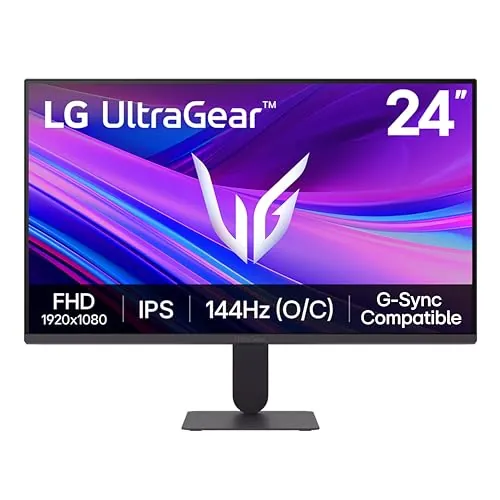
LG 24G411A-B vs LG 24U411A-B: Ports, Refresh Rate and Desk Setup
Both are 24-inch Full HD IPS monitors with a listed 120Hz refresh rate, tilt adjustment and 100 x 100 mm wall mounting. Choose by the connector your computer needs: LG lists DisplayPort 1.4 and HDMI 2.0 for the 24G411A-B, while the 24U411A-B listing includes HDMI 2.0 and D-Sub. The 24G411A-B adds an optional 144Hz overclock, but LG's HDMI variable-refresh footnote conflicts with its listed HDMI 2.0 port.
Read comparison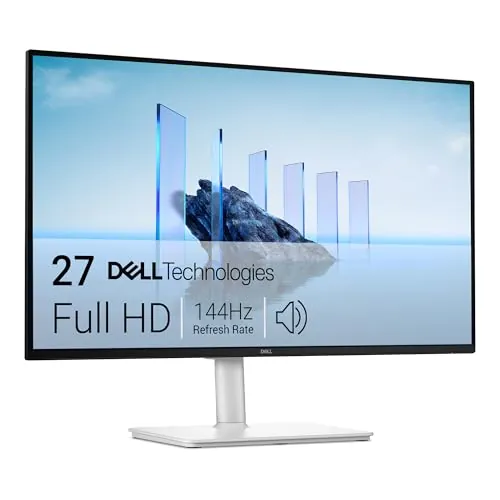
Dell S2725HSM vs S2425HSM: Same FHD, Different Desk Fit
Both Dell Plus monitors are Ash White, 1920 × 1080 IPS displays rated at 144Hz with two built-in 3W speakers and two HDMI 1.4 inputs. The S2725HSM is 27 inches and lists 82 PPI; the S2425HSM is 23.8 inches and lists 93 PPI. Before choosing, measure both the base that sits on the desk and the full panel width and height you need to fit. These specifications describe size and fit, not which screen looks better.
Read comparison