
Products compared
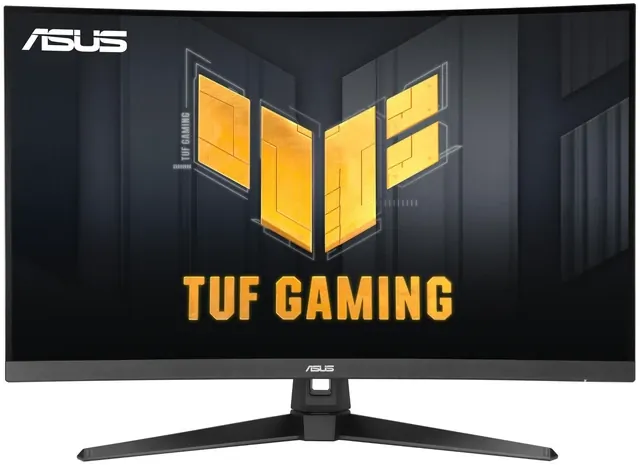
ASUS
ASUS TUF Gaming VG32VQM5AZ
Exact model VG32VQM5AZ; the cited maker specification lists a 31.5-inch curved display.
Model VG32VQM5AZ
Amazon ASIN B0FP16J5CV
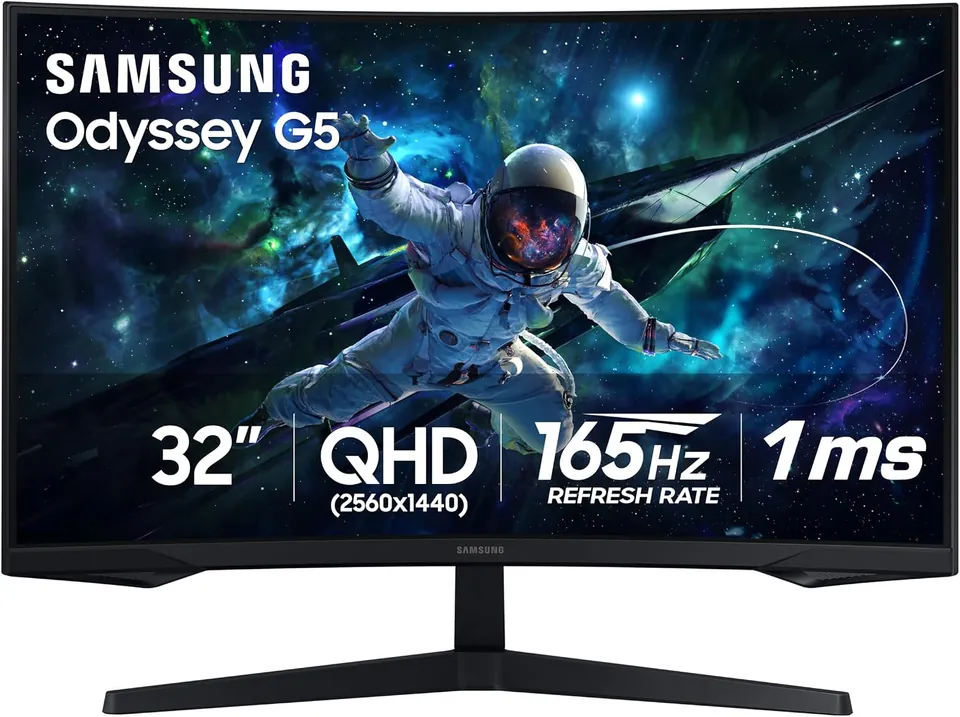
Samsung
Samsung Odyssey G5 G55C 32-inch (LS32CG550ENXZA)
Exact Samsung model code LS32CG550ENXZA; the maker page identifies the 32-inch G5 G55C model.
Model LS32CG550ENXZA
Amazon ASIN B0CRGJC5ZD
Differences that matter
What matters most to you?
Choose a priority to see what it changes.
Sources for Resolution and maximum refresh listed by the manufacturer
Sources for Direct video inputs
Sources for Stand, desk depth and mount check
Pick the display mode your source can actually use
The ASUS VG32VQM5AZ specification lists 1920×1080 and a maximum refresh rate of 240Hz. Samsung's exact LS32CG550ENXZA page lists QHD 2560×1440 and a maximum of 165Hz. These are different published mode priorities: decide whether Full HD at the higher listed maximum or QHD at Samsung's listed maximum fits your intended setup, then verify the source device's supported mode on the input you will use.
Neither maximum says what a particular PC, console, adapter or cable path will deliver. The cited pages are manufacturer specifications, not a test of image quality, responsiveness or game performance.
Count inputs and check the actual mount standard
ASUS lists two HDMI 2.0 inputs and one DisplayPort 1.2 input. Samsung lists one HDMI 2.0 and one DisplayPort 1.2 input. If multiple consoles or computers will stay connected, count those direct connections before choosing; source-side timing still needs a separate check.
Mount descriptions also differ. ASUS explicitly lists a 100×100mm VESA pattern. Samsung lists 75×75mm wall-mount dimensions without naming a VESA pattern. Confirm the exact model and bracket instructions rather than treating the numbers as interchangeable standards.
Compare curve and stand space on your desk
The ASUS maker specification gives a 1500R curve and with-stand dimensions of 71.0 × 50.7 × 21.4cm; it lists tilt and ±15° swivel. Samsung lists a 1000R curve, 710.1 × 533.6 × 272.6mm with stand, and tilt from −2° to 18°. Use the radius figures as geometry only, not as evidence that one screen will appear better or feel more comfortable.
A practical fit check is to measure desk width, height and depth with the stand footprint available, then compare the chosen monitor's published outline. If you plan to use an arm, compare its plate standard and capacity with the exact model documentation; this page does not verify a third-party arm fit.
A short pre-purchase checklist
1. Record the exact source device and target resolution/refresh. 2. Check its official video-output documentation for that mode over the planned HDMI or DisplayPort path. 3. Count the inputs needed at the monitor. 4. Measure the desk or verify the arm's exact mounting requirement against the model documentation.
The two Canada manufacturer pages identify the assigned model codes and technical specifications used here. They do not establish U.S. retail packaging, current offers, warranty coverage or a performance winner; confirm those separately for the exact item offered.
Product details
ASUS TUF Gaming VG32VQM5AZ
- Listed display mode
- 31.5-inch; 1920×1080; maximum refresh rate 240Hz Source
- Curve and direct inputs
- 1500R; two HDMI 2.0 and one DisplayPort 1.2 Source
- Stand and mounting
- Stand tilt +23° to −5° and swivel ±15°; manufacturer specifies a 100×100mm VESA mounting pattern Source
- With-stand dimensions
- 71.0 × 50.7 × 21.4cm (width × height × depth), listed by ASUS Source
Samsung Odyssey G5 G55C 32-inch (LS32CG550ENXZA)
- Listed display mode
- 32-inch class; QHD 2560×1440; maximum refresh rate 165Hz Source
- Curve and direct inputs
- 1000R; one HDMI 2.0 and one DisplayPort 1.2 Source
- Stand and wall mounting
- Stand tilt −2° to 18°; manufacturer lists 75×75mm wall-mount dimensions, without identifying them as a VESA pattern Source
- With-stand dimensions
- 710.1 × 533.6 × 272.6mm (width × height × depth), listed by Samsung Canada Source
Before you buy
Community discussions
Allowing room for the stand and your keyboard
Samsung Odyssey G5 G55C 32-inch (LS32CG550ENXZA)
A 32-inch Odyssey G55C owner said the stock stand crowded the desk and made it difficult to position the display where they wanted it.
What to check
Before changing your setup for a different display mode, measure the space both stands need and check the mounting options.
Common questions
Does the ASUS's 240Hz maximum mean my console or PC will run at 240Hz?
No guarantee follows from the monitor maximum alone. Check the exact source device, selected port, cable path and the manufacturer's supported timing information. The cited ASUS specification lists 240Hz as a maximum, not a tested result for each source.TUF Gaming VG32VQM5AZ — Tech Specs32-inch Odyssey Gaming Monitor G5 (LS32CG550ENXZA) — Product Specifications
Is Samsung's listed 75×75mm wall mount the same as a VESA mount?
The cited Samsung specification gives 75×75mm wall-mount dimensions but does not name a VESA standard. Confirm the exact model's mounting instructions and the arm or bracket's requirements before purchase.32-inch Odyssey Gaming Monitor G5 (LS32CG550ENXZA) — Product Specifications
Which monitor has better picture or gaming performance?
The available manufacturer specifications do not answer that. They establish different listed resolutions, maximum refresh rates, curve radii, ports and stand/mount details, not a controlled visual or gaming comparison.TUF Gaming VG32VQM5AZ — Tech Specs32-inch Odyssey Gaming Monitor G5 (LS32CG550ENXZA) — Product Specifications
Sources and scope
The ASUS technical evidence is from ASUS Canada and the Samsung evidence is from Samsung Canada. Both exact model codes are identified, but regional listings do not establish U.S. package contents, warranty or offer details. Listed maximum refresh rates do not guarantee a mode from a particular source or cable, and these specifications do not establish image quality, motion handling or gaming performance. Samsung lists 75×75mm wall-mount dimensions but does not label them as a VESA pattern on the cited page; check the exact mount documentation.
Related comparisons
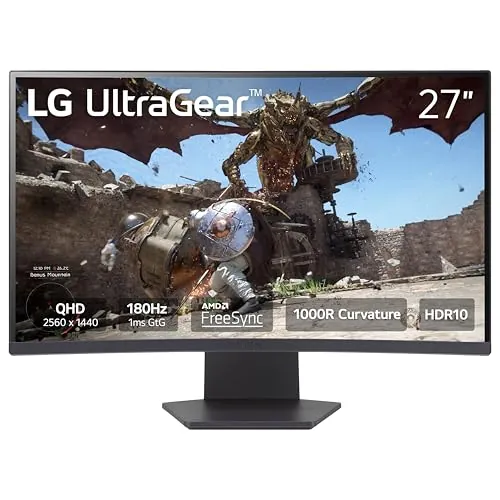
Samsung Odyssey G55C 32 vs LG UltraGear 32GS60QC-B: Inputs, Refresh and Desk Fit
Both exact models are 32-inch-class, QHD, 1000R curved displays. Samsung's LS32CG550ENXZA is listed up to 165Hz and has one HDMI 2.0 plus one DisplayPort 1.2; LG's 32GS60QC-B.AUSQ is listed up to 180Hz with two HDMI 2.0 inputs and one DisplayPort 1.4. Their HDMI and DisplayPort timing ceilings differ, and their 1ms labels use different methods. Both bundled stands tilt but do not provide height adjustment; compare the listed depth, tilt range and VESA pattern against your desk or arm.
Read comparison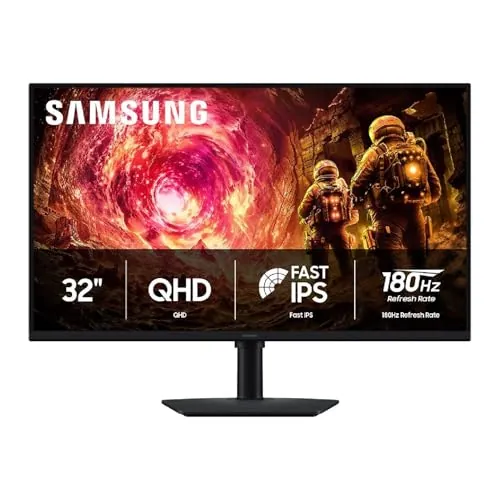
Samsung Odyssey G5 G55C vs G50F: Curved Screen or Adjustable Flat Setup?
Both are 32-inch-class QHD Odyssey G5 monitors, but the exact G55C LS32CG550ENXZA is curved and tilt-only, while the G50F S32FG502EN / LS32FG502ENXZA is flat with height, swivel and pivot adjustments. Choose by screen preference, desk or arm fit, and whether your specific source can use the refresh mode you want.
Read comparison