
Products compared
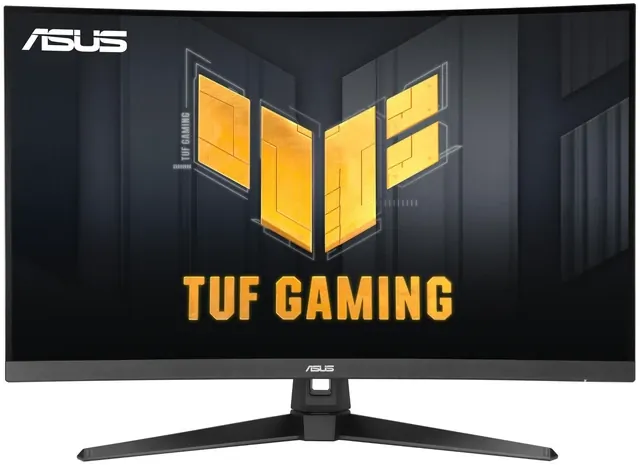
ASUS
ASUS TUF Gaming VG32VQM5AZ 31.5-inch Curved Monitor
ASUS TUF Gaming VG32VQM5AZ, a curved 31.5-inch Full HD monitor with two HDMI inputs and a listed 240 Hz overclocked maximum.
Model VG32VQM5AZ
Amazon ASIN B0FP16J5CV
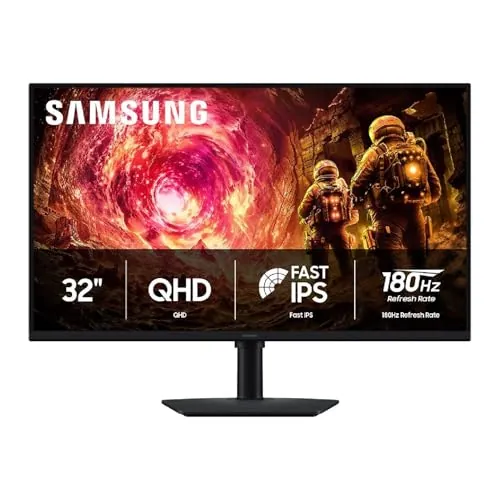
Samsung
Samsung 32-inch Odyssey G5 G50F QHD LS32FG502ENXZA
The black 32-inch Odyssey G5 G50F compared here is model LS32FG502ENXZA. Samsung's U.S. product page identifies this matching model code.
Model LS32FG502ENXZA
Amazon ASIN B0G1DZM5QW
Differences that matter
What matters most to you?
Choose a priority to see what it changes.
Sources for Native image format
Sources for HDMI / DisplayPort count
Pick the screen format your setup can use
The ASUS VG32VQM5AZ is a 31.5-inch Full HD 1500R curved monitor. Samsung’s exact LS32FG502ENXZA is a 32-inch-class flat QHD model. Use that difference to choose the output format you actually want to run: both are 16:9 desktop displays, but they do not have the same native pixel grid. This comparison does not turn pixel count into a picture-quality claim.
The highest refresh labels also need context. ASUS advertises up to 240Hz as an overclocked setting; Samsung lists a maximum of 180Hz. Before selecting either for a particular PC or console, check the exact timing table in the model manual, the output device, and the cable/port path. A panel maximum does not establish that every source or connection can drive it.
Count inputs and plan the cable route
ASUS lists two HDMI 2.0 ports and one DisplayPort 1.2 port. Samsung lists one HDMI 2.0 and one DisplayPort 1.2. If you leave a PC and console attached over HDMI, ASUS offers an additional HDMI socket on paper; Samsung’s product page does not list a second one. Count the devices you need and confirm the selected mode on the exact input rather than assuming equal port behavior.
Samsung’s US product page names the exact part LS32FG502ENXZA and lists included HDMI and DisplayPort cables. ASUS’ technical specifications list a DisplayPort cable and say accessories vary by region. For an Amazon offer, check its actual package separately; maker accessory lists are not a substitute for the exact seller box.
Measure the stand, not just the 32-inch label
ASUS lists tilt and swivel, VESA 100 × 100 mm and a 710 × 507 × 214 mm physical envelope with the stand. Its cited page does not specify height adjustment or pivot, so do not assume those motions are present; use VESA if a separate mount is part of your plan and verify that mount independently.
Samsung’s specification for the same LS32FG502ENXZA part lists 714.6 × 625.9 × 250.2 mm with the stand. Compare the listed depth and height with your actual desk, shelf and room for the stand to pivot.
Verify the exact model and cable plan
Match the full ASUS or Samsung model code and verify the cables included with the offer. Check a timing table for the mode you intend to use.
The Samsung model compared here is LS32FG502ENXZA. Before ordering, confirm that the seller's offer lists this exact part and check which accessories are included.
Product details
ASUS TUF Gaming VG32VQM5AZ 31.5-inch Curved Monitor
- Panel format
- 31.5 in, 16:9, 1500R curved Fast VA; 1920 × 1080 Full HD. Source
- Refresh and inputs
- Maximum 240Hz is described as overclocked; 2 × HDMI 2.0 and 1 × DisplayPort 1.2. The exact source timing/host combination should be checked before buying. Source
- Stand / physical envelope
- Tilt +23° to −5°, swivel ±15°, 100 × 100 mm VESA; manufacturer lists 710 × 507 × 214 mm physical dimensions with stand. Source
Samsung 32-inch Odyssey G5 G50F QHD LS32FG502ENXZA
- Panel format
- 32-inch class, flat IPS, 16:9; QHD 2560 × 1440. Source
- Refresh and inputs
- Maximum frame rate 180Hz; 1 × HDMI 2.0 and 1 × DisplayPort 1.2. The product page does not provide the complete resolution-by-input timing table in its accessible text. Source
- Stand movement
- Height-adjustable stand with tilt, swivel and pivot. The listed dimensions with stand are 714.6 × 625.9 × 250.2 mm (W × H × D). Source
Before you buy
Community discussions
An Xbox owner asks about HDR on the exact G50F model
Samsung 32-inch Odyssey G5 G50F QHD LS32FG502ENXZA
An owner using the Samsung LS32FG502ENXZA with an Xbox Series X asked about getting HDR to appear on the monitor.
What to check
Look up the display mode you want on the console. Check the exact monitor’s supported input modes and the cable you would use.
Common questions
Which model is QHD?
Samsung LS32FG502ENXZA lists QHD 2560 × 1440. ASUS VG32VQM5AZ lists Full HD 1920 × 1080. This identifies pixel formats only, not a tested visual winner.TUF Gaming VG32VQM5AZ — Tech Specs (ASUS USA)32-inch Odyssey G5 G50F QHD 180Hz Gaming Monitor, LS32FG502ENXZA (Samsung US)
Does the ASUS really offer 240Hz?
ASUS lists a maximum of 240Hz and describes it as an overclocked refresh setting. Confirm the exact port, resolution, timing and source-device support in the manual before buying for that mode.TUF Gaming VG32VQM5AZ — Product Overview (ASUS USA)TUF Gaming VG32VQM5AZ — Tech Specs (ASUS USA)
Which stand lets me adjust screen height or rotate it?
Samsung lists a height-adjustable pivot stand with tilt and swivel. ASUS lists tilt and swivel and VESA 100 × 100 mm; the cited spec does not list stand height or pivot adjustment.TUF Gaming VG32VQM5AZ — Tech Specs (ASUS USA)32-inch Odyssey G5 G50F QHD 180Hz Gaming Monitor, LS32FG502ENXZA (Samsung US)
Can I use the listed desk dimensions to check the Samsung stand footprint?
Samsung’s same-part specifications list 714.6 × 625.9 × 250.2 mm (W × H × D) with stand. Use the depth and height to plan your desk and allow for cables and stand movement.32-inch Odyssey G5 G50F QHD 180Hz Gaming Monitor, LS32FG502ENXZA (Samsung US)Samsung Paraguay specification for exact LS32FG502ENXZA, stand dimensions in millimeters
Sources and scope
Samsung’s U.S. page identifies LS32FG502ENXZA. Its regional specification for that same part supplies the with-stand dimensions in millimeters. Check the host, input and timing requirements for the refresh mode you need.
Related comparisons
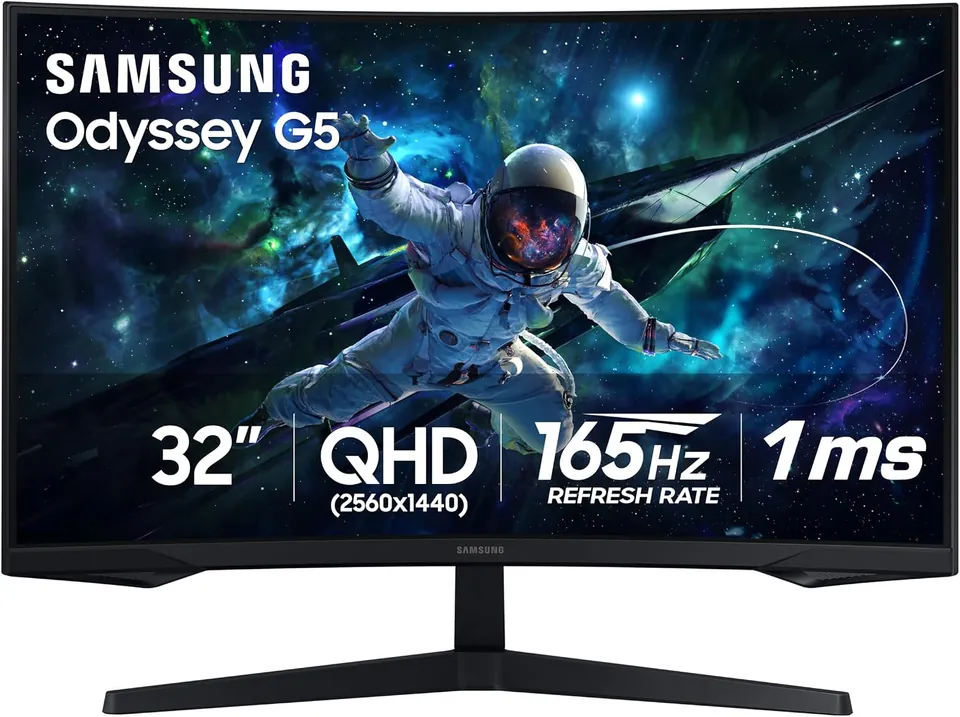
Samsung Odyssey G5 G55C vs G50F: Curved Screen or Adjustable Flat Setup?
Both are 32-inch-class QHD Odyssey G5 monitors, but the exact G55C LS32CG550ENXZA is curved and tilt-only, while the G50F S32FG502EN / LS32FG502ENXZA is flat with height, swivel and pivot adjustments. Choose by screen preference, desk or arm fit, and whether your specific source can use the refresh mode you want.
Read comparison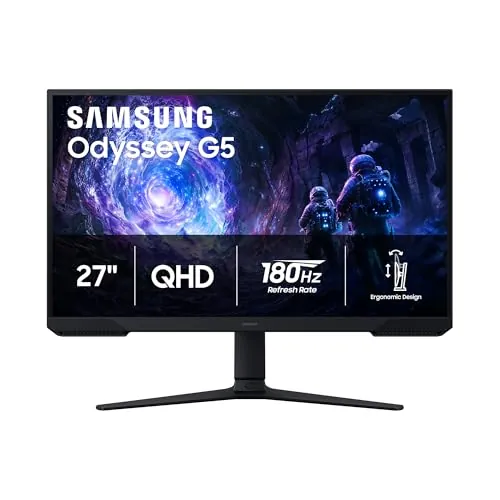
Samsung Odyssey G5 G51F 27-inch vs G50F 32-inch: Desk and Input Fit
Choose the 27-inch Odyssey G5 G51F if you need the smaller stand footprint. Choose the 32-inch G50F if its wider panel fits your desk. Samsung lists QHD resolution, up to 180Hz and 100 × 100 mm VESA mounting for both. Compare the 618 mm and 715 mm case widths and confirm the exact source and input mode.
Read comparison