
Products compared
Samsung
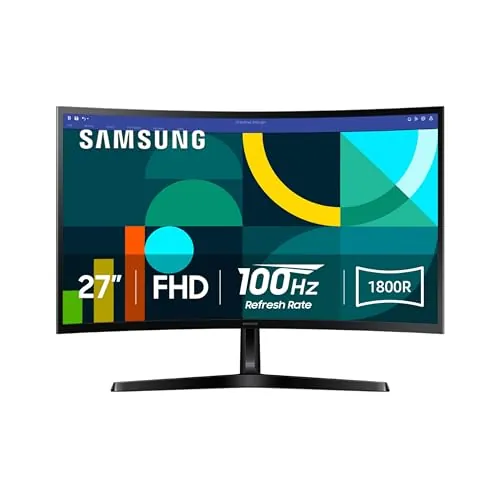
Samsung 27-inch Essential S3 S36GD FHD 1800R Curved Monitor
Samsung’s Latin American product page documents this black 27-inch-class curved VA S36GD as model LS27D366GANXZA. Check regional availability and package details with the seller.
Model LS27D366GANXZA
Amazon ASIN B0DB9Q5G3R
Samsung
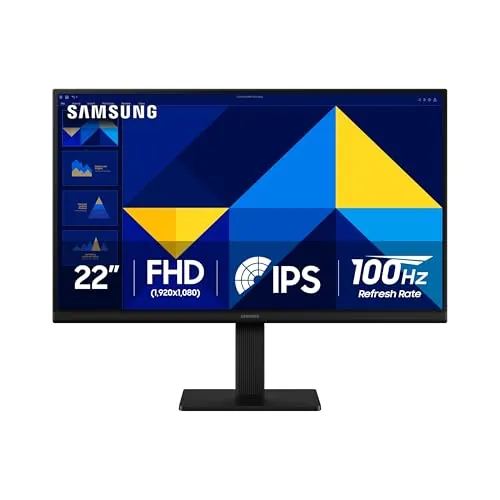
Samsung 27-inch Essential S3 S30GD FHD IPS Monitor
Samsung’s U.S. S30GD datasheet covers exact model LS27D304GANXZA, a black 27-inch-class flat IPS monitor.
Model LS27D304GANXZA
Amazon ASIN B0DK44759Y
Differences that matter
What matters most to you?
Choose a priority to see what it changes.
Sources for Video and headphone connections
Sources for Published stand footprint (W × H × D)
Sources for Stand adjustment and mounting pattern
Choose the panel format you actually want
Both exact model codes are listed as 27-inch-class FHD displays with a maximum refresh rate of 100Hz. S36GD is Samsung's curved 1800R VA option; S30GD is the flat IPS option. This makes the core choice a panel-format preference, not an upgrade in resolution or listed maximum refresh rate.
Pick by the shape and panel type you want at your desk. The specifications do not prove that one image looks better or is more comfortable for your eyes, and this guide contains no side-by-side display measurements.
Check the connection path, not just the display type
Samsung lists one HDMI 1.4 input and one D-Sub input on both exact models. Check what your computer or console can output and whether you already have the appropriate cable. Both product specs list no speaker output.
Only the S36GD source lists a headphone output on the monitor. Choose it if that connection point matters to your setup; if your headphones connect to the computer, console or an audio interface, this difference may not matter.
Measure the stand and the space behind it
With the stand attached, Samsung lists S36GD at 622.6 × 466.2 × 234.2 mm (width × height × depth), versus 612.7 × 470.0 × 200.4 mm for S30GD. The S30GD stand is listed 33.8 mm shallower; measure the actual surface and wall gap, and leave room for cables and handling. These are product dimensions, not manufacturer operating-clearance instructions.
Both specs describe a simple stand and list tilt adjustment; neither source here establishes height adjustment. If you need more screen height, plan for a riser or a compatible arm and check the mount pattern below.
Verify the mount and retailer box before checkout
The listed wall-mount patterns differ: 75 × 75 mm for S36GD and 100 × 100 mm for S30GD. Compare the exact pattern with your arm or wall plate and verify the hardware requirements from its maker. A mount fitting one model does not establish that it fits the other.
Finally, check the precise listing and seller for the included adapter and video cable. Samsung documents the 366GANXZA on its Latin America site, and the S30GD U.S. document is a manufacturer specification sheet, so neither should be treated as a guarantee about the contents of a particular Amazon box.
Product details
Samsung 27-inch Essential S3 S36GD FHD 1800R Curved Monitor
This exact 366GANXZA model code is documented on Samsung Latin America. That source supports the listed hardware details, not U.S. warranty or the contents of a U.S. retailer box.
Samsung 27-inch Essential S3 S30GD FHD IPS Monitor
Samsung's U.S. business datasheet explicitly includes LS27D304GANXZA in its model table. It establishes specifications, but does not verify the contents or condition of the exact Amazon seller's box.
Before you buy
Community discussions
S30GD buyer plans a three-screen flat monitor setup
Samsung 27-inch Essential S3 S30GD FHD IPS Monitor
A shopper is planning a three-screen sim racing setup with 27-inch S30GD monitors and a VESA stand.
What to check
Measure the width and depth for all three screens. Check the mount pattern and weight of each exact display against the stand’s limits.
Common questions
Does S36GD give a higher resolution or refresh rate than S30GD?
No improvement is established in the manufacturer specifications used here: both exact 27-inch model codes list FHD 1920 × 1080 and a maximum refresh rate of 100Hz. Choose between their panel formats and connection details instead.27 pulgadas Essential Monitor S3 S36GD FHD LS27D366GANXZAS30GD Business Essential Monitor — U.S. datasheet
Which monitor can connect wired headphones directly?
Samsung lists a headphone output on the exact S36GD 366GANXZA page and lists no headphone output for S30GD in its U.S. datasheet. This says nothing about whether headphones can connect to your computer or another device.27 pulgadas Essential Monitor S3 S36GD FHD LS27D366GANXZAS30GD Business Essential Monitor — U.S. datasheet
Will the monitors fit the same arm or wall bracket?
Not necessarily. Samsung lists 75 × 75 mm for S36GD and 100 × 100 mm for S30GD. Check your arm's plate, fasteners and load specifications against the exact model before purchasing.27 pulgadas Essential Monitor S3 S36GD FHD LS27D366GANXZAS30GD Business Essential Monitor — U.S. datasheet
Are the HDMI cable and adapter guaranteed in the U.S. Amazon box?
This comparison does not verify a specific seller's box. Check the live offer's exact model, included items, power adapter and cable details before ordering; product-family wording or a regional spec page is not proof of that seller's package.27 pulgadas Essential Monitor S3 S36GD FHD LS27D366GANXZA27-inch S30GD 100Hz Business Essential Monitor with IPS Panel and Tilt-Only Stand
Sources and scope
This is a specification-based fit guide, not a controlled monitor test. It does not establish which display looks better, has better contrast or motion, or feels more comfortable. Samsung’s Latin American product page documents S36GD model LS27D366GANXZA; regional warranty, U.S. availability and U.S. package details are not established by that page. Samsung’s U.S. datasheet covers S30GD model LS27D304GANXZA, but seller box contents still need checking. No current price comparison is included.
Related comparisons
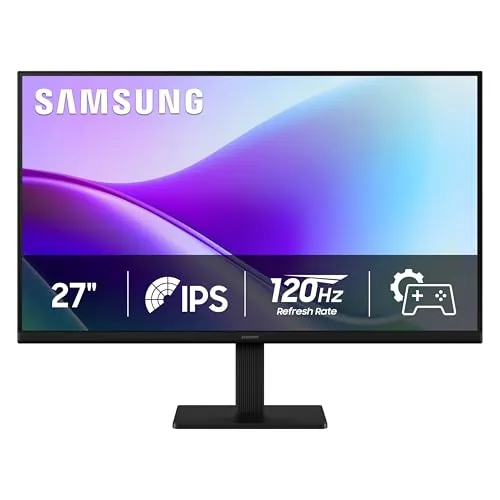
Samsung S30GD vs S32GF 27-inch monitors: ports, refresh and desk fit
Both 27-inch Full HD IPS monitors share the same listed stand footprint, tilt range and 100 × 100 mm VESA pattern. Their practical differences are at the back of the display: Samsung’s U.S. S30GD datasheet lists one VGA and one HDMI input with a 100Hz maximum, while Samsung Canada documents two HDMI 1.4 inputs and a 120Hz maximum for exact S32GF code LS27F320GANXZA. The S32GF page says 60Hz is the default and can be adjusted to 120Hz; your source device, connection and settings must support the mode you want. The S32GF source is Canada-market documentation, so confirm the U.S. offer’s exact code and included box contents before buying.
Read comparison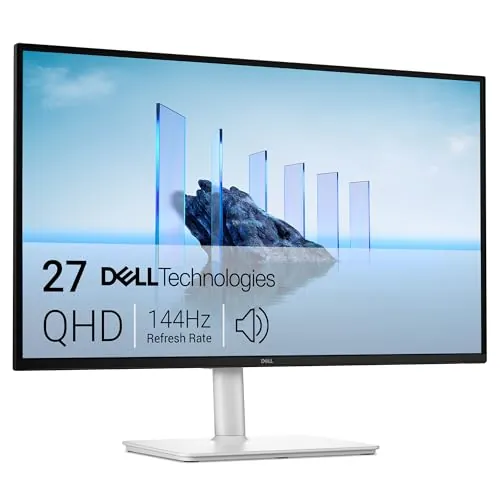
Samsung S30GD LS27D304GANXZA vs Dell S2725DSM: 27-Inch Resolution and Stand Fit
The exact Samsung S30GD LS27D304GANXZA is a 27-inch FHD monitor with HDMI and D-Sub plus a tilt-only stand. The exact Dell S2725DSM is a 27-inch QHD monitor with HDMI and DisplayPort and a stand that adjusts in height, tilt, swivel and pivot. Pick the Samsung if FHD and a D-Sub connection are the relevant fit; pick the Dell if your computer can drive QHD and you need its listed stand movement. Check the exact input mode against your computer and the model manual: the Samsung datasheet does not give a separate refresh table for each input, and Dell’s page does not separately state the DisplayPort maximum mode.
Read comparison