
Products compared
LG
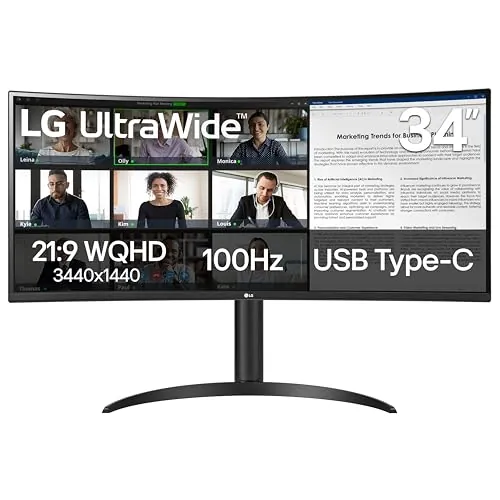
LG 34-inch UltraWide Curved Monitor 34WR55QK-B
LG support identifies this U.S. offer as model 34WR55QK-B.AUS. Confirm that the seller's listing and delivered label show the full model suffix before ordering.
Model 34WR55QK-B.AUS
Amazon ASIN B0DQF8LRGZ
LG
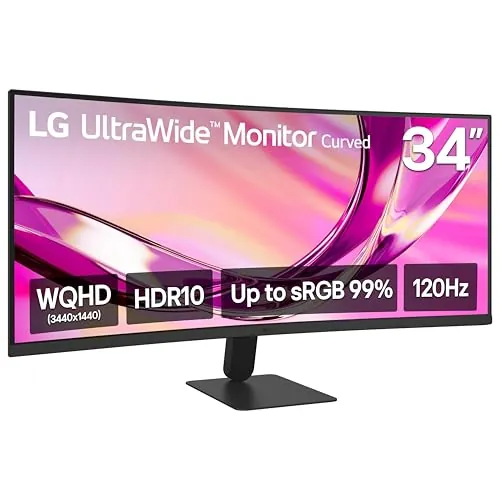
LG 34-inch UltraWide WQHD Curved Monitor 34U60ZB-B
LG support identifies this U.S. offer as model 34U60ZB-B.AUSQ. Confirm the full model suffix on the seller's listing and product label before ordering.
Model 34U60ZB-B.AUSQ
Amazon ASIN B0GXCG7ZTF
Differences that matter
What matters most to you?
Choose a priority to see what it changes.
Sources for Screen format and listed refresh ceiling
Sources for USB-C and multi-window workflow
Sources for Exact mode and bundle verification
Pick the workflow before the refresh number
The 34WR55QK-B is the model with the clearer documented USB-C and multi-source workflow in the U.S. page checked: LG lists USB-C with up to 65W power delivery and picture-by-picture. That can matter if you want to connect a compatible laptop or display two sources, but check the laptop's own USB-C video support and power requirement. The 65W figure is a monitor output specification, not proof that a particular laptop will charge adequately.
The 34U60ZB-B is listed at a 120Hz maximum, compared with 100Hz for the 34WR55QK-B. Treat those as manufacturer-listed ceilings. Before paying for a refresh target, verify the exact input timing in the 34U60ZB-B manual and make sure your graphics device, cable, resolution and software support the same mode. The U.S. feature page names DisplayPort and HDMI but does not provide the input-by-input timing table needed to promise a specific mode.
Both are curved ultrawides; verify the exact desk setup
LG describes both as curved 34-inch ultrawides. The 34U60ZB-B page specifies a 1800R curve, while the U.S. 34WR55QK-B page checked does not state a radius. LG lists height and tilt adjustment for the 34WR55QK-B; the 34U60ZB-B U.S. page consulted does not establish the same stand range. If the screen curve or stand movement determines whether it suits your desk, confirm both in the exact manuals rather than assuming the models match.
Use the model suffix to find the right download: 34WR55QK-B.AUS and 34U60ZB-B.AUSQ have separate U.S. support pages with their own owner manuals and quick guides. Compare the manual's complete dimensions and supported signal modes to your desk and host. The feature pages checked did not verify the cable bundle for these exact Amazon offers, so check the seller's package details before ordering.
A quick pre-buy check for your actual computer
1. Record your computer or console model, the port you will use, and the resolution and refresh rate you want. 2. Find that exact mode in the monitor manual for the same input. 3. Verify the host can output it over that port and that your cable supports the documented signal. 4. For USB-C on the 34WR55QK-B, separately confirm video output and whether up to 65W meets the laptop's power need. 5. Measure the desk, stand depth and rear cable space from the exact manual, then verify the seller's included cables.
If the mode table or box contents are missing from a listing, ask LG or the seller using the complete model suffix before deciding. This check is more useful than choosing by a headline maximum alone, and no particular computer compatibility or display performance is promised here.
Product details
LG 34-inch UltraWide Curved Monitor 34WR55QK-B
LG 34-inch UltraWide WQHD Curved Monitor 34U60ZB-B
- Screen and listed maximum refresh
- 34-inch, 21:9 WQHD curved display; 120Hz maximum listed Source
- Documented connection types
- LG's U.S. product feature page names DisplayPort and HDMI; check the exact manual for complete port and timing details Source
- Setup software
- LG Switch is listed; software installation is required Source
Before you buy
Community discussions
A buyer wants USB-C power for both work computers
LG 34-inch UltraWide Curved Monitor 34WR55QK-B
A buyer considering the LG 34WR55QK-B wanted USB-C with power delivery for their Windows and Mac computers.
What to check
Look up the video and charging requirements for both computers, then compare the exact monitor’s USB-C ports and power options.
Common questions
Does the 34U60ZB-B always deliver 120Hz from HDMI or DisplayPort?
The U.S. feature page lists 120Hz maximum and names DisplayPort and HDMI, but it does not provide the complete input-by-input timing table checked for this guide. Confirm the exact resolution/refresh combination in the model's manual and on your host's output specification before buying for a particular port.LG 34U60ZB-B UltraWide Monitor — U.S. product pageLG 34U60ZB-B.AUSQ — U.S. support and downloads
Can I power and connect my laptop to the 34WR55QK-B over one USB-C cable?
LG lists USB Type-C with up to 65W power delivery. A one-cable video setup also depends on the laptop's USB-C supporting display output, and 65W may or may not meet that laptop's charging requirement. Check the laptop specifications and exact monitor manual; do not infer a full dock from the USB-C listing.LG 34WR55QK-B UltraWide Monitor — U.S. product pageLG 34WR55QK-B.AUS — U.S. support and downloads
Are both monitors flat, and are their stands the same?
Both are curved monitors. LG specifies an 1800R radius for the 34U60ZB-B. The sources checked do not establish an equivalent radius or matching stand adjustment for the 34WR55QK-B; check the exact manual and measure your desk before ordering.LG 34WR55QK-B UltraWide Monitor — U.S. product pageLG 34U60ZB-B UltraWide Monitor — U.S. product pageLG 34WR55QK-B.AUS — U.S. support and downloadsLG 34U60ZB-B.AUSQ — U.S. support and downloads
Which exact monitor includes the cable I need?
The product and support pages consulted identify product features and manuals but do not confirm the contents of the exact retail package. Check the seller's listing for the full model suffix and its stated box contents, and budget for the cable your host and selected input require if it is not explicitly included.LG 34WR55QK-B.AUS — U.S. support and downloadsLG 34U60ZB-B.AUSQ — U.S. support and downloads
Sources and scope
LG lists monitor-side refresh maxima. Confirm the timing for your chosen input, resolution and host. Check the exact 34U60ZB-B manual or ask LG before planning around any USB-C, stand or split-screen capability that its product page does not specify.
Related comparisons
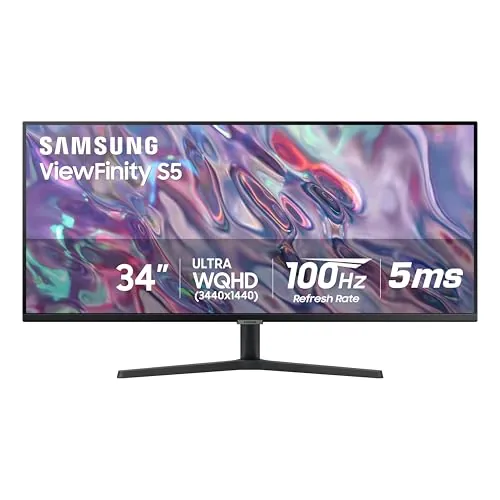
Samsung ViewFinity S50GC vs LG 34WR55QK-B: Desk Fit and USB-C Setup
Both are 34-inch, 3440 × 1440 ultrawides. The exact Samsung LS34C502GANXZA is listed as flat, with HDMI and DisplayPort inputs, PIP/PBP, and a tilt stand. LG's U.S. 34WR55QK-B.AUS is curved and adds USB-C video with up to 65W power delivery plus height-and-tilt adjustment. Check your laptop ports and measure desk depth before choosing.
Read comparison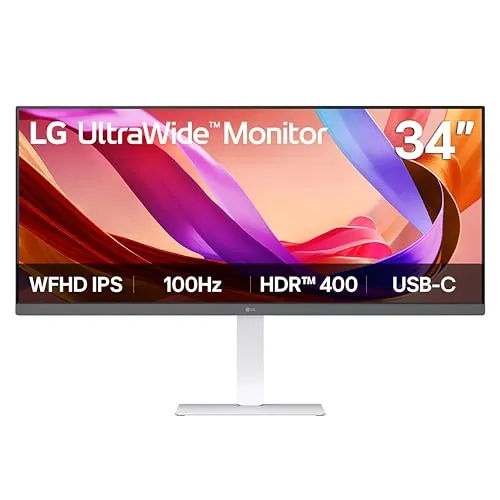
LG 34U530A-W vs 34WR55QK-B: Choose Resolution or Stand Swivel
The white LG 34U530A-W is listed at 2560 × 1080 and its U.S. product page specifies height, tilt, and swivel. The black LG 34WR55QK-B is 3440 × 1440 and its supplied stand adjusts for height and tilt; LG also specifies USB-C power delivery up to 65W. Choose by your required desktop resolution, stand movement, and laptop charging setup rather than assuming one monitor is a universal upgrade.
Read comparison