
Products compared

ASUS
ASUS ROG Strix XG27ACS
Black 27-inch 2560 × 1440 Fast IPS monitor; listing data exact model XG27ACS.
Model XG27ACS
Amazon ASIN B0CV24GQ9W
Dell
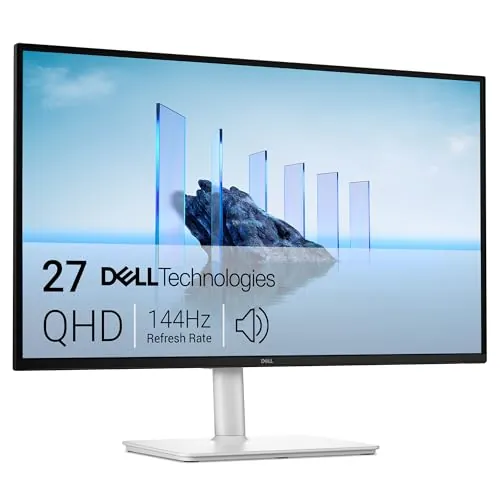
Dell 27 Plus QHD Monitor S2725DSM
Ash White 27-inch 2560 × 1440 IPS monitor, manufacturer part GTT45; exact model S2725DSM.
Model S2725DSM
Amazon ASIN B0GD1LMWH3
Differences that matter
What matters most to you?
Choose a priority to see what it changes.
Sources for QHD refresh limit depends on the input
Sources for USB-C video and laptop power plan
Sources for Built-in audio versus a separate audio path
Sources for Stand adjustments and desk clearance
Start with the port your computer will actually use
The central difference is not simply 180Hz versus 144Hz; it is whether the computer can send the mode through the selected input. ASUS publishes the XG27ACS signal range up to 180Hz on DisplayPort and USB-C, but up to 144Hz on HDMI. Dell publishes the S2725DSM at QHD 144Hz with HDMI and DisplayPort inputs.
If your computer connects by HDMI, the ASUS's higher listed ceiling does not apply. For a USB-C laptop connection, check that the host USB-C port supports DisplayPort Alt Mode. ASUS lists only 7.5W of USB-C power delivery, so plan to power the laptop separately. These limits are useful compatibility checks, not evidence of how either monitor performs in a controlled test.
Decide whether built-in audio changes your desk setup
Dell specifies two integrated 3W speakers in the S2725DSM. That gives a buyer a clear setup distinction if monitor-integrated speakers are useful for routine desktop audio. ASUS's cited XG27ACS technical table lists a headphone jack; it does not establish speakers, so this guide does not claim the ASUS has none.
If you already use headphones, speakers or a separate audio interface, this distinction may not determine the purchase. Published speaker wattage identifies the listed hardware but does not tell you which monitor sounds better.
Use the published dimensions as a desk-fit checklist
Both manufacturer pages list height, tilt, pivot and swivel adjustment, so the adjustment categories are shared. ASUS publishes 0–120mm height adjustment; Dell lists up to 110mm. The listed stand footprints are 24.20 × 20.19 × 8.61 inches for ASUS and 24.07 × 19.69 × 7.95 inches for Dell, using width × height × depth.
Measure the desk depth and the final screen position you need, including room to pivot the panel near shelves or a wall. Both list 100 × 100mm VESA mounting, but verify arm capacity and clearance for your own setup. ASUS notes that its dimensions may vary by region.
A conditional choice for a gaming and everyday desk
Choose the ASUS ROG Strix XG27ACS when your host can use its DisplayPort/USB-C range above 144Hz or when USB-C video is a useful input and the separate laptop-power requirement is acceptable. Choose the Dell S2725DSM when its 144Hz QHD mode is enough and the two listed speakers suit your desk.
Both are QHD IPS models with adjustable stands, and the available specifications do not show that one is universally better. Confirm your exact host, cable and position requirements before deciding.
Product details
ASUS ROG Strix XG27ACS
- Maximum refresh by input
- 180Hz over DisplayPort or USB-C; up to 144Hz over HDMI, per ASUS signal-frequency table. Source
- USB-C function
- USB-C DisplayPort Alt Mode for video; listed power delivery is 7.5W. Source
- Stand and footprint
- Tilt, swivel, pivot and height adjustment; 100 × 100mm VESA. With stand: 24.20 × 20.19 × 8.61in (W × H × D). Source
Dell 27 Plus QHD Monitor S2725DSM
- Listed display mode
- QHD at 144Hz; Dell lists HDMI and DisplayPort inputs and no USB Type-C port. Source
- Integrated audio
- Two built-in speakers, 3W output power each according to Dell's technical specifications. Source
- Stand and footprint
- Height, pivot, swivel and tilt stand; 100 × 100mm VESA. With stand: 24.07 × 19.69 × 7.95in (W × H × D). Source
Before you buy
Community discussions
Trying the DisplayPort and HDMI paths separately
ASUS ROG Strix XG27ACS
An XG27ACS owner reported seeing an intermittent horizontal line on DisplayPort that they did not see over HDMI. They also found the matte texture visible on bright scenes.
What to check
Try your work documents and an actual game at the refresh mode and port you would use. Look at text and bright pages as well as motion.
Common questions
Can the ASUS XG27ACS reach 180Hz over HDMI?
No: ASUS lists 180Hz for DisplayPort and USB-C, but up to 144Hz for HDMI. The host, cable and settings must also support the selected signal mode.ROG Strix XG27ACS | Tech Specs
Does the ASUS USB-C connection charge a laptop?
ASUS lists USB-C DisplayPort Alt Mode and 7.5W power delivery. Check your laptop's video support and retain its own power adapter; this figure does not establish laptop charging or full dock capability.ROG Strix XG27ACS | Tech SpecsROG Strix XG27ACS | Product Features
Does Dell S2725DSM have USB-C or built-in speakers?
Dell's S2725DSM page lists no USB Type-C input and lists two built-in speakers rated at 3W each. No audio-quality comparison is implied.Dell 27 Plus QHD Monitor - S2725DSM (GTT45)
Do both monitors support portrait orientation?
Both manufacturers list pivot adjustment. Compare the listed stand range and measure clearance around your desk and any nearby shelves before relying on portrait placement.ROG Strix XG27ACS | Tech SpecsROG Strix XG27ACS | Product FeaturesDell 27 Plus QHD Monitor - S2725DSM (GTT45)
Sources and scope
This guide translates exact U.S. manufacturer specifications into setup checks; it is not a hands-on comparison. Published maximum refresh rates do not establish motion quality, image quality, latency or gaming performance. Confirm the exact monitor model, host output, cable and settings before purchase. ASUS lists its specifications and dimensions as subject to regional variation.
Related comparisons
ASUS ROG Strix XG27ACS vs TUF VG27AQ3A: USB-C, 180Hz and Desk Setup
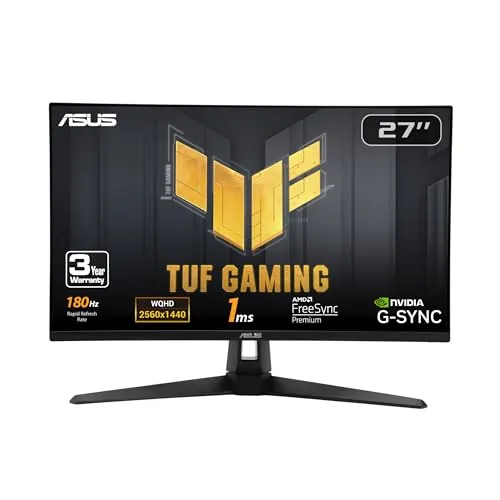
Both exact ASUS models are 27-inch 2560×1440 Fast IPS monitors with a listed maximum refresh rate of 180Hz. The connector path matters: ASUS lists HDMI up to 144Hz on both; ROG XG27ACS also lists DisplayPort and USB-C DisplayPort Alt Mode up to 180Hz, while TUF VG27AQ3A lists DisplayPort up to 180Hz. ROG adds USB-C with 7.5W power delivery and a stand that raises up to 120 mm and rotates to portrait. TUF has two HDMI inputs, built-in 2W × 2 speakers, tilt and swivel, but no stand height adjustment or pivot. Before buying, match the monitor input to your computer's output and decide whether you need to raise the screen or connect multiple HDMI sources.
Read comparison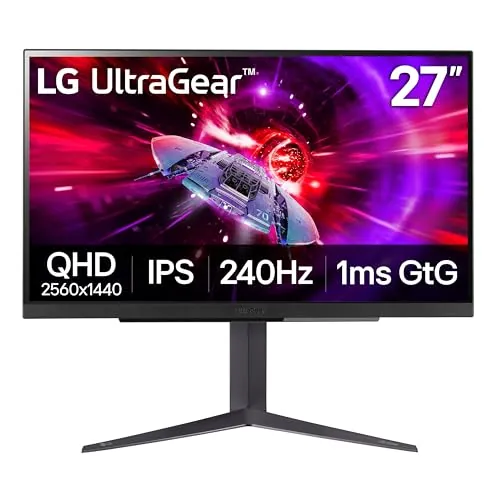
ASUS ROG Strix XG27ACS vs LG 27GR83Q-B.AUS: Refresh Rate, USB-C, and Stand Fit
Both are 27-inch QHD gaming displays, but the useful refresh ceiling depends on your cable path. ASUS XG27ACS carries video over USB-C DisplayPort Alt Mode and supports 180Hz through USB-C/DisplayPort, with HDMI listed to 144Hz. LG 27GR83Q-B.AUS offers two HDMI 2.1 inputs and DisplayPort, with up to 240Hz when the graphics card supports the required interface. Check the exact host output, cable and stand movement your desk needs before buying.
Read comparison