
Products compared
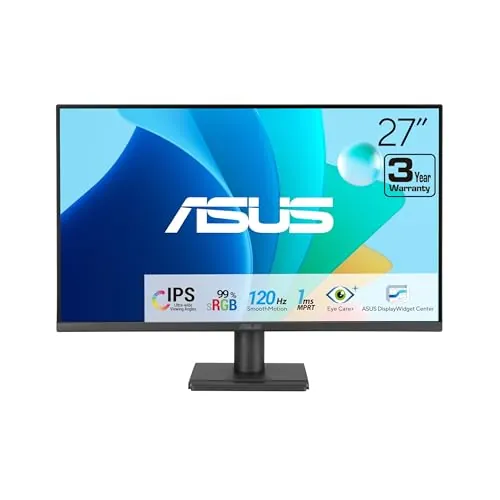
ASUS
ASUS VA279HG 27-inch Full HD Monitor
27-inch, 16:9 IPS monitor with 1920 × 1080 resolution; HDMI 1.4 and VGA inputs.
Model VA279HG
Amazon ASIN B0DM6SNBGM
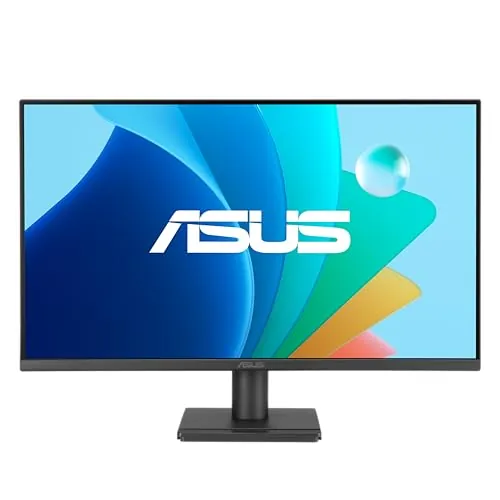
ASUS
ASUS VA249QG 23.8-inch Full HD Monitor
23.8-inch, 16:9 IPS monitor with 1920 × 1080 resolution; DisplayPort 1.2, HDMI 1.4 and VGA inputs, plus stereo speakers.
Model VA249QG
Amazon ASIN B0DM6R51KT
Differences that matter
What matters most to you?
Choose a priority to see what it changes.
Sources for Screen size and pixel count
Sources for Desk footprint and included stand
Sources for Inputs for your computer
Sources for Documented high-refresh input modes
Sources for Built-in audio
Start with the size your desk and viewing distance can use
The VA279HG is a 27-inch 16:9 Full HD display. VA249QG is listed as a 23.8-inch 16:9 Full HD display. Both have 1920 × 1080 pixels, so the larger model changes the physical screen size, not the pixel count.
Their body dimensions with the stand make the desk tradeoff concrete: VA279HG is 61.34 cm wide and 19.42 cm deep; VA249QG is 54.11 cm wide and 18.82 cm deep. Measure the whole planned footprint, including space for cables and the stand base, before choosing.
Match the monitor input to the computer you will use
Both have HDMI 1.4 and VGA. VA249QG adds DisplayPort 1.2. If your desktop or dock is set up for DisplayPort and you want a direct monitor input, that points toward VA249QG. If you use HDMI or VGA, either model lists that input.
The manual includes supported modes up to 1920 × 1080 at 120 Hz over HDMI/DisplayPort for VA249QG. ASUS lists the VA279HG's HDMI vertical signal range through 120 Hz, while its VGA range is listed through 75 Hz. These are monitor-side specifications, not a guarantee for every host, cable or adapter.
Plan for the stand and audio you actually need
Both stands tilt from −5° to +23° and both monitors list 100 × 100 mm VESA mounting. The included stand does not raise either screen; ASUS also specifies no swivel or pivot for VA249QG. If your desk setup requires those movements, budget for a compatible separate VESA mount.
VA249QG lists 2 W × 2 stereo speakers and an earphone jack. VA279HG has an earphone jack but no built-in speakers. This is a convenience distinction; the specifications do not compare sound quality.
Product details
ASUS VA279HG 27-inch Full HD Monitor
ASUS VA249QG 23.8-inch Full HD Monitor
- Panel
- 23.8-inch, 16:9; 1920 × 1080 Source
- Video inputs
- 1 × DisplayPort 1.2, 1 × HDMI 1.4 and 1 × VGA Source
- Body dimensions with stand
- 54.11 × 40.65 × 18.82 cm (W × H × D) Source
- Stand and mounting
- Tilt −5° to +23°; no height adjustment, swivel or pivot; 100 × 100 mm VESA mounting Source
- Built-in speakers
- 2 W × 2 stereo, RMS Source
Before you buy
Community discussions
Choosing a 27-inch 1080p screen for games and media
ASUS VA279HG 27-inch Full HD Monitor
A shopper considering the ASUS VA279HG asks whether a 27-inch 1080p display suits casual gaming and watching video.
What to check
Compare the two screen sizes at your actual desk distance, including how readable you find small interface text and subtitles.
Common questions
Does the 27-inch VA279HG have more resolution than the VA249QG?
No. ASUS lists both at 1920 × 1080. The VA279HG has a 27-inch diagonal; VA249QG is listed as 23.8 inches.VA279HG - Tech SpecsVA249QG - ASUS USA product page
Which monitor has DisplayPort?
VA249QG lists DisplayPort 1.2, HDMI 1.4 and VGA. VA279HG lists HDMI 1.4 and VGA, with no DisplayPort input listed.VA279HG - Tech SpecsVA249QG - ASUS USA product page
Can either supplied stand raise the monitor or turn it vertically?
ASUS lists tilt adjustment but no height adjustment for both. The VA249QG guide also lists no swivel or pivot. Both models list 100 × 100 mm VESA mounting, so a separately selected compatible mount may provide other positioning options.VA279HG - Tech SpecsASUS VA249QG/VA279QG/VA279HG Series LCD Monitor User Guide
Do they both list built-in speakers?
No. ASUS lists 2 W × 2 stereo speakers for VA249QG and no built-in speaker for VA279HG.VA279HG - Tech SpecsVA249QG - ASUS USA product page
Sources and scope
This guide compares ASUS-published specifications for these exact models. It does not test image quality, motion, gaming performance or a particular computer and cable setup. Supported output modes depend on the connected source and input; verify the host output and cable before purchase. Measure the planned desk or mount using the listed dimensions. Prices and current offers are not assessed.
Related comparisons
ASUS VA24DQSB vs VA249QG: Stand Movement, USB Hub or 120 Hz?
The ASUS VA24DQSB and VA249QG are both 23.8-inch, 1920 × 1080 monitors, so focus on desk setup and signal path. VA24DQSB's stand raises and pivots, and its two USB 2.0 downstream ports work when you connect the USB upstream cable. VA249QG's included stand only tilts, but its manual lists Full HD 100/120 Hz modes for HDMI and DisplayPort; VGA Full HD is listed at 60 Hz. Check your desk, host output, cable path and USB needs before choosing.
Read comparison
ASUS VA249QG vs ProArt PA278QV: Port-Specific Modes, QHD and Desk Fit
These ASUS monitors answer different desk needs: the 23.8-inch VA249QG is Full HD and its manual lists 1080p at 100/120Hz for HDMI and DisplayPort, but 60Hz for VGA; its stand tilts only. The 27-inch PA278QV is native 2560×1440 with a 75Hz maximum and an adjustable stand. ASUS gives the PA278QV an overall digital frequency range, not a separate 75Hz guarantee for every input, so check the computer, dock and cable against the exact port you plan to use.
Read comparison