
Products compared
ASUS
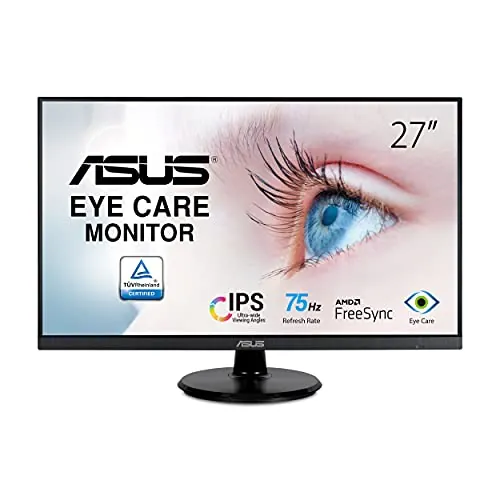
ASUS VA24DQ 23.8-inch Full HD Monitor, Black
selected listing 14707 maps this exact black VA24DQ listing to ASIN B08C5MGFXQ. ASUS's U.S. model page and series manual establish VA24DQ features; the manual distinguishes it from DQLB and VA24DQSB variants.
Model VA24DQ
Amazon ASIN B08C5MGFXQ
ASUS
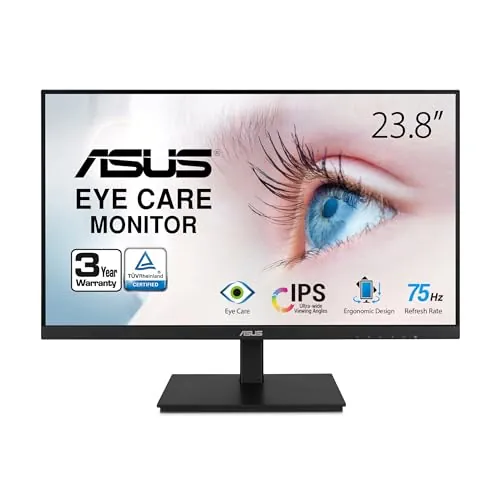
ASUS VA24DQSB 23.8-inch Full HD Monitor, Black
selected listing 22916 maps this exact black VA24DQSB listing to ASIN B09F9WVYTY. This is VA24DQSB without a Y suffix; the cited ASUS series manual lists VA24DQSB and VA24DQSBY separately, and shared claims here are limited to rows that explicitly include VA24DQSB.
Model VA24DQSB
Amazon ASIN B09F9WVYTY
Differences that matter
Sources for Video inputs and advertised display modes
Sources for Setup and included cable check
Measure the desk position before choosing the stand
Start with the job the stand has to do. VA24DQ is the simple tilt-only base: it has no listed height, swivel or pivot movement. VA24DQSB can move vertically through 0–130mm, swivel after its base stop screw is removed, and rotate ±90° for portrait use. If a shared office, coding view or long-document layout makes those movements useful, check that the VA24DQSB rotation and height steps match your intended setup.
There is one documentation conflict: the standalone VA24DQ manual gives an upward tilt maximum of +20°, while a different VA24D-series manual gives +23° for VA24DQ. Both agree that VA24DQ is tilt-only and has no listed height, swivel or pivot, so the recommendation relies on those shared facts rather than the disputed angle.
Plan the USB and video cables separately
VA24DQ has HDMI, DisplayPort and VGA for display input, but ASUS lists no USB 2.0 ports on this model. Keep a keyboard, mouse or storage on the computer or on another USB hub.
VA24DQSB adds two USB-A downstream ports and a USB-B upstream port. The upstream cable must link the monitor to a computer for its USB hub to work. It is separate from HDMI/DisplayPort/VGA, so this is not a single-cable USB-C video, data and charging dock. Check the exact seller box list before assuming the optional upstream cable is included.
Do not pay for a display-mode difference that is not documented
The ASUS U.S. pages put both assigned models in the same basic display class: 23.8-inch IPS, 1920 × 1080 and up to 75Hz, with HDMI, DisplayPort and VGA/D-sub. The VA24D-series manual says Adaptive-Sync/FreeSync works over HDMI and DisplayPort within 48–75Hz. Confirm that your computer exposes the mode and input you intend to use; the documented reason to choose VA24DQSB is stand movement or monitor-side USB, not a higher resolution or advertised refresh ceiling.
Product details
ASUS VA24DQ 23.8-inch Full HD Monitor, Black
- Panel and stated refresh class
- 23.8-inch IPS, 1920 × 1080; ASUS states up to 75Hz and Adaptive-Sync/FreeSync support. Exact supported host timings can still depend on the connected system and input. Source
- Stand
- Tilt-only stand. ASUS manuals list no height, swivel or pivot adjustment. The standalone VA24DQ manual gives -5° to +20° tilt; a separate VA24D-series edition gives -5° to +23°, so the upward limit is unresolved. Source
- Inputs and USB
- HDMI, DisplayPort and VGA inputs. The model-specific table says VA24DQ has no USB 2.0 ports. Source
ASUS VA24DQSB 23.8-inch Full HD Monitor, Black
- Panel and stated refresh class
- 23.8-inch IPS, 1920 × 1080; ASUS states up to 75Hz and Adaptive-Sync support. The series manual limits Adaptive-Sync/FreeSync to HDMI and DisplayPort at 48–75Hz. Source
- Stand
- Tilt -5° to +35°, height adjustment 0–130mm, swivel ±180° after removing the base stop screw, and ±90° portrait pivot. Source
- USB hub and video inputs
- HDMI, DisplayPort and D-sub for video, plus one USB 2.0 Type-B upstream and two Type-A downstream ports. The downstream hub needs the upstream connection to the computer; USB does not replace the separate video cable. Source
Before you buy
Community discussions
A school desk setup needing DisplayPort and stand height adjustment
ASUS VA24DQSB 23.8-inch Full HD Monitor, Black
A school IT buyer wanted a compact monitor that could mirror room AV during presentations. They needed DisplayPort and a height-adjustable stand, and a reader suggested the ASUS VA24DQSB.
What to check
Confirm the inputs on the exact display, which connection your room equipment uses, and how much height adjustment you need.
Common questions
Does the VA24DQSB USB hub work through the HDMI or DisplayPort cable?
No. ASUS documents a separate USB-B upstream connection from the monitor to the computer to enable the monitor's two USB-A downstream ports. HDMI, DisplayPort or VGA carries the display signal.ASUS VA24D Series LCD Monitor User Guide (VA24DQSB edition; explicitly includes VA24DQSB and VA24DQ rows)
Can the VA24DQ rotate to portrait or adjust its height?
The VA24DQ row in ASUS's manual lists no height adjustment, swivel or pivot. VA24DQSB is the model with a listed 0–130mm height range and ±90° pivot.ASUS VA24D Series LCD Monitor User Guide (VA24DQ edition)ASUS VA24D Series LCD Monitor User Guide (VA24DQSB edition; explicitly includes VA24DQSB and VA24DQ rows)
Are the display resolution and refresh class different?
ASUS lists both as 23.8-inch Full HD 1920 × 1080 monitors with refresh rates up to 75Hz. The VA24D-series manual describes Adaptive-Sync/FreeSync over HDMI and DisplayPort within 48–75Hz. Check the input and host configuration for your intended mode.VA24DQ | Monitors | ASUS USAVA24DQSB | Monitors | ASUS USAASUS VA24D Series LCD Monitor User Guide (VA24DQSB edition; explicitly includes VA24DQSB and VA24DQ rows)
Does the VA24DQSB listing guarantee the USB upstream cable is included?
The ASUS VA24D-series manual marks its USB cable as optional package content. That does not establish the contents of this ASIN's current seller offer, so check the exact listing or ask the seller if the cable matters to your setup.ASUS VA24D Series LCD Monitor User Guide (VA24DQSB edition; explicitly includes VA24DQSB and VA24DQ rows)
Sources and scope
This is a specification-based fit guide for the assigned black U.S. listing 14707/B08C5MGFXQ (VA24DQ) and 22916/B09F9WVYTY (VA24DQSB). ASUS documentation establishes model features but does not confirm the contents of a particular Amazon seller bundle; verify whether the optional USB upstream cable is included if you need it. ASUS manuals conflict on VA24DQ maximum upward tilt (+20° in its standalone edition, +23° in the VA24DQSB-series edition). Stand comfort, stability, image quality, USB speed, host-specific compatibility and measured performance were not tested.
Related comparisons
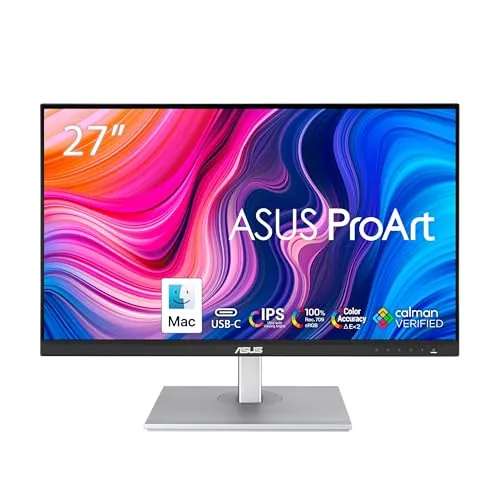
ASUS ProArt PA278CV vs VA24DQSB: Match Screen Size, Desk Space, and Cables
These ASUS monitors differ in native screen format and connection layout. PA278CV is 27 inches at 2560×1440, with USB-C that can carry DisplayPort video and hub data while providing up to 65 W to a compatible host. VA24DQSB is 23.8 inches at 1920×1080, with HDMI, DisplayPort, VGA, and a two-port USB hub connected separately through USB Type-B upstream. ASUS lists an estimated 61.5 cm width for PA278CV and 54 cm for VA24DQSB. Measure the desk, check your preferred scaling, and confirm your computer's ports and power needs before choosing.
Read comparison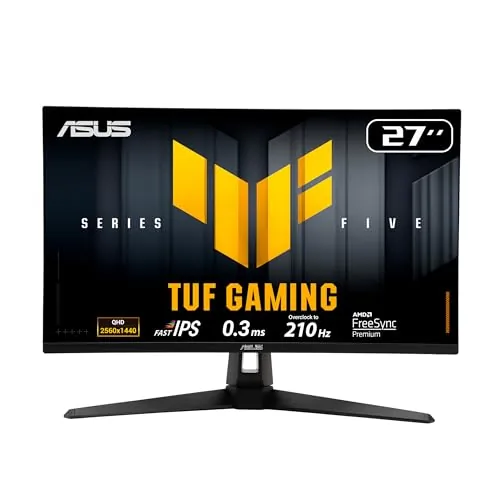
ASUS TUF VG27AQL5A vs VA24DQSB: Resolution, Refresh and Desk Setup
The ASUS TUF VG27AQL5A has a 2560 × 1440 native panel, HDMI 2.0 and DisplayPort 1.4; ASUS lists a 210 Hz overclocked mode and separate input ceilings of 144 Hz over HDMI and 210 Hz over DisplayPort. The 23.8-inch VA24DQSB is 1920 × 1080 with VGA, HDMI, DisplayPort and a two-port USB hub that needs a separate upstream cable. Check the exact input path, stand range and desk width before choosing.
Read comparison