
Products compared
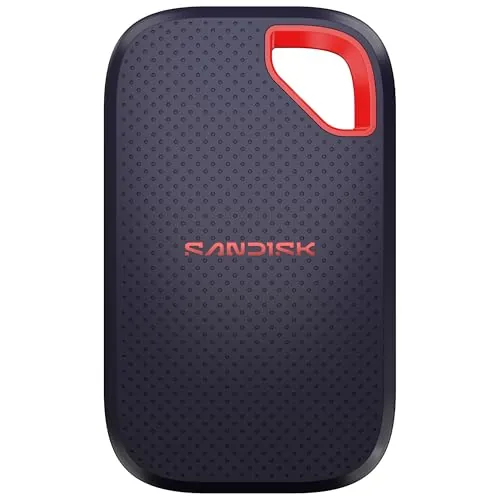
SanDisk
SanDisk Extreme Portable SSD V3 1TB Black
The exact 1TB Black V3 configuration. SanDisk lists USB 3.2 Gen 2x2, up to 2,000MB/s read and 1,700MB/s write, a 46.9g enclosure, and IP65 under its stated test conditions. The exact product page lists a USB-C to USB-C cable in the box.
Model SDSSDE70-1T00-G25
Amazon ASIN B0GMWYYRQL
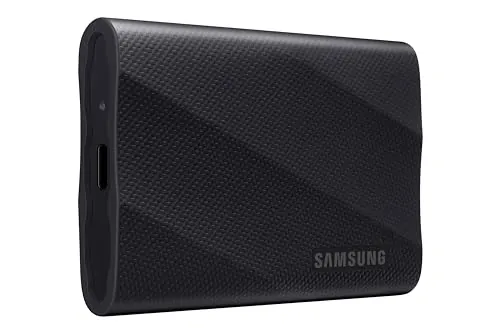
Samsung
Samsung Portable SSD T9 1TB Black
The exact U.S. 1TB Black configuration. Samsung's capacity-specific data sheet lists USB 3.2 Gen 2x2, up to 2,000MB/s sequential read and 1,950MB/s sequential write, a 122g drive and a drop-resistance claim tested under stated conditions.
Model MU-PG1T0B/AM
Amazon ASIN B0CHFSWM2P
Differences that matter
What matters most to you?
Choose a priority to see what it changes.
Sources for Interface and host ceiling
Sources for Capacity-specific rated sequential write
Sources for Listed enclosure size and weight
Sources for Documented exposure information
Start with the port on the device you own
For these exact 1TB models, both makers specify USB 3.2 Gen 2x2 (20Gbps). That shared interface label is the first compatibility check, not a promise that every USB-C port can use it. Find the host's exact USB data mode and confirm the cable path before using either drive for a workflow that depends on the stated ceiling.
The SanDisk exact product page lists a USB-C to USB-C cable in the box. The reviewed Samsung sources establish T9's interface and model but do not settle the exact in-box cable for this particular Amazon bundle; check the current exact retail offer contents rather than assuming a cable from another package.
Read the capacity row, not just the headline
The SanDisk product page's specific 1TB row lists up to 2,000MB/s read and 1,700MB/s write. Samsung's T9 data-sheet table lists up to 2,000MB/s read and 1,950MB/s write for 1TB. Samsung's U.S. page uses a broad 2,000MB/s read-and-write headline, so this guide uses the more specific 1TB data-sheet row for write. Neither claim substitutes for a same-host test.
If most transfers are limited by your host port, existing workload or software, a higher rated maximum may not change the workflow. Choose based on the whole setup and the manufacturer's conditions rather than treating these numbers as guaranteed throughput.
Use each durability statement within its stated scope
SanDisk lists IP65 and an up-to-3m drop claim for the V3. Its page describes limited dust and water test conditions and directs users to make the drive clean and dry before use. Samsung describes a drop test for the T9, including a freefall to a metal plate from 3m; the data sheet says results can vary and drop damage is not covered by warranty.
Those statements do not form a shared test, so they cannot establish which drive is tougher overall. If dust or water exposure is central to your setup, the reviewed exact-model Samsung sources do not document an IP rating; verify current manufacturer documentation rather than inferring one.
Product details
SanDisk Extreme Portable SSD V3 1TB Black
- Interface
- USB 3.2 Gen 2x2 (20Gbps); actual rate depends on compatible host and usage. Source
- 1TB rated maximum
- Up to 2,000MB/s read and 1,700MB/s write; manufacturer internal testing, not a result for every host. Source
- Dimensions and weight
- 85 × 51 × 9.8mm; 46.9g. Source
- Documented durability
- IP65 and up to 3m drop claim; follow the manufacturer's test conditions and clean/dry-before-use instruction. Source
- Listed in the box
- USB-C to USB-C cable and quick start guide on the exact 1TB product page. Source
Samsung Portable SSD T9 1TB Black
- Interface
- USB 3.2 Gen 2x2 (20Gbps). Maximum performance depends on host, cable and system configuration. Source
- 1TB rated sequential maximum
- Up to 2,000MB/s read and 1,950MB/s write; Samsung internal testing with the enclosed cable, with host and system variation expected. Source
- Dimensions and weight
- 88 × 60 × 14mm; 122g. Source
- Documented drop condition
- Up to 3m drop resistance in Samsung's stated freefall-to-metal-plate test; the data sheet says results may vary and drop damage is not covered by warranty. Source
Before you buy
Community discussions
An After Effects buyer asks whether the T9's speed target fits a Mac mini workflow
Samsung Portable SSD T9 1TB Black
A buyer with a Mac mini M4 and 256GB internal storage considers the Samsung T9 1TB for Adobe After Effects and asks whether its advertised 2,000 MB/s is enough compared with a 1TB SanDisk Pro G40. This is a purchase question, not a report that either drive achieved those speeds or a measured threshold for After Effects.
What to check
Start with the actual files and task you plan to run from the drive, then verify the host's supported port and cable. If speed affects the choice, use an environment-equivalent test with your own project and the intended port; do not choose solely by comparing headline ratings or assume the Pro G40 is this guide's SanDisk model.
Common questions
Do both exact 1TB drives use USB 3.2 Gen 2x2?
Yes. Both manufacturer data sheets list USB 3.2 Gen 2x2 at 20Gbps. The host, cable and system must support the applicable interface for a setup to approach the advertised maximums; the USB-C connector alone does not confirm that mode.SanDisk Extreme Portable SSD — official product data sheetSamsung Portable SSD T9 — official data sheet
Which lists the higher 1TB write figure?
Samsung's T9 data-sheet row for 1TB lists up to 1,950MB/s sequential write; SanDisk's exact 1TB product-page row lists up to 1,700MB/s. The figures use manufacturer testing and are not a measured comparison on a shared computer.SanDisk Extreme Portable SSD V3 — exact 1TB Black SKU pageSamsung Portable SSD T9 — official data sheet
Is the SanDisk page definitely for the 1TB model?
The page has a general title/card that can surface a different capacity, so verify the explicit 1TB Black row and model SDSSDE70-1T00-G25. Do not apply a neighboring capacity's values to that SKU.SanDisk Extreme Portable SSD V3 — exact 1TB Black SKU page
Do these sources prove compatibility with every phone, camera or console?
No. They give manufacturer-listed OS/device families and interface conditions, not a complete compatibility matrix for every host, cable, filesystem, app or recording workflow. Check the exact host maker's requirements before buying for a specialized use.SanDisk Extreme Portable SSD V3 — exact 1TB Black SKU pageSamsung Portable SSD T9 1TB Black — U.S. product page
Sources and scope
This is a specification-based buying guide for the listed U.S. 1TB variants, not a hands-on speed, compatibility, drop or water test. Manufacturer maximums depend on the host, interface, cable and workload. Confirm the precise drive SKU, computer or phone port and supplied cable before buying. The SanDisk page's general page title/card can display a different capacity; the 1TB SKU and specifications below are taken from its explicit 1TB row and model number. Samsung's broad product-page headline differs from its 1TB data-sheet write figure; this comparison uses the capacity-specific 1,950MB/s data-sheet value and preserves that distinction.
Related comparisons
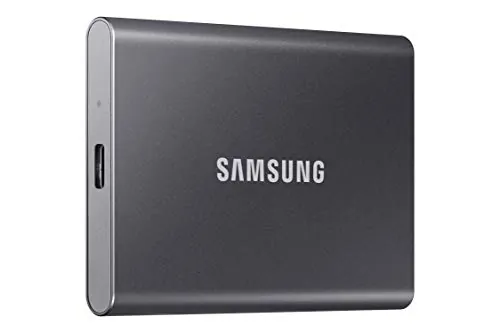
Samsung T7 1TB vs T9 1TB: Check Your USB Port Before Upgrading
These are both regular 1TB drives: the gray T7 MU-PC1T0T/AM uses USB 3.2 Gen 2 (10Gbps), while the black T9 MU-PG1T0B/AM uses Gen 2x2 (20Gbps). Samsung's peak sequential figures come from internal testing; they are not independent real-world results. The T9's maximum tier requires a Gen 2x2 host, suitable cable, and UASP. If your device has only Gen 2 or older, its headline speed advantage is not available.
Read comparison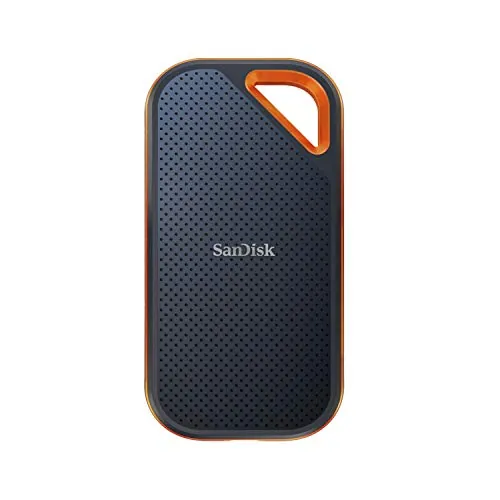
Samsung T9 vs SanDisk Extreme PRO 1TB: Port, Cable and Carry Fit
This U.S. comparison covers the black 1TB Samsung Portable SSD T9 (MU-PG1T0B/AM) and SanDisk Extreme PRO Portable SSD (SDSSDE81-1T00-G25). Both list USB 3.2 Gen 2x2 and include USB-C-to-C and USB-C-to-A cables. Samsung's 1TB write rating is up to 1,950 MB/s; SanDisk lists up to 2,000 MB/s read/write, but those manufacturer figures use different test disclosures and do not establish a real-world speed winner. Pick the T9 for its shorter listed body or Samsung Magician workflow; pick the SanDisk for its thinner/lighter listed body, attachment loop, stated IP65 conditions or Memory Zone phone-file workflow.
Read comparison