
Products compared
Seagate
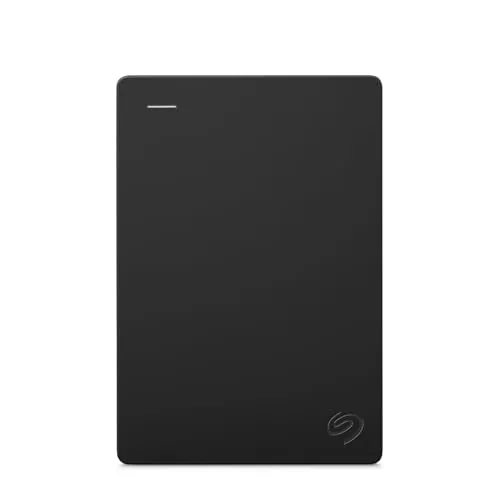
Seagate Portable 2TB External Hard Drive
The assigned 2TB AMER Portable model. Seagate documents a single USB connection for power and PC setup; no separate power adapter is needed. Its datasheet says reformatting for Mac may be required, so check the intended Mac and file-system workflow before relying on a ready-to-use setup.
Model STGX2000400
Amazon ASIN B07CRG94G3
Seagate
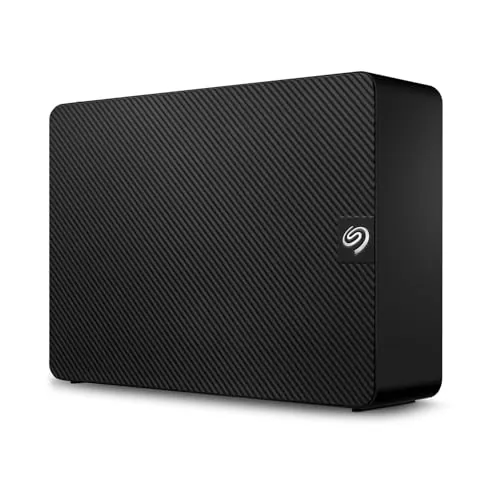
Seagate Expansion Desktop External Hard Drive 6TB
The assigned 6TB AMER Expansion Desktop model. Its box list includes an 18-inch USB 3.0 cable and an 18W power adapter; plan for a free outlet as well as the computer’s USB connection. The larger nominal label still leaves less space for files after formatting and other functions.
Model STKP6000400
Amazon ASIN B093BVQYYM
Differences that matter
Sources for Nominal capacity versus the file plan
Sources for Power at the place you will use it
Sources for Host connection and included setup
Sources for Operating-system and reformat check
Sources for Enclosure and desk-space check
Turn the storage label into a real file budget
The capacity difference is threefold by nominal label, but that matters only if your files and retained versions need the extra room. Seagate warns that the computer may display a lower figure and that formatting and other functions use some capacity. Count what you plan to store, leave headroom, and compare with the amount your computer reports after setup.
If the total fits within the Portable’s usable space, its lower nominal capacity may be enough. If the collection grows beyond that, the 6TB Desktop is the larger option only when the collection still fits its available space. Neither datasheet supports a specific usable-byte promise.
Check the whole connection, not just the USB port
Portable’s power comes through its USB cable, so there is no separate supply to place. Expansion Desktop needs both the USB connection and the included 18W power adapter. A free USB port is only half the desk check for the 6TB model: verify a nearby outlet, adapter position and cable reach.
Both Seagate datasheets discuss USB 3.0. This guide does not compare transfer speed or guarantee a particular result on a computer, cable, port or hub. The practical decision here is which physical connection arrangement your planned location supports.
Confirm host and backup-format steps before copying
The Portable datasheet lists Windows 10, 8 and 7 and warns that Mac reformatting may be required. The Expansion Desktop datasheet lists Windows 10 or higher or Mac OS X 10.12 or higher; for Time Machine it says reformatting may be required. Both documents caution that compatibility varies with computer hardware and operating system.
Those are the manufacturers’ published document notes, not confirmation for every current OS release or backup application. Read the current support instructions for your exact model and host before copying files. If you need reformatting, check what that means for any data already on the drive and the systems that will need to read it.
Product details
Seagate Portable 2TB External Hard Drive
- U.S. model and nominal capacity
- AMER model STGX2000400; 2TB nominal. The operating system may report a different amount and formatting uses some capacity. Source
- Power and setup
- The drive is powered through its USB cable; no external power supply is needed. Seagate describes a single USB Type-A cable for PC setup. Source
- Host and Mac note
- The datasheet lists Windows 10/8/7 and says reformatting for Mac may be required; compatibility may vary by computer hardware and OS. Confirm support for the exact current host and desired format. Source
- Listed drive dimensions
- For capacities up to 2TB, Seagate lists 4.606 × 3.149 × 0.582 in (length × width × depth). Measure the space and cable route at your own setup. Source
Seagate Expansion Desktop External Hard Drive 6TB
- U.S. model and nominal capacity
- AMER model STKP6000400; 6TB nominal, black. Seagate notes that the operating system may report less and formatting and other functions reduce available file space. Source
- Power and box connections
- The listed box includes the Expansion Desktop drive, an 18-inch USB 3.0 cable and an 18W power adapter. The drive setup uses both power supply and USB cable. Source
- Host and Time Machine note
- The datasheet lists Windows 10 or higher, or Mac OS X 10.12 or higher, and says reformatting may be required for Time Machine; compatibility may vary by hardware and OS. Verify the current host and intended format before setup. Source
- Listed drive dimensions
- Seagate lists 7.037 × 1.65 × 4.921 in (length × width × depth). Reserve room for the upright drive, power adapter and cable bends rather than measuring only the enclosure. Source
Before you buy
Community discussions
Choosing a destination for a small photo archive
Seagate Portable 2TB External Hard Drive
A buyer with about 12 GB of family photos considered the Seagate Portable 2TB for a local copy alongside cloud storage.
What to check
Estimate the size of your current files and what you expect to add. Decide where you want to keep a second copy before choosing a capacity.
Common questions
Will 2TB of files fit on the Portable?
Do not assume an exact 2TB folder will fit. Seagate says the computer may report capacity differently and some listed space is used for formatting and other functions. Compare your planned total with the available space reported by the host, and leave room for additions.Seagate Portable Drive U.S. Data Sheet, DS1985.4-2508US
Can I set up either drive on a Mac?
Seagate’s Portable datasheet says Mac reformatting may be required. Its Expansion Desktop datasheet lists Mac OS X 10.12 or higher and says Time Machine use may require reformatting. These are manufacturer-listed notes, not a guarantee for every current Mac, OS update or file-system workflow; check current instructions before moving files.Seagate Portable Drive U.S. Data Sheet, DS1985.4-2508USSeagate Expansion Desktop Drive U.S. Data Sheet, DS2063.5-2507WW
Does the 6TB Desktop work without an outlet?
The exact STKP6000400 datasheet lists an 18W power adapter in the box and describes setup using the power supply plus USB cable. The 2TB STGX2000400 is the model Seagate describes as USB-powered without an external supply; choose it only if its usable capacity fits your file plan.Seagate Expansion Desktop Drive U.S. Data Sheet, DS2063.5-2507WWSeagate Portable Drive U.S. Data Sheet, DS1985.4-2508US
Sources and scope
This guide covers the assigned U.S. Seagate Portable STGX2000400 2TB and Expansion Desktop STKP6000400 6TB models. Seagate’s current Portable datasheet identifies the 2TB AMER SKU, USB power and a Mac reformatting caveat; the current Expansion datasheet identifies the 6TB AMER SKU, its included adapter/cable and older listed OS requirements. These manufacturer documents do not establish compatibility with every current computer or file system. A reformat can change the drive’s setup and should be checked against the computer and intended workflow before use. Nominal capacity is not usable file space. This guide has not tested these drives; no transfer-speed, backup-completion, noise, durability or reliability result is claimed.
Related comparisons
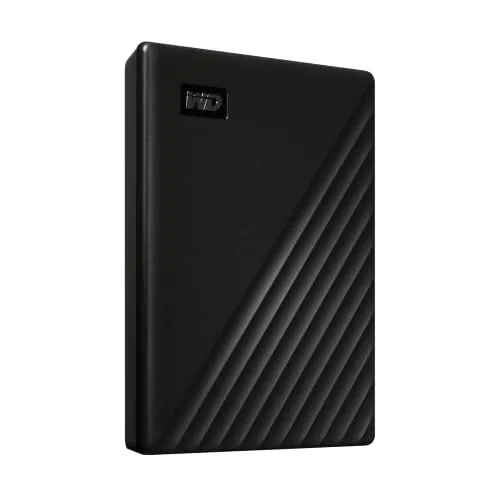
Seagate Portable 2TB STGX2000400 vs WD My Passport 2TB Black: Cable and Backup Setup
Both assigned offers are nominal 2TB portable hard drives. Seagate’s STGX2000400 data sheet describes USB-powered Windows plug-and-play setup and notes Mac reformatting may be needed. WD’s WDBYVG0020BBK-WESN overview lists an included USB-A cable and downloadable management/backup software, while WD’s current product page identifies a Micro-B drive connector and says password protection is for Windows. Check exact cable ends and OS setup before choosing.
Read comparison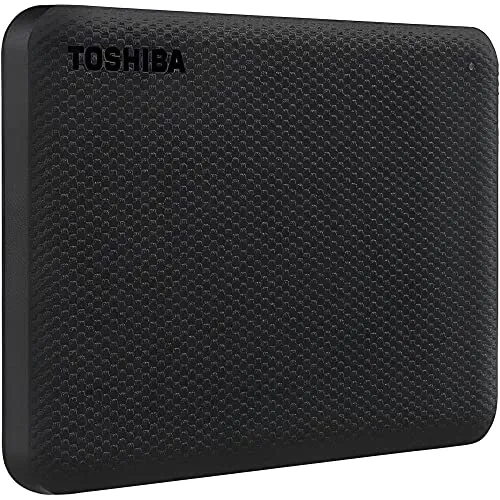
Seagate Portable 1TB vs Toshiba Canvio Advance 1TB: Backup Apps, Cable, and Size
These exact black 1TB drives share USB-powered portable storage, but their published workflows differ. Seagate documents plug-and-play PC setup and drag-and-drop use without installing software. Toshiba documents downloadable Windows-only scheduled-backup and password-lock utilities. Toshiba lists a smaller, lighter drive body. Check your computer's USB connector and operating system before ordering, especially if you use USB-C-only hardware or a Mac.
Read comparison