
Products compared
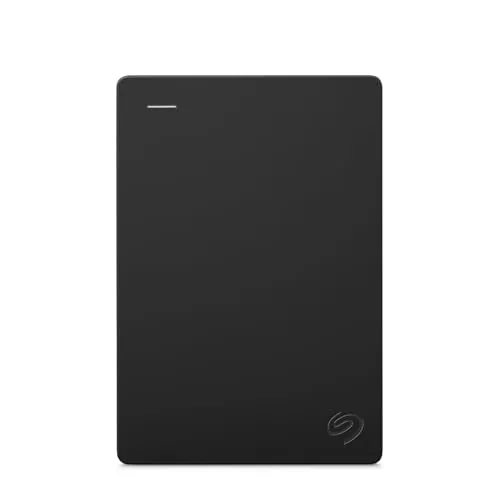
Seagate
Seagate Portable External Hard Drive 1TB
US / AMER 1TB single drive; black listing
Model STGX1000400
Amazon ASIN B07CRG7BBH
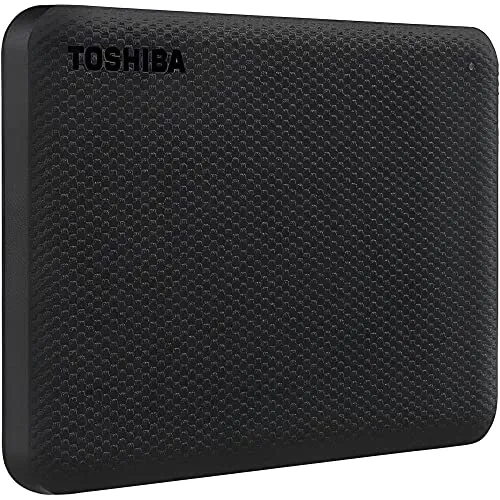
Toshiba
Toshiba Canvio Advance 1TB Portable External Hard Drive
1TB black US model listed by Toshiba America; single drive
Model HDTCA10XK3AA
Amazon ASIN B08JKFY8FH
Differences that matter
What matters most to you?
Choose a priority to see what it changes.
Sources for Manual PC copying vs scheduled backup tools
Sources for Cable, host port, and power
Sources for File system and Mac preparation
Sources for Drive-body size and weight
Start with how you want backups to happen
If you prefer copying files yourself, Seagate's US datasheet describes a direct PC setup: connect the drive, let Windows recognize it, and use drag-and-drop without installing or configuring software. Toshiba's V10 setup sheet documents a different optional path: downloadable Windows-only software can schedule backup of photos, music, videos, and files, with a separate password-lock feature.
Pick Toshiba for those tools only if scheduled backups or its password-lock function are part of your plan. Its maker sheet does not say that software is required to use the drive for ordinary storage. Password lock is not the same as a supported encryption claim, and these materials do not report backup success or recovery testing. If neither workflow matters, there is no documented basic-copy winner here.
Check your host port and file-system plan before plugging in
Both drives are described as USB-powered and USB 2.0 compatible; a USB 3.0 host is the maker-listed connection for USB 3.0 operation. Toshiba's Canvio Advance manual specifies the included USB 3.0 Micro-B cable and a USB Type-A host port. Seagate lists an included 18-inch USB cable and describes a single USB Type-A cable for PC setup. If your laptop has only USB-C ports, verify the exact listing's cable or the adapter you will use rather than assuming the included lead plugs in directly.
Mac setup needs attention on both. Seagate says reformatting may be required; Toshiba says reformatting is required for the macOS releases in its manual. Toshiba lists NTFS and Windows 11/10/8.1 for its preformatted drive. Before reformatting, decide how the drive will be shared with Windows and Mac and copy off any files you need to keep. The cited manuals do not establish compatibility with every current OS version.
Use body size as a final filter, not a durability ranking
For the drive alone, Seagate lists 117 × 80 × 14.8 mm and 190 g for its 2TB-and-below group. Toshiba lists 109 × 78 × 14 mm and about 149 g for the 1TB/2TB Canvio Advance. The Toshiba figures are smaller by 8 mm in length, 2 mm in width, 0.8 mm in thickness, and 41 g in weight when compared with those manufacturer-listed body values.
If the difference affects where the drive fits or how much mass you want to carry, it can break a tie. It does not predict shock resistance, reliability, or performance, and it excludes the cable, case, and retail box. Both are conventional portable HDDs; no comparative transfer or durability test is represented here.
Product details
Seagate Portable External Hard Drive 1TB
A bus-powered 1TB portable drive whose US datasheet describes a direct PC setup and drag-and-drop file workflow. The datasheet says Mac reformatting may be required.
- Exact model and capacity
- AMER STGX1000400, 1TB Source
- PC connection
- Single USB Type-A cable; USB-powered; USB 3.0 and USB 2.0 compatibility Source
- Published drive-body size and weight
- 117 × 80 × 14.8 mm; 0.19 kg for capacities 2TB and below Source
- PC transfer workflow
- Seagate describes automatic recognition, plug-and-play setup, no software/configuration, and drag-and-drop use Source
Toshiba Canvio Advance 1TB Portable External Hard Drive
A 1TB model whose maker-authored V10 sheet identifies the exact black SKU and documents optional/downloadable Windows backup and password-lock tools. The guide lists a Type-A host connection and Mac reformatting for its stated OS versions.
- Exact model and capacity
- HDTCA10XK3AA, 1TB, Black, UPC 723844000677 Source
- Included cable and host port
- Canvio Advance manual lists a USB 3.0 Micro-B cable and requires a USB Type-A host port; USB 2.0 is supported Source
- Published 1TB/2TB drive-body size and weight
- 109 × 78 × 14 mm; approximately 149 g Source
- Backup and security software
- Downloadable Windows-only scheduled backup and password-lock software; not established as encryption Source
Before you buy
Community discussions
Adding a second copy of files from a MacBook
Toshiba Canvio Advance 1TB Portable External Hard Drive
A Canvio Advance owner had important files on one drive and asked how to add a backup copy while using a MacBook Air.
What to check
Estimate how much data you want to back up. Check the drive format, available USB port and backup software support for the computer you use.
Common questions
Does the Toshiba Canvio Advance need its backup app to copy files?
The Toshiba V10 sheet describes downloadable Windows-only backup and password-lock utilities, but does not state that those tools are required for basic drive use. The Seagate sheet explicitly documents a no-install PC setup; this alone does not prove a simpler basic-copy experience versus Toshiba.Canvio Advance V10 Product Setup Sheet — exact 1TB black part HDTCA10XK3AASeagate Portable Drive US Data Sheet DS1985.4-2508US
Are the Toshiba's backup and password-lock programs for Mac?
No. Toshiba's exact-model setup sheet marks the downloadable software as Windows-only. It documents a password-lock feature but does not establish encryption. Check current download availability and supported Windows versions before relying on the utilities.Canvio Advance V10 Product Setup Sheet — exact 1TB black part HDTCA10XK3AA
Will either drive work with a USB-C-only laptop using the included cable?
The cited documents describe Type-A host connections; Toshiba's guide specifically lists a Micro-B drive connector and Type-A host port. They do not verify direct USB-C connection for these packages. Confirm the cable included with the exact listing or plan a compatible adapter.Seagate Portable Drive US Data Sheet DS1985.4-2508USToshiba Canvio Advance User's Manual — USB cable, system requirements, and connection steps
Can I plug either drive into a Mac without reformatting?
The Seagate sheet says reformatting may be required for Mac; Toshiba says reformatting is required for the macOS versions listed in its manual. Check the current exact-model instructions and decide on a file-system plan before copying data, because formatting can erase files.Seagate Portable Drive US Data Sheet DS1985.4-2508USToshiba Canvio Advance User's Manual — USB cable, system requirements, and connection steps
Which one is smaller and lighter on the spec sheet?
Toshiba lists the 1TB/2TB Canvio Advance body at 109 × 78 × 14 mm and about 149 g. Seagate lists its 2TB-and-below body at 117 × 80 × 14.8 mm and 190 g. Those figures exclude the cable and packaging and are not durability tests.Canvio Advance V10 Product Setup Sheet — exact 1TB black part HDTCA10XK3AASeagate Portable Drive US Data Sheet DS1985.4-2508US
Sources and scope
Manufacturer documents identify these model families and exact regional part numbers, but do not verify every current computer operating-system release, USB-C-only host configuration, or software download availability for every region. Toshiba calls its feature password lock; the documents do not establish encryption or a recovery guarantee. Dimensions and weights are drive-body specifications, not a test of speed, durability, or travel performance. No hands-on test for this guide is represented.
Related comparisons
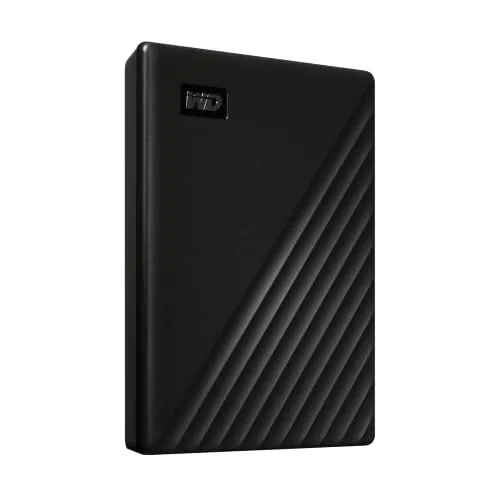
WD My Passport 1TB vs Toshiba Canvio Advance 1TB: Backup Setup and Host Fit
Both are black 1TB portable hard drives with USB 3.2 Gen 1-class connections and USB 2.0 compatibility. WD documents Acronis backup software, password protection and hardware encryption for its exact 1TB Black SKU; Toshiba describes Windows-only backup software with file/folder and schedule controls. The practical choice turns on host setup, preferred backup workflow and the small listed thickness/weight difference—not a speed or reliability claim.
Read comparison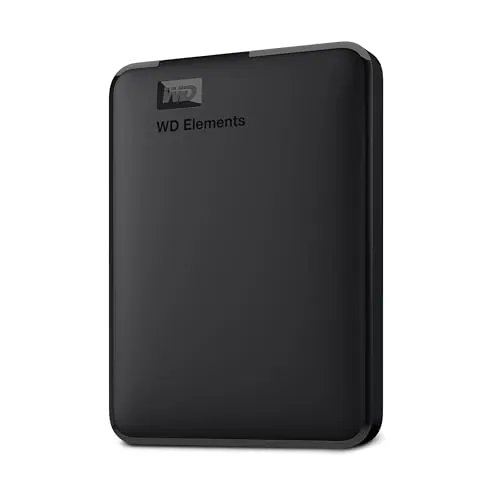
WD My Passport 2TB vs WD Elements Portable 2TB: Security, Setup and Sleeve Fit
These exact U.S. 2TB black models share USB-A cable connectivity, but their documented software and security differ. WD lists My Passport (WDBYVG0020BBK-WESN) with password protection, hardware encryption and downloadable backup/device-management software; WD's support matrix lists Elements Portable USB 3.0 without those WD security features, and its unsupported list includes the WDBU6Y model prefix. Their manufacturer-listed 2TB footprints are also different: My Passport is 107.2 × 75.0 × 13.5 mm and Elements is 110.5 × 82.0 × 15.0 mm. Use the security workflow and the actual sleeve/case opening to decide; neither listing establishes a transfer-speed or durability winner.
Read comparison