
Products compared
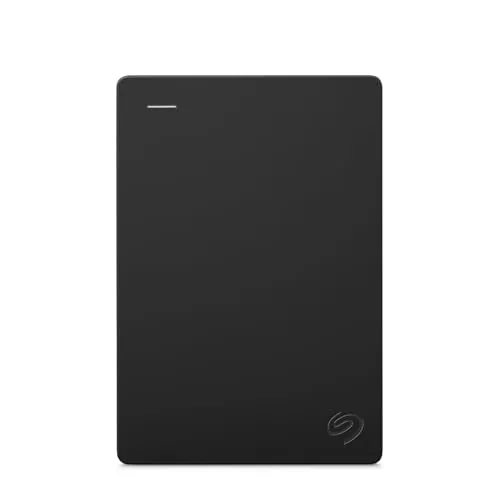
Seagate
Seagate Portable Drive 2TB (STGX2000400)
Assigned U.S. 2TB Seagate Portable Drive configuration; Seagate’s U.S. data sheet lists STGX2000400 as the 2TB AMER model.
Model STGX2000400
Amazon ASIN B07CRG94G3
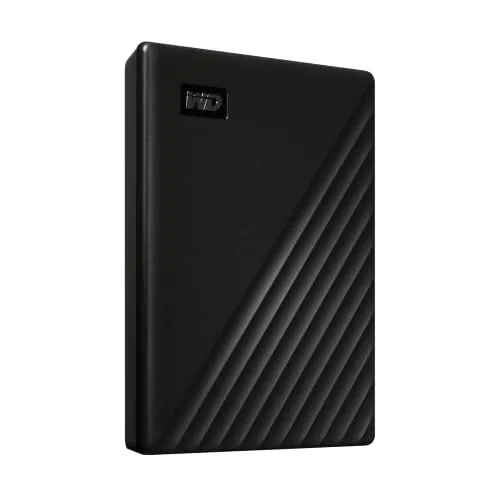
WD
WD My Passport 2TB Black (WDBYVG0020BBK-WESN)
Assigned 2TB Black My Passport configuration. WD’s overview lists this exact Black SKU; the current product page lists it among the 2TB variants.
Model WDBYVG0020BBK-WESN
Amazon ASIN B07VTFN6HM
Differences that matter
What matters most to you?
Choose a priority to see what it changes.
Sources for Windows recognition and file-system setup
Sources for Portable shell size listed for the 2TB configuration
Start with the two cable ends
The assigned Seagate model is STGX2000400, a nominal 2TB Portable Drive. Its U.S. data sheet lists an 18-inch (45.72 cm) cable labeled “USB-C Type-A” and describes a single USB Type-A cable for Windows setup. The sheet does not clearly say which plug connects to the drive and which to the computer. Confirm the precise lead and port on the exact offer, especially if your computer has only USB-C.
WD’s 2TB Black SKU is WDBYVG0020BBK-WESN. WD identifies the drive connector as Micro-B and lists an included SuperSpeed USB-A cable, but gives no length in the overview. If your laptop has USB-C only, plan to verify whether the cable package or your adapter covers the host side. Neither guide assumes an adapter is included.
Separate Windows setup from Mac file-system needs
Seagate describes STGX2000400 as USB-powered and automatically recognized by Windows without software or configuration. Its sheet lists Windows 10, 8, and 7 and says reformatting for Mac may be required; compatibility can vary with hardware and OS.
WD lists Windows 10+, ChromeOS, and a downloadable NTFS driver for read/write on macOS 11+. The overview’s phrase about whether reformatting is needed is unclear. If you will alternate the drive between Mac and Windows, confirm the current manufacturer instructions and the format you plan to use before storing files. No tested compatibility across particular computer models is claimed here.
Check what WD’s software actually includes
WD lists downloadable device-management and backup software with the My Passport, and its overview says software download and installation are required; terms and account registration may apply. WD’s product page advertises password protection and 256-bit AES hardware encryption, while specifying password protection as Windows-only. Those are manufacturer-listed features, not a security test.
The reviewed WD overview does not state a current license duration for the exact B07VTFN6HM offer. If backup automation, OS support, or password setup is central to your choice, verify the current download, eligibility, and terms for the exact SKU instead of treating “software included” as a permanent license. Seagate’s data sheet instead emphasizes direct Windows recognition without an installed utility.
A pre-buy connection and backup checklist
Write down the host port on each computer, then compare it to the drive-side connector and cable listed for the chosen model. For WD, the selected Black 2TB SKU is Micro-B and the listed lead is USB-A; for Seagate, verify the two ends because its cable nomenclature is unclear in the current sheet. If the drive will be shared between OSes, confirm whether you need to reformat or install a driver and which file format your workflow requires.
If you choose WD for its software, check current licensing/account terms and whether the Windows-only password feature matches your host. These products are not performance-tested here; the nominal 2TB label, security features, and backup software do not guarantee a particular transfer rate, recovery result, or protection outcome.
Product details
Seagate Portable Drive 2TB (STGX2000400)
- Capacity and power
- 2TB nominal capacity; USB-powered; maker says Windows automatically recognizes it without software/configuration. Source
- Included cable and host requirement
- Data sheet lists an 18-inch (45.72 cm) “USB-C Type-A cable” and a SuperSpeed USB 3.0 host port; its setup paragraph refers to a single USB Type-A cable. Exact connector ends are not unambiguously identified in the sheet text. Source
- Mac setup note
- Seagate says reformatting for Mac may be required; compatibility may vary by hardware and OS. Source
WD My Passport 2TB Black (WDBYVG0020BBK-WESN)
- Connector and included cable
- WD product page identifies a Micro-B drive connector; overview lists an included SuperSpeed USB-A cable (5Gbps), without publishing its length. Source
- OS notes
- WD overview lists Windows 10+, ChromeOS, and a downloadable NTFS driver for read/write on macOS 11+; its reformatting wording is not fully clear, so confirm current setup guidance for your OS. Source
- Backup/security features
- Overview lists downloadable device-management/backup software with password protection; WD’s current product page states password protection is Windows-only and lists 256-bit AES hardware encryption. Download/installation, account registration, and terms may apply. Source
Before you buy
Community discussions
A 2TB buyer is choosing a photo and video backup drive
WD My Passport 2TB Black (WDBYVG0020BBK-WESN)
The original poster is considering this exact 2TB WD My Passport for hobby photography and cinematography files, occasional laptop viewing, and a personal backup. They ask about encryption and whether to keep another copy. This is a buyer question, not an ownership report.
What to check
Before choosing, estimate the library you need to keep available, check the cable for your laptop, and decide whether this is one copy in a broader backup routine. The thread does not report a purchase result.
Common questions
Can I connect either drive directly to a USB-C-only laptop with the included cable?
Do not assume so. WD lists a USB-A cable for a drive with a Micro-B connector. Seagate’s data sheet lists an 18-inch “USB-C Type-A cable” but also specifies a Type-A connection for Windows setup and does not clearly label which cable end fits the drive. Check the exact seller package and your computer’s ports; plan an appropriate cable or adapter if needed.Seagate Portable Drive data sheet, U.S. edition DS1985.4-2508US (includes STGX2000400)WD My Passport Portable HDD Storage overview (lists WDBYVG0020BBK-WESN)WD My Passport product page (2TB Black SKU and Micro-B connector)
Does the Seagate drive need software to work?
Seagate says Windows automatically recognizes STGX2000400 without software installation or configuration. The same data sheet says reformatting for Mac may be required, so check the current OS-specific instructions before using it with a Mac.Seagate Portable Drive data sheet, U.S. edition DS1985.4-2508US (includes STGX2000400)
Is WD’s backup software a permanent license included in the box?
The WD overview lists downloadable device-management and backup software, and says download/installation are required, terms apply, and account registration may be required. It does not establish a current license duration or terms for this exact marketplace offer. Verify those terms before buying for the software.WD My Passport Portable HDD Storage overview (lists WDBYVG0020BBK-WESN)
Does WD password protection work on macOS?
WD’s current product page identifies password protection as Windows-only. The page lists hardware encryption, but this comparison does not assess security effectiveness. Check WD’s current OS instructions if password protection is a requirement.WD My Passport product page (2TB Black SKU and Micro-B connector)
Will either drive show exactly 2TB free?
Not necessarily. Both are nominal 2TB products, and manufacturers note that operating-system reporting and formatting can reduce user-visible capacity. This is not a comparison of measured available space.Seagate Portable Drive data sheet, U.S. edition DS1985.4-2508US (includes STGX2000400)WD My Passport Portable HDD Storage overview (lists WDBYVG0020BBK-WESN)
Sources and scope
This guide compares published connection and setup features, not transfer benchmarks, backup reliability, recovery outcomes, security efficacy, or durability. Seagate’s sheet lists an 18-inch “USB-C Type-A cable” while its Windows setup text specifies a Type-A connection; it does not clearly identify each cable end in the text. Confirm the included cable/drive jack for that exact listing. WD’s software is a download and its terms may apply; the reviewed manufacturer overview does not establish a current license duration or whether every software feature remains available under the selected listing.
Related comparisons
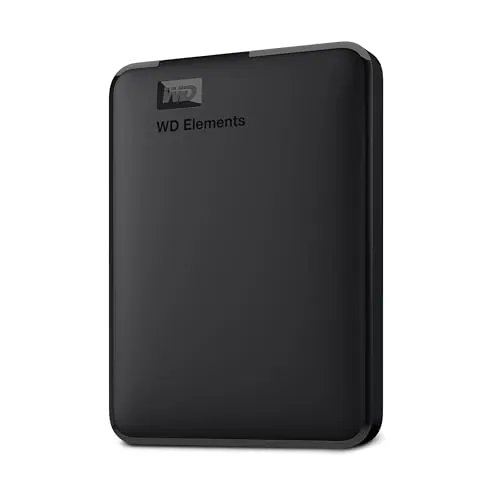
WD My Passport 2TB vs WD Elements Portable 2TB: Security, Setup and Sleeve Fit
These exact U.S. 2TB black models share USB-A cable connectivity, but their documented software and security differ. WD lists My Passport (WDBYVG0020BBK-WESN) with password protection, hardware encryption and downloadable backup/device-management software; WD's support matrix lists Elements Portable USB 3.0 without those WD security features, and its unsupported list includes the WDBU6Y model prefix. Their manufacturer-listed 2TB footprints are also different: My Passport is 107.2 × 75.0 × 13.5 mm and Elements is 110.5 × 82.0 × 15.0 mm. Use the security workflow and the actual sleeve/case opening to decide; neither listing establishes a transfer-speed or durability winner.
Read comparison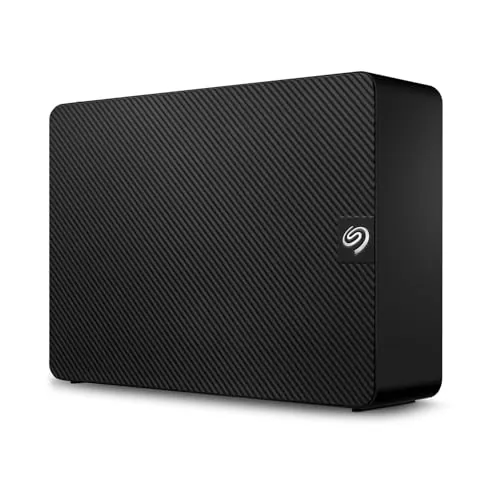
Seagate Portable 2TB vs Expansion Desktop 6TB: USB Power or Desk Storage?
These exact Seagate drives solve different constraints. STGX2000400 is a 2TB Portable model powered over its USB cable; STKP6000400 is a 6TB Expansion Desktop with a separate 18W power adapter and USB cable. Neither label equals all available file space. Before choosing, total the files and retained versions you plan to keep, compare with usable capacity, then check the power and OS/file-format setup at the place you will use it. Seagate’s datasheets give different OS notes and both warn that compatibility varies; the listed OS versions should not be treated as a guarantee for every current computer.
Read comparison