
Products compared
Synology
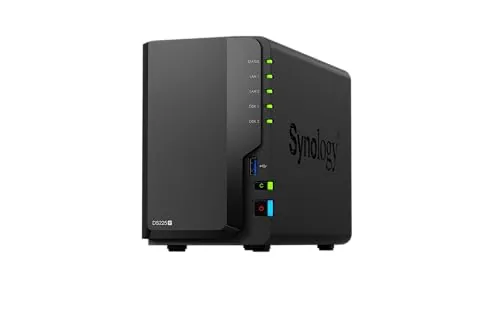
Synology DiskStation DS225+ 2-Bay Diskless NAS
Black, diskless DS225+ offer. Synology lists an Intel Celeron J4125, 2GB DDR4 non-ECC RAM with one slot and 6GB listed maximum, two SATA bays, one 1GbE and one 2.5GbE RJ-45 port, and two USB 3.2 Gen 1 ports. Check the DSM 7.3 drive policy for the exact drive you plan to use.
Model DS225+
Amazon ASIN B0FB7KQLR1
Synology
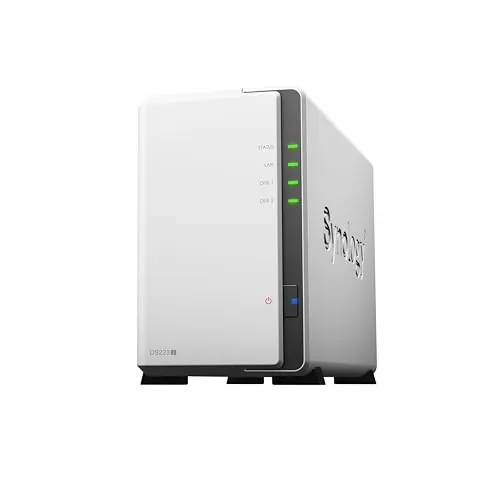
Synology DiskStation DS223j 2-Bay Diskless NAS
White, diskless DS223j offer. Synology lists a Realtek RTD1619B, 1GB DDR4 non-ECC memory, two SATA bays, one 1GbE RJ-45 port and two USB 3.2 Gen 1 ports. Check the exact DS223j drive list and DSM version; do not assume the 2025 drive-policy change for newer models applies to this earlier J-series model.
Model DS223j
Amazon ASIN B0C8814GKB
Differences that matter
Use 2.5GbE with compatible network equipment
Synology DiskStation DS225+ 2-Bay Diskless NAS · The DS225+ has a 2.5GbE port as well as a 1GbE port. The DS223j has one 1GbE port. To use the higher link rate, check the rest of your network path.
View DS225+ on Amazon (paid link)Sources for Processor and memory listing
Sources for Drive bays and 2.5-inch installation
Sources for HDD policy is generation- and DSM-specific
Start with the network path
Both exact models offer two SATA drive bays and one 1GbE port. DS225+ adds one 2.5GbE port; DS223j does not list one. That gives DS225+ a multi-gig connection option, but the switch/router and client on the path must also support it. The port alone is not a measured transfer result.
Identify the clients that will move large files and whether every link between them and the NAS can use 2.5GbE. If the planned path is all 1GbE, the additional port may not alter that connection.
Plan memory and diskless drive setup
DS225+ lists 2GB DDR4 non-ECC RAM, one slot and a 6GB maximum; Synology cautions about full warranty or technical support with non-Synology expansion modules. DS223j lists 1GB DDR4 non-ECC and does not list a memory expansion option. Do not infer that the missing field proves expansion is impossible.
Both offers are diskless, with two SATA bays. DS223j requires a separate Type C holder to install a 2.5-inch drive. Choose the actual drives and verify their compatibility before ordering.
Check drive policy for the exact model and DSM release
Synology says its revised drive policy applies to new models starting in 2025 and is not retroactive. On DSM 7.3, its table lets 2025+ DS Plus and desktop models create new pools with unlisted third-party HDDs at the buyer’s discretion, while recommending drives on its compatibility list. That is the relevant generation-specific distinction for DS225+; it is not a guarantee of full functionality or support for every unlisted drive.
DS223j is an earlier J-series model and does not inherit the 2025 policy by implication. Check the current compatibility list for the exact model and drive, then verify the DSM version and whether the plan is new pool creation or migration. The policy does not promise that an existing array migrates unchanged.
Keep RAID, backup and usable capacity separate
Synology lists RAID choices and backup software for both devices. RAID choice affects usable capacity, and Synology says actual capacity depends on drives, number of bays, RAID and filesystem metadata. A RAID configuration is not the same as an independent backup destination. Choose where a separate copy will live and confirm the recovery workflow you plan to use.
Both offers are diskless. Confirm which drives and any holders you need before planning the full setup.
Product details
Synology DiskStation DS225+ 2-Bay Diskless NAS
Synology DiskStation DS223j 2-Bay Diskless NAS
Before you buy
Community discussions
Planning a NAS upgrade for video editing
Synology DiskStation DS225+ 2-Bay Diskless NAS
A buyer considering the DS225+ says in a follow-up that they want to edit 4K footage from the NAS and are weighing the value of a 2.5GbE connection.
What to check
Check the network speed supported by your computer and switch as well as the NAS port, then consider the drive setup and files you use.
Moving an existing photo library onto the DS223j
Synology DiskStation DS223j 2-Bay Diskless NAS
A new DS223j owner wants to move a large existing iCloud photo library without relying on uploads from a phone with little free storage.
What to check
Plan the first big import separately from future uploads. Check whether you can stage originals on your computer for the initial transfer.
Common questions
Will the DS225+ 2.5GbE port make file copies 2.5 times faster?
That cannot be concluded from the port listing. The switch/router and client path also need compatible links, and actual results depend on configuration and workload.DiskStation DS225+ — SpecificationsSynology product comparison: DS223j / DS225+
Do either offers include hard drives?
No. The selected DS225+ and DS223j offers are diskless. Select drives separately and check them against the exact NAS compatibility list.Synology product comparison: DS223j / DS225+Drive compatibility policies FAQs for Synology storage systems starting from 2025 (DSM 7.3 and above)
Can any third-party HDD be used in DS225+?
Synology’s policy for 2025+ DS Plus and desktop models on DSM 7.3 allows unlisted third-party HDDs for new pools at the user’s discretion, while recommending listed drives. Check the current list; this is not a guarantee of full support for an unlisted drive.Drive compatibility policies FAQs for Synology storage systems starting from 2025 (DSM 7.3 and above)DiskStation DS225+ — Specifications
Does the 2025 drive policy also apply to DS223j?
Synology says the revised policy applies only to new models starting in 2025 and is not retroactive. Do not assume DS223j shares the DS225+ rule; check the current DS223j drive list and DSM guidance.Drive compatibility policies FAQs for Synology storage systems starting from 2025 (DSM 7.3 and above)DiskStation DS223j — Specifications
Does a two-bay RAID setup replace a separate backup?
No such guarantee is made here. Synology documents backup applications and RAID choices, but choose a separate backup destination and confirm your own recovery workflow.Synology product comparison: DS223j / DS225+DiskStation DS225+ — SpecificationsDiskStation DS223j — Specifications
Sources and scope
This is a feature and setup-fit comparison, not a transfer-rate, workload, migration, or reliability test. A 2.5GbE port helps only when relevant clients and the network path also support it; a port specification does not predict actual copy speed. Both offers are diskless, and usable storage depends on the drives and RAID choice. Synology says its revised HDD policy is for new models from 2025 and is not retroactive. Check the compatibility list for the exact NAS, drive, and DSM version; do not assume the DS225+ policy applies to DS223j or that an existing array will migrate unchanged.
Related comparisons
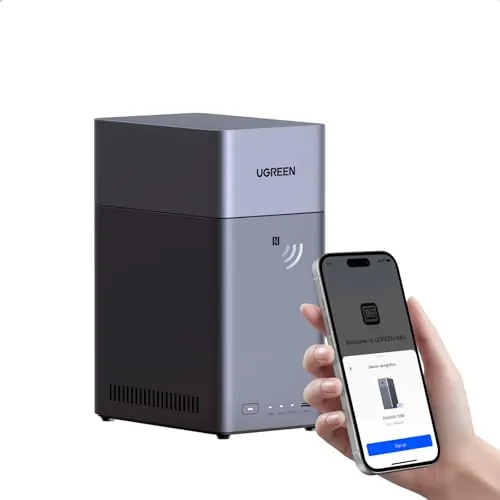
UGREEN DH2300 vs Synology DS223j: Direct HDMI or a Synology App Workflow?
The UGREEN DH2300 and Synology DS223j are diskless two-bay NAS units with one 1GbE LAN port. UGREEN documents a 4K60 HDMI route and UGOS phone-photo backup; Synology lists Drive, Photos, Hyper Backup and Cloud Sync. Verify exact drive compatibility and usable space, and plan a backup destination outside the NAS.
Read comparison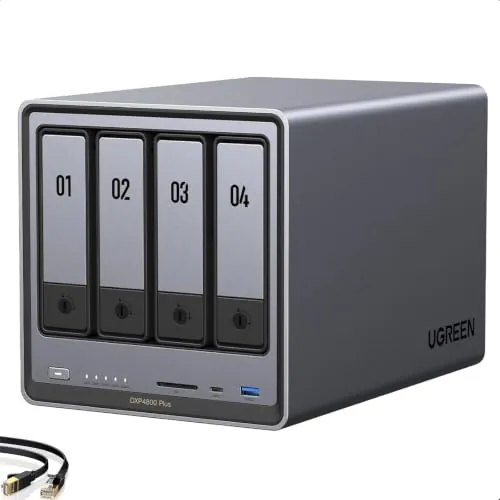
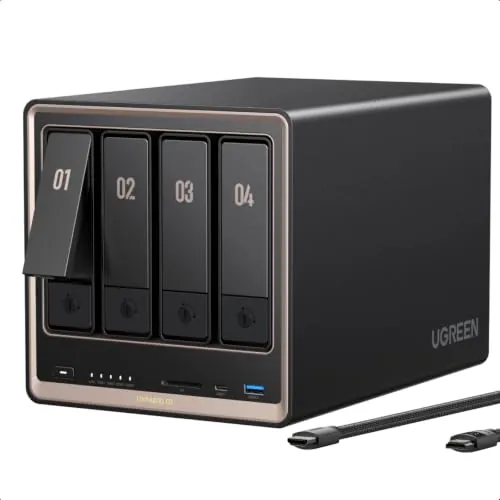
UGREEN DXP4800 Plus vs DXP4800 GT: Ports, Drive Bays and Plex Scope
This guide covers the exact diskless UGREEN NASync DXP4800 Plus (B0D22JRHZB) and DXP4800 GT (B0GTZC19FX). Both list four SATA bays, two M.2 slots, 8GB of memory expandable to 64GB and 4K HDMI. The Plus has one 10GbE plus one 2.5GbE port, DDR5 and a 128GB system SSD; UGREEN lists its Intel Quick Sync Plex hardware-transcoding path. The GT has dual 10GbE, DDR4 and a 64GB eMMC system disk, and can use compatible U.2 SSDs in front bays 1 or 2 instead of SATA drives. Both ship without user data drives. Match the ports, bay plan and application requirement to your own setup; none of these specifications is a transfer or media-performance test.
Read comparison