
Products compared
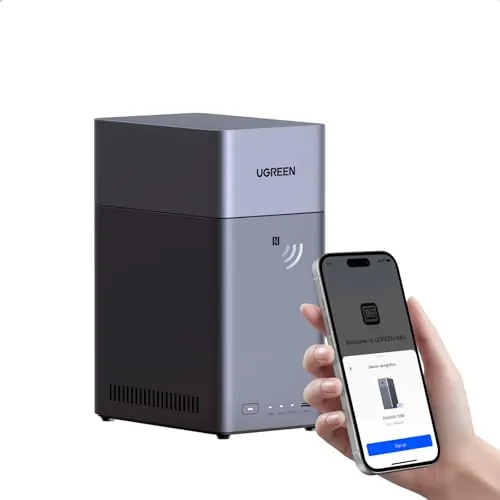
UGREEN
UGREEN NASync DH2300 2-Bay NAS (Diskless)
Two-bay SATA NAS, sold without drives. UGREEN’s listing identifies the gray finish.
Model DH2300
Amazon ASIN B0FNWHSPXF
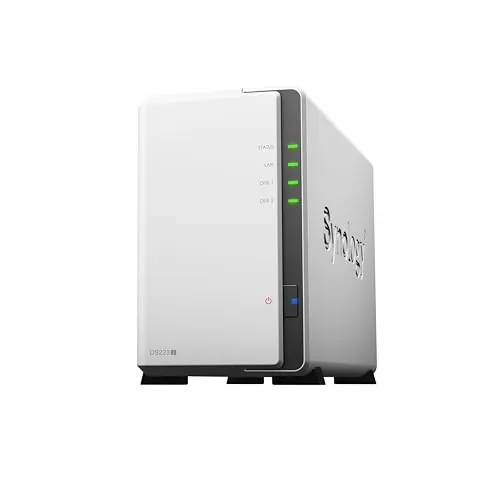
Synology
Synology DiskStation DS223j 2-Bay NAS (Diskless)
Two-bay diskless Synology NAS, model DS223j.
Model DS223j
Amazon ASIN B0C8814GKB
Differences that matter
What matters most to you?
Choose a priority to see what it changes.
Sources for Drive bays and included storage
Sources for Drive form-factor guidance
Sources for Manufacturer-listed capacity basis
Sources for Wired network and USB ports
Sources for Display and backup app paths
Choose the TV path before the box arrives
UGREEN lists a 4K60 HDMI output on DH2300, so it is the documented option if you specifically want a cable from NAS to display. Synology's DS223j hardware overview lists 1GbE and USB ports and its product page describes DLNA; it does not list HDMI. If a TV or player will receive media over the network instead, both product pages list DLNA, but check the receiving device and file formats you intend to use.
The connector alone does not establish playback for every format, app or screen. Confirm your exact TV/player workflow with the vendor documentation before relying on a media library.
Match the app workflow to your household
UGREEN describes phone-photo backup and file sharing in its UGOS app. Its DH2300 FAQ warns that iOS can pause background uploads, so check that photos have arrived before relying on the NAS as the only copy. That caveat matters for an unattended first backup.
Synology lists Drive for PC, Mac, Linux, Chromebook, Android, iOS and browser access; Photos for mobile photo/video upload; and Hyper Backup for backups to multiple destinations. Cloud Sync is listed for services including Google Drive, Dropbox and OneDrive. Decide which specific devices, clients and destination your family will actually use; the feature pages do not prove the apps are equally easy or identical.
Buy drives by exact model and plan usable storage
Both offers are diskless two-bay NAS products. UGREEN lists two SATA bays and says drives are sold separately; it directs buyers to select the exact NAS and check the drive’s full part number. Synology lists 3.5-inch SATA HDDs or 2.5-inch SATA SSDs for DS223j and requires a Type C holder for 2.5-inch drives.
The listed capacity figures do not use the same basis: UGREEN says up to 64TB raw with two 32TB drives, while Synology lists a 108TB maximum single volume and notes that actual and usable capacity depends on drives, bays, RAID and filesystem. Treat those as planning prompts, not a direct promise of usable storage.
Treat RAID and backup as separate decisions
The manufacturers list different storage modes: UGREEN lists JBOD, Basic, RAID 0 and RAID 1; Synology lists SHR, Basic, JBOD, RAID 0 and RAID 1. Choose a mode only after checking how it changes your expected usable capacity and what happens if a drive fails.
UGREEN explicitly says RAID 1 does not replace a backup. Give important files another destination—such as a separate device or backup service—and verify that the copy completes. A second bay inside the same NAS is not the same as an off-device backup.
Pre-buy worksheet
Before ordering, write down (1) each exact drive model and target usable capacity, (2) the needed storage mode, (3) whether a Type C holder is needed for a DS223j 2.5-inch drive, (4) your TV or DLNA client and intended playback path, (5) which phone/computer apps will upload or access files, and (6) where the separate backup copy will live. Both models list one 1GbE LAN port; network and drive labels are not transfer-speed measurements.
The UGREEN offer is for the two-bay diskless DH2300; the Synology offer is the diskless DS223j. Verify the exact package and any needed drive or holder before ordering.
Product details
UGREEN NASync DH2300 2-Bay NAS (Diskless)
Synology DiskStation DS223j 2-Bay NAS (Diskless)
- Drive bays
- Two bays for 3.5-inch SATA HDD or 2.5-inch SATA SSD; optional Type C holder required for 2.5-inch drives Source
- Network and USB
- One 1GbE LAN port and two USB 3.2 Gen 1 ports Source
- File and photo software
- Synology Drive, Photos, Hyper Backup and Cloud Sync listed for DS223j Source
- Storage modes
- SHR, Basic, JBOD, RAID 0 and RAID 1 listed; actual usable capacity varies by drives and configuration Source
Before you buy
Community discussions
Moving an existing photo library onto the DS223j
Synology DiskStation DS223j 2-Bay NAS (Diskless)
A new DS223j owner wants to move a large existing iCloud photo library without relying on uploads from a phone with little free storage.
What to check
Check how each platform handles your starting point, such as photos stored in iCloud, and what you need to export before copying them.
Moving photo backups onto a two-drive NAS
UGREEN NASync DH2300 2-Bay NAS (Diskless)
One DH2300 owner bought two drives separately and set up the NAS as a new home for photos previously backed up to Google Photos.
What to check
Budget for drives for the diskless box and decide how you will keep a separate copy of your photos during and after the move.
Common questions
Do the DH2300 and DS223j offers include hard drives?
No. Both are diskless offers. UGREEN states the DH2300 drives are sold separately; the Synology product is identified as diskless. Select drives by exact model number and check the relevant maker compatibility list before ordering.UGREEN NASync DH2300 | 2-Bay Home NAS for Photo Backup & 64TB StorageDiskStation DS223j
Can I connect a TV directly to either NAS?
UGREEN lists 4K60 HDMI output on DH2300. Synology lists DLNA and a 1GbE LAN connection for DS223j, but no HDMI output in its hardware port list. For network playback, check whether your TV/client supports the file types and app path you plan to use.UGREEN NASync DH2300 | 2-Bay Home NAS for Photo Backup & 64TB StorageDiskStation DS223j
Does RAID 1 replace a separate backup?
No. UGREEN explicitly says its RAID 1 mirror does not replace a backup. Plan another destination for important files; a second disk inside the same NAS is not an off-device copy.UGREEN NASync DH2300 | 2-Bay Home NAS for Photo Backup & 64TB Storage
What should I check before buying a 2.5-inch SATA SSD for the DS223j?
Synology says a Type C holder is required to install 2.5-inch drives in the DS223j. Also verify that the exact drive is supported for this NAS; the holder alone does not confirm drive compatibility.DiskStation DS223j
Sources and scope
Manufacturer-documentation comparison, not a transfer, media-playback, recovery or reliability test. The selected drives, client devices and intended backup destination are unspecified.
Related comparisons
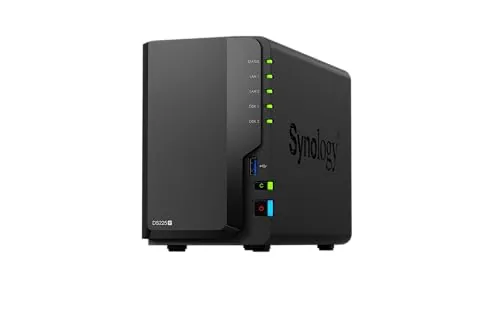
Synology DS225+ vs DS223j: Network, Drives and Setup Compared
Both are diskless, two-bay Synology NAS units with a 1GbE port. DS225+ adds a 2.5GbE port, 2GB RAM and a listed expansion path; DS223j lists 1GB and 1GbE only. Compare your network path and verify every planned drive against the exact model and DSM version before ordering.
Read comparison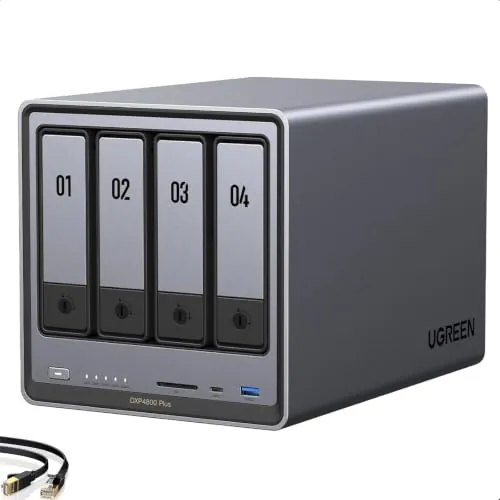
UGREEN DXP4800 Plus vs DXP4800 GT: Ports, Drive Bays and Plex Scope
This guide covers the exact diskless UGREEN NASync DXP4800 Plus (B0D22JRHZB) and DXP4800 GT (B0GTZC19FX). Both list four SATA bays, two M.2 slots, 8GB of memory expandable to 64GB and 4K HDMI. The Plus has one 10GbE plus one 2.5GbE port, DDR5 and a 128GB system SSD; UGREEN lists its Intel Quick Sync Plex hardware-transcoding path. The GT has dual 10GbE, DDR4 and a 64GB eMMC system disk, and can use compatible U.2 SSDs in front bays 1 or 2 instead of SATA drives. Both ship without user data drives. Match the ports, bay plan and application requirement to your own setup; none of these specifications is a transfer or media-performance test.
Read comparison