
Products compared
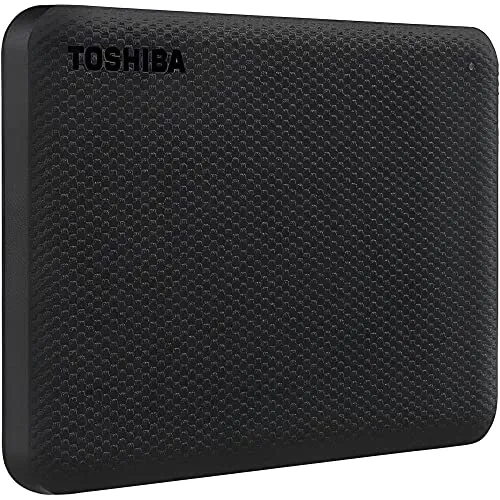
Toshiba
Toshiba Canvio Advance 1TB Portable External Hard Drive — Black
Exact 1TB black U.S. part number; USB-A connection path shown by Toshiba’s Canvio Advance product-family materials.
Model HDTCA10XK3AA
Amazon ASIN B08JKFY8FH
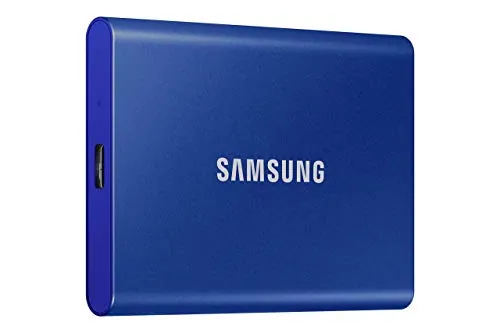
Samsung
Samsung Portable SSD T7 1TB — Blue
Exact 1TB blue U.S. T7 model; manual lists the MU-PC1T0H family member and its supplied USB-C cables.
Model MU-PC1T0H/AM
Amazon ASIN B0874YJP92
Differences that matter
What matters most to you?
Choose a priority to see what it changes.
Sources for Listed drive dimensions
Sources for Host connection and included cables
Sources for Starting format and routine
Start with the computer and the bag
Compare more than hard disk versus solid-state: check whether the drive fits your carry space and whether its cable and starting format suit the computer you use. These two U.S. 1TB models have different setup paths.
Toshiba’s official SKU table ties HDTCA10XK3AA to the 1TB black version. Samsung’s U.S. T7 page identifies MU-PC1T0H/AM as the 1TB blue model. Keep those part numbers visible when checking a retailer listing so a neighboring capacity or color does not slip into the comparison.
The T7 uses less listed space; measure the actual pouch
Toshiba lists the 1TB Canvio Advance body at 78 × 109 × 14 mm. Samsung lists the T7 at 3.4 × 2.2 × 0.3 inches, or approximately 86.4 × 55.9 × 7.6 mm after unit conversion. On those listed measurements, the T7 is shorter along its longest side and thinner; the Canvio is wider along the corresponding long-body dimension. This makes the T7 a useful first check when space is tight, but it does not guarantee that either drive fits a particular sleeve.
Measure the case’s usable interior and opening, and allow room for the attached cable if the drive will be used in place. Do not treat body dimensions as a durability or travel-resistance result.
Match the included cable to the computer
The exact Toshiba sheet lists one USB 3.0 cable and says it works with USB 2.0; Toshiba’s current family page lists USB 2.0/3.0 ports and direct USB power. The T7 manual lists a USB-C-to-A and a USB-C-to-C cable and says to use the one compatible with the host. This gives the Samsung package two documented connector paths, while a Toshiba buyer should check the laptop’s port and cable reach before purchase.
Interface rates are not a promise of file-copy times. Toshiba identifies 5 Gbit/s as the USB 3.0 interface limit and says actual transfer varies. Samsung’s manual says T7 is optimized for USB 3.2 Gen 2 at 10 Gbit/s and notes host performance can vary, including with UASP support. Without a matched test under the same computer, cable, files and conditions, this guide does not rank transfer performance.
Choose the file-system and backup workflow before copying files
For a Windows PC routine, Toshiba documents a downloadable Storage Backup Software utility that can select individual files or folders and set backup intervals and times. The official page says Toshiba’s downloadable backup and security software is for Windows-based PCs only. That is a concrete reason to choose the Canvio when this scheduler fits an existing Windows workflow; it is not proof that the drive itself will keep a second independent copy safe.
For a Mac or mixed Windows/Mac routine, Toshiba’s current page says the Canvio Advance is NTFS for Windows 11/10 and requires reformatting for macOS 15.0, 14.7 and 13.7. Samsung’s T7 manual says it ships formatted as exFAT and lists Windows/Mac read-write support, but warns that writing across multiple operating systems can become locked. Check the exact OS version and keep an independent backup before reformatting or switching filesystems.
Optional T7 password mode adds an unlock step
Samsung’s T7 manual describes password security as optional and configured using Samsung Portable SSD Software. When enabled, the manual says the user enters the password after every connection to unlock the protected data. The manual also warns that a forgotten password has no recovery option and can lead to a factory reset that erases data. Choose this mode only if that unlock routine suits the computers that will use the drive, and retain a separate backup copy.
Toshiba also lists downloadable password-protection software, but it is Windows-PC-only according to its product page. These are different documented setup paths; this comparison does not establish that either option provides stronger security or replaces a backup plan.
A practical pre-buy checklist
1. Confirm the exact part number and 1TB color on the offer: HDTCA10XK3AA Black or MU-PC1T0H/AM Blue. 2. Check the host connector and cable length; the T7 manual lists both C-to-C and C-to-A cables, while Toshiba’s exact sheet lists a USB 3.0 cable. 3. Check the current OS guidance and decide whether reformatting is acceptable before copying files. 4. Measure the storage pocket instead of relying on a generic “portable” label. 5. If enabling T7 password mode, decide whether you are prepared to unlock at each connection and keep a safe password record.
If those checks do not resolve the purchase, prioritize the workflow that matches the computer and backup habits you already maintain. The source documents do not provide a comparable test of copy speed, long-term reliability, or data recovery.
Product details
Toshiba Canvio Advance 1TB Portable External Hard Drive — Black
- Listed size
- 78 × 109 × 14 mm (W × L × H) for 1TB/2TB models. Source
- In the box
- USB 3.0 cable (works with USB 2.0), Quick Start Guide; downloadable software. Source
- Format and host notes
- Current page lists NTFS for Windows 11/10 and reformatting for macOS 15.0, 14.7 and 13.7; available USB 2.0 or USB 3.0 port. Source
Samsung Portable SSD T7 1TB — Blue
- Listed size
- 3.4 × 2.2 × 0.3 in (about 86.4 × 55.9 × 7.6 mm; W × H × D). Source
- In the box
- USB 3.2 Gen 2 USB-C-to-A cable and USB-C-to-C cable, plus Quick Start Guide and warranty statement. Source
- Format and host notes
- T7 manual says it is pre-formatted exFAT, with Windows/Mac read-write listed; cross-OS exFAT writing may become locked. The manual names Windows 7+, Mac OS X 10.10+ and Android Lollipop+ and cautions that host compatibility varies. Source
Before you buy
Community discussions
Check how a second drive would fit your backup routine
Toshiba Canvio Advance 1TB Portable External Hard Drive — Black
A Canvio Advance owner using a MacBook Air asked whether to add an external hard drive or SSD for a second copy of their files.
What to check
Estimate how much you need to back up, then check the drive format and which cable you would carry with your laptop.
Common questions
Which one is easier to connect to a newer USB-C laptop?
The T7 manual lists both USB-C-to-C and USB-C-to-A cables, so you can select a listed cable for the host port. Toshiba lists one USB 3.0 cable for the exact Canvio part; check the connector on your laptop and whether you need a separately sourced adapter or cable before buying.Canvio Advance Portable Hard Drive — Sales SheetSamsung Portable SSD T7 User Manual (English)
Can I use either drive with a Mac as it arrives?
Toshiba lists the Canvio Advance as NTFS for Windows 11/10 and says reformatting is required for macOS 15.0, 14.7 and 13.7. Samsung says the T7 is pre-formatted exFAT and lists Mac read/write support, while noting OS-version and host compatibility caveats. Check the current guidance for your exact OS before moving files.Canvio Advance Portable Hard DriveSamsung Portable SSD T7 User Manual (English)
Does the T7 require a password every time?
No, Samsung describes password security as optional. If you enable it, the T7 manual says to enter the password after each connection before accessing the protected data. The manual warns there is no password-recovery option; forgetting it can require a factory reset that loses the data.Samsung Portable SSD T7 User Manual (English)
Does a higher USB interface number prove the T7 will copy my files faster?
No. Toshiba lists up to 5 Gbit/s for the USB 3.0 interface, while Samsung’s T7 manual describes an optimal interface of USB 3.2 Gen 2 at 10 Gbit/s and notes lower interfaces or lack of UASP can affect performance. These are interface conditions, not a matched real-world transfer test for these drives.Canvio Advance Portable Hard DriveSamsung Portable SSD T7 User Manual (English)
Sources and scope
Check each manufacturer’s current software support for your operating system. Confirm the connection and file system you need before copying files. Save a separate copy before reformatting.
Related comparisons
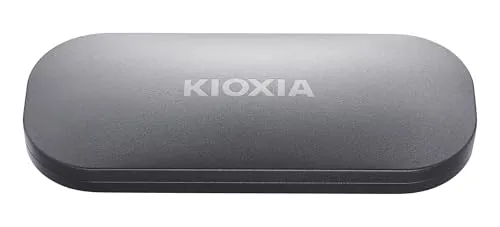
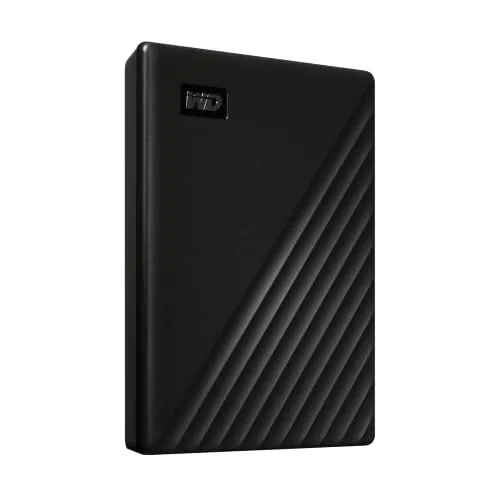
KIOXIA EXCERIA PLUS Portable SSD 2TB vs WD My Passport 2TB: Host, Format and Drive Type
Both assigned models are listed at 2TB, but they are different kinds of external storage. KIOXIA's LXD10S002TG8 is an SSD with USB-C and included C-to-A/C-to-C cables in its global package documentation; WD's black WDBYVG0020BBK-WESN is a portable HDD with a Micro-B drive connector and an included USB-A cable. Check the host, operating system, format and exact package before moving a working or backup library.
Read comparison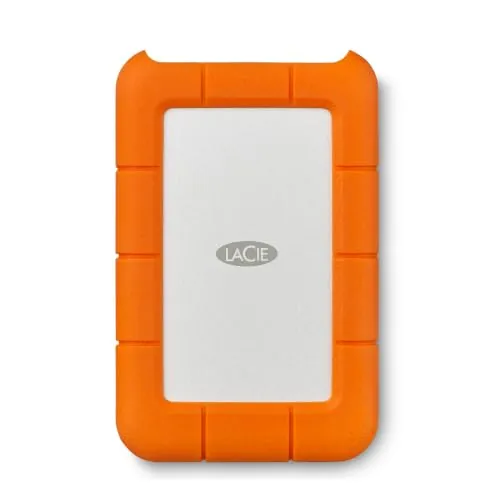
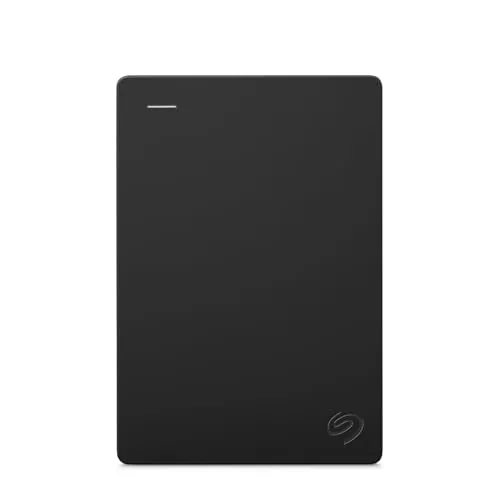
LaCie Rugged USB-C STFR2000800 vs Seagate Portable STGX2000400: Cables, Size and Field Use
Both are 2 TB portable hard drives. LaCie lists cables for USB-C and USB-A hosts. Seagate documents a USB-A host setup and lists a smaller body. Choose by the connection and file format you need. LaCie’s published drop rating applies while the drive is off.
Read comparison