Pickagu

External Storage

Find your model below to compare what is included and how the differences affect everyday use.

5 comparisons

External Storage comparisons

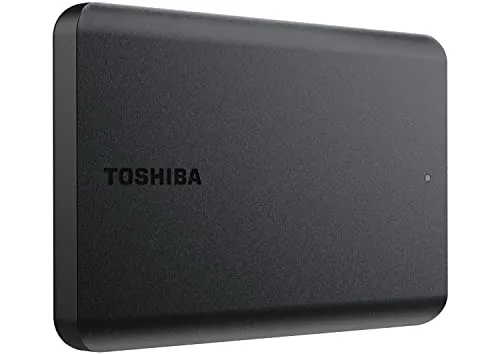
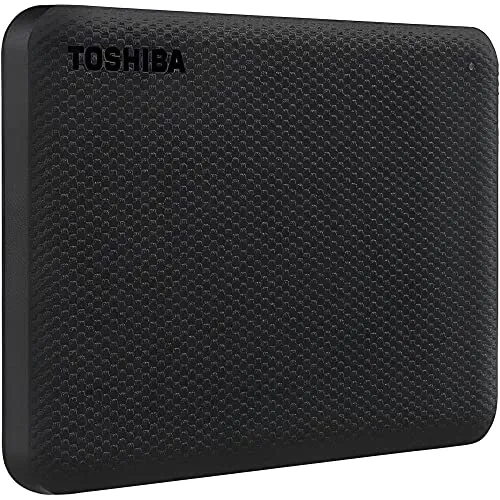
Toshiba Canvio Advance 1TB Portable External Hard Drive — Black · HDTCA10XK3AA
Toshiba Canvio Advance 1TB Portable External Hard Drive — Black
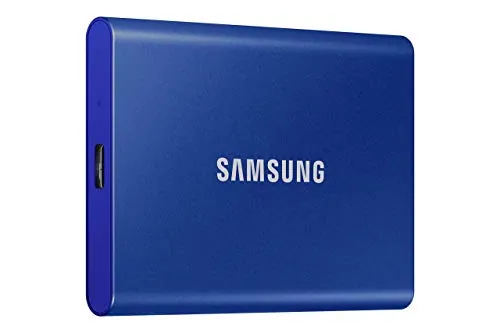
Samsung Portable SSD T7 1TB — Blue · MU-PC1T0H/AM
Samsung Portable SSD T7 1TB — Blue

Toshiba Canvio Advance 1TB vs Samsung T7 1TB: Size, Cables and Computer Setup

The Toshiba Canvio Advance 1TB black (HDTCA10XK3AA) and Samsung T7 1TB blue (MU-PC1T0H/AM) use different setup paths. Toshiba lists a USB 3.0 cable and NTFS formatting for Windows 11/10, with reformatting required for the cited macOS releases. Samsung’s T7 is smaller by listed dimensions and includes USB-C-to-C and USB-C-to-A cables. Its manual says it starts as exFAT with Windows/Mac read-write support, but warns about a write-lock issue when moving the drive between operating systems. Choose by your host computer, available port and storage space—not an untested speed ranking.

Read comparison
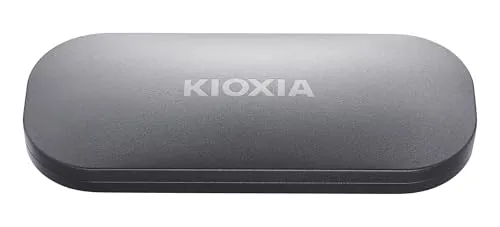
KIOXIA EXCERIA PLUS Portable SSD 2TB · LXD10S002TG8
KIOXIA EXCERIA PLUS Portable SSD 2TB
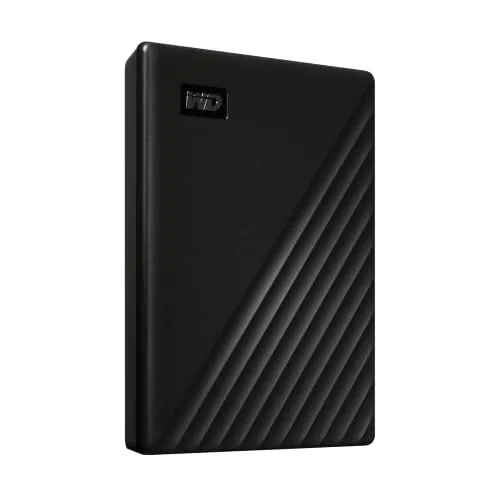
WD My Passport Portable HDD 2TB, Black · WDBYVG0020BBK-WESN
WD My Passport Portable HDD 2TB, Black

KIOXIA EXCERIA PLUS Portable SSD 2TB vs WD My Passport 2TB: Host, Format and Drive Type

Both assigned models are listed at 2TB, but they are different kinds of external storage. KIOXIA's LXD10S002TG8 is an SSD with USB-C and included C-to-A/C-to-C cables in its global package documentation; WD's black WDBYVG0020BBK-WESN is a portable HDD with a Micro-B drive connector and an included USB-A cable. Check the host, operating system, format and exact package before moving a working or backup library.

Read comparison
Toshiba Canvio Basics 2TB Portable External Hard Drive · HDTB520XK3AA
Toshiba Canvio Basics 2TB Portable External Hard Drive
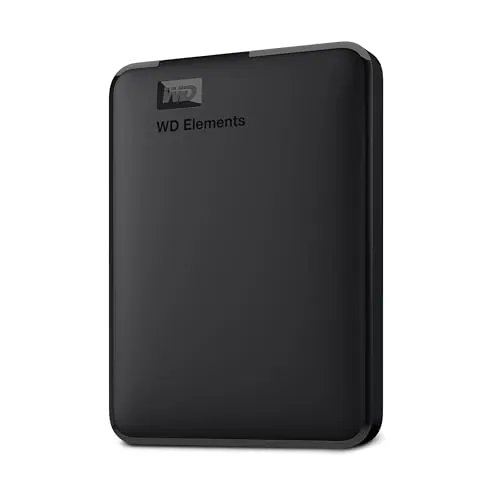
WD Elements Portable 2TB External Hard Drive · WDBU6Y0020BBK-WESN
WD Elements Portable 2TB External Hard Drive

Toshiba Canvio Basics 2TB vs WD Elements 2TB: Cable, Format and Fit

The exact 2TB Toshiba Canvio Basics HDTB520XK3AA and WD Elements WDBU6Y0020BBK-WESN are closely sized portable hard drives. Their manufacturer specifications list Type-A-to-Micro-B USB cabling, so a laptop with only USB-C needs an appropriate separate adapter or cable. Toshiba states its drive ships NTFS-formatted for Windows and requires reformatting for Mac; WD says it supports Windows 10+ and reformatting may be required for other operating systems. For a tight sleeve or compartment, compare the listed bodies: Toshiba 78 × 109 × 14 mm, WD 110.5 × 82 × 15 mm. Neither dimension list is an independent fit measurement. WD lists a two-year limited warranty versus Toshiba's one-year standard limited warranty; check the current country-specific terms.

Read comparison
Toshiba Canvio Basics 2TB Portable External Hard Drive · HDTB520XK3AA
Toshiba Canvio Basics 2TB Portable External Hard Drive
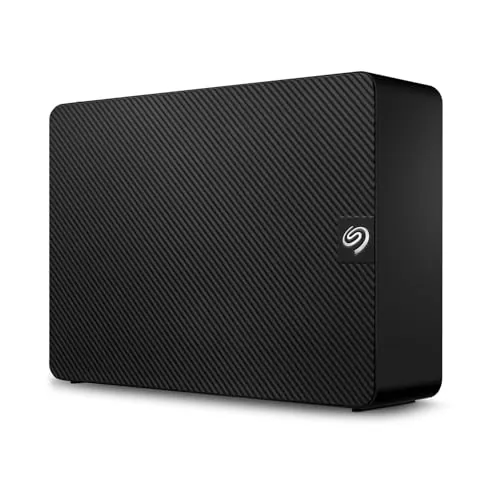
Seagate Expansion Desktop 6TB External Hard Drive · STKP6000400
Seagate Expansion Desktop 6TB External Hard Drive

Toshiba Canvio Basics 2TB vs Seagate Expansion Desktop 6TB: Setup and Mac Format Checks

The Toshiba Canvio Basics HDTB520XK3AA is the portable 2TB option: Toshiba lists a small 78 × 109 × 14 mm body, 149 g weight, and power from a laptop USB port without a separate AC cord. The Seagate Expansion Desktop STKP6000400 is a 6TB drive whose datasheet setup uses its included 18W adapter and USB cable. For Mac use, check the format before copying: Toshiba lists NTFS for Windows and says reformatting is required for specified macOS versions; Seagate says it is automatically recognized by Mac but notes that Time Machine may require reformatting. Pick by capacity, placement, and file-system workflow; the sources do not establish a speed or reliability winner.

Read comparison