
Products compared
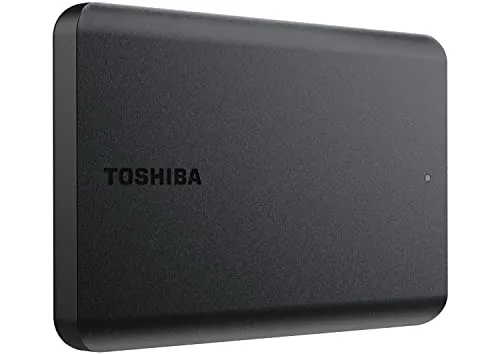
Toshiba
Toshiba Canvio Basics 2TB Portable External Hard Drive
The selected Toshiba HDTB520XK3AA is the 2TB Canvio Basics portable drive. Toshiba's support page identifies it as the 2TB (2023) model; Toshiba's Americas specifications group the 1TB and 2TB versions for their listed size and weight.
Model HDTB520XK3AA
Amazon ASIN B0BQX6NNVC
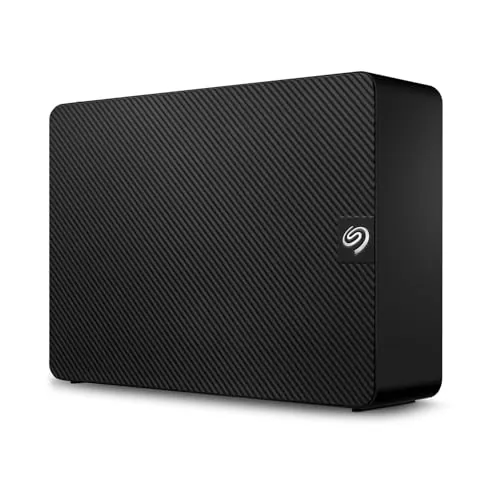
Seagate
Seagate Expansion Desktop 6TB External Hard Drive
Seagate's Americas datasheet identifies the black 6TB Expansion Desktop drive as model STKP6000400. Its documented desk setup includes a separate 18W power adapter and USB cable.
Model STKP6000400
Amazon ASIN B093BVQYYM
Differences that matter
What matters most to you?
Choose a priority to see what it changes.
Sources for Power, cables, and where the drive can sit
Sources for Capacity, body size, and moving the drive
Sources for Windows and macOS file-system setup
Sources for Recovery-service geography
Start with the place the drive will live
The Toshiba Canvio Basics 2TB (HDTB520XK3AA) is the portable setup. Toshiba says the Canvio Basics draws power through the laptop USB port and needs no external AC power cord. Its listed 1TB/2TB body is 78 × 109 × 14 mm and 149 g.
The Seagate Expansion Desktop STKP6000400 is the desk-based setup. Seagate lists the exact AMER model as 6TB and says to connect its included 18W power adapter and 18-inch USB cable. Its drive body is listed as 178.75 × 41.9 × 125 mm and 1.176 kg. Check both the shelf dimensions and the route to a power outlet before choosing; the spec difference does not predict transfer speed or reliability.
Check the format before setting up a Mac
Toshiba lists Canvio Basics as NTFS-formatted for Windows 10/11, with reformatting required for macOS 15.0, 14.7 and 13.7. The manufacturer also says compatibility varies with the computer and operating system, and that Time Machine use requires reformatting.
Seagate lists Windows 10 or later and Mac OS X 10.12 or later, and says the drive is automatically recognized by Windows or Mac. Its datasheet still notes that Time Machine may require reformatting and compatibility can vary. The cited Seagate sheet does not state the drive's initial file system, so compare the documented setup notes rather than assuming both drives ship with the same format.
Treat Seagate Rescue as a region-specific term to verify
The Seagate datasheet's AMER STKP6000400 row says Includes Rescue, but its footnote says Rescue Data Recovery Services are not available in all countries. If that service matters, confirm the applicable country, registration and current terms for the exact purchase. This specification does not establish recovery success or a data-safety guarantee.
The cited Toshiba sources do not establish a directly comparable recovery-service entitlement for the exact offer. That is an unknown, not evidence that Toshiba provides no such service.
A quick pre-buy check
Write down where the drive will sit, which computer will connect to it, and whether you plan to use Time Machine. The Toshiba is the 2TB portable option powered by host USB; the Seagate is the 6TB desktop option with a separate adapter. The published setup notes give you a clear wiring distinction, while the OS notes mean a Mac user should check the current instructions before formatting or moving files.
Neither drive has a supported performance, reliability, or data-recovery winner in the sources used here. If speed, long-term failure rates, or recovery outcomes drive your choice, seek a directly comparable test or separately scoped evidence rather than inferring results from capacity, USB labels, or included-service wording.
Product details
Toshiba Canvio Basics 2TB Portable External Hard Drive
- Capacity and model
- 2TB; model HDTB520XK3AA, identified by Toshiba support as Canvio Basics 2TB (2023). Source
- Power and connection
- Canvio Basics is powered through the laptop USB port; Toshiba says no external AC power cord is needed. The product page lists USB 3.2 Gen 1 and requires an available USB 2.0 or USB 3.0 port. Source
- Listed 1TB/2TB body size and weight
- 78 × 109 × 14 mm; 149 g, as listed for the Canvio Basics 1TB/2TB group. Source
- Listed file system and macOS setup
- Formatted NTFS for Windows 10/11; Toshiba lists reformatting for macOS 15.0, 14.7, and 13.7. Compatibility varies by hardware/OS; Toshiba also says reformatting is required for Apple Time Machine. Source
Seagate Expansion Desktop 6TB External Hard Drive
- Capacity and market model
- The AMER model table maps STKP6000400 to the black 6TB Expansion Desktop drive. Source
- Included setup items
- Seagate lists an 18-inch USB 3.0 cable and 18W power adapter; its setup instructions use both. Source
- Listed drive body size and weight
- 178.75 × 41.9 × 125 mm; 1.176 kg, as listed under product dimensions. Source
- Host and backup setup
- Datasheet lists Windows 10 or newer and Mac OS X 10.12 or newer, automatic recognition by Windows or Mac, and warns that reformatting may be required for Time Machine. Compatibility can vary by hardware and operating system. Source
- Rescue-service note
- The AMER STKP6000400 datasheet row says Includes Rescue; its footnote says Rescue Data Recovery Services are not available in all countries. Verify purchase-region eligibility and terms. Source
Before you buy
Community discussions
Checking the drive format for both computers
Toshiba Canvio Basics 2TB Portable External Hard Drive
A shopper considering the Toshiba Canvio Basics 2TB wanted to store photos from a Mac and a Windows laptop on the same drive.
What to check
Check the factory format and the file systems each computer can read and write. Decide whether you want one drive that both computers can use before copying files.
Common questions
Does the Toshiba Canvio Basics 2TB need its own power adapter?
Toshiba describes Canvio Basics as powered through the laptop USB port and says no external AC power cord is needed. Its product page lists an available USB 2.0 or USB 3.0 port requirement.Convenient Plug-and-Play Portable Hard Drive | Toshiba Canvio Basics
Does the Seagate Expansion Desktop 6TB include a power adapter?
Yes. The STKP6000400 datasheet lists an 18W power adapter and an 18-inch USB 3.0 cable, and describes setup using both.Seagate Expansion Desktop Drive Data Sheet
Will either drive work with Mac Time Machine without reformatting?
Do not assume that. Toshiba says Canvio Basics requires reformatting for Time Machine. Seagate says reformatting may be required for Time Machine. Check the current instructions for the exact macOS version and backup setup.Convenient Plug-and-Play Portable Hard Drive | Toshiba Canvio BasicsSeagate Expansion Desktop Drive Data Sheet
Is Seagate Rescue included and available everywhere?
Seagate's AMER datasheet row for STKP6000400 says Includes Rescue, while the footnote says Rescue Data Recovery Services are not available in all countries. Confirm eligibility and terms for the exact purchase region; the datasheet does not promise recovery success.Seagate Expansion Desktop Drive Data Sheet
Sources and scope
This is a feature and setup comparison from manufacturer documents, not a transfer-speed, reliability, durability, or recovery test. Toshiba's exact-model support page identifies HDTB520XK3AA as Canvio Basics 2TB but displays a region-validation message; the accessible Americas Canvio Basics page supplies family specifications for the 1TB/2TB group. Seagate's AMER STKP6000400 datasheet lists Rescue Data Recovery Services but says the service is not available in all countries; confirm the terms and eligibility for the exact purchase region. The cited Seagate datasheet does not name the drive's initial file system, so no direct out-of-box format comparison is claimed.
Related comparisons
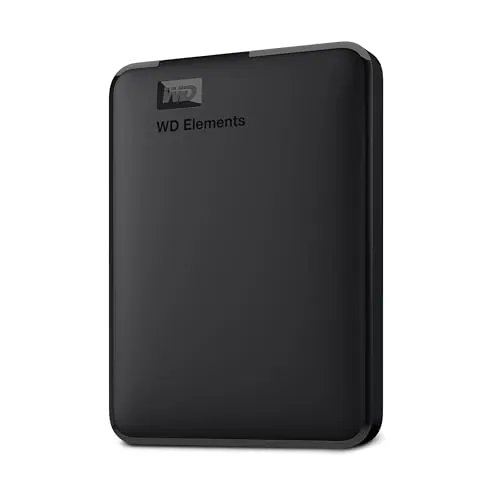
Toshiba Canvio Basics 2TB vs WD Elements 2TB: Cable, Format and Fit
The exact 2TB Toshiba Canvio Basics HDTB520XK3AA and WD Elements WDBU6Y0020BBK-WESN are closely sized portable hard drives. Their manufacturer specifications list Type-A-to-Micro-B USB cabling, so a laptop with only USB-C needs an appropriate separate adapter or cable. Toshiba states its drive ships NTFS-formatted for Windows and requires reformatting for Mac; WD says it supports Windows 10+ and reformatting may be required for other operating systems. For a tight sleeve or compartment, compare the listed bodies: Toshiba 78 × 109 × 14 mm, WD 110.5 × 82 × 15 mm. Neither dimension list is an independent fit measurement. WD lists a two-year limited warranty versus Toshiba's one-year standard limited warranty; check the current country-specific terms.
Read comparison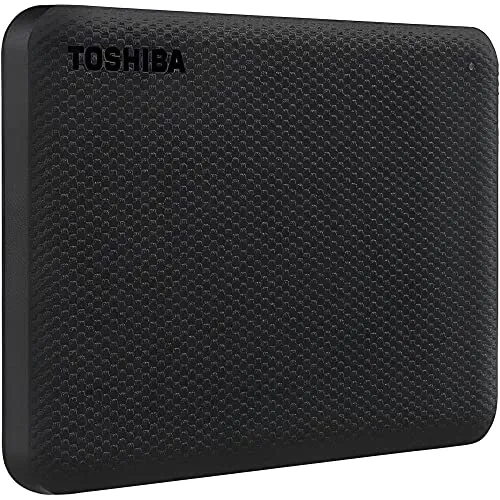
Toshiba Canvio Advance 1TB vs Samsung T7 1TB: Size, Cables and Computer Setup
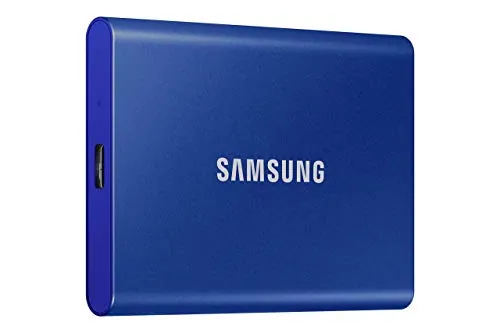
The Toshiba Canvio Advance 1TB black (HDTCA10XK3AA) and Samsung T7 1TB blue (MU-PC1T0H/AM) use different setup paths. Toshiba lists a USB 3.0 cable and NTFS formatting for Windows 11/10, with reformatting required for the cited macOS releases. Samsung’s T7 is smaller by listed dimensions and includes USB-C-to-C and USB-C-to-A cables. Its manual says it starts as exFAT with Windows/Mac read-write support, but warns about a write-lock issue when moving the drive between operating systems. Choose by your host computer, available port and storage space—not an untested speed ranking.
Read comparison