
Pickagu

Computer Monitors

Find your model below to compare what is included and how the differences affect everyday use.

3 comparisons

Computer Monitors comparisons

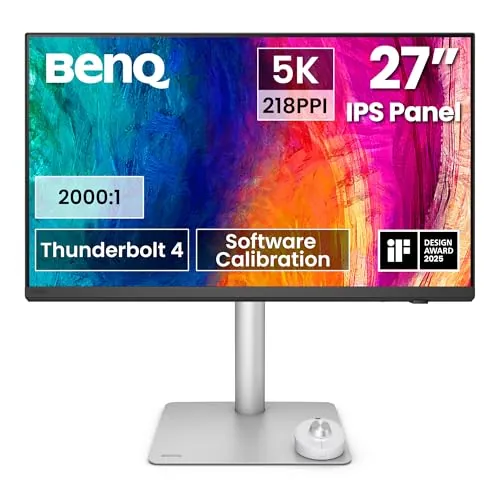
BenQ PD2730S 27-inch 5K Monitor · PD2730S
BenQ PD2730S 27-inch 5K Monitor
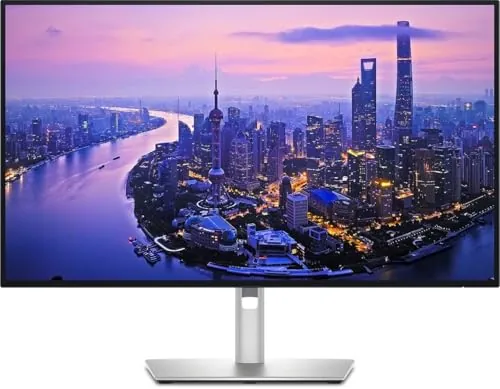
Dell UltraSharp U2725QE 27-inch 4K Thunderbolt Hub Monitor · U2725QE
Dell UltraSharp U2725QE 27-inch 4K Thunderbolt Hub Monitor

BenQ PD2730S vs Dell U2725QE: 5K, 120Hz and Desk Connections

Both are 27-inch Thunderbolt hub monitors, but the BenQ PD2730S lists 5120 × 2880 at 60Hz while Dell’s U2725QE lists 3840 × 2160 at up to 120Hz. BenQ specifies up to 90W power delivery; Dell specifies up to 140W EPR and 2.5GbE. The useful choice depends on your host’s display outputs, operating system, charging needs and whether you will use a Thunderbolt daisy chain.

Read comparison

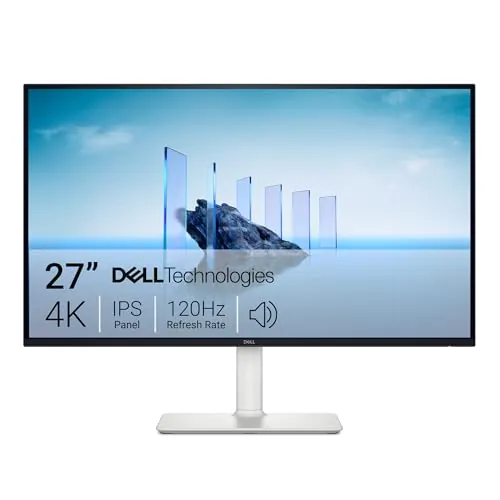
Dell UltraSharp U2725QE · U2725QE
Dell UltraSharp U2725QE
ASUS ProArt Display PA279CRV · PA279CRV
ASUS ProArt Display PA279CRV

Dell U2725QE vs ASUS ProArt PA279CRV: Refresh, Color and Laptop Setup

The Dell UltraSharp U2725QE and ASUS ProArt PA279CRV both specify a 27-inch, 3840 × 2160 display. Their practical split is the Dell’s 120 Hz maximum and Thunderbolt 4 hub, versus ASUS’s ProArt color presets and stated 99% Adobe RGB coverage. Check your computer’s supported input mode and charging need first; manufacturer color figures are not a head-to-head image test.

Read comparison
Dell S 27 4K Monitor S2725QS · S2725QS
Dell S 27 4K Monitor S2725QS
Dell UltraSharp 27 4K Thunderbolt Hub Monitor U2725QE · U2725QE
Dell UltraSharp 27 4K Thunderbolt Hub Monitor U2725QE

Dell S2725QS vs U2725QE: Build Two Screens Around the Host You Have

The S2725QS lists HDMI and DisplayPort inputs but no monitor-side USB hub or display output, so a two-screen pair needs two compatible video feeds from the computer or an external dock. The U2725QE adds a Thunderbolt 4 upstream link, USB hub, up-to-140 W EPR charging, DisplayPort output and Thunderbolt downstream. That can simplify the desk, but a U2725QE-to-S2725QS chain still depends on the exact laptop, OS, cable, GPU and chosen resolution/refresh mode.

Read comparison