Pickagu

Portable Monitors

Find your model below to compare what is included and how the differences affect everyday use.

3 comparisons

Portable Monitors comparisons

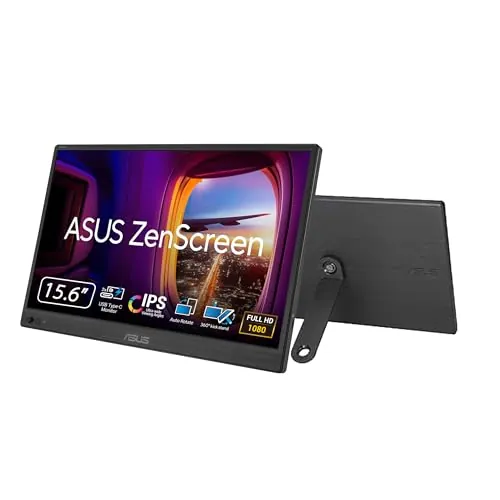
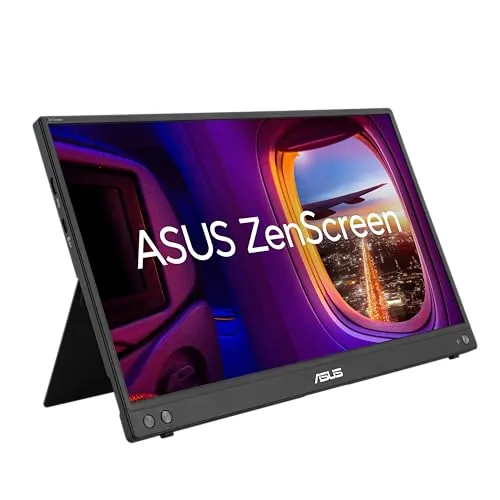
ASUS ZenScreen MB169CK Portable Monitor · MB169CK
ASUS ZenScreen MB169CK Portable Monitor
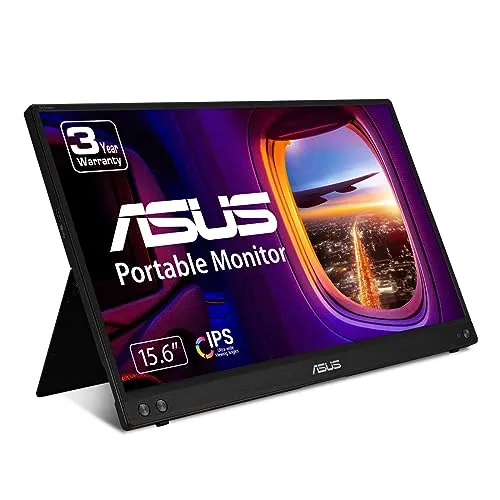
ASUS ZenScreen MB16ACV Portable Monitor · MB16ACV
ASUS ZenScreen MB16ACV Portable Monitor

ASUS ZenScreen MB169CK vs MB16ACV: Check Ports, Power and Stand

Choose ZenScreen MB169CK for Mini HDMI from a camera, console or computer, with USB-C supplying power. Choose MB16ACV if you need the manufacturer’s USB-A route and can install the compatible DisplayLink driver. Both list USB-C DisplayPort Alt Mode. Check your host’s video-capable port, OS and power source before ordering.

Read comparison
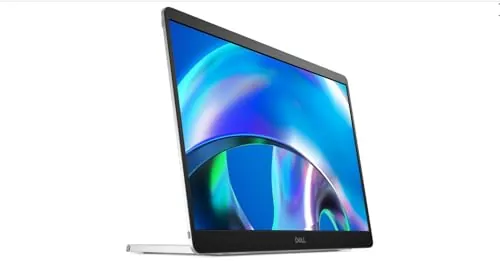
Dell Pro 14 Plus Portable Monitor P1425 · P1425
Dell Pro 14 Plus Portable Monitor P1425
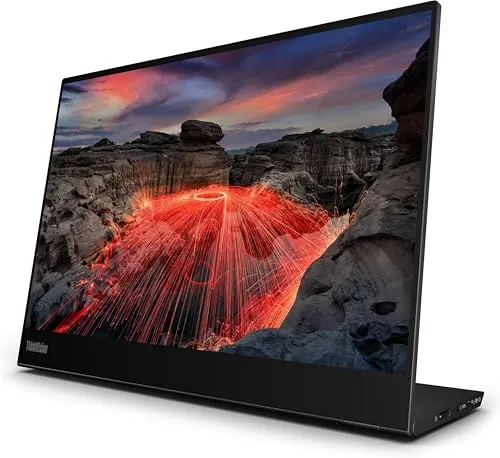
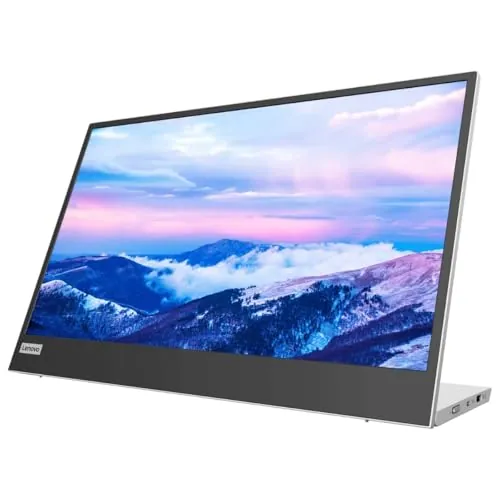
Lenovo ThinkVision M14t Gen 2 14-inch portable monitor · M14t Gen 2
Lenovo ThinkVision M14t Gen 2 14-inch portable monitor

Dell P1425 vs Lenovo ThinkVision M14t Gen 2: Touch, Resolution and USB-C Fit

These 14-inch portable monitors share a USB-C DisplayPort video path, but answer different work needs. Lenovo lists a 2240 × 1400 10-point touchscreen and a passive touch pen in its model-family package; Dell lists 1920 × 1200 and no touchscreen. Pick Lenovo if direct screen interaction matters and your host supports USB-C DisplayPort Alt Mode and the needed touch behavior. Pick Dell if you do not need touch and its 1920 × 1200 workspace suits your laptop workflow. Confirm the exact Lenovo regional model code and seller box before ordering.

Read comparison