
Products compared
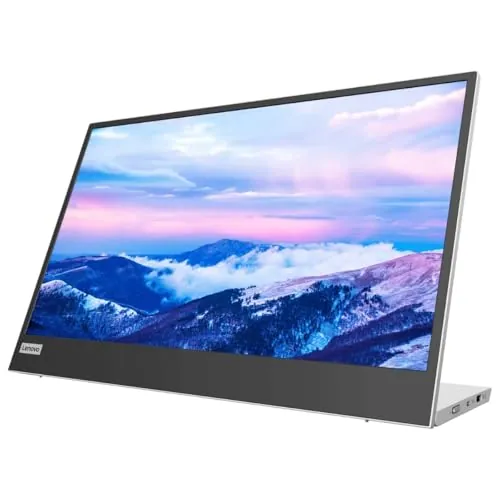
Lenovo
Lenovo L15 15.6-inch Portable Monitor
U.S. Lenovo listing identifies part 66E4UCC1UZ. Detailed functions below are from the L15 family datasheet and require confirmation for this regional SKU.
Model 66E4UCC1UZ
Amazon ASIN B0B5GRGCX5
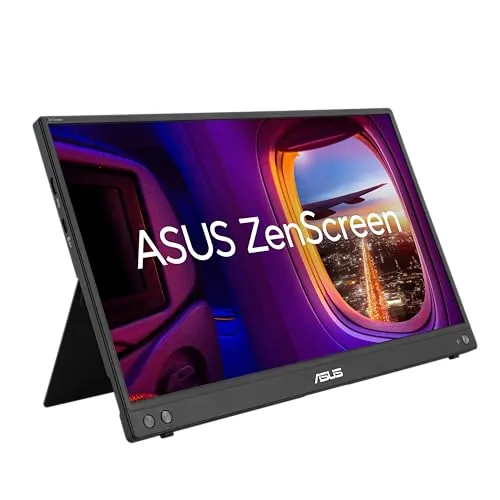
ASUS
ASUS ZenScreen MB16AHV Portable Monitor
Exact U.S. ZenScreen MB16AHV model.
Model MB16AHV
Amazon ASIN B0CGGLZ8YT
Differences that matter
Sources for Laptop signal path
Sources for Power path and laptop charging
Sources for Stand, viewing angle and orientation
Sources for Cable and package check
Start with the video port on your laptop
The Lenovo L15 family's detailed datasheet lists USB-C video over DisplayPort 1.2 Alt Mode. ASUS MB16AHV offers that USB-C video route too, plus Mini HDMI. In either case, a USB-C connector alone does not tell you whether the laptop sends display video. Look up the exact laptop model and port in its manual or manufacturer specifications before you order.
If your laptop has a verified HDMI output but not USB-C DP Alt Mode, ASUS's Mini HDMI input may give you another route. The monitor end needs the supplied HDMI-to-Mini-HDMI adapter, and the MB16AHV manual says to connect its included power adapter for HDMI use. Confirm your laptop's HDMI output and any required laptop-side adapter separately.
Separate video from power before comparing one-cable setups
Lenovo's L15 family sheet describes USB-C power pass-through up to 65 W, but labels that as a maximum and says actual delivery varies with the connected devices and monitor configuration. It can decline with downstream USB devices or higher brightness. The exact U.S. page identifies part 66E4UCC1UZ but does not confirm those detailed family-sheet features for that part, so ask Lenovo or the seller to verify before treating it as a laptop-charging path.
For MB16AHV, the manual says the Mini HDMI input needs the included USB-C power adapter. It also describes up to 15 W output from one Type-C port when the other Type-C port has the adapter. Do not interpret that figure as a general promise to charge every connected laptop. Write down which cable carries video and which supplies monitor power, then check the laptop, monitor and adapter requirements together.
Compare the stand motion and where the display can sit
The Lenovo L15 family sheet lists an integrated stand and a maximum 10 mm lift, subject to the regional-SKU caveat. The exact MB16AHV spec lists a 15°–35° tilt range, no height adjustment and a 1/4-inch tripod socket. ASUS's product page describes portrait and landscape positioning. These are documented support options, not proof that either screen reaches your preferred eye level or stays stable on a particular desk.
If you need only a modest lift and the Lenovo feature is confirmed for 66E4UCC1UZ, it may answer that specific need. If you need the documented tilt range, tripod mounting, or a portrait/landscape setup, the MB16AHV has those documented options. Measure your intended workspace and check the exact model's configuration before relying on either stand.
Check the exact package, not a similar model's ports
The MB16AHV user guide lists its power adapter, USB-C-to-USB-C cable, HDMI-to-Mini-HDMI adapter and sleeve. Its U.S. technical page cautions that accessories vary by region, so verify the actual offer. The reviewed Lenovo U.S. page identifies part 66E4UCC1UZ but does not show a package list; ask what cable and accessories are included rather than assuming another market's kit applies.
Read the full ASUS model code on the exact listing, including the MB16AHV suffix, because nearby ZenScreen models can have different port layouts.
Product details
Lenovo L15 15.6-inch Portable Monitor
- Exact U.S. part
- 66E4UCC1UZ; exact Lenovo U.S. page identifies this part number. Source
- Family-sheet video input
- Lenovo's L15 family datasheet lists two USB-C DP 1.2 Alt Mode video signal ports; the sheet warns specifications may vary by region, so confirm applicability to part 66E4UCC1UZ. Source
- Family-sheet positioning/power
- The L15 family datasheet lists up to 10 mm lift and power pass-through up to 65 W; the maximum power varies with connected devices/configuration and is not confirmed for this U.S. part by the reviewed exact U.S. page. Source
ASUS ZenScreen MB16AHV Portable Monitor
- Video inputs
- Two USB-C ports with DP Alt Mode and one Mini HDMI input. Source
- Stand
- Kickstand tilt from +15° to +35°; no height adjustment; 1/4-inch tripod socket. Source
- Power and box contents
- For Mini HDMI use, the exact MB16AHV manual says connect the in-box power adapter. It lists a USB-C-to-USB-C cable, HDMI-to-Mini-HDMI adapter, power adapter and sleeve in the package contents. Source
Before you buy
Community discussions
Packing a second screen with your laptop
ASUS ZenScreen MB16AHV Portable Monitor
A shopper wanted a second-screen setup they could carry in a backpack. A traveler pointed to the ASUS ZenScreen MB16AHV and said they used a slim ZenScreen for reading documents on trips.
What to check
Measure the bag compartment and account for the monitor, its cover and the cables you plan to carry.
Common questions
Will either monitor work with any laptop USB-C port?
No. ASUS states that MB16AHV USB-C video requires DP Alt Mode; Lenovo's L15 family sheet also lists DP Alt Mode over USB-C. Verify the specific laptop port in its manufacturer documentation. ASUS offers Mini HDMI as a separate input, but that route requires the monitor's USB-C power adapter.Lenovo L15 mobile monitor datasheetASUS USB Type-C Monitor MB16AHV User Guide
Does the ASUS MB16AHV have an HDMI input, and what else do I need?
Yes. ASUS specifies one Mini HDMI input and its exact manual says to connect the in-box power adapter when using HDMI. The manual also lists an HDMI-to-Mini-HDMI adapter in the package; check your exact regional box contents and the laptop-side HDMI output/adapter path.ASUS ZenScreen MB16AHV - Tech Specs, U.S.ASUS USB Type-C Monitor MB16AHV User Guide
Can the Lenovo L15 charge my laptop through the monitor?
The L15 family datasheet describes power pass-through up to 65 W and cautions that actual delivery depends on devices and configuration. The exact U.S. Lenovo page identifies part 66E4UCC1UZ but does not confirm the detailed family-sheet power feature for that part. Confirm the exact SKU and your charger/laptop requirements before relying on it.Lenovo L15 15.6-inch Portable Monitor, U.S. part 66E4UCC1UZLenovo L15 mobile monitor datasheet
Sources and scope
Check Lenovo’s exact U.S. listing for ports, pass-through power, stand lift, and included accessories. The L15 family specifications can vary by region. For either monitor, a USB-C port on your laptop must support video output to drive the display over USB-C.
Related comparisons
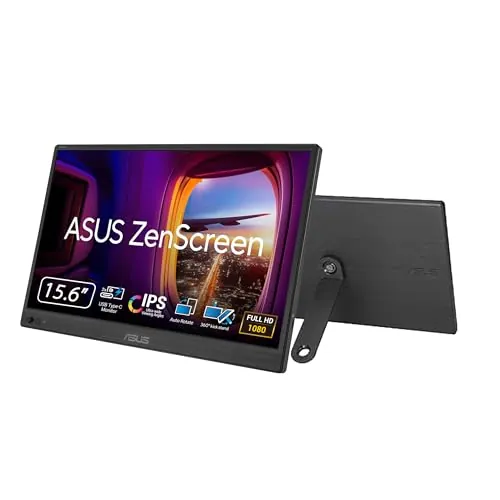
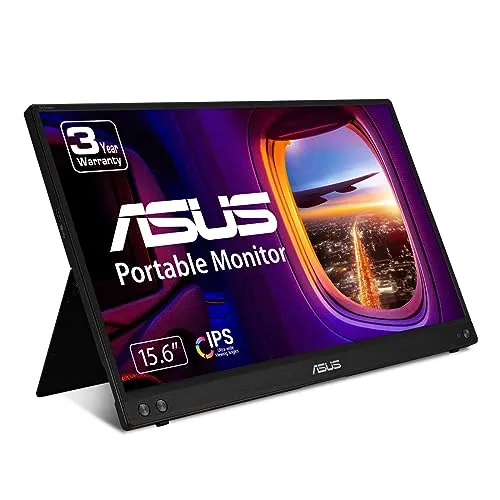
ASUS ZenScreen MB169CK vs MB16ACV: Check Ports, Power and Stand
Choose ZenScreen MB169CK for Mini HDMI from a camera, console or computer, with USB-C supplying power. Choose MB16ACV if you need the manufacturer’s USB-A route and can install the compatible DisplayLink driver. Both list USB-C DisplayPort Alt Mode. Check your host’s video-capable port, OS and power source before ordering.
Read comparison
Dell P1425 vs Lenovo ThinkVision M14t Gen 2: Touch, Resolution and USB-C Fit
These 14-inch portable monitors share a USB-C DisplayPort video path, but answer different work needs. Lenovo lists a 2240 × 1400 10-point touchscreen and a passive touch pen in its model-family package; Dell lists 1920 × 1200 and no touchscreen. Pick Lenovo if direct screen interaction matters and your host supports USB-C DisplayPort Alt Mode and the needed touch behavior. Pick Dell if you do not need touch and its 1920 × 1200 workspace suits your laptop workflow. Confirm the exact Lenovo regional model code and seller box before ordering.
Read comparison