
Products compared
Dell
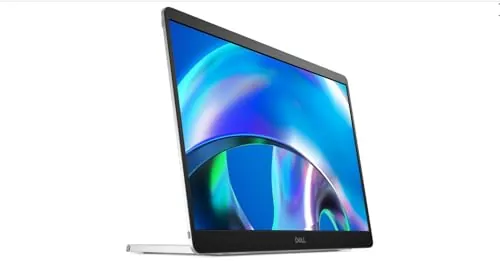
Dell Pro 14 Plus Portable Monitor P1425
Dell’s U.S. product page identifies the P1425, a 14-inch WUXGA model with no touchscreen, two USB-C DisplayPort 1.2 Alt Mode ports and power pass-through up to 65 W. Confirm the exact seller box contents before ordering.
Model P1425
Amazon ASIN B0CPGQR617
Lenovo
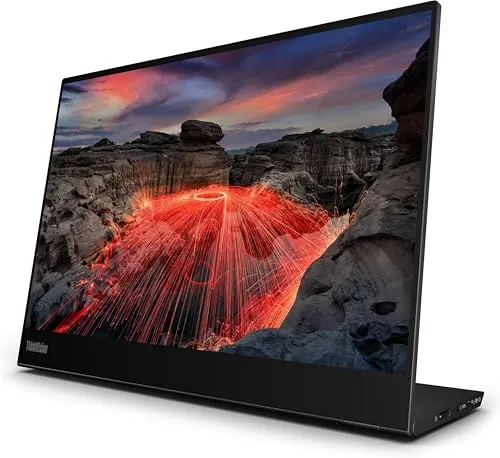
Lenovo ThinkVision M14t Gen 2 14-inch portable monitor
The U.S. retail offer names the ThinkVision M14t Gen 2 and is linked to feature code 63FDUAT6WL. Lenovo PSREF lists that code as EMEA; use family specifications for the touch/display comparison, but verify the exact unit, region, seller box and support terms before purchase.
Model M14t Gen 2
Amazon ASIN B0D58LQ7X4
Differences that matter
Direct on-screen touch is a required task
Lenovo ThinkVision M14t Gen 2 14-inch portable monitor · Lenovo lists 10-point capacitive touch; Dell lists no touchscreen. The host and exact offer bundle still need confirmation.
View M14t Gen 2 on Amazon (paid link)Sources for Direct touch and markup
Sources for USB-C host requirement
Sources for Touch pen and included power
Sources for Power pass-through planning
First check your laptop’s USB-C video support
Both product specifications list USB-C DisplayPort Alt Mode, so the key compatibility check is the laptop port, not just the connector shape. Confirm that the exact host port supports video output over USB-C. If you plan to route laptop charging through the display, also compare the host’s power input requirement with the manufacturer-listed pass-through ceiling; the 65 W figures are maxima, not a guarantee for every host or configuration. Lenovo notes its display-management functions vary across operating systems, so verify touch behavior for the exact host/OS rather than assuming that software support implies full touch support.
Dell lists a 1920 × 1200 60 Hz display and no touchscreen. Lenovo lists a 2240 × 1400 60 Hz 10-point touchscreen. Choose the native resolution and scaling that fit your laptop workflow, and select Lenovo only if the touch task is useful and supported by your host.
Check the exact Lenovo configuration and what arrives
Lenovo’s M14t Gen 2 documentation distinguishes a passive pen from the separately sold active stylus and says the AC/DC adapter is sold separately. Its family package list includes a USB-C cable, passive touch pen, clips, L-shaped dongle and protective sleeve. The current PSREF entry for feature code 63FDUAT6WL identifies an EMEA region code; confirm the exact marketplace unit, warranty region, and seller’s box contents before relying on that list.
Dell’s U.S. product page lists a stand and one USB-C-to-C cable in the package. It has no touch display, so it is the simpler documented choice when direct touch is not required. Neither manufacturer confirms its family package list as the exact contents of a third-party retail offer.
Product details
Dell Pro 14 Plus Portable Monitor P1425
Lenovo ThinkVision M14t Gen 2 14-inch portable monitor
- Native display and touch
- 14-inch 2240 × 1400 (16:10), 60 Hz; 10-point capacitive touch Source
- Video and USB-C
- Two USB-C ports with DisplayPort 1.2 Alt Mode and USB PD 2.0; up to 65 W PD is a stated maximum, dependent on connected devices/configuration Source
- Published model-family package
- Lenovo lists one USB-C cable, touch pen, two clips, L-shaped dongle, protective bag and monitor with stand; AC/DC adapter sold separately. Exact retail offer contents are unverified. Source
Before you buy
Community discussions
Checking a desktop for a video-capable port
Dell Pro 14 Plus Portable Monitor P1425
A P1425 owner wanted to put the portable monitor below their desktop display and asked how to connect it to the ports they already had.
What to check
Check which port on your computer can carry video and power, then check what the portable monitor accepts. Include any additional cable or adapter in your setup plan.
Choosing a pen for notes and drawing
Lenovo ThinkVision M14t Gen 2 14-inch portable monitor
A ThinkVision M14t Gen 2 buyer asked whether they could use an active stylus for work that needed more control than their current pen provided.
What to check
List whether you need touch, an active pen or other input features. Verify the exact monitor and pen combination in Lenovo’s documentation.
Common questions
Will either monitor work with any laptop USB-C port?
Not necessarily. Both specifications identify USB-C DisplayPort Alt Mode for video. Check the exact laptop port supports video output over USB-C; a USB-C charging/data connector alone does not establish that.Dell Pro 14 Plus Portable Monitor P1425 — U.S. product specificationsThinkVision M14t Gen 2 Monitor — Lenovo PSREF, model 63FDUAT6WL
Does the Lenovo listing include an active pen and power adapter?
Lenovo’s M14t Gen 2 family datasheet lists a passive touch pen and says an active stylus and AC/DC adapter are sold separately. That does not verify the exact seller’s box or the offer’s regional variant; confirm the package before ordering.Lenovo ThinkVision M14t Gen 2 Monitor — manufacturer datasheetThinkVision M14t Gen 2 Monitor — Lenovo PSREF, model 63FDUAT6WL
Which one has higher native resolution?
Lenovo lists 2240 × 1400 at 60 Hz; Dell lists 1920 × 1200 at 60 Hz. Confirm your host and preferred scaling can use the desired mode.Dell Pro 14 Plus Portable Monitor P1425 — U.S. product specificationsThinkVision M14t Gen 2 Monitor — Lenovo PSREF, model 63FDUAT6WL
Does the Lenovo touch workflow work with my operating system?
Lenovo lists Windows 10/11 support and describes its display-management software as available for Windows 10/11, macOS and Windows on Arm, with functions varying by system. That software list is not a blanket guarantee of touch behavior on a particular host. Verify the exact laptop and operating-system setup if touch is essential.ThinkVision M14t Gen 2 Monitor — Lenovo PSREF, model 63FDUAT6WLLenovo ThinkVision M14t Gen 2 Monitor — manufacturer datasheet
Sources and scope
This guide compares the Dell P1425 U.S. model (part 6TYGG) with the Lenovo ThinkVision M14t Gen 2 family. Lenovo PSREF lists feature code 63FDUAT6WL as EMEA; the U.S. retail offer does not establish that its unit, accessories or support region match that code. Verify the product label, exact seller package and regional support before relying on box contents or service terms. A compatible USB-C video output is required; the connector shape alone does not confirm host compatibility.
Related comparisons
Lenovo L15 66E4UCC1UZ vs ASUS ZenScreen MB16AHV: Host Ports and Stand Setup
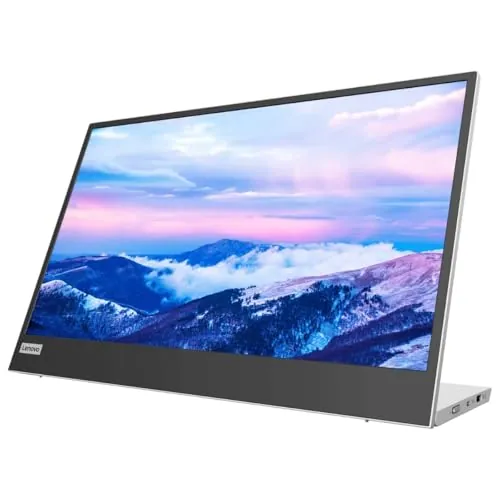
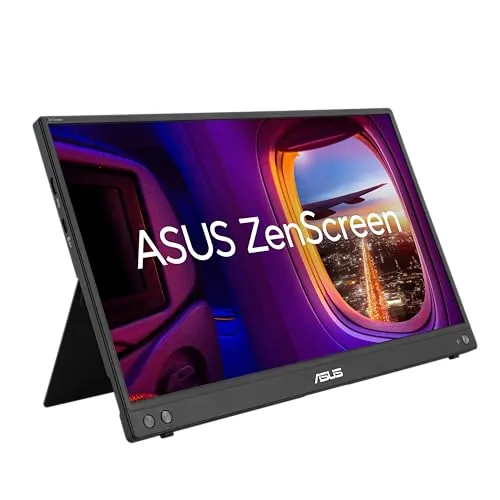
Both monitors need a suitable connection from your laptop. ASUS lists USB-C video and Mini HDMI for the MB16AHV, plus an adjustable kickstand and a tripod socket. For Lenovo L15 part 66E4UCC1UZ, confirm which ports, power and stand features apply to the U.S. listing before ordering.
Read comparison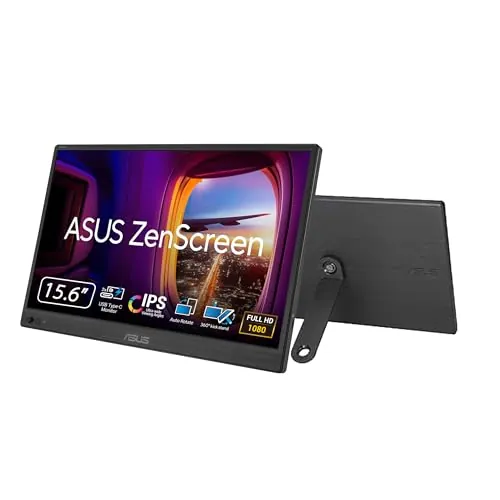
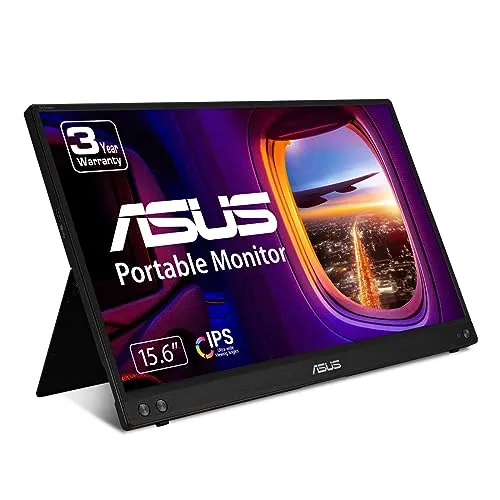
ASUS ZenScreen MB169CK vs MB16ACV: Check Ports, Power and Stand
Choose ZenScreen MB169CK for Mini HDMI from a camera, console or computer, with USB-C supplying power. Choose MB16ACV if you need the manufacturer’s USB-A route and can install the compatible DisplayLink driver. Both list USB-C DisplayPort Alt Mode. Check your host’s video-capable port, OS and power source before ordering.
Read comparison