
Products compared
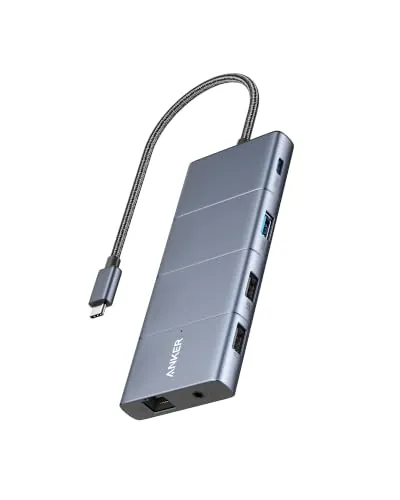
Anker
Anker 565 USB-C Hub (11-in-1)
A8388 US product; one HDMI and one DisplayPort output. The hub's host USB-C lead connects to the laptop; the PD charging adapter and cable are separate.
Model A8388
Amazon ASIN B09Q5V9G5P
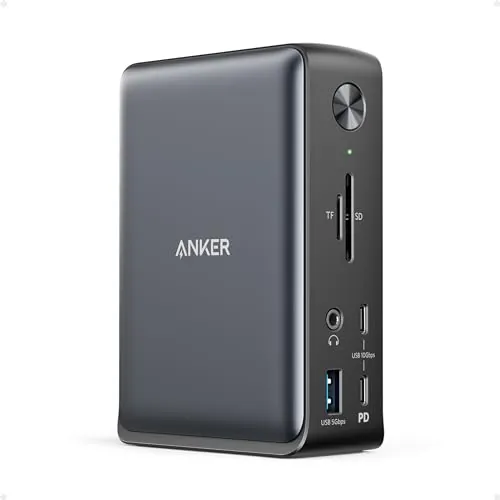
Anker
Anker 575 USB-C Docking Station (13-in-1)
A8392 US product; two HDMI outputs and one DisplayPort. Anker's box guide lists a 135W power adapter, a 1.2 m power cord, and a 1 m USB-C host cable; the dock's laptop upstream port is rated up to 85W.
Model A8392
Amazon ASIN B088F7SY6S
Differences that matter
What matters most to you?
Choose a priority to see what it changes.
Sources for Documented output modes by host DP version
Sources for Operating-system display behavior
First check the laptop port, not the USB-C shape
Both products rely on the laptop's USB-C port for video and power routing. Anker's A8388 manual and A8392 support page require DisplayPort Alt Mode for video and Power Delivery for charging. A USB-C-shaped port does not prove it supports either feature. Check the exact laptop manual or specifications, and note how many active screens its graphics system supports with the built-in display still on.
The 565's extra USB-C data port is not a monitor output, and its PD-IN socket is for power rather than display. The 575's display list is two HDMI ports and one DisplayPort; its other USB-C ports are data/charging functions, not additional display connectors.
Match the dock to the monitor cables and the actual screen plan
If your desk already has one HDMI monitor and one DisplayPort monitor, the 565's connector pair may be enough. If both monitors use HDMI, the 575 has two native HDMI sockets. For three external monitors, the 575 is the only one of this pair whose support table lists a three-output plan: Anker specifies 1080p at 60 Hz with a DP 1.4 host or 1080p at 30 Hz with DP 1.2, using both HDMI ports and DisplayPort.
Treat those as manufacturer-listed modes rather than a compatibility guarantee. The laptop must support the relevant DP version and active-display count, the operating system must support the display arrangement, and the monitor inputs/cables must match. Anker's detailed 575 table lists one display at 4K/60 or 4K/30, two at 1440p/60 or 1440p/30, and three at 1080p/60 or 1080p/30 for DP 1.4 or DP 1.2 respectively. Use this host-and-monitor-count table for a specific plan rather than assuming each output's single-display rating applies across multiple monitors.
For Mac users, Anker documents mirroring between the external displays on both docks. The 575's Windows guidance says MST/SST can show different content on connected monitors. If separate external Mac workspaces are a must, these model-specific statements point away from both choices.
Compare the complete power kit, not just the adapter label
The 575's Anker box guide lists the dock, a 135W adapter, a 1.2 m power cord, and a 1 m USB-C host cable. Its upstream host port is rated for up to 85W. The adapter rating is not the laptop charging rate, so check the 85W ceiling against your computer's requirements.
The 565 manual says its PD charger and cable are not included and that a 100W PD charger and cable are required for up to 85W pass-through, with 15W used by the hub. Anker's current 565 support port summary labels the PD-IN port as 85W max, so the materials disagree about the input-side number. If buying the 565 specifically to meet a power requirement, confirm the current adapter guidance with Anker. Otherwise, compare the 575's supplied kit against the 565's separate accessories without assuming either improves real-world charging speed.
Product details
Anker 565 USB-C Hub (11-in-1)
- Display outputs
- One HDMI and one DisplayPort; Anker lists each for up to 4K at 60 Hz, subject to host and multi-display mode. Source
- Laptop and charging requirements
- Laptop video requires USB-C DisplayPort Alt Mode. The user guide says a separate 100W PD charger and cable enable up to 85W laptop pass-through and notes 15W hub use; Anker's support port summary separately labels PD-IN 85W max. Source
Anker 575 USB-C Docking Station (13-in-1)
Before you buy
Community discussions
Checking that both external monitors extend the desktop
Anker 575 USB-C Docking Station (13-in-1)
An Anker 575 owner reported that two monitors showed the same picture on a MacBook Pro while the same desk setup behaved differently with their work Lenovo.
What to check
List the monitor inputs and the cables you will use. Check how many independent desktops the exact laptop and dock can show together.
Checking modes with both monitors connected
Anker 575 USB-C Docking Station (13-in-1)
An owner using two 4K monitors through the 575 described changes to their working display setup after a period of use.
What to check
Connect both monitors and check the resolution and refresh rate each receives. Repeat the check after reconnecting the laptop.
Common questions
Can the 575's 135W adapter send 135W to my laptop?
No. Anker rates the 575 host port for up to 85W. The 135W number describes the included power adapter, not laptop output.Anker 575 USB-C Docking Station (13-in-1) support and port specificationHow to connect Anker 575 USB-C Docking Station to the laptop (box contents)
Will either dock extend different content across two external Mac monitors?
Anker says external monitors connected through either model mirror one another on macOS. If separate content across multiple external Mac displays is required, compare docks that explicitly document that macOS behavior for your exact laptop and display plan.Anker 565 USB-C Hub (11-in-1) User Guide (A8388)What display modes can Anker 575 USB-C Docking Station support?
Does a laptop need USB-C Power Delivery for the monitors to work?
Anker separates the requirements: DP Alt Mode on the laptop's USB-C port is needed for video; Power Delivery is needed for laptop charging through the dock. Confirm both capabilities in the exact laptop documentation and check its active-display limit.Anker 565 USB-C Hub (11-in-1) User Guide (A8388)Anker 575 USB-C Docking Station (13-in-1) support and port specification
Sources and scope
Manufacturer setup and capability guidance only; no hands-on charging, display, compatibility, speed, or reliability tests were performed. The A8388 manual recommends a 100W PD charger for up to 85W laptop pass-through, while Anker's current support port summary labels PD-IN as 85W max; confirm current input guidance with Anker if that power threshold is decisive. Exact laptop, GPU, OS, cable, and monitor behavior can change the result.
- Anker 565 USB-C Hub (11-in-1) support and port specification
- Anker 565 USB-C Hub (11-in-1) User Guide (A8388)
- Anker 575 USB-C Docking Station (13-in-1) support and port specification
- How to connect Anker 575 USB-C Docking Station to the laptop (box contents)
- What display modes can Anker 575 USB-C Docking Station support?
- Anker 575 display resolution and refresh-rate support by host DP version
Related comparisons
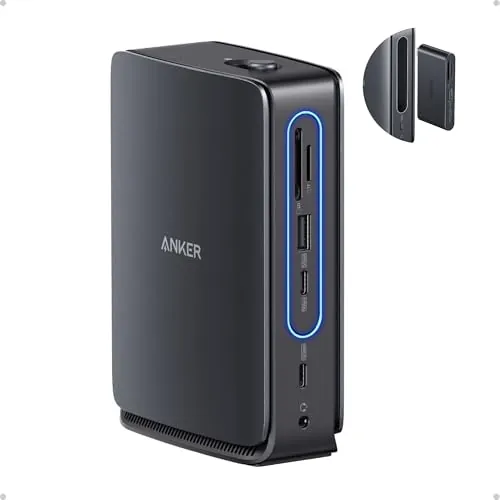
Anker 565 A8388 vs Nano A83C3: Monitor Ports, Host Limits, and Desk Setup
The Anker 565 A8388 puts one HDMI and one DisplayPort in a single hub that travels as a unit. The Nano A83C3 has a powered desk dock with two HDMI ports and a DisplayPort, plus a detachable hub with one HDMI for a lighter travel setup. Check your laptop's DP Alt Mode, display-version and GPU limits first; Anker's Nano page and manual differ on its dual-monitor maximum.
Read comparison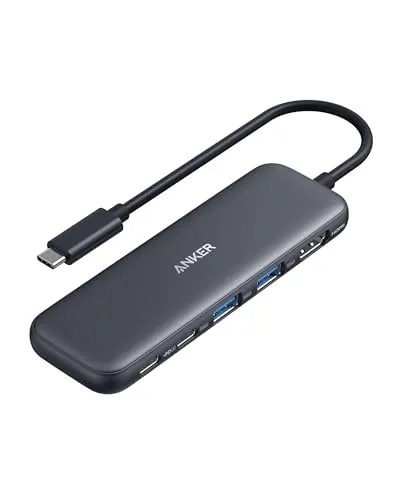
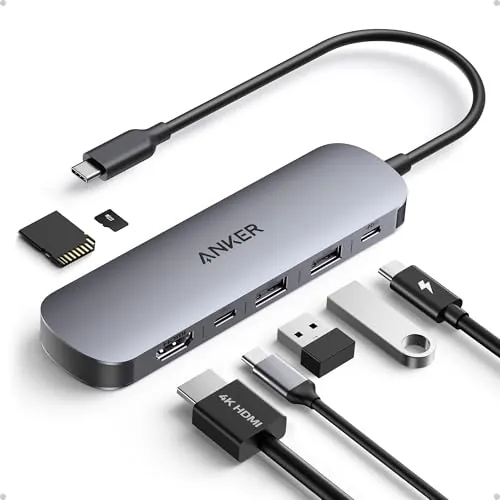
Anker 332 A8355 vs Nano A83D2: HDMI Modes, Card Slots and Port Fit
The useful difference is not simply five ports versus seven. The Anker 332 A8355 lists HDMI up to 4K (3840 × 2160) at 30 Hz and 1080p at 60 Hz, while the Nano A83D2 lists HDMI up to 4K at 60 Hz and adds SD and microSD slots. Those display figures depend on the laptop's USB-C video support and the connected HDMI cable and display. On both hubs, HDMI is the display output; the USB-C data port does not carry video, and the separate PD input is for charging the laptop. Compare the intended laptop port and the product's connector/port layout before ordering, then choose by the display mode and card workflow you will actually use.
Read comparison