Pickagu

Usb C Hubs

Find your model below to compare what is included and how the differences affect everyday use.

10 comparisons

Usb C Hubs comparisons

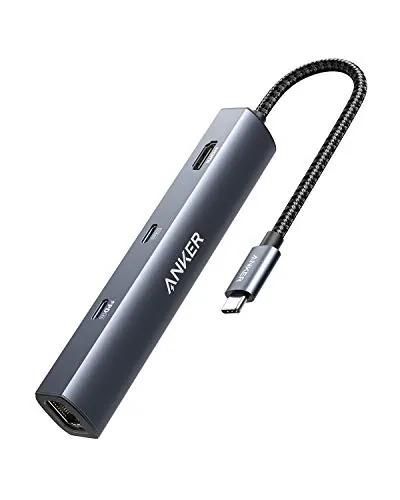
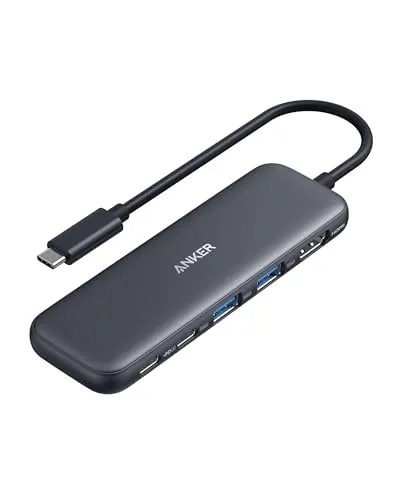
Anker 332 USB-C Hub (5-in-1), Black · A8355 / A8355011
Anker 332 USB-C Hub (5-in-1), Black
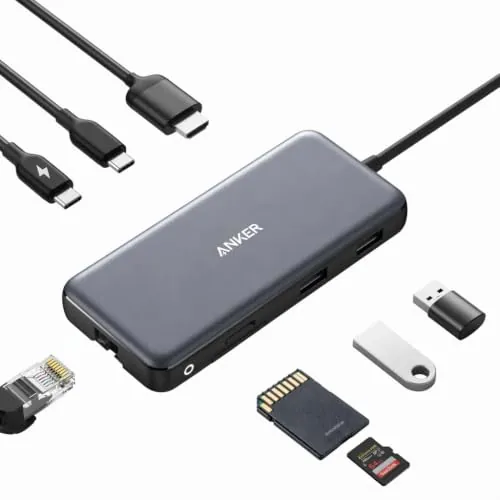
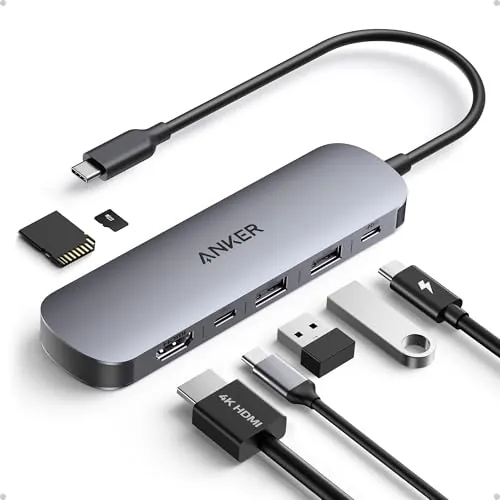
Anker Nano USB-C Hub (7-in-1, 4K HDMI), Gray · A83D2
Anker Nano USB-C Hub (7-in-1, 4K HDMI), Gray

Anker 332 A8355 vs Nano A83D2: HDMI Modes, Card Slots and Port Fit

The useful difference is not simply five ports versus seven. The Anker 332 A8355 lists HDMI up to 4K (3840 × 2160) at 30 Hz and 1080p at 60 Hz, while the Nano A83D2 lists HDMI up to 4K at 60 Hz and adds SD and microSD slots. Those display figures depend on the laptop's USB-C video support and the connected HDMI cable and display. On both hubs, HDMI is the display output; the USB-C data port does not carry video, and the separate PD input is for charging the laptop. Compare the intended laptop port and the product's connector/port layout before ordering, then choose by the display mode and card workflow you will actually use.

Read comparison
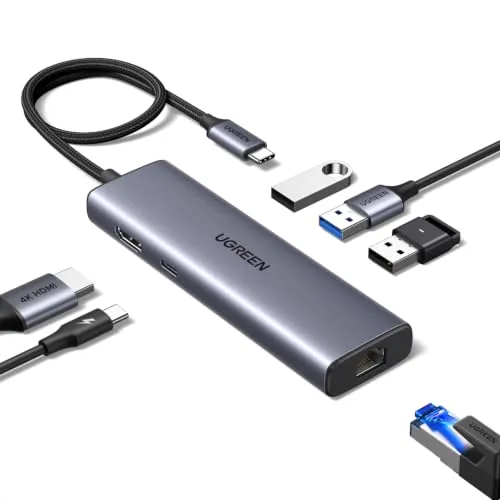
UGREEN Revodok 6-in-1 USB-C Hub with Gigabit Ethernet · 15598
UGREEN Revodok 6-in-1 USB-C Hub with Gigabit Ethernet
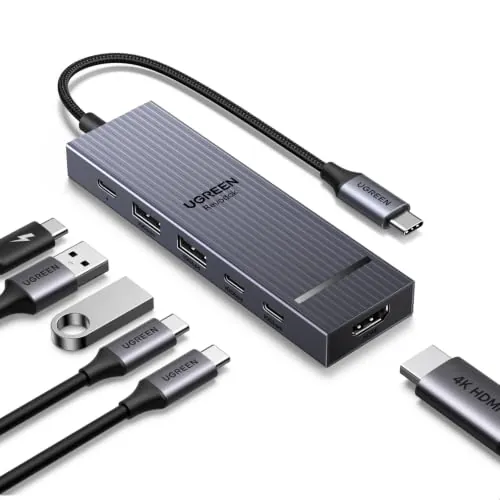
UGREEN Revodok Pro 106 6-in-1 USB-C Hub · 45363 (listed model AMUH12H)
UGREEN Revodok Pro 106 6-in-1 USB-C Hub

UGREEN Revodok 15598 vs Revodok Pro 45363: Ports, HDMI and Charging

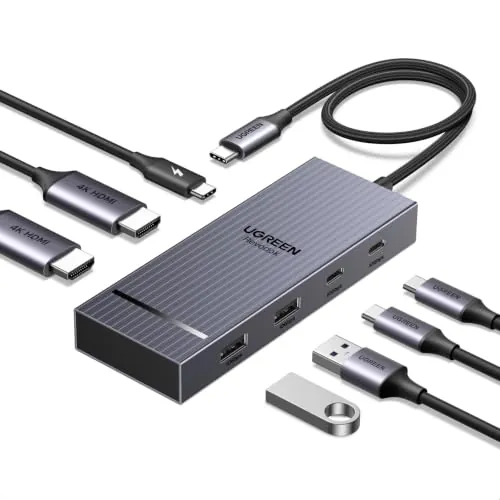
The Revodok 15598 gives you built-in Gigabit Ethernet and three USB-A data ports, but its HDMI output is listed up to 4K at 30 Hz and its extra USB-C socket is for charging only. The Revodok Pro 106 (SKU 45363) replaces Ethernet with USB-C data ports and lists HDMI up to 4K at 60 Hz when the host supports DP 1.4. Both list up to 100W PD input. UGREEN’s U.S. FAQ lists up to 85W to the host for 45363; confirm the 15598 U.S. offer’s host-output rating separately.

Read comparison
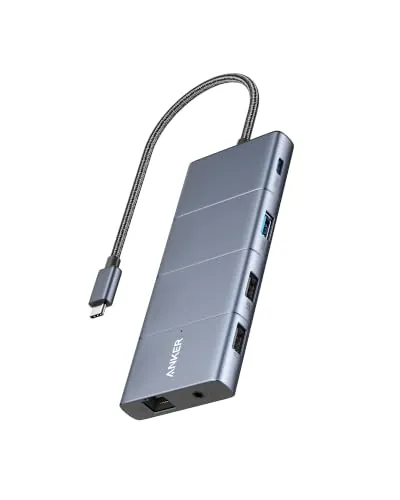
Anker 565 USB-C Hub (11-in-1) · A8388
Anker 565 USB-C Hub (11-in-1)
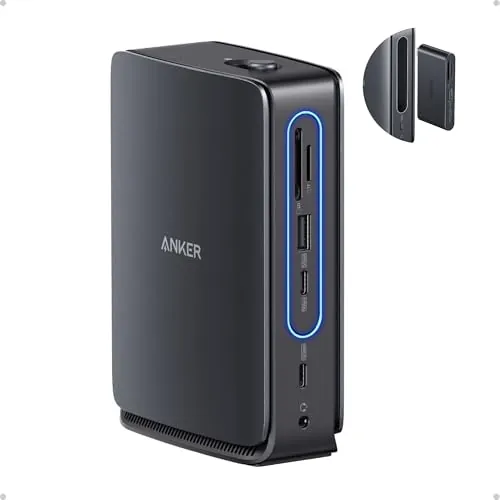
Anker Nano Docking Station (13-in-1, Built-In Removable Hub) · A83C3
Anker Nano Docking Station (13-in-1, Built-In Removable Hub)

Anker 565 A8388 vs Nano A83C3: Monitor Ports, Host Limits, and Desk Setup

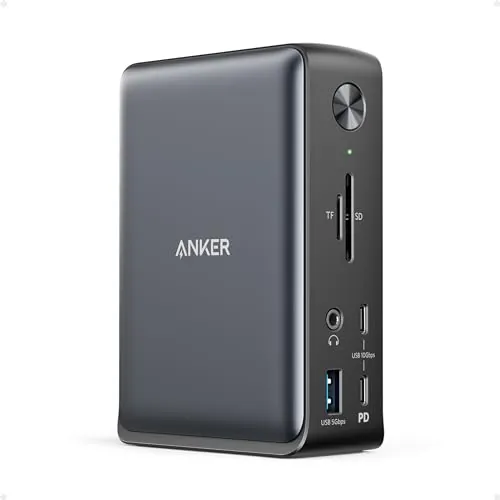
The Anker 565 A8388 puts one HDMI and one DisplayPort in a single hub that travels as a unit. The Nano A83C3 has a powered desk dock with two HDMI ports and a DisplayPort, plus a detachable hub with one HDMI for a lighter travel setup. Check your laptop's DP Alt Mode, display-version and GPU limits first; Anker's Nano page and manual differ on its dual-monitor maximum.

Read comparison
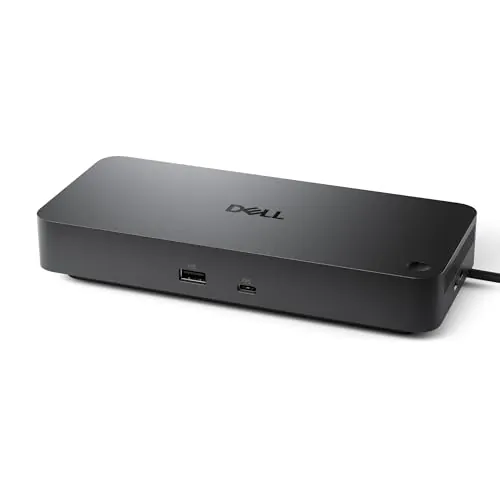
Dell Pro Dock WD25 · WD25 (PTC1N)
Dell Pro Dock WD25
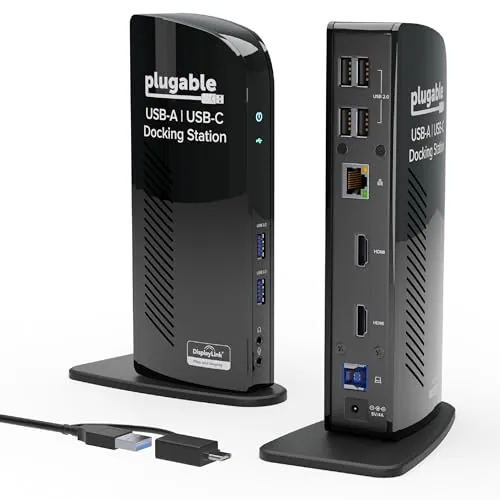
Plugable Universal Dual Monitor Docking Station · UD-3900 (current dual-HDMI revision)
Plugable Universal Dual Monitor Docking Station

Dell Pro Dock WD25 vs Plugable UD-3900: Check the Laptop and Display Ports

Choose a dock only after checking both the laptop and monitor ends. Dell WD25 uses the host's USB-C DisplayPort Alt Mode and offers DisplayPort, HDMI and display-capable USB-C outputs. Plugable UD-3900 uses DisplayLink over USB-A or USB-C, but its current version has two HDMI outputs, a documented two-display limit of 1920×1200 at 60 Hz, and a software/OS requirement. Confirm the exact UD-3900 revision and your workplace's driver policy before purchase.

Read comparison
UGREEN Revodok Pro 106 6-in-1 USB-C Hub · SKU 45363
UGREEN Revodok Pro 106 6-in-1 USB-C Hub
Anker 555 USB-C Hub (8-in-1) · A8383 (listing data suffix A83830A1)
Anker 555 USB-C Hub (8-in-1)

UGREEN Revodok Pro 106 vs Anker 555 A8383: Which Ports Fit Your Desk?

For a desk built around USB-C accessories, the UGREEN Revodok Pro 106 (SKU 45363) gives you two downstream USB-C data ports plus two USB-A ports. The Anker 555 (A8383) has one USB-C and two USB-A data ports, then adds Gigabit Ethernet and UHS-I SD and microSD readers. Both list HDMI up to 4K at 60Hz and up to 85W of laptop power from a 100W PD input. Check the laptop's exact USB-C video support and power needs before choosing; connector shape alone does not confirm either feature.

Read comparison
Anker 543 USB-C Hub (6-in-1) · A8365
Anker 543 USB-C Hub (6-in-1)
Anker 555 USB-C Hub (8-in-1) · A8383
Anker 555 USB-C Hub (8-in-1)

Anker 543 A8365 vs Anker 555 A8383: Check Laptop Power and Display Needs

The Anker 543 A8365 is the simpler fit when HDMI up to 4K at 30 Hz and up to 53 W laptop power are enough. The Anker 555 A8383 adds an HDMI mode up to 4K at 60 Hz and up to 85 W laptop power, but 60 Hz requires a DP 1.4-capable host and the full power figure requires a 100 W PD charger and cable. Before choosing, check your computer's USB-C video support, the monitor mode you intend to use, and the laptop's charging requirement. These are manufacturer-rated limits, not a test of either hub.

Read comparison
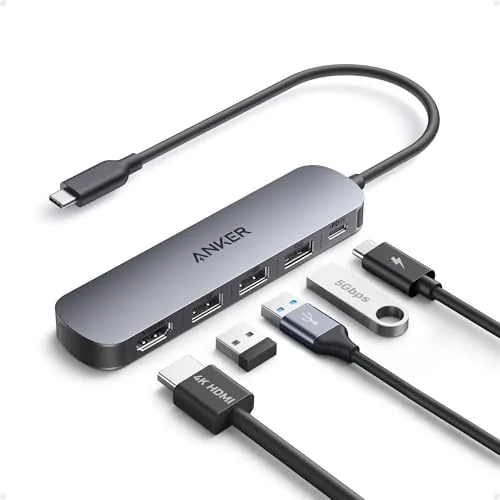
Anker USB-C Hub (5-in-1, 4K HDMI) · A8357
Anker USB-C Hub (5-in-1, 4K HDMI)
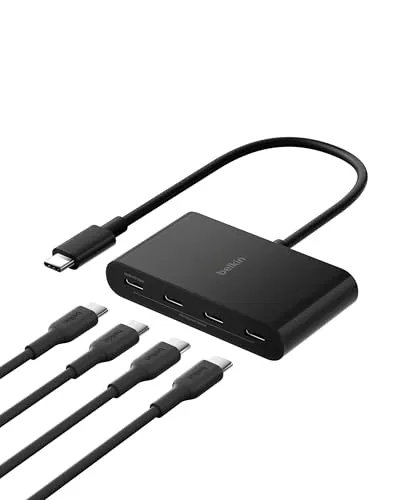
Belkin Connect USB-C to 4-Port USB-C Hub · AVC018btBK
Belkin Connect USB-C to 4-Port USB-C Hub

Anker A8357 vs Belkin AVC018: USB Connector and Transfer Limits

Anker A8357 gives you three USB-A accessory ports, but only one is rated at 5Gbps; its other two USB-A ports are 480Mbps. Belkin AVC018 gives you four USB-C ports rated up to 10Gbps, while its computer connection is also capped at 10Gbps. Check both ends of your setup before choosing: connector shape and the slowest supported data link set the practical fit, not a benchmark result.

Read comparison
Anker 565 USB-C Hub (11-in-1) · A8388
Anker 565 USB-C Hub (11-in-1)
Anker 575 USB-C Docking Station (13-in-1) · A8392
Anker 575 USB-C Docking Station (13-in-1)

Anker 565 A8388 vs 575 A8392: Check Power and Monitor Fit

The 565 pairs HDMI with DisplayPort and needs a separate PD charger and charge cable. The 575 includes an adapter and host cable, adds a second HDMI socket, and documents host-dependent modes for as many as three external displays. Its host port is rated up to 85 W. The 565 manual also describes up to 85 W to the laptop, but Anker's support summary and manual differ on the power input. Check the laptop's video mode, operating system and charging needs before buying.

Read comparison
UGREEN Revodok Pro 7-in-1 Docking Station — SKU 45365 · 45365
UGREEN Revodok Pro 7-in-1 Docking Station — SKU 45365
Anker 547 USB-C Hub (7-in-2, for MacBook) — Gray · A8354
Anker 547 USB-C Hub (7-in-2, for MacBook) — Gray

UGREEN 45365 vs Anker 547 A8354: MacBook Port Fit and Display Choices

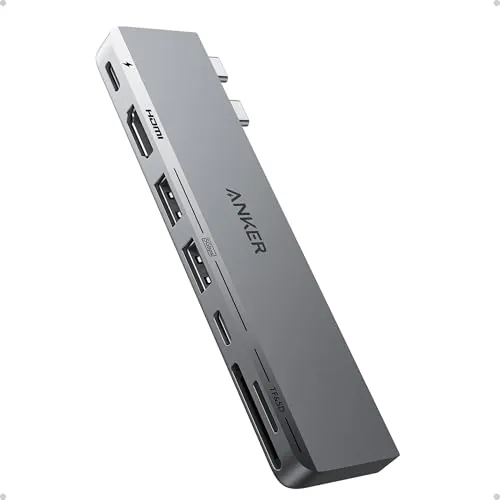
UGREEN Revodok Pro 45365 uses a single USB-C host lead; an official UGREEN regional page for SKU 45365 lists a 30 cm built-in cable. Anker 547 A8354 is a 7-in-2 MacBook hub that uses two MacBook USB-C ports. UGREEN says its displays mirror on macOS; Anker offers HDMI and multifunction USB-C display outputs, but compatibility depends on the exact MacBook and display setup. Compare available host ports and case clearance first, then choose between UGREEN’s four listed USB data ports and Anker’s SD/microSD slots.

Read comparison
Anker 553 USB-C Hub (8-in-1) · A83800A1
Anker 553 USB-C Hub (8-in-1)
UGREEN Revodok 6-in-1 USB-C Hub, SKU 15598 · 15598
UGREEN Revodok 6-in-1 USB-C Hub, SKU 15598

Anker 553 A8380 vs UGREEN Revodok 15598: Pick by Screens and Ports

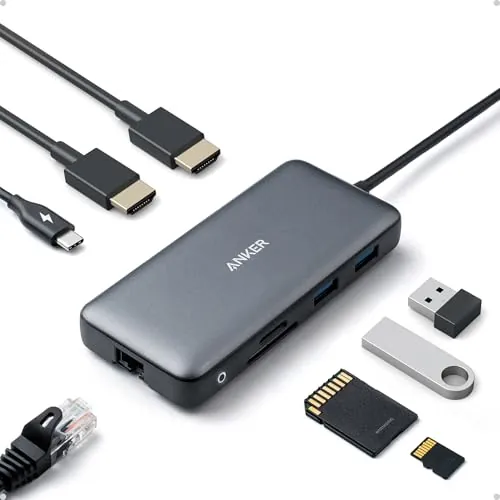
Both hubs add HDMI, USB-A, Ethernet and USB-C power input, but the exact port mix is different. Anker's 553 A8380 has two HDMI outputs, two USB-A data ports and SD/microSD readers; Anker lists display modes by host DisplayPort version and says its HDMI displays mirror on Mac. UGREEN's Revodok 15598 has one HDMI output rated up to 4K at 30 Hz, three USB-A data ports and Gigabit Ethernet. Before buying, check the laptop's USB-C video support and simultaneous-display limit, then count the ports and card formats your desk actually uses.

Read comparison