
Products compared
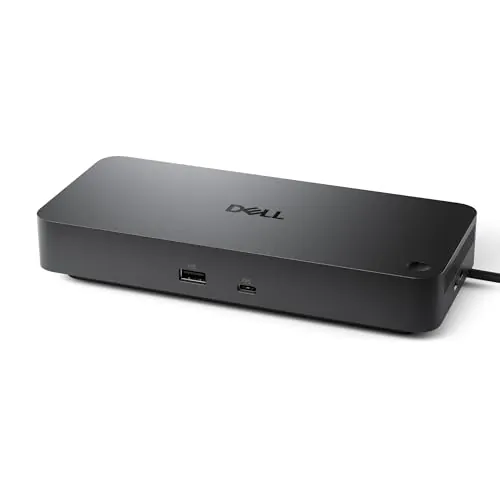
Dell
Dell Pro Dock WD25
A USB-C dock with two DisplayPort 1.4 outputs, one HDMI 2.1 output and one display-capable USB-C output. Dell requires a compatible host USB-C port and controller that support DisplayPort Alt Mode.
Model WD25 (PTC1N)
Amazon ASIN B0FCSHJGGK
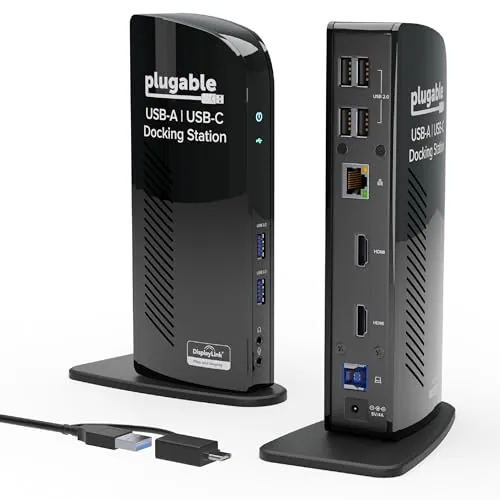
Plugable
Plugable Universal Dual Monitor Docking Station
A USB 3.0 DisplayLink dock with a hybrid USB-A/USB-C host cable and two HDMI outputs in the current revision. Plugable lists Windows 10/11, macOS 14 or later and ChromeOS 100 or later support; its current page says not compatible with Linux/Unix.
Model UD-3900 (current dual-HDMI revision)
Amazon ASIN B00ECDM78E
Differences that matter
What matters most to you?
Choose a priority to see what it changes.
Sources for Laptop port, video path and driver policy
Sources for Monitor connectors and UD-3900 revision
Sources for Display count, resolution and refresh rate
Sources for Work applications, protected video and charging
Check the host path before counting monitor ports
WD25 sends video through USB-C DisplayPort Alt Mode. Dell says both the computer's port and controller must support it. The name USB-C describes the connector, not the video capability, so confirm the exact laptop model and port. Dell also recommends current system BIOS, graphics and Ethernet drivers, plus current dock firmware.
UD-3900 uses DisplayLink over its hybrid USB-A/USB-C cable. Plugable lists Windows 10/11, macOS 14 or later with manual DisplayLink installation, and ChromeOS 100 or later; it lists Linux/Unix as unsupported. For a managed laptop, check that DisplayLink may be installed before choosing this route.
Match the screens to the exact outputs and display modes
WD25 has two DisplayPort 1.4 outputs, HDMI 2.1 and a display-capable USB-C MFDP output. Dell documents several one-, two-, three- and four-display combinations, but supported modes vary by port combination, bandwidth and host capabilities. Use its table with your actual display count and requested resolution and refresh rate.
The current UD-3900 is a dual-HDMI revision. Plugable lists two displays up to 1920×1200 at 60 Hz, or one display up to 2560×1440 at 50 Hz, and says it does not support 4K or DisplayPort monitors. If your screen only has DisplayPort, the current UD-3900 does not provide a matching native output.
Verify revision, software and daily requirements
Plugable's UD-3900 revision guide says the current version introduced in February 2025 has two HDMI outputs; the original version has one HDMI and one DVI output. Check a seller's rear-port photo or ask for confirmation if buying older or used stock.
Plugable describes this dock for web and productivity use, not gaming or HDCP-protected streaming, and says it does not charge the laptop. If your daily setup needs protected video, laptop charging, a higher display mode or an unlisted OS, confirm a different model's documentation. Do not assume that any adapter chain fixes an unsupported path.
Product details
Dell Pro Dock WD25
- Host video prerequisite
- The host USB-C port and controller must support DisplayPort Alt Mode compatible with WD25. Source
- Display outputs
- Two DisplayPort 1.4 ports, one HDMI 2.1 port and one USB-C Multi-Function Display Port (MFDP) with DisplayPort Alt Mode. Source
- Mode planning
- Dell's resolution table varies supported modes by monitor count, output combination, available bandwidth and host capabilities; consult the table for the exact setup. Source
Plugable Universal Dual Monitor Docking Station
- Host connection and display software
- Hybrid USB-A or USB-C connection; DisplayLink software enables video on Windows and macOS. Plugable says no additional setup is needed on ChromeOS 100 or later. Source
- Current video outputs and limits
- Two HDMI outputs; Plugable lists two displays up to 1920×1200 at 60 Hz, a single display up to 2560×1440 at 50 Hz, and no 4K support. DisplayPort monitors are not supported. Source
- Operating systems
- Windows 10/11, macOS 14 or later with manual DisplayLink driver installation, and ChromeOS 100 or later; Plugable lists Linux/Unix as unsupported. Source
Before you buy
Community discussions
Checking the laptop connection for two displays
Dell Pro Dock WD25
A Dell Inspiron owner using a WD25 wanted to connect two external monitors and asked how to check their host setup.
What to check
Check the laptop port’s video capabilities and the exact dock’s supported display combinations. Write down the resolution and inputs of each monitor.
Sharing a desk between laptops and a tower PC
Dell Pro Dock WD25
A WD25 owner wanted to share a pair of monitors between work laptops and a desktop tower.
What to check
Check the video and data ports on each computer. Decide how you would switch between them and which connections each can use with the dock.
Common questions
Is any USB-C port enough for Dell WD25?
No. Dell requires a USB-C port and host controller that support compatible DisplayPort Alt Mode. Check the exact laptop specification for the port you plan to use.Dell Pro Dock WD25 User's Guide
What should I confirm before buying a used UD-3900?
Check the rear video ports. Plugable says the current revision has two HDMI outputs; the original version has one HDMI and one DVI output.Which version of the UD-3900 model docking station do I have?
Can UD-3900 run two 4K displays?
No. Plugable lists two HDMI monitors up to 1920×1200 at 60 Hz and says 4K is not supported. Its listed single-display maximum is 2560×1440 at 50 Hz.Plugable UD-3900 Universal Dual Monitor Docking Station: Product Specifications and Compatibility
Will UD-3900 charge my laptop or play protected streaming video through the dock?
Plugable says the dock does not charge the host laptop and that HDCP-protected streaming is unsupported through its DisplayLink-connected displays. Plan on separate laptop power and a different documented video path if those are requirements.Plugable UD-3900 Universal Dual Monitor Docking Station: Product Specifications and Compatibility
Does Plugable list support for Linux?
No. Its UD-3900 product page lists Windows 10/11, macOS 14 or later and ChromeOS 100 or later, and states that Linux/Unix is not compatible.Plugable UD-3900 Universal Dual Monitor Docking Station: Product Specifications and Compatibility
Sources and scope
This is a manufacturer-document comparison, not a compatibility test on a specific laptop or monitor. Dell requires compatible USB-C DisplayPort Alt Mode through both the port and controller; its cited guide does not establish support for every laptop or identify the operating system in your setup. Plugable documents the current dual-HDMI UD-3900, but used or older units may have HDMI plus DVI. Display-mode support also depends on the host, graphics path, port combination, monitor, refresh rate and bandwidth. Confirm the exact laptop model, display inputs, required modes, managed-software permissions and the UD-3900 revision being sold before ordering. No adapter-chain promise or measured performance claim is made.
Related comparisons
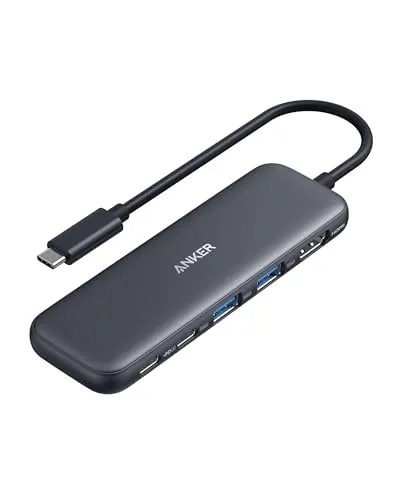
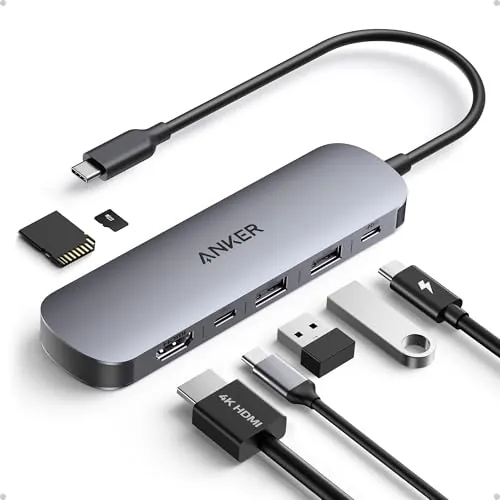
Anker 332 A8355 vs Nano A83D2: HDMI Modes, Card Slots and Port Fit
The useful difference is not simply five ports versus seven. The Anker 332 A8355 lists HDMI up to 4K (3840 × 2160) at 30 Hz and 1080p at 60 Hz, while the Nano A83D2 lists HDMI up to 4K at 60 Hz and adds SD and microSD slots. Those display figures depend on the laptop's USB-C video support and the connected HDMI cable and display. On both hubs, HDMI is the display output; the USB-C data port does not carry video, and the separate PD input is for charging the laptop. Compare the intended laptop port and the product's connector/port layout before ordering, then choose by the display mode and card workflow you will actually use.
Read comparison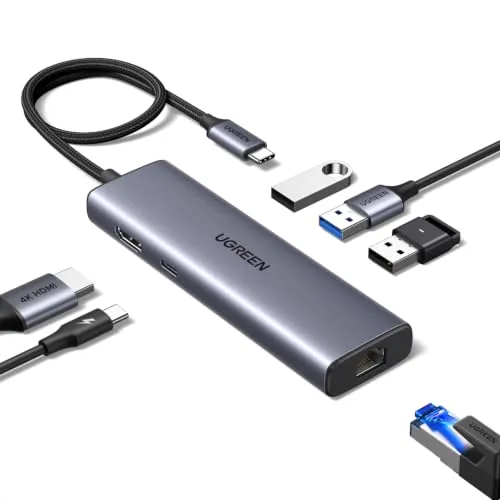
UGREEN Revodok 15598 vs Revodok Pro 45363: Ports, HDMI and Charging
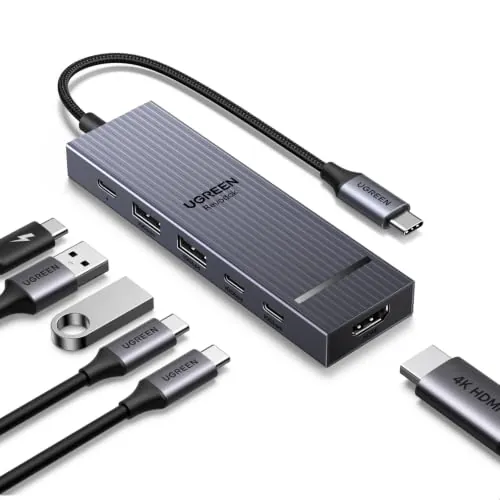
The Revodok 15598 gives you built-in Gigabit Ethernet and three USB-A data ports, but its HDMI output is listed up to 4K at 30 Hz and its extra USB-C socket is for charging only. The Revodok Pro 106 (SKU 45363) replaces Ethernet with USB-C data ports and lists HDMI up to 4K at 60 Hz when the host supports DP 1.4. Both list up to 100W PD input. UGREEN’s U.S. FAQ lists up to 85W to the host for 45363; confirm the 15598 U.S. offer’s host-output rating separately.
Read comparison