
Products compared
UGREEN
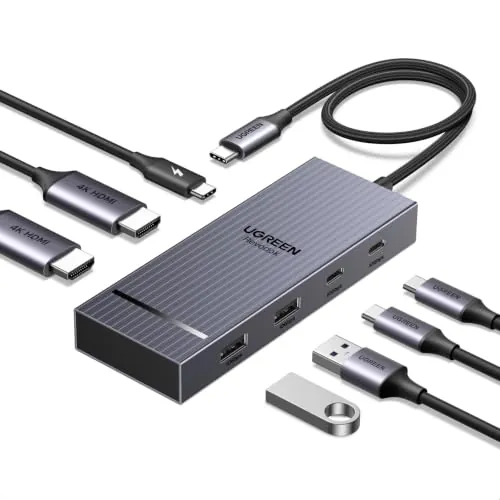
UGREEN Revodok Pro 7-in-1 Docking Station — SKU 45365
UGREEN identifies model 45365 on its exact-SKU pages; its Australian page calls it Revodok Pro 207. Confirm that the exact seller offer shows SKU 45365 and a port layout that suits your setup.
Model 45365
Amazon ASIN B0D1XSKZRJ
Anker
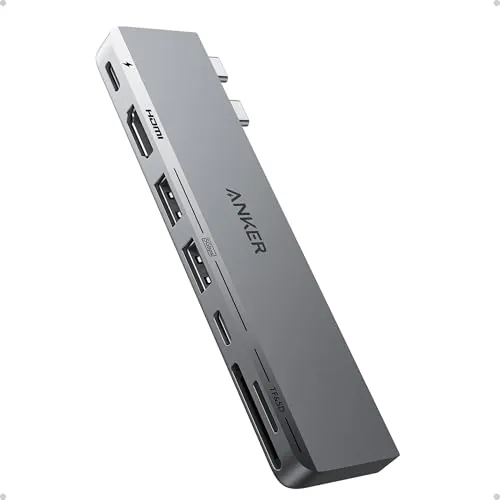
Anker 547 USB-C Hub (7-in-2, for MacBook) — Gray
Anker’s U.S. manufacturer page names model A8354 as the 547 USB-C Hub (7-in-2, for MacBook) and also lists part A83540A1. Check those identifiers on the exact seller offer before ordering.
Model A8354
Amazon ASIN B0BNZ5V1TF
Differences that matter
What matters most to you?
Choose a priority to see what it changes.
Sources for How the hub uses the MacBook’s host ports
Sources for External display outputs and Mac behavior
Sources for USB data ports versus card readers
Sources for Charging and the job of each USB-C port
Start with how each hub connects
UGREEN’s Revodok Pro 45365 is a conventional USB-C host dock. Its Australian manufacturer page for SKU 45365 lists a 30 cm built-in lead; the Canadian page describes a USB-C dock. Anker describes its 547 A8354 as a 7-in-2 MacBook hub that expands two MacBook USB-C ports, a different physical use of the laptop’s port edge.
Before buying, check the actual MacBook ports you can spare, the side you want the hub on, and your case cutouts. Anker says the A8354 design is intended to leave MagSafe unobstructed on latest MacBook Air and Pro models, but that statement is not a fit check for every case or MacBook. UGREEN’s exact SKU pages do not identify specific MacBook generations, so confirm the host’s USB-C video support for your intended display use.
A two-output hub does not settle Mac display behavior
UGREEN lists two HDMI ports but says external screens mirror when connected to a MacBook; its page describes extended dual displays for Windows. That makes the distinction decisive: if you require two different external desktops from a MacBook, the documented 45365 behavior is not the setup to pick.
Anker lists HDMI up to 4K60 and a multifunction USB-C display path up to 5K60, and says both outputs can be used together. Its support note says M1 and M2 MacBooks do not support dual external displays, while its U.S. product page explicitly names MacBook Pro 13-inch and MacBook Air M1/M2 in the compatibility row. The two display outputs do not establish compatibility with every Mac, chip, OS or monitor combination; verify your exact setup with Anker.
Match port roles to the devices you plug in
45365 lists two USB-A and two USB-C data ports, each rated up to 10Gbps. UGREEN says these data ports do not provide charging, audio or video; video uses HDMI and charging comes into a separate USB-C PD port. UGREEN says the PD port accepts up to 100W but is not a data or video connection.
A8354 lists two USB-A data ports and one USB-C data port at up to 5Gbps, plus SD and microSD UHS-I card readers. Its multifunction USB-C port handles data, display and PD input. Anker’s FAQ says the 100W maximum input is shared with the hub’s 15W draw, leaving up to 85W for the laptop when pass-through charging is used. These are port and power specifications, not measured transfer or charge results.
Check the charger and package details before checkout
UGREEN’s Canadian page for SKU 45365 says the power adapter and charging cable are not included, and its Australian exact-SKU page lists the built-in host lead as 30 cm. The exact U.S. offer carton contents were not verified, so check that listing if cable length or included accessories matter.
Anker says the 100W charger needed for pass-through charging is not included. Its U.S. compatibility row is narrower than marketing copy on regional pages describing latest MacBooks, so confirm your precise MacBook, case and monitor arrangement rather than relying on the product name alone.
Product details
UGREEN Revodok Pro 7-in-1 Docking Station — SKU 45365
- Host connection
- One USB-C host lead; the Australian manufacturer page for exact SKU 45365 lists the built-in lead as 30 cm. Exact U.S. offer contents were not confirmed. Source
- Downstream port roles
- Two HDMI outputs, two USB-A and two USB-C data ports listed at 10Gbps, plus a USB-C PD charging input. The four USB data ports do not provide charging, video or audio; the PD port is for charging only. Source
- Mac display behavior
- UGREEN says external displays mirror on macOS; its manufacturer page describes extended dual displays for Windows systems. Source
Anker 547 USB-C Hub (7-in-2, for MacBook) — Gray
- Host connection and MagSafe clearance
- Anker describes this as a 7-in-2 MacBook hub that expands two MacBook USB-C ports. The A8354 product page says its layout is designed not to obstruct MagSafe on the latest MacBook Air and Pro models; that does not verify fit with a specific case or model. Source
- Display outputs
- HDMI 2.0 supports up to 4K60 and the multifunction USB-C supports up to 5K60, according to Anker. Exact host and display behavior must be checked for the intended MacBook. Source
- Data, card and charging ports
- Two USB-A data ports, one USB-C data port, SD and microSD UHS-I slots, and one multifunction USB-C port for data/display plus up to 100W PD input. Anker support says the hub uses 15W and the laptop can receive up to 85W when charging through it. Source
Before you buy
Community discussions
Check how a two-port MacBook hub fits your setup
Anker 547 USB-C Hub (7-in-2, for MacBook) — Gray
An Anker 547 owner uses it on a 2019 MacBook Air and says it occupies both USB-C ports.
What to check
Check that the A8354’s plugs align with your MacBook’s ports and that your case leaves room for the hub to sit flush.
Map the ports for a shared two-monitor desk
UGREEN Revodok Pro 7-in-1 Docking Station — SKU 45365
A shopper considering the UGREEN 45365 asked how to wire a laptop and desktop to two shared monitors and peripherals through a KVM switch.
What to check
Sketch each video and USB data connection before buying. Check which display modes your computer, hub and switch each support.
Common questions
Will UGREEN 45365 give my MacBook two separate external screens?
UGREEN says displays attached to the exact SKU mirror on a MacBook/macOS. Do not choose it for two distinct external desktops on a MacBook based on the two HDMI sockets alone.UGREEN Revodok Pro 7-in-1 Docking Station — SKU 45365
Does Anker A8354 work with any MacBook?
Anker’s U.S. product page explicitly lists MacBook Pro 13-inch and MacBook Air M1/M2. Its regional product copy also says “latest” models, but that wording is broader than the U.S. compatibility row. Confirm your exact MacBook, case fit and monitor arrangement with Anker before buying.Anker 547 USB-C Hub (7-in-2, for MacBook) — U.S. product pageAnker 547 A8354 — U.K. product page
Which hub has more USB ports, and which has card slots?
UGREEN lists four USB data ports (two USB-A and two USB-C) at up to 10Gbps. Anker lists three USB data ports (two USB-A and one USB-C) at up to 5Gbps plus SD and microSD UHS-I slots. These are manufacturer interface ratings, not measured transfer speeds.UGREEN Revodok Pro 7-in-1 Docking Station — SKU 45365Anker 547 USB-C Hub (7-in-2, for MacBook) — U.S. product pageAnker 547 USB-C Hub FAQ
Are chargers included?
UGREEN’s exact-SKU page says the power adapter and charging cable are not included. Anker’s product page and support materials say the 100W charger is not included. Confirm the U.S. offer details and obtain the charger separately if needed.UGREEN Revodok Pro 7-in-1 Docking Station — SKU 45365Introduction to the Anker 547 USB-C Hub (7-in-2, 4K HDMI)
Sources and scope
Check your exact MacBook model, case cutouts and monitor setup before choosing a hub. If the UGREEN cable length or included accessories matter, confirm them on the U.S. listing. Check Anker’s compatibility list for your MacBook configuration.
Related comparisons
Anker 332 A8355 vs Nano A83D2: HDMI Modes, Card Slots and Port Fit
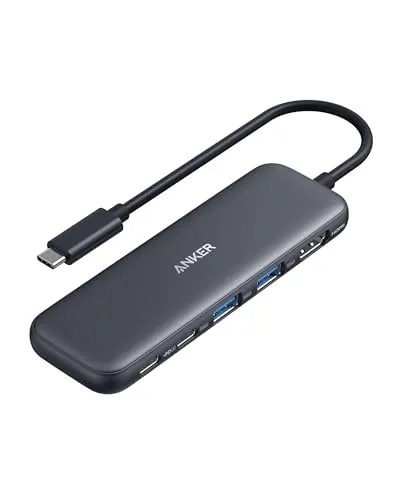
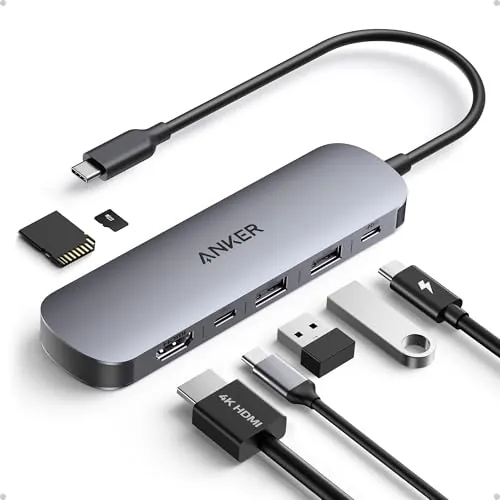
The useful difference is not simply five ports versus seven. The Anker 332 A8355 lists HDMI up to 4K (3840 × 2160) at 30 Hz and 1080p at 60 Hz, while the Nano A83D2 lists HDMI up to 4K at 60 Hz and adds SD and microSD slots. Those display figures depend on the laptop's USB-C video support and the connected HDMI cable and display. On both hubs, HDMI is the display output; the USB-C data port does not carry video, and the separate PD input is for charging the laptop. Compare the intended laptop port and the product's connector/port layout before ordering, then choose by the display mode and card workflow you will actually use.
Read comparison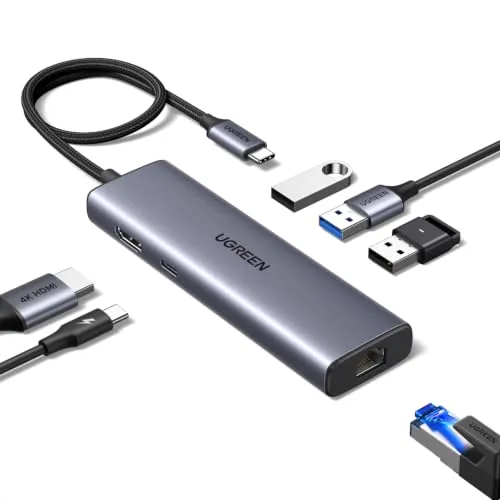
UGREEN Revodok 15598 vs Revodok Pro 45363: Ports, HDMI and Charging
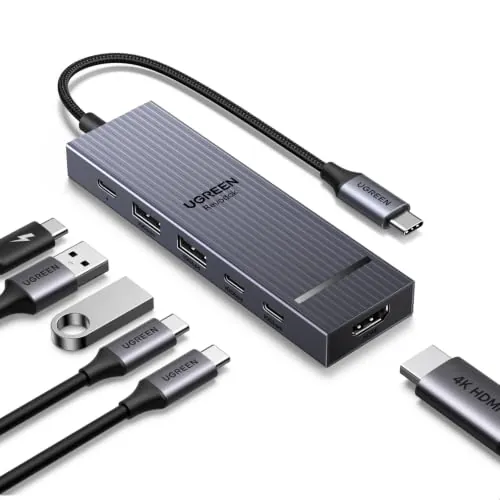
The Revodok 15598 gives you built-in Gigabit Ethernet and three USB-A data ports, but its HDMI output is listed up to 4K at 30 Hz and its extra USB-C socket is for charging only. The Revodok Pro 106 (SKU 45363) replaces Ethernet with USB-C data ports and lists HDMI up to 4K at 60 Hz when the host supports DP 1.4. Both list up to 100W PD input. UGREEN’s U.S. FAQ lists up to 85W to the host for 45363; confirm the 15598 U.S. offer’s host-output rating separately.
Read comparison