
Products compared
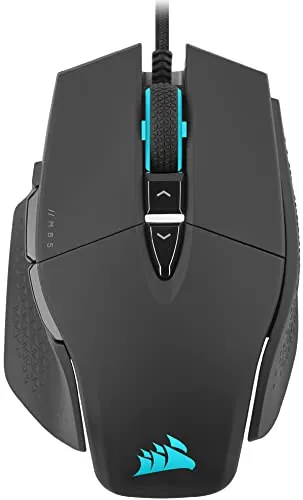
Corsair
Corsair M65 RGB Ultra Wired
Black US wired configuration. Corsair identifies this exact SKU as wired and lists a paracord cable.
Model CH-9309411-NA2
Amazon ASIN B09CXQZMHG
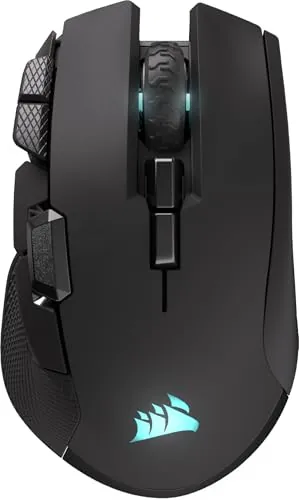
Corsair
Corsair Ironclaw Wireless SE
Black U.S. listing, model CH-9317110-AS. Corsair’s accessible U.S. product page and quick-start guide cover the named Wireless SE model but do not show -AS; check the seller listing for regional package and warranty details.
Model CH-9317110-AS
Amazon ASIN B0G1CPTN1F
Differences that matter
What matters most to you?
Choose a priority to see what it changes.
Sources for Published polling-rate settings
Pick the connection routine first
The M65 item here is the exact NA2 wired SKU: Corsair lists wired connectivity and a paracord cable. If you prefer not to charge or switch connection modes, that is its clearest distinction.
Corsair’s U.S. page for the named Ironclaw Wireless SE lists 2.4 GHz, Bluetooth and USB-C wired modes. Its quick-start guide describes receiver setup for 2.4 GHz, Bluetooth pairing and cable use. Both sources identify the model or -WW SKU, not the -AS listing; check the seller page for the exact receiver, cable and regional warranty.
Map buttons and hand position to what you actually use
Corsair’s M65 page lists eight programmable buttons. The Wireless SE -WW page lists ten. Button count matters only if the positions suit your shortcuts, so compare the layout and check whether the -AS listing matches the -WW page before treating that count as confirmed.
Corsair classifies the M65 as a claw-grip shape for medium hands and lists its weight-tuning range. For the Ironclaw, Corsair describes the -WW Wireless SE as a right-handed palm-grip shape for medium/large hands and lists 130 g. These are maker specifications and shape guidance, not a personal comfort or gaming result; the Ironclaw details are not confirmed for -AS.
Treat polling rate as a setting, not a performance verdict
Corsair lists selectable M65 report rates from 125 to 8,000 Hz. Its Ironclaw Wireless SE -WW FAQ lists a 1,000 Hz maximum in wired and wireless modes and recommends 2.4 GHz for higher-rate use. These are published settings, not comparative latency measurements; the page's Bluetooth rate contains an invalid unit, so this guide does not state a Bluetooth polling number.
If a high report-rate setting is a requirement, confirm the selected connection mode, software/configuration path and host setup, then check the exact Ironclaw -AS listing. No claim here predicts smoother tracking, lower perceived delay or better in-game results.
Before you buy the Ironclaw listing
Match the full code on the purchase page to CH-9317110-AS. Corsair’s U.S. product page opened for this guide shows CH-9317110-WW, while the quick-start guide names the Wireless SE without naming -AS. These sources do not establish whether the -AS offer has the same contents or regional support terms.
If you need 2.4 GHz or wired operation, check the exact seller listing for its receiver and USB-C cable. If the package details are unclear, choose only if the return terms let you confirm what is included, or choose the wired M65 if its fixed-cable setup suits you.
Product details
Corsair M65 RGB Ultra Wired
Corsair Ironclaw Wireless SE
- Documented Wireless SE connection modes
- Corsair’s U.S. page for SKU CH-9317110-WW lists 2.4 GHz, Bluetooth and USB-C wired modes. The page does not confirm that these details apply to listing CH-9317110-AS. Source
- Documented Wireless SE controls and shape
- The -WW page lists 10 programmable buttons and describes a right-handed palm-grip shape for medium/large hands. The exact -AS listing is not verified by that page. Source
- Documented polling-rate maximum
- The -WW FAQ states up to 1,000 Hz in wired and wireless modes and prints an invalid Bluetooth unit; no Bluetooth rate is asserted. The page does not establish the -AS specifications. Source
Before you buy
Community discussions
Finding a good fit for a fingertip grip
Corsair M65 RGB Ultra Wired
A shopper considering the wired M65 Ultra asked how the shape, side button and cable felt with a fingertip grip.
What to check
If you can try both, use your usual grip and check where your fingers land on the side controls. Leave space for the cable to move if you choose the wired mouse.
Common questions
Can the M65 RGB Ultra in this comparison be used wirelessly?
Corsair's exact CH-9309411-NA2 US page lists connectivity as wired and names a paracord cable. This comparison treats it as the wired configuration, not the separate M65 wireless model.M65 RGB ULTRA Tunable FPS Gaming Mouse — US product page, SKU CH-9309411-NA2
Does the Ironclaw's polling rate make it a slower mouse?
Corsair’s Ironclaw Wireless SE page lists a polling-rate maximum for specified modes, but that page is for SKU -WW, not -AS. It does not establish real-world latency or game outcomes. The Bluetooth polling line also contains an apparent unit error, so no Bluetooth figure is used here.IRONCLAW WIRELESS SE Gaming Mouse — US product page, SKU CH-9317110-WW
Will the Ironclaw fit my hand better?
Corsair describes the -WW Wireless SE as an asymmetric right-handed palm-grip mouse for medium/large hands. That is a general shape description, not a personal fit test, and the opened page does not confirm exact -AS measurements.IRONCLAW WIRELESS SE Gaming Mouse — US product page, SKU CH-9317110-WW
Sources and scope
This comparison does not use a controlled test or claim comparative latency. The Ironclaw listing here is model CH-9317110-AS, while Corsair’s accessible U.S. product page identifies CH-9317110-WW and its quick-start guide names the Wireless SE without a regional SKU. The guide therefore scopes Ironclaw connection, weight, control and package details to the documented -WW page or Wireless SE family and does not treat them as confirmed -AS facts. Corsair’s -WW FAQ prints an invalid Bluetooth polling unit; this guide omits a Bluetooth polling figure. Confirm the exact -AS package and warranty on the seller’s exact-SKU page before purchase.
Related comparisons
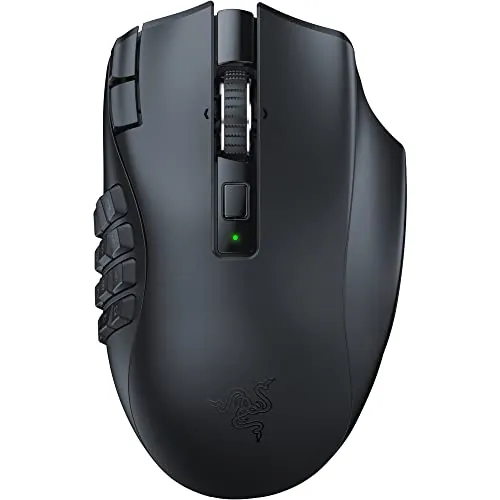
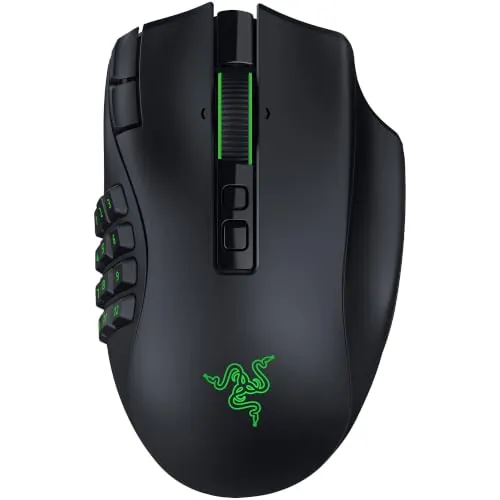
Razer Naga V2 HyperSpeed vs Naga V3 Pro: Side Buttons, Power and Setup
The Naga V2 HyperSpeed has a documented 12-button thumb grid and runs on one AA battery, with 2.4 GHz and Bluetooth wireless modes. The Naga V3 Pro lets you swap among 12-, 6-, and 2-button side plates and adds wired USB-C plus optional wireless-charging accessories. Map your regular commands and desk connections before choosing; these are feature differences, not a performance ranking.
Read comparison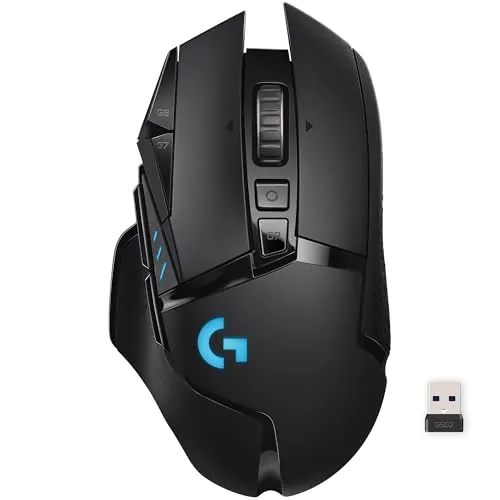
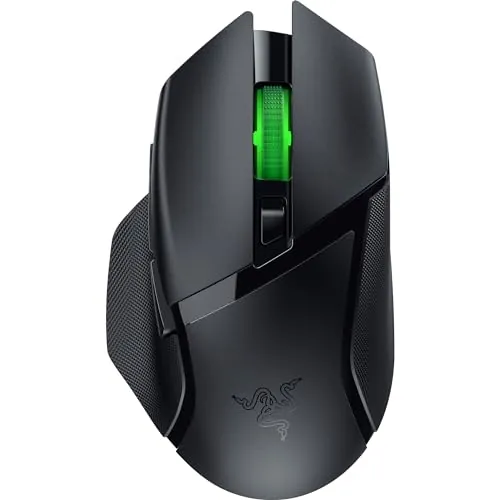
Logitech G502 LIGHTSPEED vs Razer Basilisk V3 X HyperSpeed: Controls, Receiver and Battery
The Logitech G502 LIGHTSPEED (910-005565) and Razer Basilisk V3 X HyperSpeed (RZ01-04870100-R3U1) are wireless gaming mice with different command layouts and power routines. Choose the G502 for its 11 programmable buttons, included receiver extension and rechargeable battery; choose the Basilisk if you prefer one AA cell, Bluetooth as an alternative to its HyperSpeed receiver, and Razer Hypershift secondary commands. Their control counts use different definitions, so this is a feature-fit guide, not a button-count ranking or performance test.
Read comparison