Pickagu

Gaming Mice

Find your model below to compare what is included and how the differences affect everyday use.

27 comparisons

Gaming Mice comparisons

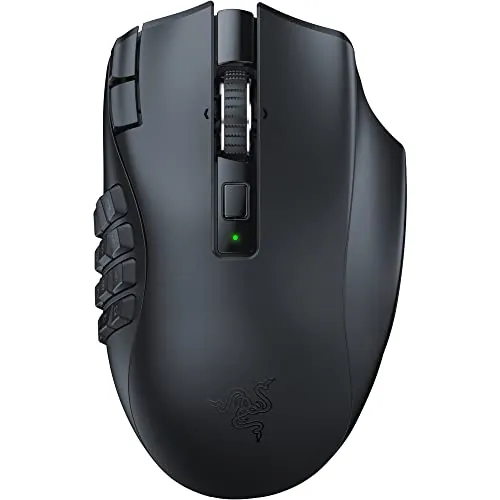
Razer Naga V2 HyperSpeed (Black) · RZ01-03600100-R3U1
Razer Naga V2 HyperSpeed (Black)
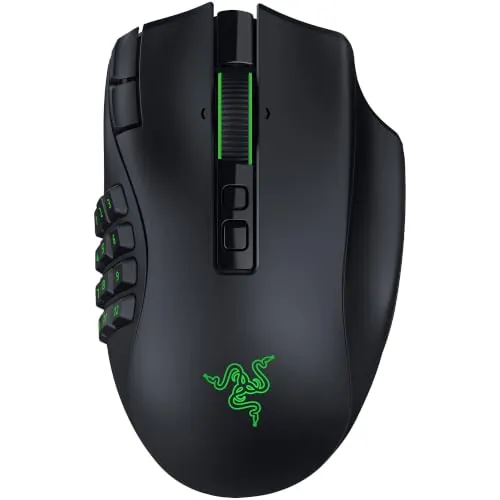
Razer Naga V3 Pro (Black) · RZ01-05660100-R3U1
Razer Naga V3 Pro (Black)

Razer Naga V2 HyperSpeed vs Naga V3 Pro: Side Buttons, Power and Setup

The Naga V2 HyperSpeed has a documented 12-button thumb grid and runs on one AA battery, with 2.4 GHz and Bluetooth wireless modes. The Naga V3 Pro lets you swap among 12-, 6-, and 2-button side plates and adds wired USB-C plus optional wireless-charging accessories. Map your regular commands and desk connections before choosing; these are feature differences, not a performance ranking.

Read comparison
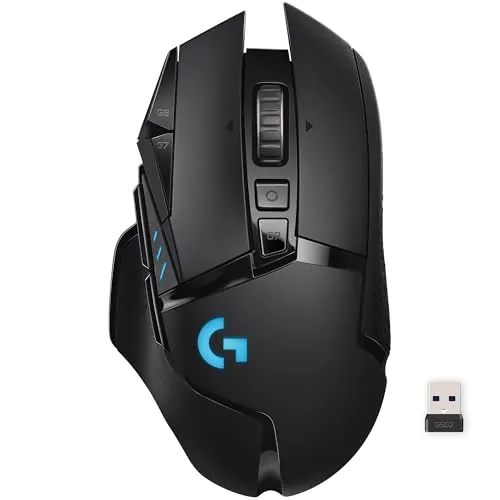
Logitech G502 LIGHTSPEED Wireless Gaming Mouse · 910-005565
Logitech G502 LIGHTSPEED Wireless Gaming Mouse
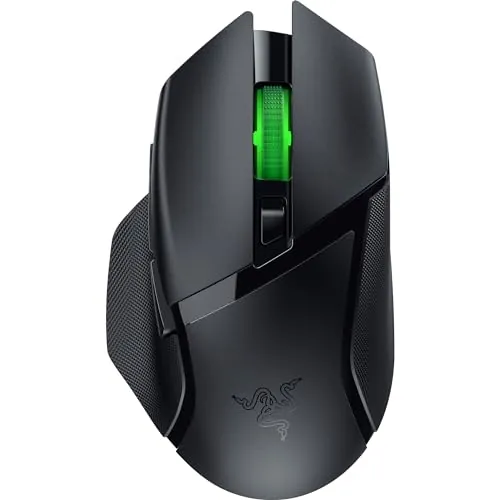
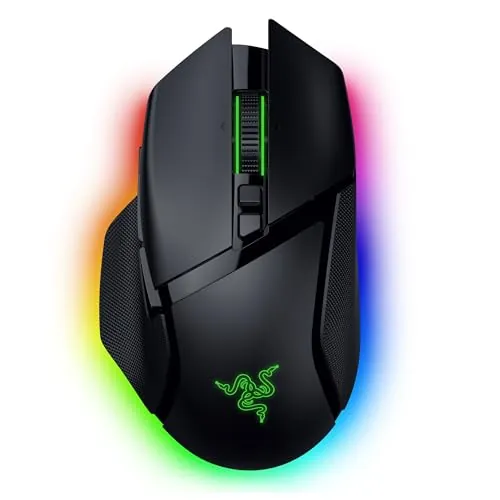
Razer Basilisk V3 X HyperSpeed Customizable Wireless Gaming Mouse · RZ01-04870100-R3U1
Razer Basilisk V3 X HyperSpeed Customizable Wireless Gaming Mouse

Logitech G502 LIGHTSPEED vs Razer Basilisk V3 X HyperSpeed: Controls, Receiver and Battery

The Logitech G502 LIGHTSPEED (910-005565) and Razer Basilisk V3 X HyperSpeed (RZ01-04870100-R3U1) are wireless gaming mice with different command layouts and power routines. Choose the G502 for its 11 programmable buttons, included receiver extension and rechargeable battery; choose the Basilisk if you prefer one AA cell, Bluetooth as an alternative to its HyperSpeed receiver, and Razer Hypershift secondary commands. Their control counts use different definitions, so this is a feature-fit guide, not a button-count ranking or performance test.

Read comparison
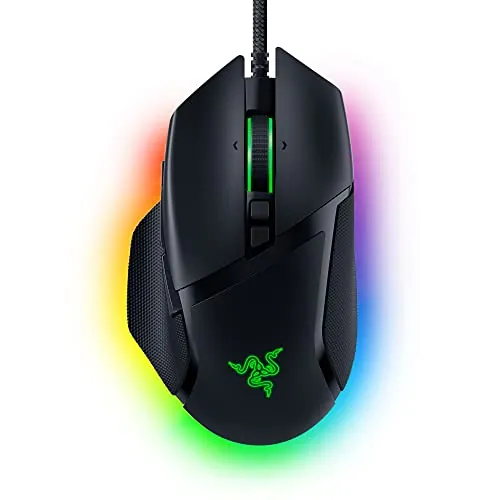
Razer Basilisk V3 Wired Gaming Mouse, Black · RZ01-04000100-R3U1
Razer Basilisk V3 Wired Gaming Mouse, Black
Razer Basilisk V3 X HyperSpeed Wireless Gaming Mouse, Black · RZ01-04870100-R3U1
Razer Basilisk V3 X HyperSpeed Wireless Gaming Mouse, Black

Razer Basilisk V3 vs Basilisk V3 X HyperSpeed

The black Basilisk V3 (RZ01-04000100-R3U1) is a wired, battery-free mouse with an officially specified four-way HyperScroll tilt wheel and notched/free-spin modes. The black Basilisk V3 X HyperSpeed (RZ01-04870100-R3U1) connects by 2.4 GHz or Bluetooth, takes one AA cell, and its exact-model guide says it has no tilt scroll wheel. Decide by cable, battery and wheel workflow; these specs do not establish a gaming-performance winner.

Read comparison
Logitech G502 X PLUS Wireless Gaming Mouse (Black) · 910-006160
Logitech G502 X PLUS Wireless Gaming Mouse (Black)
Razer Basilisk V3 Pro 35K Wireless Gaming Mouse (Black) · RZ01-05240100-R3U1
Razer Basilisk V3 Pro 35K Wireless Gaming Mouse (Black)

Logitech G502 X PLUS vs Razer Basilisk V3 Pro 35K: Which Fits Your Setup?

This comparison covers the black Logitech G502 X PLUS (910-006160) and black Razer Basilisk V3 Pro 35K (RZ01-05240100-R3U1). The deciding details are the host connection you need, the thumb and scroll controls you prefer, and whether you already own or plan to add a wireless-charging accessory.

Read comparison
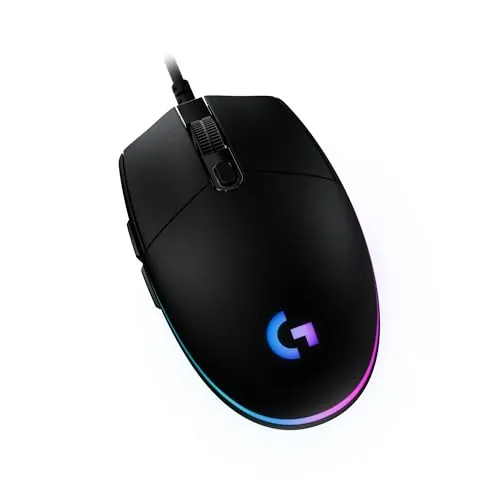
Logitech G203 LIGHTSYNC Wired Gaming Mouse - Black · G203 LIGHTSYNC / 910-005790
Logitech G203 LIGHTSYNC Wired Gaming Mouse - Black
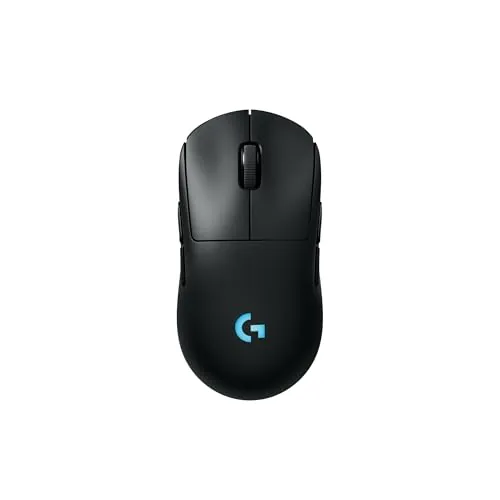
Logitech G305 LIGHTSPEED Wireless Gaming Mouse - Black · G305 LIGHTSPEED / 910-005280
Logitech G305 LIGHTSPEED Wireless Gaming Mouse - Black

Logitech G203 LIGHTSYNC vs G305 LIGHTSPEED: Wired Desk or Wireless Setup?

The assigned black G203 is the LIGHTSYNC model 910-005790, not a G203 Prodigy; it connects by cable and offers configurable LIGHTSYNC RGB. The black G305 910-005280 uses a LIGHTSPEED USB receiver and a replaceable AA battery, and Logitech lists its RGB lighting as none. Both have six buttons, so decide by connection, lighting and the setup changes you are willing to make rather than button count or untested gaming performance.

Read comparison
Logitech G502 HERO Wired Gaming Mouse - Black · 910-005469
Logitech G502 HERO Wired Gaming Mouse - Black
Logitech G502 X PLUS LIGHTSPEED Wireless RGB Gaming Mouse - Black · 910-006160
Logitech G502 X PLUS LIGHTSPEED Wireless RGB Gaming Mouse - Black

Logitech G502 HERO vs G502 X PLUS: Wired or Rechargeable Wireless?

These black U.S. models suit different desk routines. The G502 HERO 910-005469 stays connected by its 2.1 m cable and has Logitech-documented weight adjustment. The G502 X PLUS 910-006160 uses a LIGHTSPEED USB-A receiver, recharges over USB-C, and can switch to data-over-cable use when connected directly to a PC. Its DPI-Shift button can be repositioned or replaced by a cover. Decide whether cable-free movement and the X PLUS control adjustment are worth adding a receiver and charging routine.

Read comparison
Logitech G502 HERO High Performance Gaming Mouse · 910-005469
Logitech G502 HERO High Performance Gaming Mouse
Razer Basilisk V3 Wired Gaming Mouse · RZ01-04000100-R3U1
Razer Basilisk V3 Wired Gaming Mouse

Logitech G502 HERO vs Razer Basilisk V3: Scroll Controls, Weights and Setup

Both are wired, right-handed gaming mice with tilt wheels and configurable controls. The Logitech G502 HERO uses a physical button to switch its wheel between notched and free-spin modes and accepts up to five removable weights. The original Razer Basilisk V3 has a four-way tilt wheel with electronically actuated notched/free-spin modes; its Smart-Reel behavior is enabled in Razer Synapse. Compare the control routine and software you can use on your computer, then check cable routing and the exact model code before buying.

Read comparison
Logitech G PRO 2 LIGHTSPEED Wireless Gaming Mouse · 910-007246
Logitech G PRO 2 LIGHTSPEED Wireless Gaming Mouse
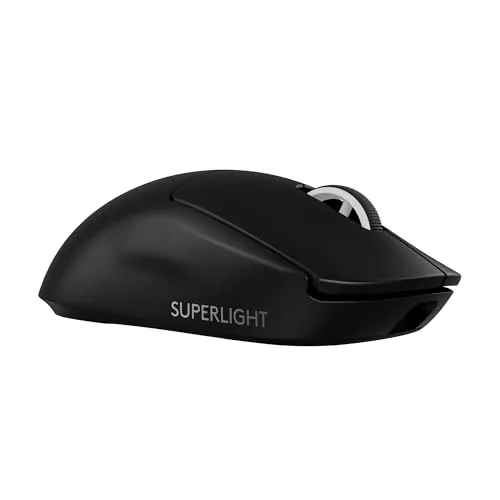
Logitech G PRO X SUPERLIGHT 2 LIGHTSPEED Wireless Gaming Mouse · 910-006628
Logitech G PRO X SUPERLIGHT 2 LIGHTSPEED Wireless Gaming Mouse

Logitech G PRO 2 LIGHTSPEED vs PRO X SUPERLIGHT 2

The PRO 2 is the clearer fit when you want documented replaceable left- and right-side button options: its exact 910-007246 sheet lists 4–8 buttons. Logitech lists five buttons for the black PRO X SUPERLIGHT 2, but that count alone does not establish their placement or whether its side buttons can be changed. The listed weights are 80 g and 60 g; that is a specification difference, not a comfort or gaming result.

Read comparison
Logitech G305 LIGHTSPEED Wireless Gaming Mouse, Black · 910-005280
Logitech G305 LIGHTSPEED Wireless Gaming Mouse, Black
Logitech G502 LIGHTSPEED Wireless Gaming Mouse, Black · 910-005565
Logitech G502 LIGHTSPEED Wireless Gaming Mouse, Black

Logitech G305 vs G502 LIGHTSPEED: Receiver, Battery and Button Setup

Both are black, single-mouse Logitech G LIGHTSPEED models that use a USB wireless receiver. The G305 uses one replaceable AA and stores its nano receiver in the mouse; Logitech lists six programmable buttons and says advanced button settings use G HUB. G502 LIGHTSPEED has a built-in rechargeable battery, eleven programmable buttons, and a box list that includes a receiver extension adapter, charging/data cable and six adjustable weights. Logitech's setup directions let the G502 receiver sit on an extension cable near the mouse or plug directly into the computer, and the mouse can send data over its cable while charging. Before buying, check that you have a usable USB-A port for the listed receivers or a suitable adapter, decide whether you prefer AA replacement or charging, and map the shortcuts you actually need. Neither set of specifications proves tracking, latency, comfort or gaming superiority.

Read comparison
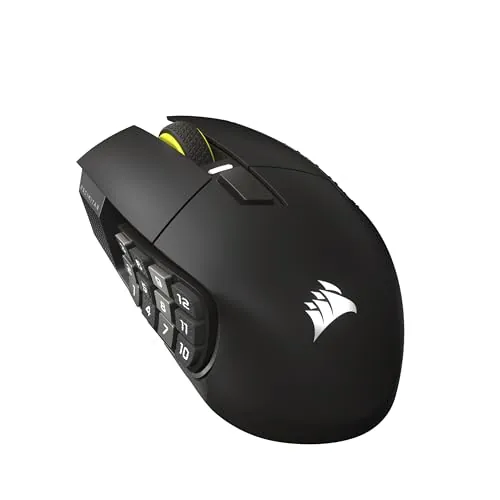
CORSAIR Scimitar Elite Wireless SE MMO Gaming Mouse · CH-9314014-WW
CORSAIR Scimitar Elite Wireless SE MMO Gaming Mouse
Razer Naga V3 Pro Wireless MMO Gaming Mouse · RZ01-05660100-R3U1
Razer Naga V3 Pro Wireless MMO Gaming Mouse

Razer Naga V3 Pro vs CORSAIR Scimitar Elite Wireless SE: Side-Button Layouts and Setup

These two wireless MMO mice take different approaches to side controls. CORSAIR keeps one 12-button Key Slider and lets you reposition it through 8 mm of travel with the included hex key. Razer includes magnetic 12-, 6-, and 2-button plates that change the side layout without tools. Software is another concrete distinction: CORSAIR documents up to three onboard profiles and an exact-model Virtual Stream Deck workflow; Razer documents up to five onboard profiles. Check your preferred thumb layout, PC setup, and exact part/finish before buying. Neither comparison of manufacturer feature lists establishes a comfort or gaming-performance winner.

Read comparison
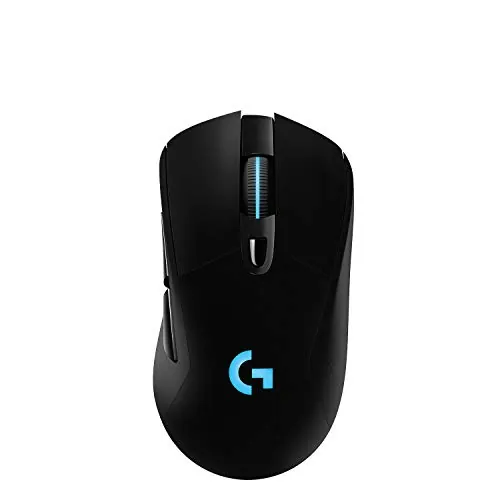
Logitech G703 LIGHTSPEED Wireless Gaming Mouse with HERO 25K, Black · 910-005638
Logitech G703 LIGHTSPEED Wireless Gaming Mouse with HERO 25K, Black
Logitech G305 LIGHTSPEED Wireless Gaming Mouse, Black · 910-005280
Logitech G305 LIGHTSPEED Wireless Gaming Mouse, Black

Logitech G703 HERO 25K vs G305 LIGHTSPEED: Shape, Receiver and Power

These exact U.S. Black models are Logitech G703 LIGHTSPEED HERO 25K (910-005638) and G305 LIGHTSPEED (910-005280). Both Logitech product pages describe six programmable buttons, so that count alone does not separate them. RTINGS labels the G703 shape not ambidextrous and the G305 shape ambidextrous only; treat those as shape labels, not comfort or left-hand control findings. For power, G703 can use POWERPLAY, sold separately, while Logitech lists a replaceable AA for G305. The G305 specification lists its LIGHTSPEED receiver and an AA in the box; verify the exact G703 offer's receiver/cable contents before ordering.

Read comparison
Logitech G305 LIGHTSPEED Wireless Gaming Mouse, Black · 910-005280; mouse M-R0071, receiver C-U0008
Logitech G305 LIGHTSPEED Wireless Gaming Mouse, Black
Logitech G502 HERO Wired Gaming Mouse, Black · 910-005469; mouse M-U0047
Logitech G502 HERO Wired Gaming Mouse, Black

Logitech G305 vs G502 HERO: Wireless Routine or More Controls?

The black Logitech G305 LIGHTSPEED (910-005280) removes the mouse cable but still uses a USB receiver and one replaceable AA battery. The wired G502 HERO (910-005469) avoids that battery/receiver routine and adds 11 programmable inputs, a separate wheel-mode switch, and support for up to five removable weights. Before buying, map the commands you actually use: the G502 count includes ordinary clicks, wheel tilt and profile/DPI controls, not 11 extra thumb buttons. This is a connection and control-layout comparison, not a gaming-performance or comfort test.

Read comparison
Logitech G502 HERO Wired Gaming Mouse, Black · 910-005469
Logitech G502 HERO Wired Gaming Mouse, Black
Logitech G PRO X SUPERLIGHT 2 LIGHTSPEED Wireless Gaming Mouse, Black · 910-006628
Logitech G PRO X SUPERLIGHT 2 LIGHTSPEED Wireless Gaming Mouse, Black

Logitech G502 HERO vs PRO X SUPERLIGHT 2: More Controls or Wireless Simplicity?

This comparison covers the black, wired Logitech G502 HERO (910-005469) and the standard black Logitech G PRO X SUPERLIGHT 2 (910-006628), not the DEX or 2c. G502 HERO puts more programmable actions, wheel controls and optional tuning weights on a wired mouse. SUPERLIGHT 2 uses a LIGHTSPEED receiver, charges over USB-C, and has five mapped physical inputs with a manufacturer-listed 60 g design. Make a quick inventory of the actions you need and decide whether you want a cable at the mouse or a rechargeable wireless setup; no source here establishes a gaming, comfort or aiming winner.

Read comparison
Logitech G305 LIGHTSPEED Wireless Gaming Mouse — Black · G305 / 910-005280
Logitech G305 LIGHTSPEED Wireless Gaming Mouse — Black
Logitech G PRO X SUPERLIGHT 2 LIGHTSPEED Wireless Gaming Mouse — Black · PRO X SUPERLIGHT 2 / 910-006628 (standard, not DEX or 2c)
Logitech G PRO X SUPERLIGHT 2 LIGHTSPEED Wireless Gaming Mouse — Black

Logitech G305 vs PRO X SUPERLIGHT 2: AA, Shape and Charging

The black G305 (910-005280) uses one replaceable AA and has a shorter published body. The standard black PRO X SUPERLIGHT 2 (910-006628) recharges by USB-C and is listed at 60 g, but its shell is longer and both setups still use a USB receiver.

Read comparison
Razer Naga V2 HyperSpeed Wireless MMO Gaming Mouse · RZ01-03600100-R3U1
Razer Naga V2 HyperSpeed Wireless MMO Gaming Mouse
Corsair Scimitar Elite Wireless SE MMO Gaming Mouse · CH-9314014-WW
Corsair Scimitar Elite Wireless SE MMO Gaming Mouse

Razer Naga V2 HyperSpeed vs Corsair Scimitar Elite Wireless SE: Side Buttons, Setup and Power

Both are wireless MMO mice with a documented 12-button side layout, so the useful difference is how that panel fits your thumb and how you configure it. Razer documents a fixed thumb grid, Synapse 3 setup and a replaceable AA battery. Corsair's Scimitar Elite Wireless SE has a repositionable 12-button Key Slider, 16 programmable buttons, three onboard profiles and cable charging. Choose by the controls you can reach and whether you prefer replacing a battery or recharging; maker documents do not establish a comfort, speed, runtime or reliability winner.

Read comparison
Logitech G305 LIGHTSPEED Wireless Gaming Mouse (Black) · 910-005280
Logitech G305 LIGHTSPEED Wireless Gaming Mouse (Black)
Razer Basilisk V3 X HyperSpeed (Classic Black) · RZ01-04870100-R3U1
Razer Basilisk V3 X HyperSpeed (Classic Black)

Logitech G305 vs Razer Basilisk V3 X HyperSpeed: Receiver, Bluetooth, and Controls

The Logitech G305 LIGHTSPEED (Black, 910-005280) is a six-button, USB-receiver mouse. The Razer Basilisk V3 X HyperSpeed (Classic Black, RZ01-04870100-R3U1) adds Bluetooth and a separate thumb-side multi-function trigger. Both use one AA battery. Start with the connection your computer supports; if either works, map your intended commands to the physical controls before choosing.

Read comparison
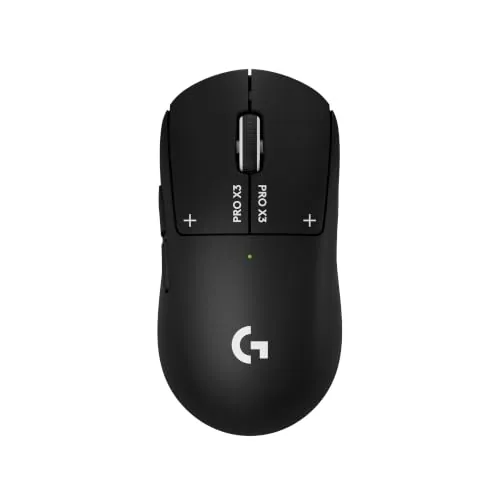
Logitech G PRO X3 SUPERSTRIKE LIGHTSPEED Wireless Gaming Mouse, Midnight Black · 910-007876
Logitech G PRO X3 SUPERSTRIKE LIGHTSPEED Wireless Gaming Mouse, Midnight Black
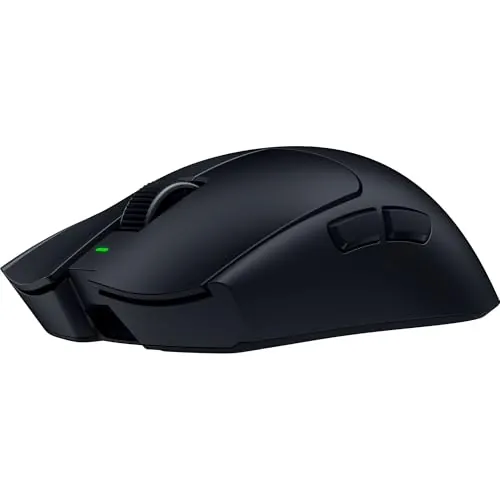
Razer Viper V4 Pro Wireless Esports Gaming Mouse, Black · RZ01-05630100-R3U1
Razer Viper V4 Pro Wireless Esports Gaming Mouse, Black

Logitech PRO X3 SUPERSTRIKE vs Razer Viper V4 Pro: Adjustable Clicks or a Symmetrical Shape?

These exact black U.S. models suit different setup priorities. Logitech documents adjustable HITS actuation, reset points, and haptics for the main buttons. Razer documents a right-handed symmetrical shell, compact dimensions, onboard profile, and Synapse settings. Try the shape that feels right, and confirm the exact Amazon listing's box contents before checkout.

Read comparison
Logitech G203 LIGHTSYNC Wired Gaming Mouse · 910-005790
Logitech G203 LIGHTSYNC Wired Gaming Mouse
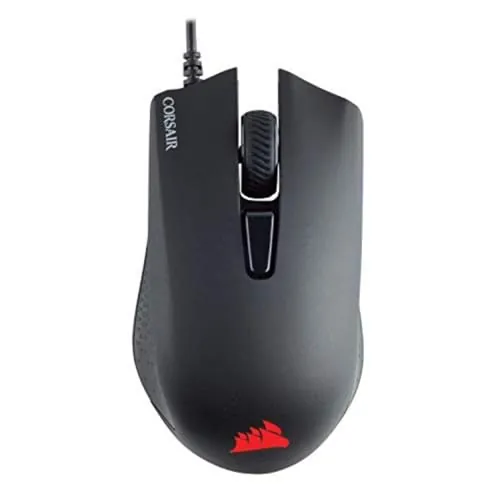
CORSAIR HARPOON RGB PRO FPS/MOBA Gaming Mouse · CH-9301111-NA
CORSAIR HARPOON RGB PRO FPS/MOBA Gaming Mouse

Logitech G203 LIGHTSYNC vs CORSAIR HARPOON RGB PRO: Body, Buttons and Setup

Both exact black US models are wired mice with six programmable buttons. The G203 LIGHTSYNC has a narrower, lower published body; the HARPOON RGB PRO has a wider, taller contoured shell with rubber side grips. Check your cable route and whether G HUB or iCUE fits your existing setup; neither spec sheet establishes comfort or gaming performance.

Read comparison
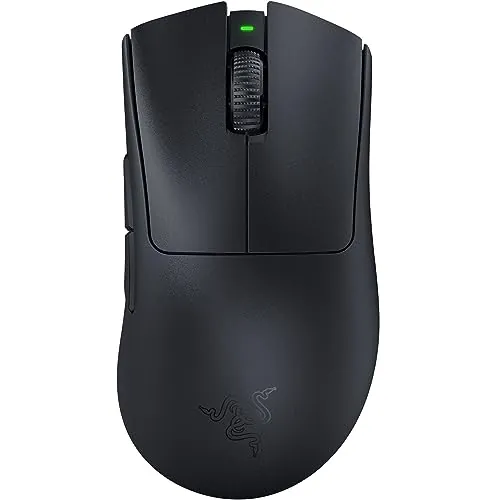
Razer DeathAdder V3 Pro Wireless Gaming Mouse, Black · DeathAdder V3 Pro · Black
Razer DeathAdder V3 Pro Wireless Gaming Mouse, Black
Logitech G PRO X SUPERLIGHT 2 LIGHTSPEED Wireless Gaming Mouse, Black · 910-006628 · Black
Logitech G PRO X SUPERLIGHT 2 LIGHTSPEED Wireless Gaming Mouse, Black

Razer DeathAdder V3 Pro vs Logitech G PRO X SUPERLIGHT 2: Shape, Size and 8K Setup

Pick the Razer DeathAdder V3 Pro if its raised right-handed shell and ring-finger ledge suit your grip. The Logitech G PRO X SUPERLIGHT 2 has a listed 125 × 63.5 × 40 mm body and requires current mouse and receiver firmware for up to 8 kHz. Razer lists a separate HyperPolling dongle for up to 8 kHz. Verify what the exact kit includes.

Read comparison
Logitech G PRO X SUPERLIGHT 2 LIGHTSPEED Wireless Gaming Mouse, Black · 910-006628
Logitech G PRO X SUPERLIGHT 2 LIGHTSPEED Wireless Gaming Mouse, Black
Razer Basilisk V3 Pro 35K Wireless Ergonomic Gaming Mouse, Black · RZ01-05240100-R3U1
Razer Basilisk V3 Pro 35K Wireless Ergonomic Gaming Mouse, Black

Logitech G PRO X SUPERLIGHT 2 vs Razer Basilisk V3 Pro 35K: Fit and Control Setup

The Black Logitech G PRO X SUPERLIGHT 2 (910-006628) is listed at 60 g with five buttons and a LIGHTSPEED USB receiver. The Black Razer Basilisk V3 Pro 35K (RZ01-05240100-R3U1) is a larger right-handed model with a tilt wheel, Bluetooth/2.4 GHz/wired modes, and a USB receiver. Choose by your own size and control preferences; polling and control-count wording differs across the manufacturers’ pages, so this guide makes no performance ranking.

Read comparison
Razer DeathAdder V3 Pro Wireless Gaming Mouse (Black) · DeathAdder V3 Pro Black
Razer DeathAdder V3 Pro Wireless Gaming Mouse (Black)
Logitech G305 LIGHTSPEED Wireless Gaming Mouse (Black) · 910-005280
Logitech G305 LIGHTSPEED Wireless Gaming Mouse (Black)

Razer DeathAdder V3 Pro vs Logitech G305: Choose by Size, Shape and Battery Routine

These black wireless mice differ in the published body cues and how you keep them powered. Razer describes the DeathAdder V3 Pro as a mid-to-large, right-handed mouse and specifies USB-C charging; Logitech lists the G305’s smaller body dimensions, a replaceable AA battery and a LIGHTSPEED USB receiver. Compare the dimensions with a mouse you already like, then choose the power and receiver routine. Neither maker’s specs establish comfort or gaming performance for you.

Read comparison