
Products compared
Logitech G
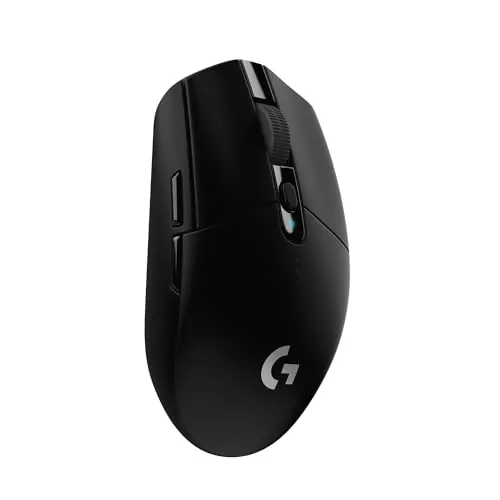
Logitech G305 LIGHTSPEED Wireless Gaming Mouse — Black
Black U.S. listing; one replaceable AA battery and LIGHTSPEED USB receiver.
Model G305 / 910-005280
Amazon ASIN B07CMS5Q6P
Logitech G
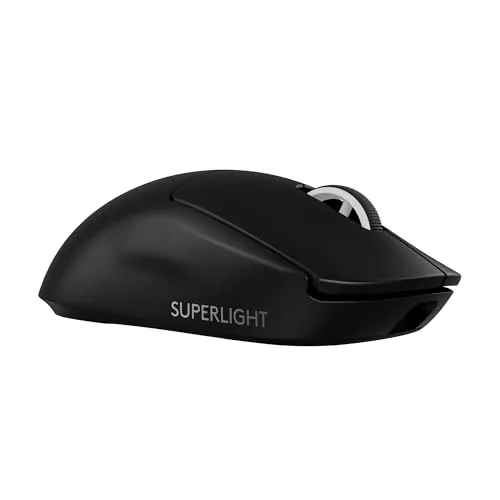
Logitech G PRO X SUPERLIGHT 2 LIGHTSPEED Wireless Gaming Mouse — Black
Standard black U.S. configuration; rechargeable mouse with LIGHTSPEED USB-A receiver and USB-A-to-USB-C charging/data cable.
Model PRO X SUPERLIGHT 2 / 910-006628 (standard, not DEX or 2c)
Amazon ASIN B09NBWL8J5
Differences that matter
What matters most to you?
Choose a priority to see what it changes.
Sources for Published shell size and listed mass
Sources for Wireless receiver and laptop ports
Start with your battery routine
G305 runs on one included AA cell that you can replace; its receiver is stored beneath the battery cover. The standard PRO X SUPERLIGHT 2 recharges through its USB-C charging/data port and includes a charging/data cable. Choose the maintenance task you would rather repeat. Their published runtime numbers are not directly comparable, so no battery-duration winner is claimed.
A lighter listing does not mean a smaller shell
Manufacturer dimensions put G305 at 116.6 × 62.15 × 38.2 mm and the standard SUPERLIGHT 2 at 125 × 63.5 × 40 mm. G305 is the shorter model; SUPERLIGHT 2 is listed at 60 g compared with G305’s 99 g with an AA installed. If you already know a mouse shape that suits you, compare its measurements and try the contour where possible. Measurements alone do not establish comfort, grip suitability, or in-game results.
Plan the receiver and controls before buying
Both setup guides use a LIGHTSPEED USB receiver. G305 can put its receiver directly in a USB port or on the supplied extension cable; the SUPERLIGHT 2 setup puts the receiver in its extension adapter and connects that arrangement through the USB-A-to-USB-C cable. Confirm that your computer has a usable USB-A port or plan for an adapter. G305 lists six programmable buttons including a DPI-cycle button; the standard SUPERLIGHT 2 lists five physical buttons. Count the controls you rely on rather than assuming more buttons improve game performance.
Which exact model is this guide about?
This comparison covers the black G305 listing identified as 910-005280 and the standard black PRO X SUPERLIGHT 2 identified as 910-006628. It does not cover the SUPERLIGHT 2 DEX or 2c. Check the model number on the retailer’s selected variation before ordering.
Product details
Logitech G305 LIGHTSPEED Wireless Gaming Mouse — Black
- Body dimensions and listed mass
- 116.6 × 62.15 × 38.2 mm; 99 g with one AA battery (75 g without battery). Source
- Power and receiver storage
- One included replaceable AA alkaline battery; LIGHTSPEED USB receiver stores inside the battery compartment. Source
- Buttons
- Six programmable buttons, including a DPI button; advanced settings require Logitech G HUB. Source
Logitech G PRO X SUPERLIGHT 2 LIGHTSPEED Wireless Gaming Mouse — Black
- Body dimensions and listed mass
- 125 × 63.5 × 40 mm; 60 g manufacturer-listed. Source
- Power and receiver setup
- Rechargeable lithium-polymer battery; USB-A-to-USB-C charging/data cable and USB-A LIGHTSPEED receiver with extension adapter are listed. Source
- Buttons
- Five physical buttons; G HUB is listed for configuring settings such as DPI and report rate. Source
Before you buy
Community discussions
Changing mouse shape after using a DeathAdder
Logitech G305 LIGHTSPEED Wireless Gaming Mouse — Black
A longtime DeathAdder user described moving to a G305 after reconsidering their grip and the feel of their older mouse.
What to check
Check grip and lift with each mouse in use. Compare how the G305’s installed battery changes the weight you feel.
Common questions
Is the PRO X SUPERLIGHT 2 smaller because it is listed at 60 g?
No. Logitech lists the standard model at 125 × 63.5 × 40 mm and 60 g; G305 is listed at 116.6 × 62.15 × 38.2 mm and 99 g with one AA. The lighter listing belongs to the longer, wider and taller body. These values do not predict hand comfort or aim.G305 LIGHTSPEED Wireless Gaming Mouse Technical Specifications — Logitech SupportSpecification — G PRO X SUPERLIGHT 2 LIGHTSPEED Gaming Mouse — Logitech Support
Can either mouse connect wirelessly without using a USB receiver?
The reviewed setup guides show LIGHTSPEED receiver-based wireless for both. G305 can connect its receiver directly or via the extension cable; PRO X SUPERLIGHT 2 uses the receiver in its extension adapter. Check your host’s USB-A access or plan for an adapter.G305 LIGHTSPEED Wireless Gaming Mouse Setup Guide — Logitech GPRO X SUPERLIGHT 2 Setup Guide — Logitech GSpecification — G PRO X SUPERLIGHT 2 LIGHTSPEED Gaming Mouse — Logitech Support
Which should I buy if I play competitively?
This comparison cannot establish a gaming-performance winner: it contains manufacturer specifications, not matched testing. Choose by the documented shape, battery/charging routine, port access and controls you prefer; seek comparable independent tests for aim, latency or sensor performance.G305 LIGHTSPEED Wireless Gaming Mouse Technical Specifications — Logitech SupportSpecification — G PRO X SUPERLIGHT 2 LIGHTSPEED Gaming Mouse — Logitech Support
Sources and scope
This is a manufacturer-document comparison for the assigned black U.S. listings. It does not include matched gameplay, latency, accuracy, battery-duration, durability, grip-fit, comfort, posture or health testing. Logitech’s reported battery-life figures are not compared because they use different conditions. Exterior dimensions do not establish how a mouse contour will feel. Verify the exact retailer variant and host ports.
- G305 LIGHTSPEED Wireless Gaming Mouse — Logitech G US
- G305 LIGHTSPEED Wireless Gaming Mouse Technical Specifications — Logitech Support
- G305 LIGHTSPEED Wireless Gaming Mouse Setup Guide — Logitech G
- PRO X SUPERLIGHT 2 LIGHTSPEED Wireless Gaming Mouse, product number 910-006628 — Logitech G US
- Specification — G PRO X SUPERLIGHT 2 LIGHTSPEED Gaming Mouse — Logitech Support
- PRO X SUPERLIGHT 2 Setup Guide — Logitech G
Related comparisons
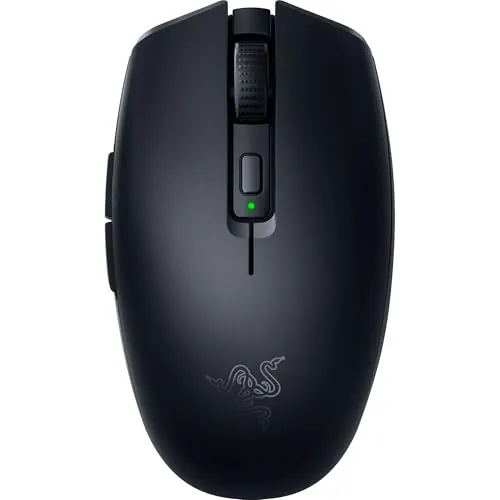
Razer Orochi V2 vs Logitech G305: Bluetooth, Receiver, and Battery Setup
The Razer Orochi V2 gives you Bluetooth or its stored 2.4 GHz dongle and accepts one AA or one AAA cell. The Logitech G305 uses its included LIGHTSPEED USB receiver and one AA cell. Compare the host connection, replacement-battery routine, and listed body dimensions before choosing.
Read comparison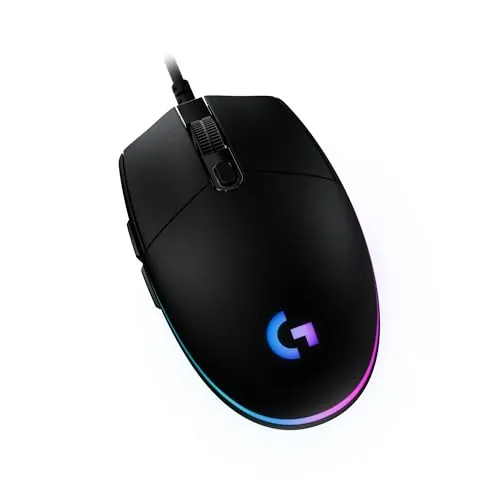
Logitech G203 LIGHTSYNC vs G305 LIGHTSPEED: Wired Desk or Wireless Setup?
The assigned black G203 is the LIGHTSYNC model 910-005790, not a G203 Prodigy; it connects by cable and offers configurable LIGHTSYNC RGB. The black G305 910-005280 uses a LIGHTSPEED USB receiver and a replaceable AA battery, and Logitech lists its RGB lighting as none. Both have six buttons, so decide by connection, lighting and the setup changes you are willing to make rather than button count or untested gaming performance.
Read comparison