
Products compared
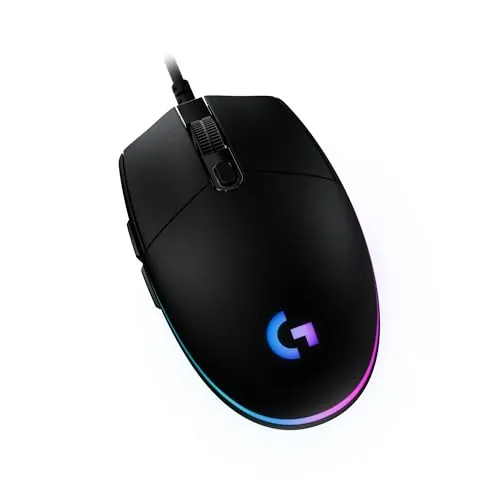
Logitech G
Logitech G203 LIGHTSYNC Wired Gaming Mouse — Black
A wired mouse with a classic six-button layout. The setup guide maps the primary and secondary clicks, wheel click, forward/back buttons and DPI cycle.
Model 910-005790
Amazon ASIN B07YN82X3B

Logitech G
Logitech G502 HERO Wired Gaming Mouse — Black
A wired mouse with eleven programmable input positions, including left/right wheel tilt, plus a separate non-programmable wheel-mode switch. Its base mouse-only weight is listed separately from five optional 3.6 g weights.
Model 910-005469
Amazon ASIN B07GBZ4Q68
Differences that matter
What matters most to you?
Choose a priority to see what it changes.
Sources for Physical command map
Sources for Scroll-wheel controls
Sources for Published mouse-only weight
Sources for Connection and customization
Start with your command list
These two mice share a wired USB setup, so the more useful first question is which physical controls you will actually use. The G203 LIGHTSYNC's guide maps six programmable inputs: the main clicks, wheel click, two side buttons and DPI cycle.
G502 HERO maps eleven programmable positions, including left/right wheel tilt and three DPI controls, as well as a profile selector. Its wheel-mode switch is a separate hardware control and is not programmable. Count the physical locations, not just the headline button total.
When the G203 LIGHTSYNC is the simpler fit
Choose the G203 when your planned actions fit its six-input map and you prefer the lower manufacturer-listed mass. Logitech lists it at 85 g. Its default guide map includes forward/back and DPI cycle, so check those positions against your intended shortcuts rather than assuming every control must be remapped.
When the G502 HERO's extra controls matter
Choose the G502 HERO if wheel tilt or its additional programmable positions solve a real command-mapping need. The hardware switch changes the scroll-wheel mode but is not another programmable input. Logitech lists the mouse at 121 g before optional weights; its support specification says up to five 3.6 g weights can add 18 g total.
Check the software and cable before checkout
Both choices are wired. Logitech's G203 setup guide points to G HUB for customization, and its current G502 product page describes G HUB for programming and onboard profiles. Confirm the software's current operating-system support before purchasing for custom bindings; an older setup guide's software reference is not proof of present-day support.
Product details
Logitech G203 LIGHTSYNC Wired Gaming Mouse — Black
Before you buy
Community discussions
Trying the wheel in the software you use
Logitech G502 HERO Wired Gaming Mouse — Black
A G502 HERO owner said the wheel behaved normally on most pages but repeatedly registered downward scrolling in two situations, including a 3D printing slicer. They had not identified the cause.
What to check
Test the wheel in your browser and in the application where scrolling controls zoom or a tool. The same mouse input can be more noticeable in one app than another.
Common questions
Does G502 HERO's wheel-mode switch count as one of its eleven programmable positions?
No. Logitech's setup diagram lists eleven programmable positions and labels the wheel-mode shift separately as not programmable. The left/right wheel tilts are among the programmable positions.G502 HERO setup guide
Can G502 HERO be made lighter than the G203 by removing its weights?
No according to the published figures: G502 HERO is listed at 121 g mouse only, before optional weights, while Logitech lists G203 LIGHTSYNC at 85 g.Logitech G gaming mouse comparison tableG502 HERO specifications
Do either of these models remove the cable from my setup?
No. Both are wired USB mice. This choice is about the documented controls and published weight, not wireless versus wired.G102 / G203 LIGHTSYNC setup guideG502 HERO Wired Gaming Mouse
Sources and scope
This guide covers the black G203 LIGHTSYNC (910-005790, ASIN B07YN82X3B) and black wired G502 HERO (910-005469, ASIN B07GBZ4Q68), not G203 Prodigy, G502 LIGHTSPEED or G502 X. Logitech's current G203 page can default to another color; the exact black listing identity comes from the selected listing, while the cited manual covers the G203 LIGHTSYNC model family. Listed weights are manufacturer figures. They do not establish hand fit, comfort, fatigue, aim, latency, sensor performance or durability. No hands-on test was conducted. Check current Logitech G HUB and operating-system support before relying on custom bindings.
Related comparisons
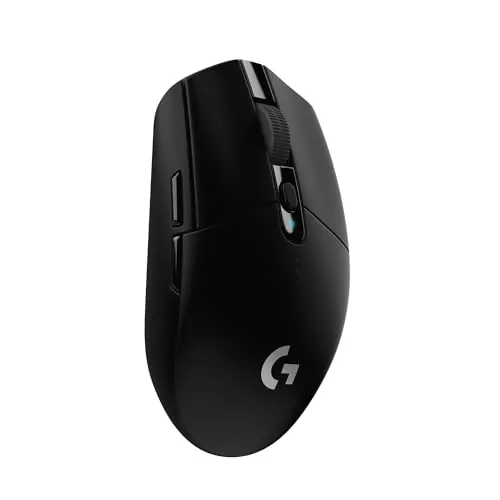
Logitech G203 LIGHTSYNC vs G305 LIGHTSPEED: Wired Desk or Wireless Setup?
The assigned black G203 is the LIGHTSYNC model 910-005790, not a G203 Prodigy; it connects by cable and offers configurable LIGHTSYNC RGB. The black G305 910-005280 uses a LIGHTSPEED USB receiver and a replaceable AA battery, and Logitech lists its RGB lighting as none. Both have six buttons, so decide by connection, lighting and the setup changes you are willing to make rather than button count or untested gaming performance.
Read comparison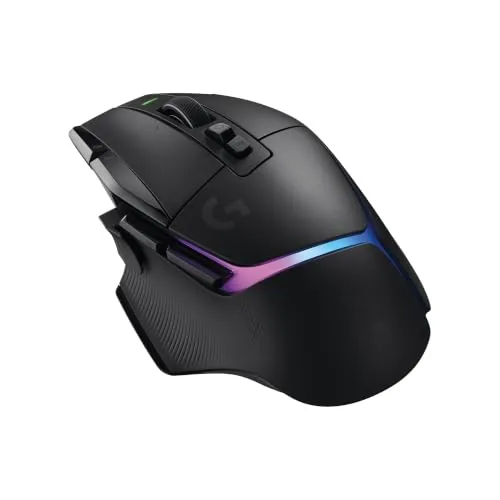
Logitech G502 HERO vs G502 X PLUS: Wired or Rechargeable Wireless?
These black U.S. models suit different desk routines. The G502 HERO 910-005469 stays connected by its 2.1 m cable and has Logitech-documented weight adjustment. The G502 X PLUS 910-006160 uses a LIGHTSPEED USB-A receiver, recharges over USB-C, and can switch to data-over-cable use when connected directly to a PC. Its DPI-Shift button can be repositioned or replaced by a cover. Decide whether cable-free movement and the X PLUS control adjustment are worth adding a receiver and charging routine.
Read comparison