
Products compared
HP
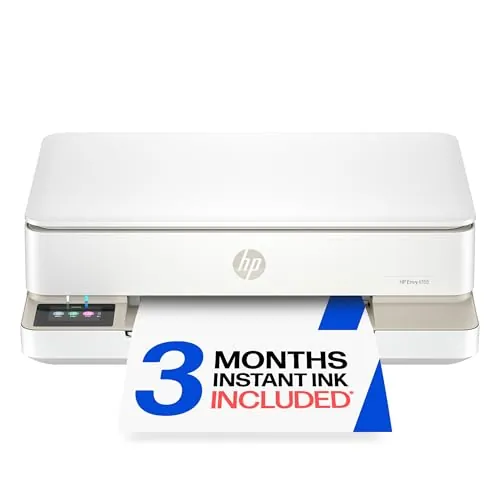
HP Envy 6155 All-in-One Printer
Exact U.S. HP Envy 6155 configuration. HP lists two print cartridges (black and tri-color), a flatbed scanner, and automatic duplex printing.
Model C2WR7A#B1H
Amazon ASIN B0GMKRR64P
Canon
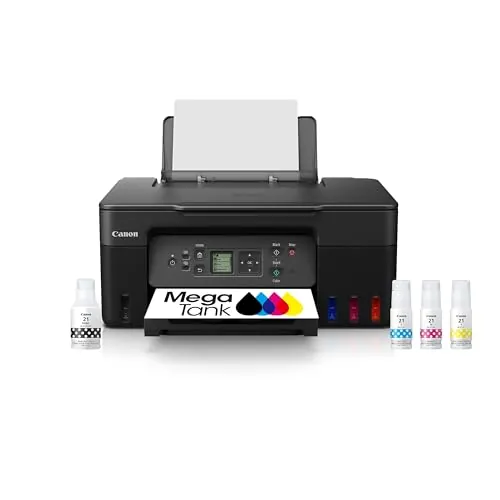
Canon MegaTank PIXMA G3270 Wireless All-in-One Printer — Black
Exact black U.S. PIXMA G3270. Canon lists integrated ink tanks using GI-21 bottles, simplex printing, a rear paper tray, and a flatbed scanner.
Model G3270 / 5805C002
Amazon ASIN B0BSMSYM9N
Differences that matter
What matters most to you?
Choose a priority to see what it changes.
Sources for Replenishing ink
Sources for Automatic two-sided printing
Sources for Scanning originals
Sources for Paper loading and extended depth
Start with the ink routine you want to maintain
HP lists two print cartridges for the Envy 6155: one black and one tri-color. Its replacement list identifies the HP 68 family. HP’s product page currently presents an Instant Ink offer, but enrollment is optional and the terms can change. If you choose the subscription, HP says its cartridges stop working at the end of the current billing cycle after cancellation; plan to have eligible regular cartridges ready if you will continue printing.
Canon’s G3270 uses integrated tanks with GI-21 black and color bottles. Canon lists a black pigment bottle and dye-based cyan, magenta and yellow bottles, with refill bottles in the model’s box contents. This favors a bottle-refill routine over swapping cartridge units, but neither the bottle format nor Canon’s page-yield claims tell you your actual cost or refill interval.
Decide how often you need automatic duplex
HP explicitly lists automatic duplex printing for the Envy 6155. Canon lists G3270 as single-sided (simplex) printing. G3270’s supported-media list includes double-sided matte paper, which is a paper compatibility entry, not proof that the printer automatically prints both sides.
If two-sided packets are routine, choose based on the documented automatic-duplex feature. If you are considering G3270, confirm that its listed simplex capability is acceptable for your workflow; this guide does not assume an undocumented manual refeed procedure.
Treat scanning as a one-original-at-a-time glass workflow
HP describes a flatbed scanner with an 8.5 × 11.7 inch maximum scan size. Canon describes a single-sided flatbed scanner with the same maximum document size. The product specifications reviewed do not list an automatic document feeder for either model.
For an occasional receipt, photo or one-page form, a flatbed means positioning the original on the glass. If you routinely scan stacks, multiple pages or two-sided originals, look for an exact model whose manufacturer documentation explicitly lists the feeder type and capacity you need.
Check tray access and the paper you actually use
HP lists one input tray for up to 100 sheets. Canon lists a rear tray holding up to 100 plain sheets or 20 sheets of 4 × 6 inch photo paper and lists additional supported paper formats. These capacities refer to different media loads, so do not treat them as a direct capacity ranking for every paper type.
Both printers need room for an open paper path and output access. HP gives a maximum depth of 20.19 inches with trays extended; Canon lists 21.9 inches with trays extended. Measure your own counter depth and compare the printer’s full listed dimensions before deciding where it will sit.
Product details
HP Envy 6155 All-in-One Printer
- Ink supplies
- Two cartridges: black and tri-color; replacement family listed as HP 68. Source
- Two-sided printing
- Automatic duplex printing is listed. Source
- Paper and scanning
- Up to 100-sheet input tray; flatbed scanner, maximum scan size 8.5 × 11.7 in. Source
- Printer footprint
- 17.05 × 14.21 × 5.35 in closed; maximum depth listed as 20.19 in with trays extended. Source
Canon MegaTank PIXMA G3270 Wireless All-in-One Printer — Black
- Ink supplies
- Integrated tanks filled from GI-21 bottles: pigment black and dye-based cyan, magenta and yellow. Source
- Two-sided printing
- Canon lists single-sided (simplex) printing. Double-sided matte paper is a supported media type, not an automatic-duplex specification. Source
- Paper and scanning
- One rear tray: 100 sheets of plain paper or 20 sheets of 4 × 6 in photo paper; single-sided flatbed scan up to 8.5 × 11.7 in. Source
- Printer footprint
- 16.4 × 13.3 × 7 in closed; 16.4 × 21.9 × 10.6 in with trays extended. Source
Before you buy
Community discussions
A Mac user’s G3270 duplex workflow
Canon MegaTank PIXMA G3270 Wireless All-in-One Printer — Black
A G3270 owner using a Mac reported that automatic duplex and manual odd/even-page options were unavailable in their print workflow after trying the driver and settings.
What to check
If automatic two-sided printing matters, check the exact computer, app and driver you will use with the G3270 before choosing between it and the Envy 6155.
Common questions
Does the Canon G3270 print automatically on both sides?
Canon lists its print capability as single-sided (simplex). It also lists double-sided matte paper among supported media, but that is not an automatic duplex specification.Canon Support: MegaTank PIXMA G3270 specifications
What happens to HP Instant Ink cartridges if I cancel?
HP says Instant Ink cartridges stop working after the end of the current billing cycle when you cancel. HP says standard or XL cartridges can be used afterward; check current account and printer-specific terms and have replacements ready.HP Instant Ink subscription and cancellation terms
Do either of these specifications list an automatic document feeder?
The reviewed model specifications list flatbed scanners for both and do not list an ADF. If you scan multi-page stacks often, verify the seller’s exact configuration or look for a model with a clearly documented feeder.HP Envy 6155 All-in-One Printer (U.S. product specifications)Canon Support: MegaTank PIXMA G3270 specifications
Which ink codes should I check before ordering replacements?
HP lists HP 68 black and tri-color cartridges for the Envy 6155. Canon lists GI-21 pigment black and GI-21 cyan, magenta and yellow bottles for the G3270. Confirm the exact printer model and supply code on the manufacturer page before ordering.HP Envy 6155 All-in-One Printer (U.S. product specifications)Canon Support: MegaTank PIXMA G3270 specifications
Sources and scope
This is a source-based workflow comparison, not a print-quality, scan-quality, speed, reliability, maintenance-time, page-yield or operating-cost test. HP Instant Ink enrollment and introductory offers are optional and can vary by listing and date; check the terms for your account and seller. Canon lists G3270 simplex printing. The presence of double-sided matte paper in its supported-media list is not evidence of automatic duplex printing. The scan specs reviewed list flatbed scanning; confirm any bundle or current listing details before purchase.
Related comparisons
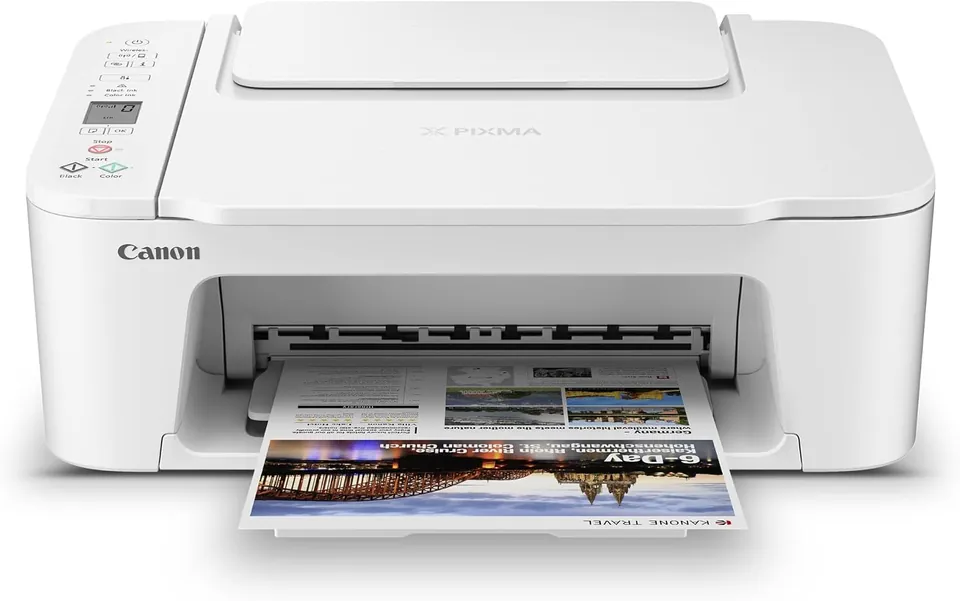
Canon PIXMA TS3720 vs G3270: Cartridge Changes, Tank Refills and Document Handling
The white Canon PIXMA TS3720 (6671C022) uses replaceable PG-275 black and CL-276 color cartridges; the black PIXMA G3270 (5805C002) uses GI-21 bottles and integrated tanks. Both print one side at a time and scan one original at a time on a flatbed, so neither is a fit for automatic duplex or feeder-based handling of a stack of stapled pages. Compare refill habits, rear-tray capacity and the way you process paperwork before choosing.
Read comparison
Canon PIXMA TS6520 vs MegaTank G3270: Ink, Duplex, Media, and Scanning
The white PIXMA TS6520 uses black and color FINE cartridges; the black MegaTank G3270 has four integrated ink tanks filled from GI-21 bottles. Canon lists duplex printing for the TS6520 and its Windows driver supports automatic or manual duplex. The G3270 product spec lists simplex printing, while its linked G3070-series Windows manual documents a manual reload-and-confirm two-sided workflow. Compare the refill task, paper handling, and flatbed scanner specs without assuming lower ink cost or better scan output.
Read comparison