
Products compared
Logitech
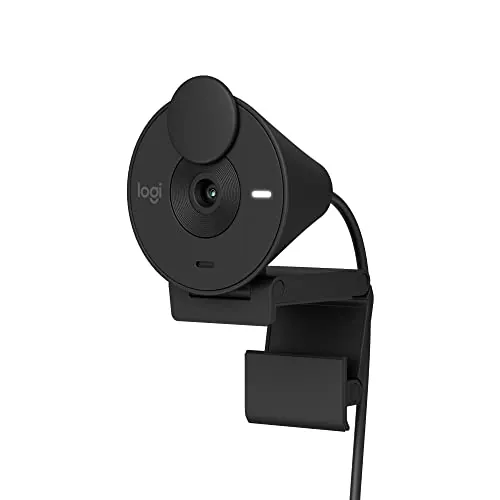
Logitech Brio 301 Full HD Webcam for PC with Privacy Shutter - Black
Black U.S. Logitech Brio 301, part 960-001513. Fixed-focus webcam with an attached USB-C cable and integrated privacy shutter.
Model Brio 301 / 960-001513
Amazon ASIN B09WHRSJ83
Logitech
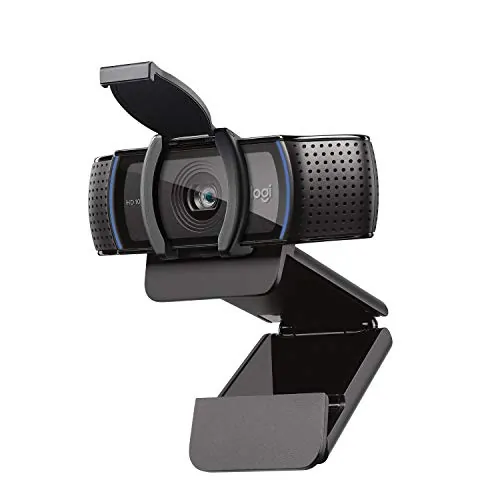
Logitech C920s PRO HD Webcam - Black
Black U.S. Logitech C920s, part 960-001257. Autofocus webcam with an attached USB-A cable and a separate privacy shutter in the box.
Model C920s / 960-001257
Amazon ASIN B07K986YLL
Differences that matter
Sources for Computer-side port and included cable
Sources for Focus behavior for your normal camera distance
Sources for Privacy shutter handling
Sources for Monitor or tripod placement
Start with the port on the computer you will actually use
The Brio 301's cable is attached and ends in USB-C; Logitech lists an available USB-C port as required. The C920s also has an attached cable, but its plug is USB-A and its setup guide directs you to a computer USB-A port.
Before choosing, check the side or rear of the intended laptop or desktop for a free matching port. If your preferred camera does not match, verify an adapter or hub for that specific computer and conferencing app. Do not assume a connector adapter alone settles operating-system or app support.
Match focus to the way the camera will be used
The Brio 301 is fixed focus, while the C920s is autofocus. For a camera that remains at one desk distance, consider whether fixed focus suits that plan. If your setup calls for automatic refocusing as the subject distance changes, the documented autofocus feature points to the C920s.
These are feature descriptions, not a performance test. The sources do not establish focusing speed, sharper output, or legibility for a specific document or close-up.
Check the privacy and mounting pieces before you buy
Logitech lists an integrated privacy shutter for Brio 301. The C920s setup guide shows a separate privacy shutter in the box: attach it over the lens and adjust it manually. If the seller listing describes a different bundle, confirm the package contents for the exact SKU.
For a monitor setup, the C920s guide explains how to place and tilt its universal clip. It also documents a 1/4-inch tripod thread and says the tripod is not included. Brio 301's specification gives its dimensions including the mount clip. Measure the actual monitor edge, cable route and mounting spot before ordering.
Product details
Logitech Brio 301 Full HD Webcam for PC with Privacy Shutter - Black
Before you buy
Community discussions
A Mac mini buyer asks for a low-hassle USB-C webcam
Logitech C920s PRO HD Webcam - Black
A Mac mini buyer wanted a USB-C webcam for occasional Zoom calls. A reader brought up their Logitech 920s and its privacy shutter.
What to check
Check which connector the camera uses and whether your specific Mac has a free matching port.
Common questions
Which webcam has USB-C?
The Brio 301 has an attached USB-C cable and requires an available USB-C port according to Logitech's specification. The C920s setup guide shows its attached USB-A cable connecting to a computer USB-A port.Specification - BRIO 301C920s PRO HD Webcam Complete Setup Guide
Does the Brio 301 or C920s autofocus?
The Brio 301 is listed as fixed focus. Logitech lists autofocus for the C920s. Those specifications do not establish autofocus speed or whether either webcam will make a particular close-up readable.Specification - BRIO 301C920s PRO HD Webcam - Logitech US, SKU 960-001257
Are the privacy shutters the same?
No. Logitech lists an integrated shutter on Brio 301. The C920s guide lists a separate shutter in the box and shows attaching it over the lens and adjusting it manually.Specification - BRIO 301C920s PRO HD Webcam Complete Setup Guide
Can I use either webcam with my laptop or meeting app?
The cited setup documents establish the connector and list some platform information, but they do not verify every current laptop, hub, operating-system release or meeting app. Check Logitech's current requirements for your exact configuration before purchase.Specification - BRIO 301C920s HD Pro Webcam Technical Specifications
Sources and scope
This is a documentation-based comparison, not a hands-on test. It does not rank image, low-light, microphone or autofocus performance. A listed port or platform does not guarantee compatibility with every computer, hub, operating system or meeting app; check the current requirements for your exact setup.
Related comparisons
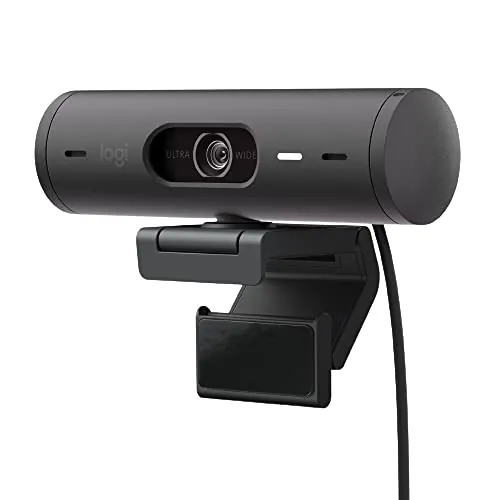
Logitech Brio 501 vs Brio 301: Framing Controls, USB-C and IT Fit
The Brio 501 guide documents autofocus, auto-framing, Show Mode and Logi Tune field-of-view choices of 90°, 78° or 65°. Logitech lists the Brio 301 with fixed focus and a 70° diagonal view, plus explicit Windows, macOS and ChromeOS support and certifications for Teams, Zoom, Google Meet and Works With Chromebook. Both documented setups use attached USB-C cables and physical privacy shutters. The 301’s certification list is documented; the 501 guide reviewed here does not establish an equivalent platform or certification list, so verify that exact requirement with Logitech or your IT team before deployment. This is a feature and setup comparison, not an image-quality test.
Read comparison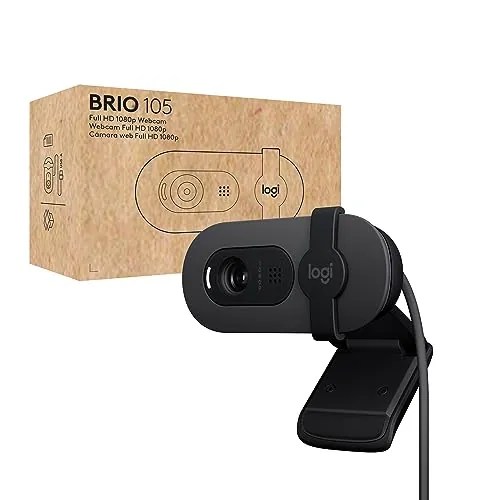
Logitech Brio 105 vs C920s: Camera Modes, Mounting and Privacy
Both webcams list 1080p/30 and 720p/30 video over an attached USB-A cable. Brio 105 uses fixed focus, a 58° diagonal view and an integrated sliding shutter; C920s lists autofocus, a diagonal 78° view, a separate attachable shutter and a ¼-inch tripod thread. Compare the exact desk, privacy and workplace-management needs before choosing.
Read comparison