Pickagu

Webcams

Find your model below to compare what is included and how the differences affect everyday use.

38 comparisons

Webcams comparisons

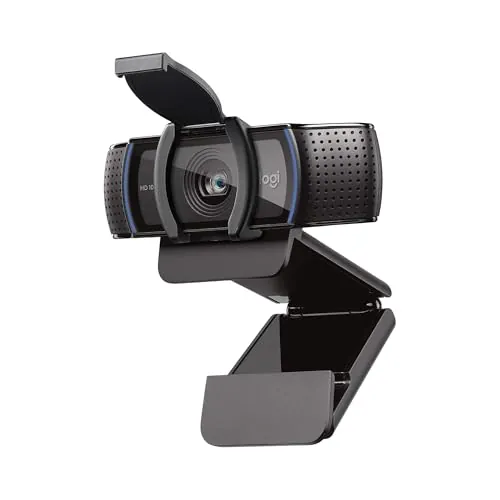
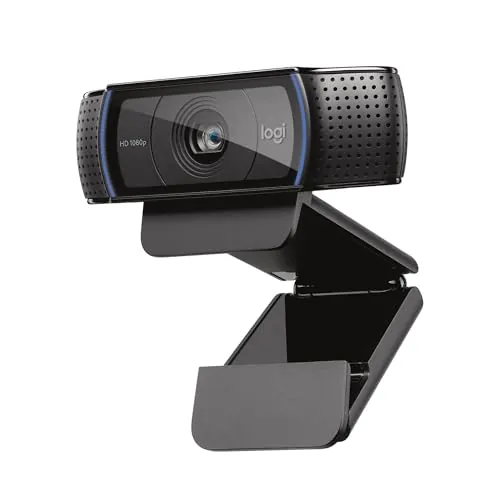
Logitech C920x Pro HD Webcam · 960-001335
Logitech C920x Pro HD Webcam
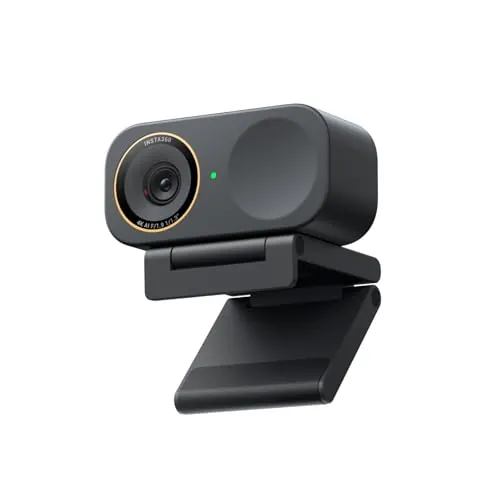
Insta360 Link 2C Pro · CINSABPB
Insta360 Link 2C Pro

Logitech C920x vs Insta360 Link 2C Pro: Framing, Mounting and Privacy Fit

The Logitech C920x guide documents an attached USB-A cable, a universal mounting clip and tripod thread, while Link 2C Pro offers documented 4K and portrait modes, a magnetic adjustable mount, DeskView and a physical privacy-cover switch. Start with the resolution and framing tools you need, then check your computer, monitor edge, tripod plan and whether camera privacy must be physical. Logitech’s exact C920x guide does not state its field-of-view angle or current OS/app requirements, so those points need an exact-product check.

Read comparison
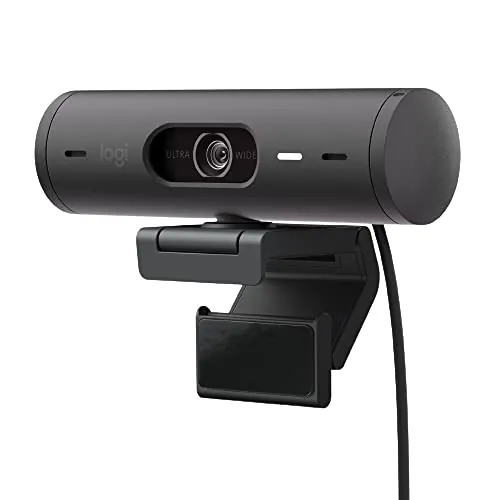
Logitech Brio 501 Full HD Webcam · Brio 501
Logitech Brio 501 Full HD Webcam
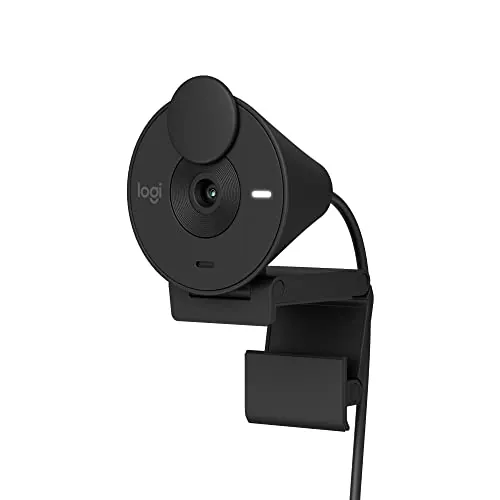
Logitech Brio 301 Full HD Webcam · Brio 301
Logitech Brio 301 Full HD Webcam

Logitech Brio 501 vs Brio 301: Framing Controls, USB-C and IT Fit

The Brio 501 guide documents autofocus, auto-framing, Show Mode and Logi Tune field-of-view choices of 90°, 78° or 65°. Logitech lists the Brio 301 with fixed focus and a 70° diagonal view, plus explicit Windows, macOS and ChromeOS support and certifications for Teams, Zoom, Google Meet and Works With Chromebook. Both documented setups use attached USB-C cables and physical privacy shutters. The 301’s certification list is documented; the 501 guide reviewed here does not establish an equivalent platform or certification list, so verify that exact requirement with Logitech or your IT team before deployment. This is a feature and setup comparison, not an image-quality test.

Read comparison
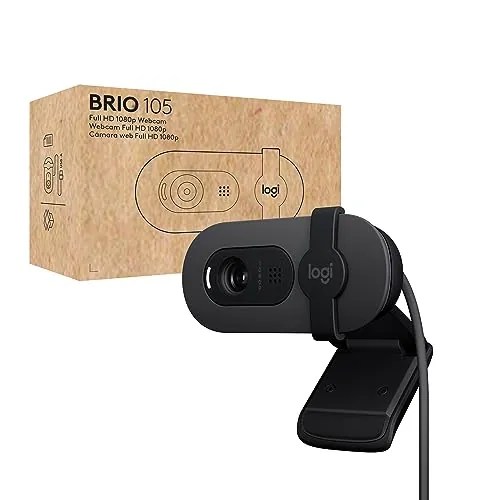
Logitech Brio 105 Business Webcam, Graphite · Brio 105 (960-001579)
Logitech Brio 105 Business Webcam, Graphite
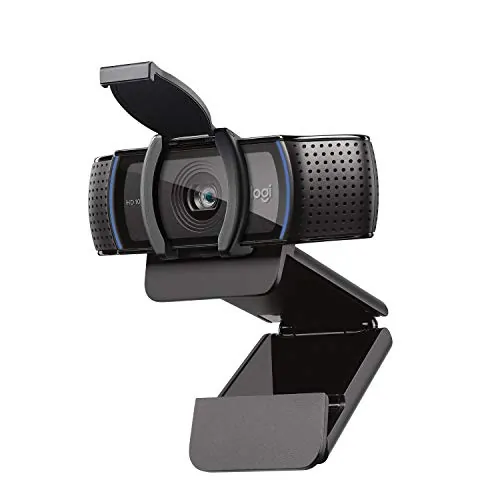
Logitech C920s PRO HD Webcam, Black · C920s (960-001257)
Logitech C920s PRO HD Webcam, Black

Logitech Brio 105 vs C920s: Camera Modes, Mounting and Privacy

Both webcams list 1080p/30 and 720p/30 video over an attached USB-A cable. Brio 105 uses fixed focus, a 58° diagonal view and an integrated sliding shutter; C920s lists autofocus, a diagonal 78° view, a separate attachable shutter and a ¼-inch tripod thread. Compare the exact desk, privacy and workplace-management needs before choosing.

Read comparison
Elgato Facecam 4K · 20WAF9901 / 10WAF9901
Elgato Facecam 4K
Insta360 Link 2C Pro 4K Webcam · CINSABPB-S-B
Insta360 Link 2C Pro 4K Webcam

Elgato Facecam 4K vs Insta360 Link 2C Pro: 4K60 or Autofocus and Built-In Audio?

These webcams suit different desk routines. Elgato lists Facecam 4K at 2160p60 over USB 3.0 in MJPG, with fixed focus tuned for a desk position and no built-in microphone. Insta360 lists Link 2C Pro at up to 4K30, with autofocus, software auto-framing and two microphones. Your video app, USB port, subject distance, audio setup and privacy routine matter more than the resolution label alone.

Read comparison
Elgato Facecam 4K Studio Webcam — Black · Facecam 4K (listed model 20WAF9901; Elgato page SKU 10WAF9901)
Elgato Facecam 4K Studio Webcam — Black
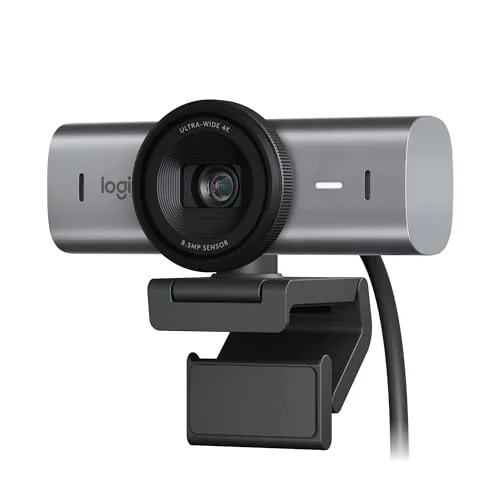
Logitech MX Brio UHD 4K Webcam — Graphite · MX Brio (960-001545; support hardware M/N VU0066)
Logitech MX Brio UHD 4K Webcam — Graphite

Elgato Facecam 4K vs Logitech MX Brio: Frame Rates, Focus and Desk Use

Elgato Facecam 4K can output 4K60, but only as MJPG over USB 3.0; USB 2.0 tops out at 1080p60. Logitech MX Brio's published maximum is 4K30 or 1080p60 and requires USB-C with USB 3.0 support. The Elgato uses fixed focus and has no built-in mic; MX Brio adds autofocus, dual mics and a rotating privacy shutter.

Read comparison
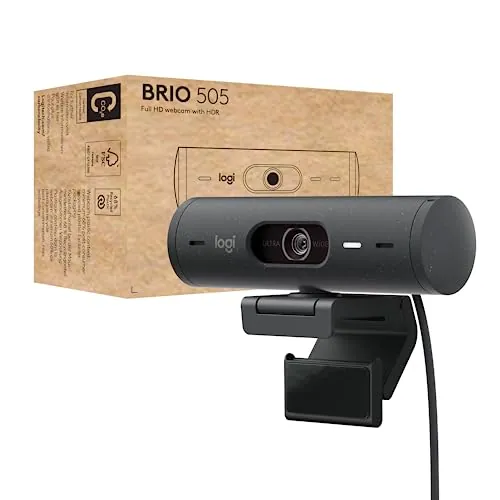
Logitech Brio 505 Full HD Webcam, Graphite (U.S./Canada) · Brio 505 / 960-001522
Logitech Brio 505 Full HD Webcam, Graphite (U.S./Canada)
Logitech Brio 105 Full HD Business Webcam, Graphite (North America) · Brio 105 / 960-001579
Logitech Brio 105 Full HD Business Webcam, Graphite (North America)

Logitech Brio 505 vs Brio 105: Framing, USB and Host Setup

Both exact U.S. graphite models are listed for Full HD 1080p/30. The purchase difference is the setup around that resolution: Brio 505 adds selectable 65°/78°/90° framing, autofocus, 4x digital zoom and a tilting Show Mode, with Logi Tune and host limitations for its special controls. Brio 105 keeps a fixed 58° view and fixed focus and ships with an attached USB-A cable. Check the computer's port, operating system, camera position and need for listed meeting certifications before choosing. No hands-on image, focus-speed or microphone comparison was performed.

Read comparison
Logitech Brio 105 Full HD Business Webcam - Graphite · 960-001579
Logitech Brio 105 Full HD Business Webcam - Graphite
Logitech MX Brio Ultra HD 4K Webcam - Graphite · 960-001545
Logitech MX Brio Ultra HD 4K Webcam - Graphite

Logitech Brio 105 960-001579 vs MX Brio 960-001545: 1080p Calls or 4K Capture?

The Graphite Logitech Brio 105 (960-001579) tops out at 1080p/30, has fixed focus and an attached USB-A cable. The Graphite MX Brio (960-001545) lists 4K/30 and 1080p/60 modes, a USB-C 3.0 connection, advanced Logitech software controls and a tilt-down Show Mode. These are published capabilities, not an image-quality test: check your video app, computer port and software policy before choosing the higher-spec camera.

Read comparison
Logitech Brio 105 Full HD Business Webcam · 960-001579
Logitech Brio 105 Full HD Business Webcam
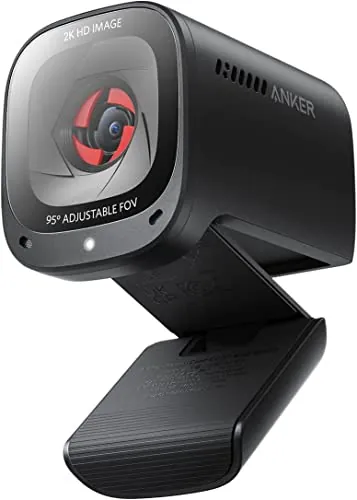
Anker PowerConf C200 2K Webcam · A3369 / A3369011
Anker PowerConf C200 2K Webcam

Logitech Brio 105 vs Anker PowerConf C200: Fixed View or Adjustable Framing?

The Logitech Brio 105 (North American Graphite part 960-001579) lists fixed focus, up to 1080p/30, and a 1.5 m attached USB-A cable. Anker's PowerConf C200 (A3369) adds autofocus, selectable 65°, 78° or 95° framing through AnkerWork, and a detachable USB-C camera connection; its supplied cable runs from USB-C at the camera to USB-A at the computer. Before buying, check your real seated camera distance, computer ports and permission to install configuration software. A webcam's listed maximum is not a promise that a meeting app will transmit that mode.

Read comparison
Anker PowerConf C200 Webcam · A3369 / A3369011 Black
Anker PowerConf C200 Webcam
Logitech C920s PRO HD Webcam · C920s / 960-001257 Black
Logitech C920s PRO HD Webcam

Anker PowerConf C200 vs Logitech C920s: Framing, Cable and Privacy Setup

The Anker PowerConf C200 publishes 65°, 78° and 95° framing presets in AnkerWork, and its manual says the camera turns off when its cover blocks the lens. The Logitech C920s lists a 78° diagonal view and promotes Logi Tune zoom and field-of-view settings, but does not state their adjusted range; its attached shutter is opened and closed by hand. Choose by the setup controls you want, then confirm your meeting app and host connection.

Read comparison
Logitech MX Brio 4K Ultra HD Webcam, Graphite · 960-001545
Logitech MX Brio 4K Ultra HD Webcam, Graphite
Insta360 Link 2C Pro 4K Webcam, Graphite Black · CINSABPB-S-B
Insta360 Link 2C Pro 4K Webcam, Graphite Black

Logitech MX Brio vs Insta360 Link 2C Pro: Framing, Mic Controls and Desk Setup

The exact Logitech MX Brio 960-001545 and Insta360 Link 2C Pro CINSABPB-S-B are both computer webcams, but they solve desk presentation and meeting setup differently. MX Brio physically tilts into Show Mode and exposes image adjustments through Logitech software. Link 2C Pro keeps a fixed camera body, uses digital crop for Auto Framing, adds portrait capture and DeskView, and documents four microphone pickup modes. Check the Link 2C Pro's portrait H.264 limits and whether your computer supports the controller features you want before choosing.

Read comparison
Logitech Brio 301 Full HD Webcam for PC with Privacy Shutter - Black · Brio 301 / 960-001513
Logitech Brio 301 Full HD Webcam for PC with Privacy Shutter - Black
Logitech C920s PRO HD Webcam - Black · C920s / 960-001257
Logitech C920s PRO HD Webcam - Black

Logitech Brio 301 vs C920s: Match Focus, USB Port and Privacy Setup

These Logitech webcams answer different desk setup needs. The Brio 301 uses fixed focus and an attached USB-C cable; the C920s pairs autofocus with an attached USB-A cable and a separate privacy shutter. Check the computer you will use, how much the subject moves, and how you want to cover the lens before choosing.

Read comparison
Logitech Brio 301 Full HD Webcam for PC with Privacy Shutter - Black · Brio 301 / 960-001513
Logitech Brio 301 Full HD Webcam for PC with Privacy Shutter - Black
Anker PowerConf C200 2K Webcam - Black · PowerConf C200 / A3369 / A3369011
Anker PowerConf C200 2K Webcam - Black

Logitech Brio 301 vs Anker PowerConf C200: Match the Camera to Your Desk Setup

Both are monitor-ready webcams with physical privacy covers, but the setup differs. Brio 301 has fixed focus, a listed 70° diagonal field of view and an attached USB-C cable. PowerConf C200 lists autofocus, 2K at up to 30 fps, three software-selectable fields of view and an included USB-C-to-USB-A cable. Check the port on the computer you will use, whether you need to adjust framing, and how you want to close the camera before buying.

Read comparison
Logitech Brio 105 Full HD Business Webcam, Graphite · 960-001579
Logitech Brio 105 Full HD Business Webcam, Graphite
Logitech C920e HD Webcam, Mic-Enabled · 960-001401
Logitech C920e HD Webcam, Mic-Enabled

Logitech Brio 105 vs C920e: Focus, Framing, Microphones and Setup

Both are USB-A business webcams with 1080p/30 fps video, but the day-to-day setup differs. Brio 105 (960-001579) is fixed focus, lists a 58° diagonal field of view, has one built-in microphone and an integrated sliding shutter. C920e (960-001401, mic-enabled SKU) lists a 78° view and autofocus, plus manual focus and microphone activation through Logi Tune. Its built-in microphones are deactivated by default according to Logitech's support instructions. Check your monitor framing, available USB-A connection and ability to run the desktop setup app before choosing.

Read comparison
Logitech Brio 505 Full HD Webcam · 960-001522
Logitech Brio 505 Full HD Webcam
Anker PowerConf C200 2K Webcam · A3369
Anker PowerConf C200 2K Webcam

Logitech Brio 505 vs Anker PowerConf C200: Meeting Framing and Setup

These exact U.S. webcams solve different meeting setups. Logitech documents RightSight to keep a moving presenter centered and Show Mode for tilting the camera toward desk items, but those features require Logi Tune; RightSight is unavailable on ARM computers, and Tune is unavailable on ChromeOS. Anker documents the PowerConf C200’s 65°, 78° and 95° views selected through AnkerWork and 2K/30 capture. Before choosing, check the host OS, the app feature you need, and the cable at the computer end.

Read comparison
Logitech Brio 505 Full HD Webcam, Graphite · 960-001522
Logitech Brio 505 Full HD Webcam, Graphite
Logitech C920e Business Webcam, Black · 960-001401
Logitech C920e Business Webcam, Black

Logitech Brio 505 vs C920e: Show Mode, Framing and Cable Fit

These Logitech webcams suit different desk workflows. Brio 505 adds Show Mode for pointing the camera at physical items and selectable framing, but the named presentation controls depend on Logi Tune and its attached cable is USB-C. C920e keeps a fixed 78° view and includes a USB-A cable. Before buying, match the connector to your computer, check whether your operating system can run the controls you need, and verify the exact microphone part and setup state.

Read comparison
Logitech MX Brio 4K Webcam, Graphite · 960-001545
Logitech MX Brio 4K Webcam, Graphite
Anker PowerConf C200 2K Webcam, Black · A3369
Anker PowerConf C200 2K Webcam, Black

Logitech MX Brio vs Anker PowerConf C200: Capture Modes and USB Fit

MX Brio (960-001545, Graphite) lists 4K at 30 fps and 1080p at 60 fps, plus Logitech software controls for framing and image settings. PowerConf C200 (A3369, Black) tops out at 2K at 30 fps in its manual and offers software-selected 65°, 78° or 95° views. Their documented host cables differ: MX Brio is USB-C to USB-C; the C200 manual's supplied lead is USB-C at the camera and USB-A at the computer. Match the camera to your app and ports, and confirm the exact retail box contents before ordering.

Read comparison
Logitech Brio 501 Webcam (Black) · 960-001514
Logitech Brio 501 Webcam (Black)
Logitech C920s PRO HD Webcam (Black) · 960-001257
Logitech C920s PRO HD Webcam (Black)

Logitech Brio 501 vs C920s: USB, Mount and Privacy Setup

The exact black Brio 501 (960-001514) comes with an attached USB-C cable, a detachable camera with a magnetic mount, and an integrated privacy shutter. The black C920s (960-001257) uses an attached USB-A cable, a universal mounting clip that stays with the webcam, and a separate shutter included in the box. Both can mount to a tripod. Check your computer port and the top edge of your monitor first; software framing features differ by model and operating-system support.

Read comparison
Logitech Brio 301 Full HD Webcam · Brio 301, Black, 960-001513
Logitech Brio 301 Full HD Webcam
Logitech C920e Business Webcam (Mic Enabled) · C920e, 960-001401, Mic Enabled
Logitech C920e Business Webcam (Mic Enabled)

Logitech Brio 301 vs C920e: Ports, Microphone Setup and Mounting

The assigned Brio 301 is Logitech part 960-001513: it uses an attached USB-C cable, fixed focus, a 70° diagonal view and an integrated privacy shutter. The assigned C920e is part 960-001401, labeled Mic Enabled; its attached cable is USB-A, and Logitech lists autofocus, a 78° view, an attachable privacy shade and a 1/4-inch tripod thread. Before a managed-workplace purchase, check the host port and OS, find out whether Logi Tune is permitted if you need its controls, and test that the exact C920e microphone appears in the intended call app. These are documented configuration choices, not picture or audio test results.

Read comparison
Logitech Brio 501 Full HD Webcam (for Amazon) · 960-001514
Logitech Brio 501 Full HD Webcam (for Amazon)
Logitech MX Brio 4K Webcam, Graphite (consumer model) · 960-001545
Logitech MX Brio 4K Webcam, Graphite (consumer model)

Logitech Brio 501 vs MX Brio: Capture Modes, USB and Mounts

The assigned U.S. models are Logitech Brio 501 for Amazon (960-001514, ASIN B09WHTMF23) and consumer MX Brio Graphite (960-001545, ASIN B0BFJ4CRKD), in that order. Brio 501 tops out at 1080p/30fps or 720p/60fps and uses its attached USB-C cable. MX Brio adds 4K/30fps or 1080p/60fps earlier product-page information, but Logitech specifies a USB-C port supporting USB 3.0 and says the application and system resources can limit the mode. Both support tilting down to show desk objects, so presentation alone does not make MX Brio necessary. Compare the app you use, the host port and cable, and the mount placement before paying for higher earlier product-page information modes.

Read comparison
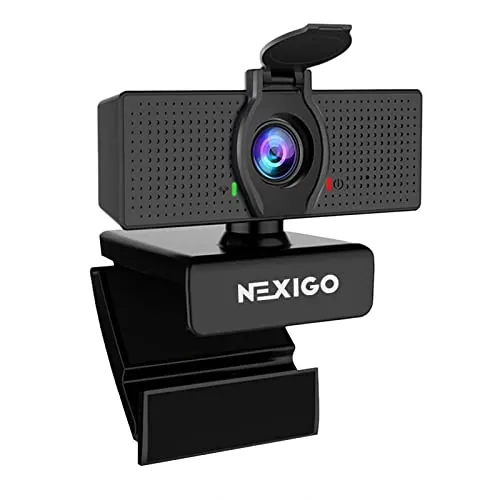
NexiGo N60 1080p Webcam · N60
NexiGo N60 1080p Webcam
Anker PowerConf C200 2K Webcam · A3369 / A3369011
Anker PowerConf C200 2K Webcam

NexiGo N60 vs Anker PowerConf C200: Fixed Desk or Adjustable Framing?

The N60 is a 1080p30 webcam with fixed focus and a separately attached lens cover. The C200 adds autofocus, documented 2K30 capture, and three AnkerWork field-of-view settings, but its included cable ends in USB-A at the computer. Neither spec sheet settles video-call quality; check app support, framing, and your host connection before choosing.

Read comparison
Logitech Brio 105 Business Webcam (Graphite) · Brio 105 / 960-001579
Logitech Brio 105 Business Webcam (Graphite)
NexiGo N60 1080p Webcam (Black) · N60
NexiGo N60 1080p Webcam (Black)

Logitech Brio 105 vs NexiGo N60: Desk Framing and Lens-Cover Setup

Both exact webcams list 1080p at 30 fps and fixed focus. Brio 105 publishes a 58° diagonal field of view and has a shutter built into the camera. N60 is advertised with a 110° field of view and includes a separately attached lens cover, but NexiGo does not state the angle axis in its N60 technical table. Use the same calling-app preview and seat position before treating either framing as a fit.

Read comparison
Logitech Brio 505 Graphite · Brio 505 (US/Canada part 960-001522)
Logitech Brio 505 Graphite
Elgato Facecam 4K Black · Facecam 4K (hardware model 20WAF9901; retail SKU 10WAF9901)
Elgato Facecam 4K Black

Logitech Brio 505 vs Elgato Facecam 4K: Audio, Focus and Host Fit

Brio 505 is the simpler integrated setup when 1080p30 is enough: it has dual microphones and autofocus, with manual focus settings in Logi Tune on Windows or macOS. Facecam 4K supports higher modes, including 2160p60 only over USB 3 using MJPG, but has no built-in microphone and uses fixed focus with a 30–120 cm range at 4K. Match the mode to your computer and app, plan a separate audio input for Facecam, and measure your camera-to-subject distance before choosing.

Read comparison
Insta360 Link 2C Pro 4K Webcam (Graphite Black) · CINSABPB-S-B
Insta360 Link 2C Pro 4K Webcam (Graphite Black)
Anker PowerConf C200 2K Webcam (Black) · A3369 / A3369011
Anker PowerConf C200 2K Webcam (Black)

Insta360 Link 2C Pro vs Anker PowerConf C200: Framing, Video Modes and Setup

For calls where you move or more people may enter the shot, Link 2C Pro documents Auto Framing that recenters by digital zoom and crop; its camera does not move to follow you. C200 instead offers three software-selected fields of view and published capture modes up to 2K at 30fps. Link lists landscape 4K at 30fps and 1080p at 60fps, but its Virtual Camera path does not support 50/60fps. If your framing can stay fixed and 30fps is enough, C200 may cover the task. First check which camera mode and control software your actual computer and meeting or recording app can use.

Read comparison