Pickagu

Webcams

Find your model below to compare what is included and how the differences affect everyday use.

38 comparisons

Webcams comparisons

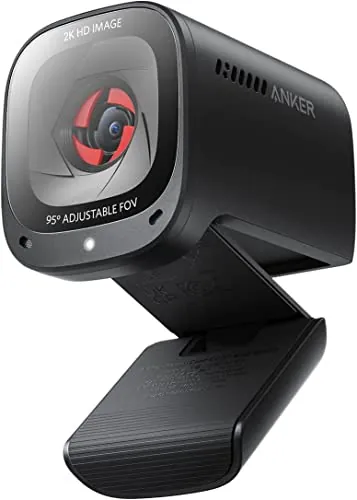
Anker PowerConf C200 2K Webcam · A3369
Anker PowerConf C200 2K Webcam
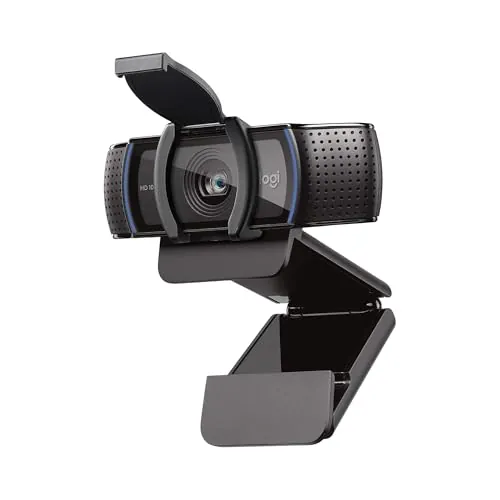
Logitech C920e Business Webcam · 960-001401 (mic enabled)
Logitech C920e Business Webcam

Anker PowerConf C200 vs Logitech C920e: 2K or Fixed 78°?

The Anker PowerConf C200 (A3369) lists 2K at 30 fps and three field-of-view settings in AnkerWork software. Logitech's C920e (part 960-001401, mic-enabled) tops out at 1080p at 30 fps and has a fixed 78° diagonal view. Their privacy covers and mounting routines also differ: Anker's cover slides into the camera and its manual says the camera turns off when covered; Logitech's included shade attaches and flips over the lens. Both have clip and 1/4-inch tripod mounting options. Check the meeting app's current resolution cap and your computer's USB ports before buying; neither product's listed maximum guarantees the call app will transmit that mode.

Read comparison
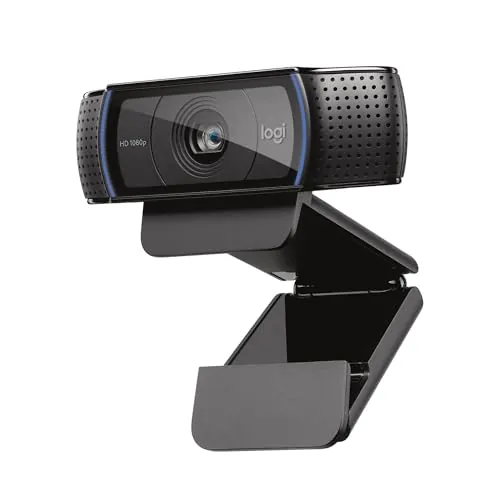
Logitech C920x HD Pro Webcam · 960-001335
Logitech C920x HD Pro Webcam
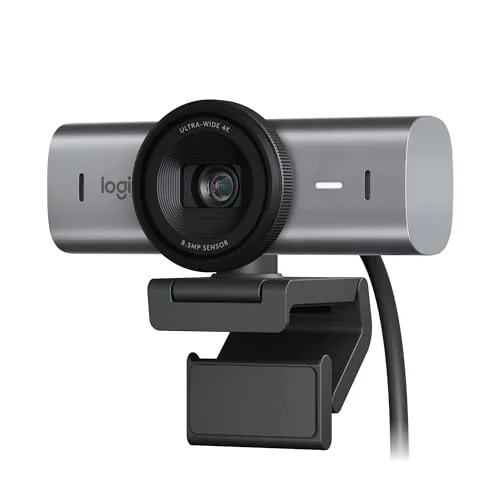
Logitech MX Brio 4K Webcam, Graphite · 960-001545
Logitech MX Brio 4K Webcam, Graphite

Logitech C920x vs MX Brio: Pick by Capture Mode, Desk Sharing, and USB Setup

For routine calls where the C920x guide’s HD 1080p lens and attached USB-A cable match your desk, its simpler setup may be enough. Choose the graphite MX Brio if you will use its listed 4K/30 or 1080p/60 mode, share notes with Show Mode, or want its rotating camera shutter. Check the host port and meeting app before buying: MX Brio’s USB-C cable and USB 3.0 requirement are specific setup constraints, and manufacturer specifications do not prove which camera produces the better-looking call.

Read comparison
Logitech Brio 4K Webcam · Brio; America part number 960-001105
Logitech Brio 4K Webcam
Elgato Facecam 4K · Facecam 4K; listed model 20WAF9901, manufacturer SKU/part 10WAF9901
Elgato Facecam 4K

Logitech Brio 4K vs Elgato Facecam 4K: Capture, Framing and Setup

These exact US camera identities are Logitech Brio part 960-001105 and Elgato Facecam 4K SKU 10WAF9901. Elgato lists 2160p60 only over USB 3.0 using MJPG; Brio lists 4K30, 1080p60 and 720p90. Brio also offers three adjustable diagonal fields of view, dual microphones and an attachable privacy shutter. Facecam 4K lists a 90° diagonal field of view and includes a monitor mount plus a 2 m USB-C-to-USB-C 3.0 cable. Choose by your capture app/host and meeting setup, not an untested picture-quality claim.

Read comparison
Logitech Brio 505 Graphite · 960-001522
Logitech Brio 505 Graphite
EMEET C960 1080p Webcam (2025 Version listing) · C960 · 2025 version
EMEET C960 1080p Webcam (2025 Version listing)

Logitech Brio 505 Graphite vs EMEET C960 2025: Check the Host and Box

The Brio 505 Graphite part 960-001522 has manufacturer-documented autofocus, adjustable framing, Show Mode and a side-dial privacy shutter. The EMEET listing compared here is titled C960 2025 Version and advertises USB Type-A plus an A-to-C adapter, but EMEET’s available C960 page and manual do not identify that revision. Verify the exact offer’s adapter and feature details before relying on the generic C960 documentation.

Read comparison
EMEET C960 New Version (2025 listing) · C960 (New Version)
EMEET C960 New Version (2025 listing)
Anker PowerConf C200 (A3369, black) · A3369011
Anker PowerConf C200 (A3369, black)

EMEET C960 New Version vs Anker PowerConf C200 A3369: Framing and Setup

Both are USB webcams with a physical privacy cover and monitor or tripod mounting options. EMEET lists the C960 at 90° and up to 1080p/30 fps, with a fixed-focus lens and a plug-and-play call setup. Anker documents the C200 A3369 at 2K/30 fps and three selectable fields of view through AnkerWork. Before choosing the higher listed mode or a framing angle, check what your computer, USB port, operating system, software and meeting app actually expose.

Read comparison
Logitech Brio 101 Full HD Webcam, Black · 960-001589
Logitech Brio 101 Full HD Webcam, Black
Logitech C920S PRO HD Webcam, Black · 960-001257
Logitech C920S PRO HD Webcam, Black

Logitech Brio 101 960-001589 vs C920S 960-001257: Framing and Setup

Both exact black models list Full HD 1080p at 30fps, a physical privacy cover and USB-A setup. The useful differences are framing and focus: Brio 101 is fixed focus with a listed 58.9° diagonal field of view, while C920S lists autofocus and a fixed 78° native field plus Logi Tune software framing adjustments. Check whether your desk mount, USB-A port and desired frame match the listed requirements; these specifications do not predict image or audio quality in your room.

Read comparison
Logitech Brio 4K Webcam · 960-001105
Logitech Brio 4K Webcam
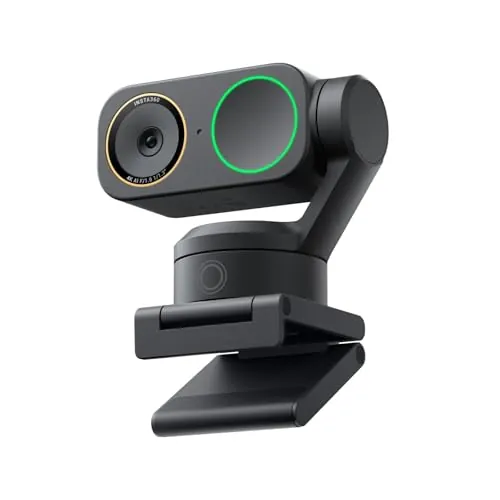
Insta360 Link 2C Pro Webcam · CINSABPB
Insta360 Link 2C Pro Webcam

Logitech Brio 4K vs Insta360 Link 2C Pro: Mounting, Framing and Control

Logitech Brio 4K pairs a monitor/laptop clip with three field-of-view presets controlled in Logi Tune, plus Windows Hello support. Insta360 Link 2C Pro is fixed-position: its magnetic mount and physical lens privacy switch suit a different placement routine, while Auto Framing uses digital crop and its advanced presentation controls depend on Link Controller and host setup. Check your screen edge, operating system, USB connection, and whether you want a clip or magnetic mount before choosing.

Read comparison
Logitech Brio 101 · 960-001589
Logitech Brio 101
Logitech C920e Business Webcam (Mic Enabled) · 960-001401
Logitech C920e Business Webcam (Mic Enabled)

Logitech Brio 101 vs C920e: Frame, Privacy and Microphone Setup

Both exact U.S. models connect over USB-A and list 1080p video at up to 30 fps. Brio 101 has a 58.9° diagonal field of view, fixed focus and an integrated privacy shutter. C920e part 960-001401 is the mic-enabled SKU and lists a wider 78° view, autofocus and two microphones. Check desk framing, mounting and the exact microphone input behavior in your calling app before buying; this guide compares published features, not image or audio performance.

Read comparison
Logitech MX Brio Ultra HD 4K Webcam, Graphite · 960-001545
Logitech MX Brio Ultra HD 4K Webcam, Graphite
Logitech C920e Business Webcam, Black · 960-001401
Logitech C920e Business Webcam, Black

Logitech MX Brio 960-001545 vs C920e 960-001401: USB, Framing and Privacy Checks

The Graphite MX Brio (960-001545) offers Logitech-listed 4K/30 or 1080p/60 capture, a tilt-down Show Mode and software framing controls; the black C920e (960-001401) is listed for 1080p/30 or 720p/30 with a fixed 78° view and an attached 5-foot USB-A lead. Start with your computer and meeting app: a camera's listed mode is not proof that every host or call will use it. MX Brio's USB-C cable is detachable and the C920e cable is attached. Both have a camera shutter, but do not treat it as a microphone mute. Logitech's C920e sources disagree about the default mic state, so check the exact unit in Logi Tune before a call.

Read comparison
OBSBOT Tiny 3 · Tiny 3
OBSBOT Tiny 3
Insta360 Link 2 Pro, Graphite Black · CINSABPA-S-B
Insta360 Link 2 Pro, Graphite Black

OBSBOT Tiny 3 vs Insta360 Link 2 Pro: Modes, Controls and Mounting

Both are USB webcams with built-in microphones and software-assisted features, but the listed capture modes and operating paths differ. Tiny 3 lists 1080p at up to 120 fps and voice commands; Link 2 Pro lists 1080p up to 60 fps, a gimbal touch key and a tilt-down privacy mode. Check the host app, the exact mode you need, microphone routing and the included mounting pieces before buying.

Read comparison
Insta360 Link 2 Pro Webcam · CINSABPA
Insta360 Link 2 Pro Webcam
Insta360 Link 2C Pro Webcam · CINSABPB
Insta360 Link 2C Pro Webcam

Insta360 Link 2 Pro vs Link 2C Pro: Gimbal, Framing and Desk Setup

Link 2 Pro uses a two-axis gimbal for physical pan and tilt; Link 2C Pro stays fixed and uses digital zoom and cropping for Auto Framing. Both list the same 4K frame-rate options, HDR support and included mounting accessories. Choose by whether you need the lens to move, how you want to aim DeskView, and which privacy/microphone routine suits your calls.

Read comparison
Insta360 Link 2 Pro 4K Webcam, Graphite Black · CINSABPA
Insta360 Link 2 Pro 4K Webcam, Graphite Black
Logitech MX Brio 4K Webcam, Graphite · 960-001545
Logitech MX Brio 4K Webcam, Graphite

Insta360 Link 2 Pro vs Logitech MX Brio: Gimbal or Desk-First Control?

Both manufacturers list 4K at 30 fps and 1080p at 60 fps, so those headline modes do not decide this comparison. The Link 2 Pro’s two-axis gimbal physically pans and tilts, with configurable tracking and pause-track areas. MX Brio’s documented Show Mode uses a manual downward tilt for desk notes or sketches, and its Logitech apps expose Fine Controls. Pick by the physical framing and software workflow you will use; the cited sources are not image-quality or tracking tests.

Read comparison