
Products compared
Logitech
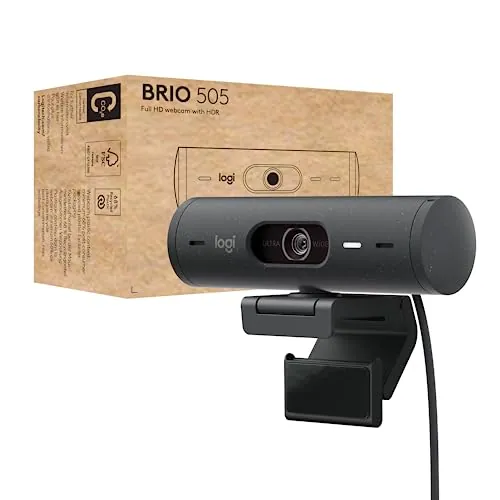
Logitech Brio 505 Full HD Webcam, Graphite (U.S./Canada)
Brio 505 Graphite, part 960-001522, is the U.S./Canada version. Logitech lists selectable framing, autofocus and digital zoom, plus a tilt-down Show Mode. Those features have Logi Tune and host limitations. The attached cable is USB-C; USB-A use needs a separate third-party adapter.
Model Brio 505 / 960-001522
Amazon ASIN B0BMQQQHC2
Logitech
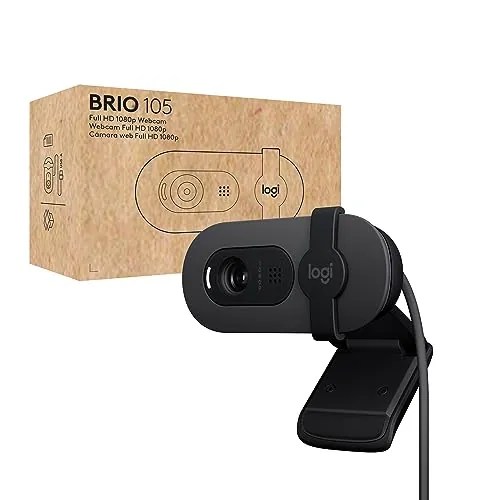
Logitech Brio 105 Full HD Business Webcam, Graphite (North America)
Brio 105 Graphite, part 960-001579, is the North America model. Logitech lists a fixed 58° diagonal view, fixed focus and no zoom. It includes an attached USB-A cable and is listed for 1080p/30. Its fixed framing suits a camera position that does not need adjustable framing controls.
Model Brio 105 / 960-001579
Amazon ASIN B0CGZJR7WK
Differences that matter
Sources for Field of view, zoom and focus
Sources for Moving meetings or showing desk objects
Sources for USB cable and adapter check
Sources for Resolution and listed meeting certifications
Choose by how the camera will be used
Start with the physical routine. If the camera stays in one place for the same people and desk, the Brio 105's fixed 58° diagonal view and fixed focus may cover that workflow without relying on framing controls. Logitech lists it at up to 1080p/30fps and gives it no zoom. This is a setup-fit answer, not a claim that its video looks sharper or clearer.
If you move around during a call or want to tilt the webcam down to show a sketch or object, Logitech lists RightSight and Show Mode on Brio 505. The 505 also lists 65°, 78° and 90° diagonal views, 4x digital zoom and autofocus. Those controls make sense only if the host supports the required Logi Tune workflow: Logitech states that Tune is available on Windows and macOS, unavailable on ChromeOS, and RightSight is unavailable on ARM computers.
Check the port before paying for extra hardware
Brio 505 Graphite part 960-001522 has an attached USB-C cable, according to Logitech. For USB-A, Logitech says a third-party adapter is needed and is not included. If your computer or dock only has USB-A, include an adapter in your plan or consider whether Brio 105’s attached USB-A cable fits better.
The Brio 105 part 960-001579 is the North America Graphite model and its datasheet lists an attached 1.5 m (5 ft) USB-A cable. Measure the path from the planned monitor or laptop position to the computer or dock so the cable can reach without forcing a different mounting position. The specifications establish connector and cable length; they do not guarantee a particular desk's routing will work.
Keep certification and TAA claims tied to the exact SKU
Logitech lists Teams, Zoom, Google Meet and Works With Chromebook certifications for Brio 505. Its datasheet footnote says TAA compliance applies only to 960-001522. Brio 105's datasheet lists Google Meet and Works With Chromebook certifications and says it works with most platforms and operating systems. An omitted certification is not proof that a product cannot be used with another meeting app; follow any organization's formal deployment requirements and confirm the selected part number.
For most buyers in this pair, resolution does not decide the choice: both datasheets list 1080p/30fps. The evidence supports a conditional decision around framing controls, software/host availability, cable type and exact compliance requirements. It does not support a controlled comparison of image, autofocus speed, microphone pickup or reliability.
Product details
Logitech Brio 505 Full HD Webcam, Graphite (U.S./Canada)
- Framing and focus
- 65°, 78° or 90° diagonal field of view; 4x digital zoom; autofocus. Source
- Special framing controls
- RightSight auto-framing and Show Mode are listed; both require Logi Tune. RightSight is unavailable on ARM computers and Logi Tune is unavailable on ChromeOS. Source
- Cable and video mode
- Attached USB-C cable; USB-A requires a third-party adapter not included. Supports 1080p/30fps. Source
Logitech Brio 105 Full HD Business Webcam, Graphite (North America)
- Framing and focus
- Fixed 58° diagonal field of view; no zoom; fixed focus. Source
- Cable and video mode
- Attached USB-A cable, 1.5 m (5 ft); supports 1080p/30fps. Source
- Listed meeting certifications
- Google Meet and Works With Chromebook certifications. Logitech also says the webcam works with most platforms and operating systems. Source
Before you buy
Community discussions
Measure the cable route at both desk heights
Logitech Brio 505 Full HD Webcam, Graphite (U.S./Canada)
A Brio 505 owner with a height-adjustable desk said the cable could reach the tower at sitting height until they routed it along their monitor arm. Their post links to Brio 505 part 960-001411.
What to check
Measure the actual cable route at sitting and standing heights. Confirm the cable length for the part number you will order.
Common questions
Can the Brio 505 connect to a USB-A-only computer?
Logitech says it can connect through USB-A with a third-party adapter that is not included; its attached cable is USB-C. The Brio 105 includes an attached USB-A cable.Logitech Brio 505 DatasheetLogitech Brio 105 Datasheet
Will Brio 505 Show Mode and RightSight work on every computer?
No universal guarantee is stated. Logitech says the features require Logi Tune; the software is available on Windows and macOS, is not available on ChromeOS, and RightSight is unavailable on computers with ARM processors. Check the exact workstation first.Logitech Brio 505 Datasheet
Is Brio 505 a higher-resolution webcam than Brio 105?
The cited datasheets list both at up to 1080p/30fps. Brio 505 adds selectable framing, zoom and autofocus on its specification sheet, but this comparison does not test image quality.Logitech Brio 505 DatasheetLogitech Brio 105 Datasheet
Does every graphite Brio 505 have TAA compliance?
Logitech’s datasheet footnote limits TAA compliance to part 960-001522. This comparison uses that U.S./Canada Graphite part number; check the exact model code if procurement requirements matter.Logitech Brio 505 Datasheet
Sources and scope
This guide uses Logitech's specifications and does not report hands-on testing or a measured image, autofocus-speed, auto-framing, microphone or reliability winner. Brio 505's RightSight and Show Mode require Logi Tune; Logitech states that RightSight is unavailable on ARM computers and Logi Tune is unavailable on ChromeOS. Meeting certifications are the certifications Logitech lists for each model; an omitted certification does not establish incompatibility. The TAA statement applies only to Brio 505 SKU 960-001522.
Related comparisons
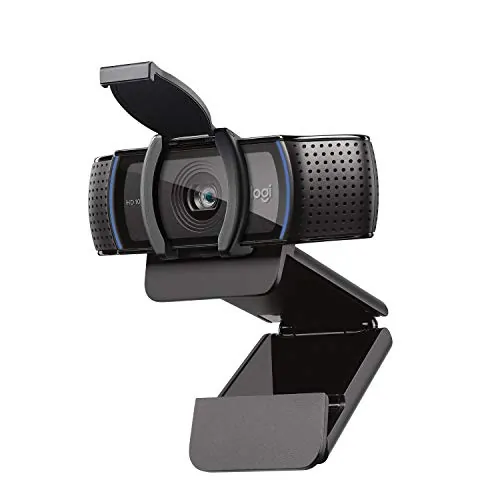
Logitech Brio 105 vs C920s: Camera Modes, Mounting and Privacy
Both webcams list 1080p/30 and 720p/30 video over an attached USB-A cable. Brio 105 uses fixed focus, a 58° diagonal view and an integrated sliding shutter; C920s lists autofocus, a diagonal 78° view, a separate attachable shutter and a ¼-inch tripod thread. Compare the exact desk, privacy and workplace-management needs before choosing.
Read comparison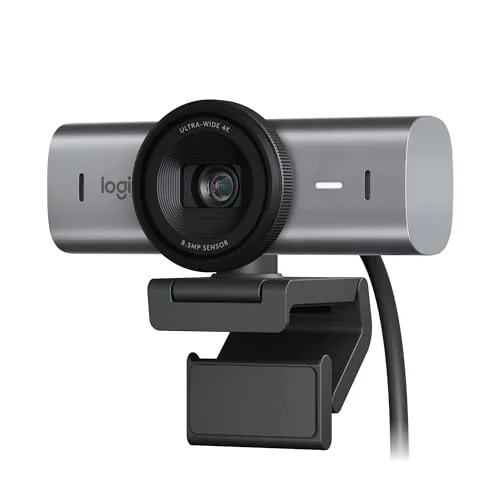
Logitech Brio 105 960-001579 vs MX Brio 960-001545: 1080p Calls or 4K Capture?
The Graphite Logitech Brio 105 (960-001579) tops out at 1080p/30, has fixed focus and an attached USB-A cable. The Graphite MX Brio (960-001545) lists 4K/30 and 1080p/60 modes, a USB-C 3.0 connection, advanced Logitech software controls and a tilt-down Show Mode. These are published capabilities, not an image-quality test: check your video app, computer port and software policy before choosing the higher-spec camera.
Read comparison