
Products compared
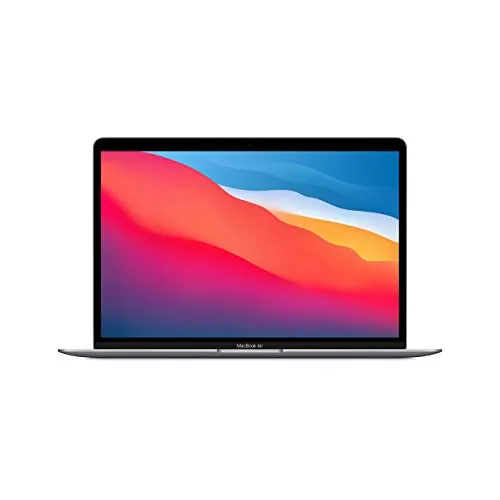
Apple
Apple MacBook Air (M1, 2020), 8GB / 256GB, Space Gray (Renewed listing)
US renewed listing; Space Gray; 8GB unified memory / 256GB SSD according to the selected listing and source article.
Model MGN63LL/A-cr
Amazon ASIN B08PNQTYV2
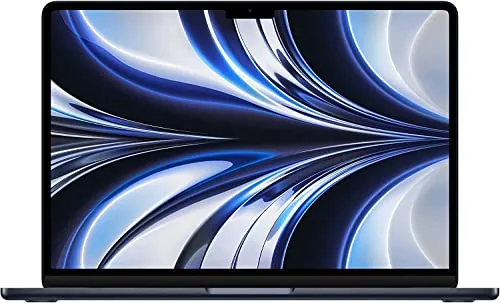
Apple
Apple MacBook Air (M2, 2022), 8GB / 256GB, Midnight (Renewed listing)
US renewed listing; Midnight; 8GB unified memory / 256GB SSD according to the selected listing and source article.
Model MLY33LL/A
Amazon ASIN B0BHC15G32
Differences that matter
What matters most to you?
Choose a priority to see what it changes.
Sources for Charging while using USB-C accessories
Sources for Built-in display format
Sources for Direct external-display support
Start with the way you charge
Both models list two Thunderbolt / USB 4 ports, and Apple says those ports support charging. The 2020 M1 has no separate MagSafe connection in its listed ports, so USB-C charging uses one of those two ports while connected. The 2022 M2 adds MagSafe 3 and keeps the two charging-capable Thunderbolt / USB 4 ports. If you often leave USB-C accessories attached while charging, that separate connection is a practical M2 fit; it is not evidence of faster charging.
Pre-buy check: count the USB-C devices you need at your desk, then decide whether you are comfortable unplugging one when charging the M1. With the M2, check whether the MagSafe cable and the cable orientation work for your desk. These notes compare port layouts, not the condition or accessories in a renewed seller's package.
Choose a built-in screen by its listed format
Apple lists the M1 screen at 13.3 inches and 2560 by 1600 native resolution, while the M2 screen is 13.6 inches and 2560 by 1664. The listed brightness figures are 400 nits for M1 and 500 nits for M2. Treat those as manufacturer specifications; they do not substitute for a matched display-quality test. If you work mostly on the laptop itself, decide which listed size and resolution you would rather use before evaluating any seller's renewed-unit condition.
External monitor support does not separate these two
Apple lists one external display up to 6K at 60Hz for each model. The M2 charging redesign does not raise that published direct-display count. If your plan relies on multiple external screens, check the exact laptop and operating-system requirements for your intended dock or adapter separately; this comparison does not verify workaround support.
Treat a renewed offer as a separate purchase condition
Apple's pages describe the original M1 and M2 model specifications. They do not verify the condition, battery health, seller warranty, returns or actual charger/cable included with these renewed offers. Before ordering either exact listing, compare those seller-specific details and check that the listed part, color, memory and storage match the page you intend to buy.
Product details
Apple MacBook Air (M1, 2020), 8GB / 256GB, Space Gray (Renewed listing)
Apple MacBook Air (M2, 2022), 8GB / 256GB, Midnight (Renewed listing)
Before you buy
Community discussions
Checking whether an upgrade would change the setup you actually use
Apple MacBook Air (M2, 2022), 8GB / 256GB, Midnight (Renewed listing)
A buyer who had tried both base MacBook Air generations asked what they would gain from the M2 when most of their work involved browsing.
What to check
List the ports, charger and display setup you use. Compare those needs and the exact renewed unit’s condition before choosing between generations.
Common questions
Can the 2022 M2 MacBook Air charge without using either Thunderbolt / USB 4 port?
Yes. Apple lists MagSafe 3 on the M2 and also says both Thunderbolt / USB 4 ports support charging. The M1's two listed Thunderbolt / USB 4 ports also support charging, but it has no separate MagSafe connection in its listed ports.MacBook Air (M2, 2022) - Tech SpecsMacBook Air (M1, 2020) - Tech Specs
Does the M2 support more external displays than the 2020 M1?
Apple lists one external display up to 6K at 60Hz for each model. If your setup requires multiple directly supported external displays, neither listing meets that published limit.MacBook Air (M2, 2022) - Tech SpecsMacBook Air (M1, 2020) - Tech Specs
Will a renewed listing include Apple's original charger and cable?
That is not established by Apple's original model specifications. Check the exact renewed seller's item description and included-items list, and confirm the unit's condition and return terms before ordering.Identify your MacBook Air modelMacBook Air (M2, 2022) - Tech SpecsMacBook Air (M1, 2020) - Tech Specs
Sources and scope
Apple’s specifications cover the original MacBook Air model families. Ask the renewed seller what comes in the box and verify the condition and battery details for the specific unit.
Related comparisons
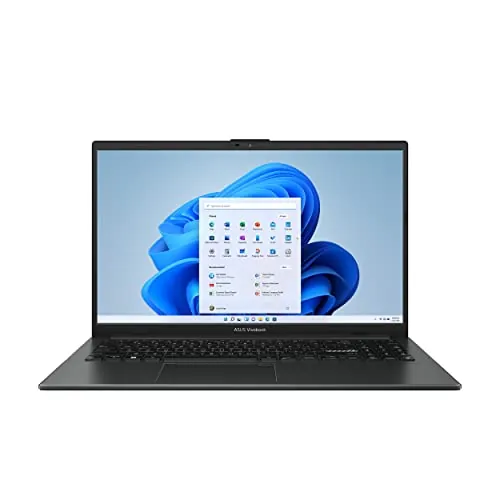
MacBook Neo MHFF4LL/A vs ASUS Vivobook Go 15 E1504FA-AS52
These exact U.S. configurations differ most in operating system, display size and nominal SSD capacity. Apple’s current U.S. list identifies Indigo part MHFF4LL/A as an 8GB/256GB MacBook Neo; Apple’s specs list macOS, a 13-inch display and 1.23kg family weight. ASUS identifies E1504FA-AS52 with Windows 11 Home, a 15.6-inch FHD panel, Ryzen 5 7520U, 8GB memory and 512GB SSD. Verify the apps and peripherals you actually need before choosing an OS, then decide whether 13-inch/256GB or 15.6-inch/512GB better fits your work. No speed, battery or screen-quality winner is established.
Read comparisonMacBook Neo 512GB Touch ID vs 256GB: Choose Storage or a Simpler Keyboard
Choose the Indigo 512GB MacBook Neo if you need more local storage or want its Touch ID keyboard. Choose the 256GB model if your applications and files fit and the standard keyboard suits you. Apple lists the same A18 Pro chip and 8GB unified memory for both configurations. Check the configuration code before ordering.
Read comparison