Pickagu

Laptops

Find your model below to compare what is included and how the differences affect everyday use.

9 comparisons

Laptops comparisons

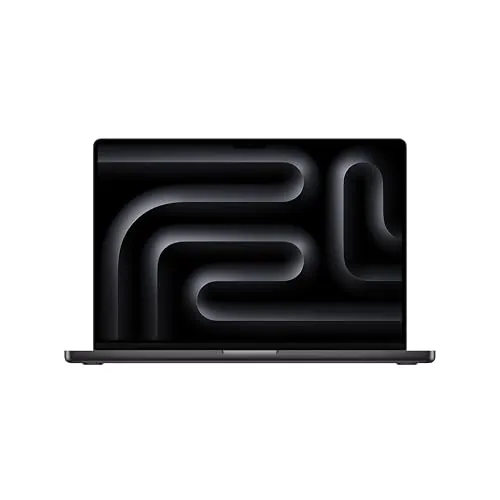
Apple MacBook Neo 13-inch, Indigo · MHFF4LL/A
Apple MacBook Neo 13-inch, Indigo
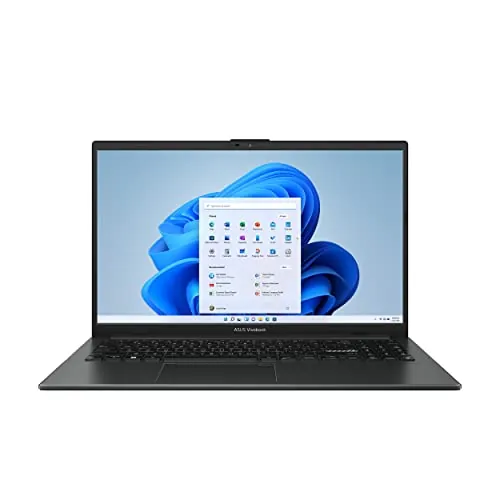
ASUS Vivobook Go 15 E1504FA-AS52 · E1504FA-AS52
ASUS Vivobook Go 15 E1504FA-AS52

MacBook Neo MHFF4LL/A vs ASUS Vivobook Go 15 E1504FA-AS52

These exact U.S. configurations differ most in operating system, display size and nominal SSD capacity. Apple’s current U.S. list identifies Indigo part MHFF4LL/A as an 8GB/256GB MacBook Neo; Apple’s specs list macOS, a 13-inch display and 1.23kg family weight. ASUS identifies E1504FA-AS52 with Windows 11 Home, a 15.6-inch FHD panel, Ryzen 5 7520U, 8GB memory and 512GB SSD. Verify the apps and peripherals you actually need before choosing an OS, then decide whether 13-inch/256GB or 15.6-inch/512GB better fits your work. No speed, battery or screen-quality winner is established.

Read comparison
Apple MacBook Neo 512GB with Touch ID (Indigo) · MHFG4LL/A
Apple MacBook Neo 512GB with Touch ID (Indigo)
Apple MacBook Neo 256GB (Indigo) · MHFF4LL/A
Apple MacBook Neo 256GB (Indigo)

MacBook Neo 512GB Touch ID vs 256GB: Choose Storage or a Simpler Keyboard

Choose the Indigo 512GB MacBook Neo if you need more local storage or want its Touch ID keyboard. Choose the 256GB model if your applications and files fit and the standard keyboard suits you. Apple lists the same A18 Pro chip and 8GB unified memory for both configurations. Check the configuration code before ordering.

Read comparison
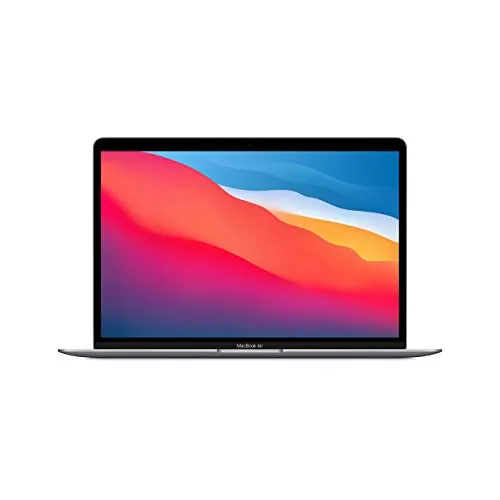
Apple MacBook Air (M1, 2020), 8GB / 256GB, Space Gray (Renewed listing) · MGN63LL/A-cr
Apple MacBook Air (M1, 2020), 8GB / 256GB, Space Gray (Renewed listing)
Apple MacBook Air (M2, 2022), 8GB / 256GB, Midnight (Renewed listing) · MLY33LL/A
Apple MacBook Air (M2, 2022), 8GB / 256GB, Midnight (Renewed listing)

Renewed MacBook Air M1 vs M2: Charging Ports and Display Fit

These exact renewed listings share 8GB memory and 256GB storage, while the Apple model specifications point to different setup choices: the 2020 M1 charges through either of its two USB-C / Thunderbolt ports; the 2022 M2 adds MagSafe 3 and keeps two charging-capable Thunderbolt / USB 4 ports. The M2 model also lists a 13.6-inch display versus 13.3 inches on M1. Apple lists one external display up to 6K at 60Hz for both. Choose by the ports and built-in screen you need, then verify each renewed seller's unit condition and box contents separately.

Read comparison
Apple MacBook Neo 13-inch with A18 Pro, Indigo · MHFF4LL/A
Apple MacBook Neo 13-inch with A18 Pro, Indigo
Apple MacBook Air 13-inch with M5, Sky Blue · MDHH4LL/A
Apple MacBook Air 13-inch with M5, Sky Blue

MacBook Neo A18 Pro vs MacBook Air M5: Ports, Displays and Storage

These exact selections are the Indigo MacBook Neo (MHFF4LL/A, 8GB/256GB) and Sky Blue 13-inch MacBook Air M5 (MDHH4LL/A, 16GB/512GB). Apple's specifications make the desk decision concrete: Neo supports one external display up to 4K/60Hz from its USB 3 port, while Air M5 supports up to two external displays and has two Thunderbolt 4 ports plus MagSafe 3. Check your monitor's input, the cables or adapter you already own, and whether each selected memory/storage configuration fits your files and apps. The specs do not establish a performance winner for your workload.

Read comparison
Apple MacBook Air 13-inch (M5, 2026) · MDHH4LL/A
Apple MacBook Air 13-inch (M5, 2026)
Apple MacBook Air 15-inch (M5, 2026) · MDVD4LL/A
Apple MacBook Air 15-inch (M5, 2026)

MacBook Air M5 13-inch vs 15-inch: Choose by Screen and Carry Size

Both assigned U.S. configurations are 2026 MacBook Air M5 models with 16GB memory and 512GB storage, two Thunderbolt 4 ports, MagSafe 3, a headphone jack, and support for up to two external displays. The 13-inch MDHH4LL/A is 2.7 lb with an 11.97 × 8.46-inch body and an 8-core GPU; the 15-inch MDVD4LL/A is 3.3 lb with a 13.40 × 9.35-inch body and a 10-core GPU. Measure your bag and desk before choosing, and treat Apple's battery figures as stated test-condition ratings rather than a promise for your use.

Read comparison
14-inch MacBook Pro with M5 · MDE14LL/A
14-inch MacBook Pro with M5
13-inch MacBook Air with M5 · MDHH4LL/A
13-inch MacBook Air with M5

MacBook Pro 14-inch M5 vs MacBook Air 13-inch M5: Ports, Screens, and Carry

For these exact U.S. configurations, the 14-inch MacBook Pro M5 (MDE14LL/A, 16GB/1TB) adds a built-in HDMI port, SDXC slot, and a larger XDR/ProMotion display. The 13-inch MacBook Air M5 (MDHH4LL/A, 16GB/512GB) weighs 0.32 kg less and Apple also lists support for two external displays. Both are base-M5 models; this is a ports, display, storage, and carry choice, not a measured speed comparison.

Read comparison
14-inch MacBook Pro with M5, Space Black, 16GB, 1TB · MDE14LL/A
14-inch MacBook Pro with M5, Space Black, 16GB, 1TB
14-inch MacBook Pro with M5 Pro (15-core CPU, 16-core GPU), Silver, 24GB, 1TB · MGDN4LL/A
14-inch MacBook Pro with M5 Pro (15-core CPU, 16-core GPU), Silver, 24GB, 1TB

14-inch MacBook Pro M5 vs M5 Pro: Memory and Desk-Display Fit

These exact U.S. configurations both have a 14-inch display and 1TB SSD. The M5 model is Space Black with 16GB memory, Thunderbolt 4 and support for up to two external displays; the M5 Pro model is Silver with 24GB, Thunderbolt 5 and up to three. Map your monitor modes and peripherals first, then compare the memory each workload actually uses. Apple’s specifications do not establish app-specific speed gains.

Read comparison
Apple 16-inch MacBook Pro with M5 Max, 48GB, 2TB · MGEE4LL/A
Apple 16-inch MacBook Pro with M5 Max, 48GB, 2TB
Apple 14-inch MacBook Pro with M5 Pro, 24GB, 1TB · MGDN4LL/A
Apple 14-inch MacBook Pro with M5 Pro, 24GB, 1TB

16-inch MacBook Pro M5 Max (MGEE4LL/A) vs 14-inch M5 Pro (MGDN4LL/A): Size and Setup

These exact U.S. configurations pair different screen sizes, chip tiers, memory and SSD capacities: the 16-inch M5 Max has 48GB/2TB and supports up to four external displays; the 14-inch M5 Pro has 24GB/1TB and supports up to three. The 14-inch model is listed at 1.60kg versus 2.15kg for the 16-inch. Choose by the memory/storage and display setup you actually need, then check the footprint against your bag.

Read comparison
Apple MacBook Neo 13-inch with A18 Pro, 256GB, Indigo · MHFF4LL/A
Apple MacBook Neo 13-inch with A18 Pro, 256GB, Indigo
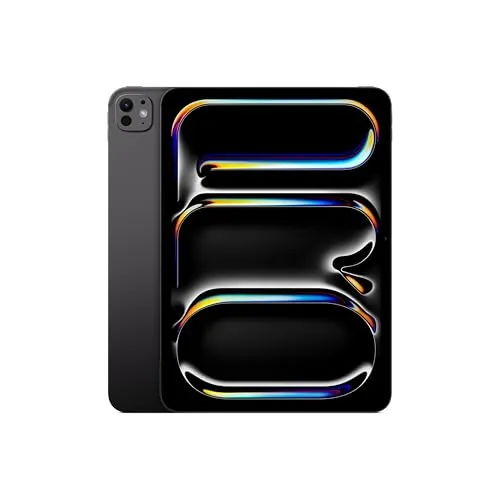
Apple iPad Pro 11-inch (M5), Wi-Fi, 256GB, Space Black · MDWK4LL/A
Apple iPad Pro 11-inch (M5), Wi-Fi, 256GB, Space Black

MacBook Neo MHFF4LL/A vs iPad Pro 11-inch M5 MDWK4LL/A: Choose Your Input Workflow

These exact U.S. configurations both have 256GB, so storage does not separate them. The MacBook Neo MHFF4LL/A is the laptop-first option with macOS, built-in keyboard and trackpad, and two USB-C ports. The iPad Pro 11-inch M5 MDWK4LL/A is the tablet-first option for iPadOS touch and compatible Pencil work, but its keyboard and Pencil are separate accessories. Check your required apps and external monitor before choosing.

Read comparison