
Products compared
Apple
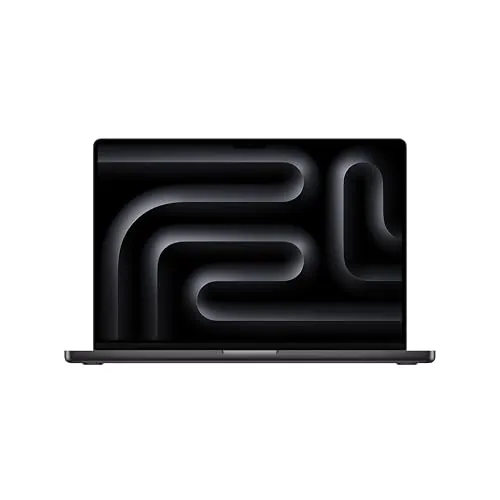
Apple 16-inch MacBook Pro with M5 Max, 48GB, 2TB
U.S. Space Black configuration; 18-core CPU, 40-core GPU, 48GB unified memory and 2TB SSD.
Model MGEE4LL/A
Amazon ASIN B0GR17WKN3
Apple
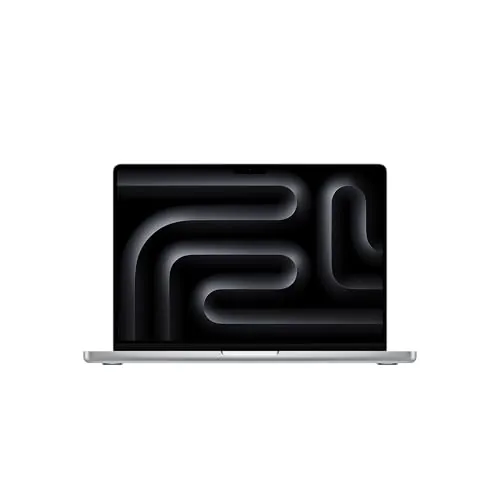
Apple 14-inch MacBook Pro with M5 Pro, 24GB, 1TB
U.S. Silver configuration; 15-core CPU, 16-core GPU, 24GB unified memory and 1TB SSD.
Model MGDN4LL/A
Amazon ASIN B0GR17YNHL
Differences that matter
What matters most to you?
Choose a priority to see what it changes.
Sources for Built-in display workspace
Sources for Carried size and weight
Sources for Memory and internal storage in these exact parts
Sources for External monitor topology
Start with the hardware you actually need
The 16-inch MGEE4LL/A is the selected M5 Max configuration with 48GB unified memory and a 2TB SSD. The 14-inch MGDN4LL/A is M5 Pro with 24GB and 1TB. Apple's U.S. part-number schedule ties those exact part numbers to those configurations and finishes. Because the comparison changes chip, display size, memory and storage together, it cannot isolate what any one change would do to app speed.
A practical check is to list the largest memory and internal storage requirements in your own project, then count your external displays. If 24GB/1TB and up to three displays cover that list, the smaller 14-inch configuration may be the more portable match. If you specifically need 48GB/2TB or four external displays, the M5 Max configuration documents those higher limits; check the exact part number on any offer you consider.
Check the screen and carrying footprint
Apple lists a 16.2-inch, 3456-by-2234 built-in display for the 16-inch model and a 14.2-inch, 3024-by-1964 display for the 14-inch. For a laptop-only setup, decide whether the extra diagonal is useful enough to carry the larger body. For a daily commute, compare the listed chassis width and depth with your bag's usable interior; add room for the adapter and other items yourself.
The listed M5 Max model weighs 2.15kg and the M5 Pro model 1.60kg, a 0.55kg difference. These are maker specifications, not a measurement of your fully packed bag.
Plan external displays around the exact chip
Apple specifies up to four external displays for the 16-inch M5 Max and up to three for the 14-inch M5 Pro. Both Tech Specs pages list three Thunderbolt 5 ports, HDMI, SDXC, MagSafe 3 and a headphone jack. Before choosing, check the display-resolution and refresh-rate combinations on Apple's page and confirm the adapters or dock in your setup; the maximum count alone does not describe every mixed-monitor arrangement.
Product details
Apple 16-inch MacBook Pro with M5 Max, 48GB, 2TB
A configuration fit when the larger built-in display, 48GB memory, 2TB SSD or M5 Max's documented four-display support is a real requirement.
- Selected configuration
- M5 Max, 18-core CPU, 40-core GPU, 48GB unified memory, 2TB SSD; Space Black part MGEE4LL/A. Source
- Built-in display and chassis
- 16.2-inch diagonal, 3456-by-2234; 35.57 cm wide × 24.81 cm deep × 1.68 cm high; listed M5 Max weight 2.15 kg. Source
- External-display support
- Apple lists support for up to four external displays with M5 Max; supported combinations depend on display resolution and refresh rate. Source
Apple 14-inch MacBook Pro with M5 Pro, 24GB, 1TB
A fit when the 14.2-inch display and 24GB/1TB configuration meet the planned workload and the smaller, lighter chassis matters more than the 16-inch option's additional capacity.
- Selected configuration
- M5 Pro, 15-core CPU, 16-core GPU, 24GB unified memory, 1TB SSD; Silver part MGDN4LL/A. Source
- Built-in display and chassis
- 14.2-inch diagonal, 3024-by-1964; 31.26 cm wide × 22.12 cm deep × 1.55 cm high; listed M5 Pro weight 1.60 kg. Source
- External-display support
- Apple lists support for up to three external displays with M5 Pro; supported combinations depend on display resolution and refresh rate. Source
Before you buy
Community discussions
Choosing memory and storage for the files you carry
Apple 16-inch MacBook Pro with M5 Max, 48GB, 2TB
A buyer who chose a 16-inch M5 Max with 48 GB of memory and a 2 TB drive said they had debated whether to order more memory or storage.
What to check
List the apps you keep open and the files you need on the drive. Compare the configurations you’re considering and think about how often you will carry the laptop.
Trying the 14-inch screen without an external monitor
Apple 14-inch MacBook Pro with M5 Pro, 24GB, 1TB
A shopper bought the 14-inch M5 Pro expecting a larger model to feel bulky, then switched to a 16-inch M5 Pro because they often use the built-in screen.
What to check
Open your usual windows on both screen sizes and check the overall dimensions. Compare how often you work on the built-in screen and how often you move the laptop.
Common questions
Does the M5 Max guarantee faster exports or app performance?
No. Apple documents different M5 Max and M5 Pro media-engine configurations, but those specifications are not a controlled test of your application or workflow. This guide makes a configuration-fit comparison and does not predict export time or app speed.MacBook Pro (16-inch, M5 Pro or M5 Max) - Tech SpecsMacBook Pro (14-inch, M5 Pro or M5 Max) - Tech Specs
Will the two selected parts support the same number of external displays?
No. Apple lists up to four external displays for the 16-inch M5 Max and up to three for the 14-inch M5 Pro. Check the individual supported resolution and refresh combinations, as well as the ports or dock in your setup.MacBook Pro (16-inch, M5 Pro or M5 Max) - Tech SpecsMacBook Pro (14-inch, M5 Pro or M5 Max) - Tech Specs
What exact configuration does part MGEE4LL/A identify?
Apple's U.S. part-number schedule identifies MGEE4LL/A as the Space Black 16-inch MacBook Pro with M5 Max, 18-core CPU, 40-core GPU, 48GB memory and 2TB SSD. Use the part number to distinguish it from other 16-inch M5 Pro or M5 Max configurations.Apple U.S. MacBook Pro part-number schedule (NASPO PSS, 2026)
Sources and scope
This is a specification-based fit guide, not a benchmark. The selected products change several things together: display size, chip tier, memory, SSD capacity and media-engine configuration. Those specifications do not predict a particular app's speed, export time, battery life or thermal behavior. Match the model and configuration part number to the requirements you have written down before buying.
Related comparisons
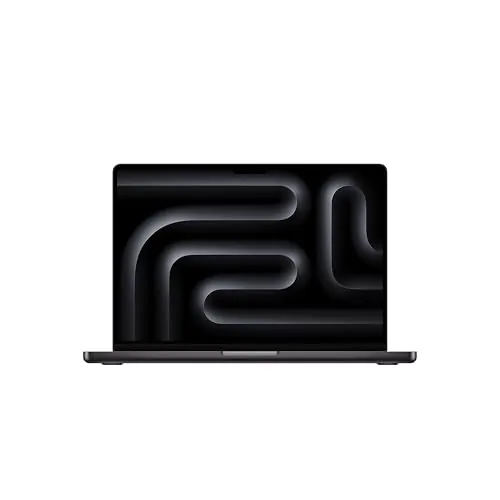
14-inch MacBook Pro M5 vs M5 Pro: Memory and Desk-Display Fit
These exact U.S. configurations both have a 14-inch display and 1TB SSD. The M5 model is Space Black with 16GB memory, Thunderbolt 4 and support for up to two external displays; the M5 Pro model is Silver with 24GB, Thunderbolt 5 and up to three. Map your monitor modes and peripherals first, then compare the memory each workload actually uses. Apple’s specifications do not establish app-specific speed gains.
Read comparison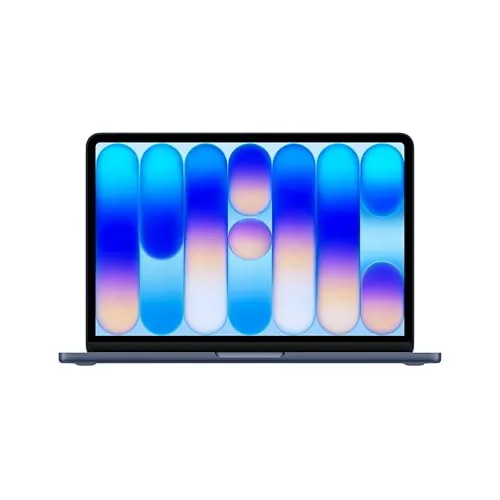
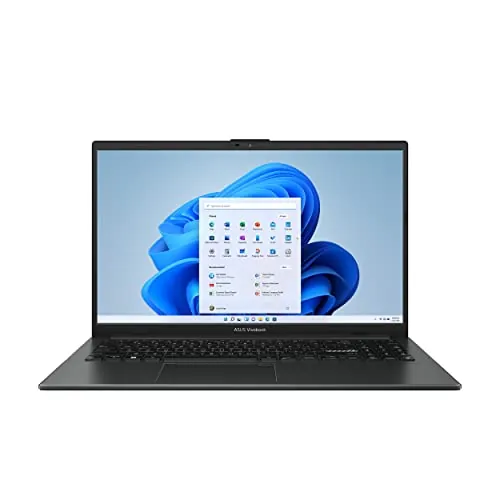
MacBook Neo MHFF4LL/A vs ASUS Vivobook Go 15 E1504FA-AS52
These exact U.S. configurations differ most in operating system, display size and nominal SSD capacity. Apple’s current U.S. list identifies Indigo part MHFF4LL/A as an 8GB/256GB MacBook Neo; Apple’s specs list macOS, a 13-inch display and 1.23kg family weight. ASUS identifies E1504FA-AS52 with Windows 11 Home, a 15.6-inch FHD panel, Ryzen 5 7520U, 8GB memory and 512GB SSD. Verify the apps and peripherals you actually need before choosing an OS, then decide whether 13-inch/256GB or 15.6-inch/512GB better fits your work. No speed, battery or screen-quality winner is established.
Read comparison