
Products compared
Apple
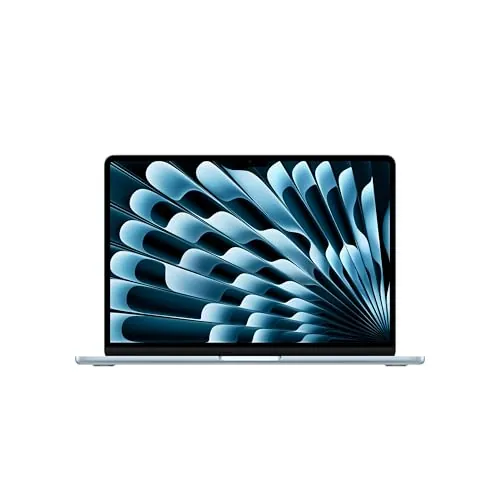
Apple MacBook Air 13-inch (M5, 2026)
U.S. Sky Blue 16GB/512GB configuration. Apple identifies this part number with a 10-core CPU and 8-core GPU; confirm the part number and configuration on the exact offer.
Model MDHH4LL/A
Amazon ASIN B0GR1493ZV
Apple
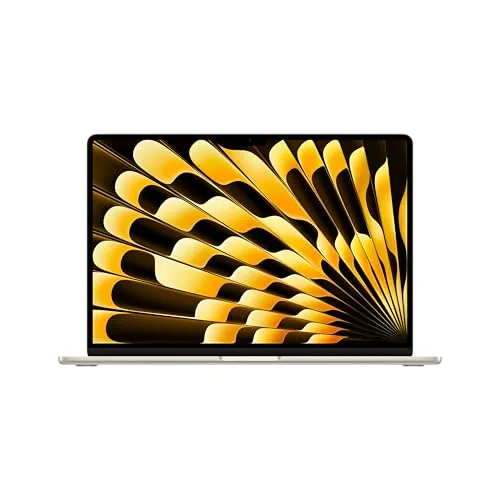
Apple MacBook Air 15-inch (M5, 2026)
U.S. Starlight 16GB/512GB configuration. Apple identifies this part number with a 10-core CPU and 10-core GPU; confirm the part number and configuration on the exact offer.
Model MDVD4LL/A
Amazon ASIN B0GR1N82GJ
Differences that matter
What matters most to you?
Choose a priority to see what it changes.
Sources for Body footprint and carry weight
Sources for Built-in display size and resolution
Sources for Exact 16GB/512GB chip configuration
Sources for External monitor and port setup
Sources for Apple's stated battery-use ratings
Start with the way you carry and set up your desk
The 13-inch model is listed at 11.97 × 8.46 inches and 2.7 lb; the 15-inch model at 13.40 × 9.35 inches and 3.3 lb. Compare those figures with the usable inside of your sleeve and the other items in your bag. For a fixed desk, measure the space left for a mouse, notebook and cables.
Use maker dimensions as a screening check, not a fit guarantee. A sleeve exterior size is not its usable interior, and desk fit depends on your accessory layout.
Choose how much work stays on the built-in screen
The 13-inch model has a 13.6-inch 2560 × 1664 display; the 15-inch model has a 15.3-inch 2880 × 1864 display. If you usually work on the laptop alone, the larger model supplies a larger physical display area. If you often dock to monitors, compare the port and display support: Apple lists the same two Thunderbolt 4 ports and support for up to two external displays on both.
These are listed sizes, resolutions and connection capabilities, not a comparison of brightness, color, readability or productivity.
Check the complete part number for the 16GB/512GB version
Both assigned U.S. offers are 16GB/512GB, but Apple maps their part numbers to different GPU configurations: MDHH4LL/A lists an 8-core GPU and MDVD4LL/A a 10-core GPU. Verify that the selected size, color and part number match the configuration you intend to buy.
GPU core count is a specification only. It does not establish how quickly a particular application runs; no benchmark or graphics test is included.
What the battery figures do and do not tell you
Apple lists up to 18 hours of video streaming and up to 15 hours of wireless web for each model. The same stated maximums do not support choosing one size as a longer-running option.
Those figures use Apple's stated test conditions. Apps, brightness, network and configuration affect use; do not treat the maxima as a forecast for your own day.
A quick fit check before ordering
1. Measure the bag or sleeve's usable internal width and depth, including padding and closure clearance. 2. Compare with the selected model's listed body dimensions. 3. Measure the desk footprint and leave room for the items you use beside the laptop. 4. For monitors, check the exact monitor ports and Apple's display limits for the model.
If a listing omits a part number or combines configurations, verify the selected SKU before checkout. This comparison does not establish retailer inventory, final bundle contents or confirmed fit in your setup.
Product details
Apple MacBook Air 13-inch (M5, 2026)
- Display
- 13.6-inch, 2560 × 1664 native resolution at 224 ppi. Source
- Body dimensions and weight
- 11.97 in wide × 8.46 in deep; 2.7 lb. Source
- Exact part-number configuration
- MDHH4LL/A: M5 10-core CPU, 8-core GPU, 16GB memory, 512GB SSD, Sky Blue. Source
- Connections and external displays
- Two Thunderbolt 4 (USB-C) ports, MagSafe 3 and 3.5 mm headphone jack; supports up to two external displays. Source
Apple MacBook Air 15-inch (M5, 2026)
- Display
- 15.3-inch, 2880 × 1864 native resolution at 224 ppi. Source
- Body dimensions and weight
- 13.40 in wide × 9.35 in deep; 3.3 lb. Source
- Exact part-number configuration
- MDVD4LL/A: M5 10-core CPU, 10-core GPU, 16GB memory, 512GB SSD, Starlight. Source
- Connections and external displays
- Two Thunderbolt 4 (USB-C) ports, MagSafe 3 and 3.5 mm headphone jack; supports up to two external displays. Source
Before you buy
Community discussions
Trying a typical project on the 13-inch screen
Apple MacBook Air 13-inch (M5, 2026)
A 13-inch MacBook Air M5 buyer considered the larger display after seeing the two sizes together and tried some schoolwork on their new laptop.
What to check
Open the apps and windows you normally use on each size. Check how much workspace you have before adding an external display.
Choosing a larger display when you stay at one desk
Apple MacBook Air 15-inch (M5, 2026)
A buyer who considered both MacBook Air M5 sizes picked the 15-inch version and said they did not expect to travel with it much.
What to check
Compare the space each size takes on your desk and in your bag. Weigh how often you carry the laptop against how often you use the larger display.
Common questions
Are these both the same memory and storage configuration?
Yes. The assigned part numbers are listed with 16GB memory and a 512GB SSD for both. Check the part number on the exact offer because other family configurations can differ.Apple Branded Products and Services Price Schedule (September 2026), NASPO PSS
Does the 15-inch model have the same ports and external-display count?
Apple lists two Thunderbolt 4 ports, MagSafe 3, a 3.5 mm headphone jack and support for up to two external displays on both assigned models. Confirm the exact limits for the monitors you plan to connect.MacBook Air (13-inch, M5) - Tech SpecsMacBook Air (15-inch, M5) - Tech Specs
Which one lasts longer on battery?
Apple lists the same maximum video-streaming and wireless-web ratings for both sizes. These are manufacturer test-condition figures, not a direct real-world comparison, so this guide does not name a longer-lasting model.MacBook Air (13-inch, M5) - Tech SpecsMacBook Air (15-inch, M5) - Tech Specs
Will either fit in my sleeve?
The listed dimensions help you check, but do not guarantee fit. Measure usable internal width and depth and account for padding, the closure and accessories you carry.MacBook Air (13-inch, M5) - Tech SpecsMacBook Air (15-inch, M5) - Tech Specs
Sources and scope
Specification-based comparison of the exact U.S. 16GB/512GB configurations identified by Apple part number. Apple gives the same maximum battery ratings for both sizes, but actual runtime depends on use and is not tested here. Exterior dimensions do not establish fit in a particular bag or desk setup. No speed, graphics, display-quality, comfort, or real-world battery comparison was performed.
Related comparisons
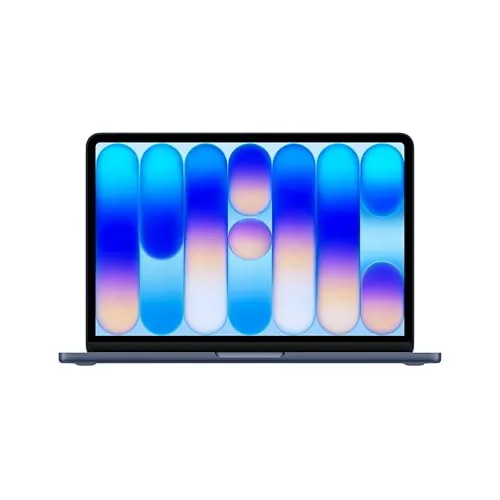
MacBook Neo A18 Pro vs MacBook Air M5: Ports, Displays and Storage
These exact selections are the Indigo MacBook Neo (MHFF4LL/A, 8GB/256GB) and Sky Blue 13-inch MacBook Air M5 (MDHH4LL/A, 16GB/512GB). Apple's specifications make the desk decision concrete: Neo supports one external display up to 4K/60Hz from its USB 3 port, while Air M5 supports up to two external displays and has two Thunderbolt 4 ports plus MagSafe 3. Check your monitor's input, the cables or adapter you already own, and whether each selected memory/storage configuration fits your files and apps. The specs do not establish a performance winner for your workload.
Read comparison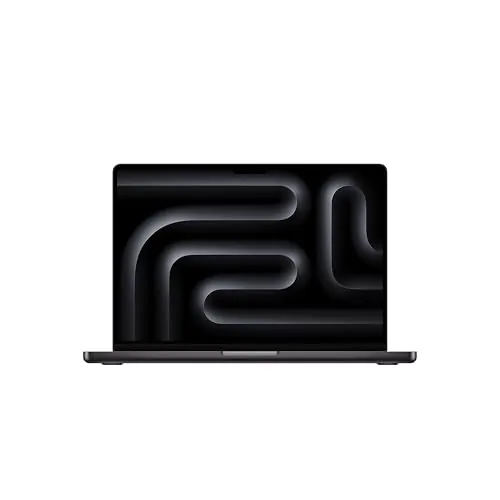
MacBook Pro 14-inch M5 vs MacBook Air 13-inch M5: Ports, Screens, and Carry
For these exact U.S. configurations, the 14-inch MacBook Pro M5 (MDE14LL/A, 16GB/1TB) adds a built-in HDMI port, SDXC slot, and a larger XDR/ProMotion display. The 13-inch MacBook Air M5 (MDHH4LL/A, 16GB/512GB) weighs 0.32 kg less and Apple also lists support for two external displays. Both are base-M5 models; this is a ports, display, storage, and carry choice, not a measured speed comparison.
Read comparison