
Products compared
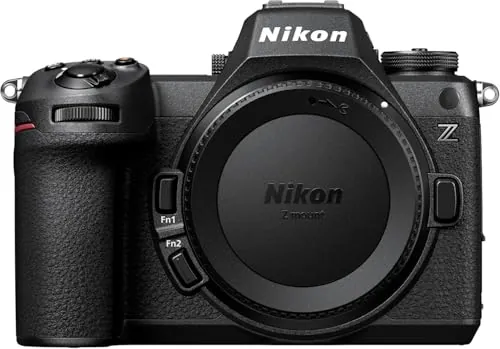
Nikon
Nikon Z6 III Full-Frame Mirrorless Camera Body
US listed model 1890, black Z6 III body. This is compared as a camera body, not a lens kit. Nikon lists internal 6K/60p RAW and 4K/120p options; the selected frame rate and file type determine the supported image area, media and workflow.
Model 1890
Amazon ASIN B0D77SL8CY
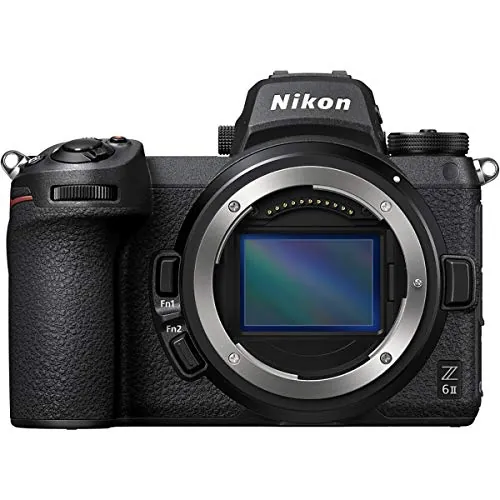
Nikon
Nikon Z 6II Full-Frame Mirrorless Camera Body
US listed model 1659, black Z 6II body. Nikon documents internal 4K/60p after a firmware update, with the mode limited to DX image area and 8-bit. The external 10-bit N-Log path is a separate workflow with different frame-rate options.
Model 1659
Amazon ASIN B08L5Z4355
Differences that matter
Sources for Internal recording modes and file workflow
Sources for Cards you already own versus cards the mode needs
Sources for External recorder cable and port fit
Sources for Body-only fit for a carry or rig
Choose the recording path before choosing the body
This pair is easy to misread because both product pages have a short headline mode list, and Nikon's Z6 III comparison chart simplifies the Z 6II maximum. Nikon's current Z 6II manual and firmware history document internal 4K/60p, but also specify its DX-area and 8-bit conditions. The separate external 10-bit N-Log path has its own frame-rate limit.
The relevant question is not which camera has the larger headline number. It is whether the file, crop, bit depth, recording destination and post-production path match the job you actually have.
A four-step pre-buy check for your existing kit
1. Copy one representative project specification: resolution, frame rate, internal/external destination, image area, file format and required bit depth. 2. Match every part of it to the correct Nikon manual table. 3. Compare your exact card and reader against Nikon's approved media guidance for that mode. 4. If using HDMI, confirm both the camera-end connector and the recorder's accepted input format.
For an upgrade, repeat the check with the lens, cage, battery, top handle, monitor, recorder and cables you already use. The HDMI connector changes between these generations, while the body-only size and weight figures also differ.
Product details
Nikon Z6 III Full-Frame Mirrorless Camera Body
- Internal video modes
- Nikon lists 6K/60p internal RAW and 4K UHD up to 120p. File type, frame rate and image-area restrictions vary by mode; 4K/120p is DX area. Source
- Card slots and high-rate card guidance
- One CFexpress Type B/XQD slot and one SD slot. Nikon recommends cards meeting its speed guidance for high-resolution/high-rate video and high-speed frame capture; consult the exact approved-card list for the chosen format. Source
- External connections
- USB Type-C; Type-A HDMI output. Check the recorder's input and cable end before reusing an external-monitor or recorder rig. Source
- Body-only size and weight
- Approx. 138.5 × 101.5 × 74 mm and 670 g body-only; lens, battery and accessories change a carried or rigged setup. Source
Nikon Z 6II Full-Frame Mirrorless Camera Body
- Internal 4K/60p conditions
- With firmware 1.10 or later, Nikon documents internal 4K UHD/60p and 50p with DX image area; the camera manual describes the 60p/50p path as 8-bit. Check the installed firmware and exact project settings. Source
- External 10-bit N-Log path
- Nikon Professional Services lists Z 6II external 10-bit N-Log at 4K UHD/30p, 25p and 24p; it is not the same as internal 4K/60p or 50p recording. Source
- Card slots and 4K60 media guidance
- One CFexpress Type B/XQD slot and one UHS-II SD slot. Nikon recommends media meeting its stated speed threshold for 4K UHD/60p and 50p; check card-reader compatibility as well. Source
- External connections
- USB Type-C; Type-C HDMI output. If a recorder rig was built around this port, check whether its cable reaches the Z6 III's different Type-A HDMI port. Source
- Body-only size and weight
- Approx. 134 × 100.5 × 69.5 mm and 615 g body-only; lens, battery and accessories change a carried or rigged setup. Source
Before you buy
Community discussions
A Z 6II owner plans a mixed-card backup setup
Nikon Z 6II Full-Frame Mirrorless Camera Body
An owner who currently saves to the Z 6II's SD slot asked whether adding a CFexpress card would allow in-camera backups for special occasions. They raised card-recognition and overheating concerns but had not reported testing a new card.
What to check
Check Nikon's current approved-card guidance for your intended mode, then confirm the exact slot-routing option and card combination you plan to use. The post records a question, not a tested recommendation.
Common questions
Can the Z 6II record internal 4K/60p?
Yes, when running firmware 1.10 or later. Nikon's manual says the 4K/60p and 50p modes use DX image area, and Nikon describes the path as 8-bit. Confirm the firmware and settings on the specific body.Z 7II/Z 6II Online Manual: MoviesNikon Z 6II Firmware Download Center
Are the two cameras' memory cards different?
Their slot families overlap: each has one CFexpress Type B/XQD slot and one SD slot. The required speed depends on the recording mode, and Nikon's approved lists should be checked before reusing a specific card or reader.Z6III Reference Guide: Approved Memory CardsZ 7II/Z 6II Online Manual: Approved Memory Cards
Will my Z 6II HDMI cable fit the Z6 III?
The bodies use different camera-side HDMI connector types in Nikon's specifications: Type C on Z 6II and Type A on Z6 III. Check the recorder input and both cable ends; keep the selected output format and recorder support in the same check.Nikon Z6 III specifications and connectionsNikon Z 6II specifications and connections
Does the Z 6II's external N-Log mode provide 4K/60p?
Nikon Professional Services lists external 10-bit Z 6II N-Log at 4K/30p, 25p and 24p. The internal 4K/60p and 50p modes are a separate DX-area 8-bit path.Nikon Professional Services: Filming N-Log Footage with Z 7II/Z 6IIZ 7II/Z 6II Online Manual: Movies
Sources and scope
This guide compares the US Nikon Z6 III body (model 1890) with the US Nikon Z 6II body (model 1659), using Nikon's documented modes and connections. It does not compare footage, sensor output, autofocus accuracy, image quality, thermal behavior, rolling shutter or real-world recording reliability. Frame rates, bit depth, image area, file type, firmware, lens and card requirements are mode-dependent. Confirm the current card list, recorder input, cable and firmware for the exact setup you plan to use.
- Nikon Z6III Mirrorless Camera: Specs & Features, model 1890
- Nikon Z 6II Mirrorless Camera: model 1659
- Nikon Z6 III specifications and connections
- Nikon Z 6II specifications and connections
- Z6III Reference Guide: Specifications
- Z6III Reference Guide: Approved Memory Cards
- Z6III Reference Guide: Video Frame Size and Rate Options
- Z6III Reference Guide: Video Image Area Options
- Z 7II/Z 6II Online Manual: Movies
- Z 7II/Z 6II Online Manual: Approved Memory Cards
- Nikon Z 6II Firmware Download Center
- Nikon Professional Services: Filming N-Log Footage with Z 7II/Z 6II
Related comparisons
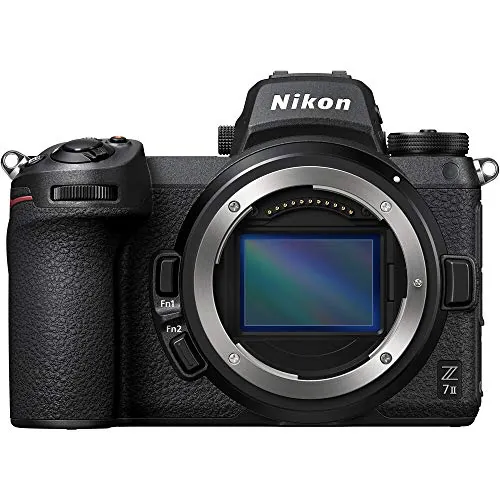
Nikon Z6 III vs Nikon Z 7II: Still Resolution or Internal Video Modes?
Both are Nikon full-frame mirrorless bodies, but their documented output paths differ. Nikon lists the Z 7II at 8256 × 5504 pixels for FX Large stills, versus 6048 × 4032 on the Z6 III. The newer Z6 III adds internal 6K/60p N-RAW in FX and 4K/120p in DX; the Z 7II records internal 4K/60p in 8-bit FX with about 93% of its 4K/30p FX coverage. Choose by the still-file dimensions and exact video deliverable you need, then verify cards and framing before a shoot.
Read comparison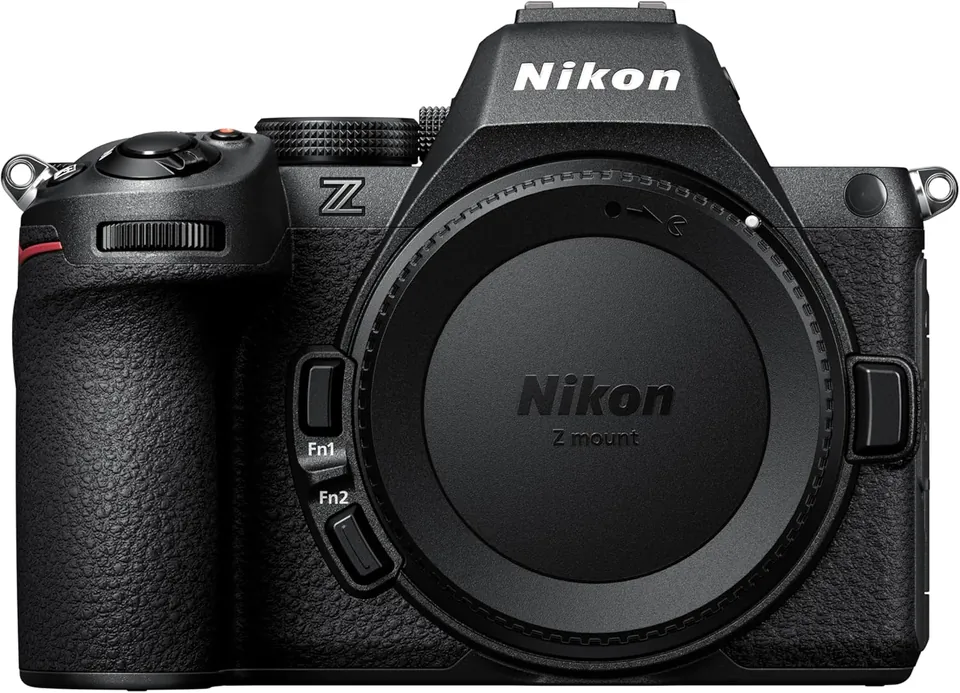
Nikon Z6 III vs Z5 II: Choose by Video Format, Crop and Cards
This US body-only comparison is for buyers planning a video workflow. The Nikon Z6 III body (model 1890) records FX 6K/60p N-RAW and FX 4K/60p; its 4K/120p option is fixed to DX area. The Z5 II body (model 1680) offers FX 4K/30p and N-RAW, while its 4K/60p option is also fixed to DX area. The Z6 III pairs SD with CFexpress Type B/XQD; the Z5 II has two SD slots. Choose by the deliverable’s frame rate and framing, then verify cards, slot roles and your preferred on-body controls. This is a specification-based fit guide, not a footage test.
Read comparison